 EN
 IT Italiano
 ES Español
 FR Français
 DE Deutsch
Description
Tutorial: How to Use JST SH1.0 9 Pin Cables
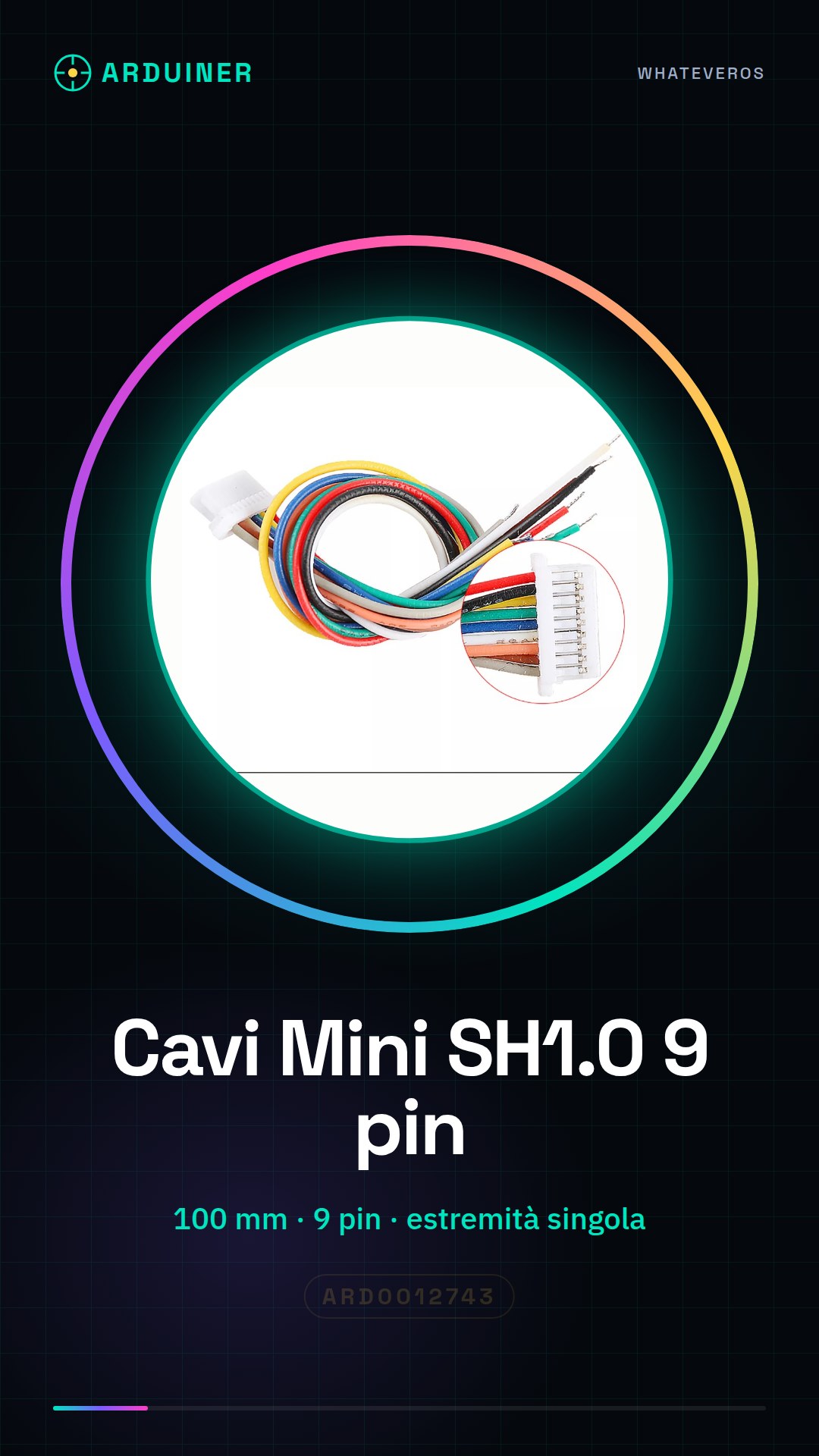
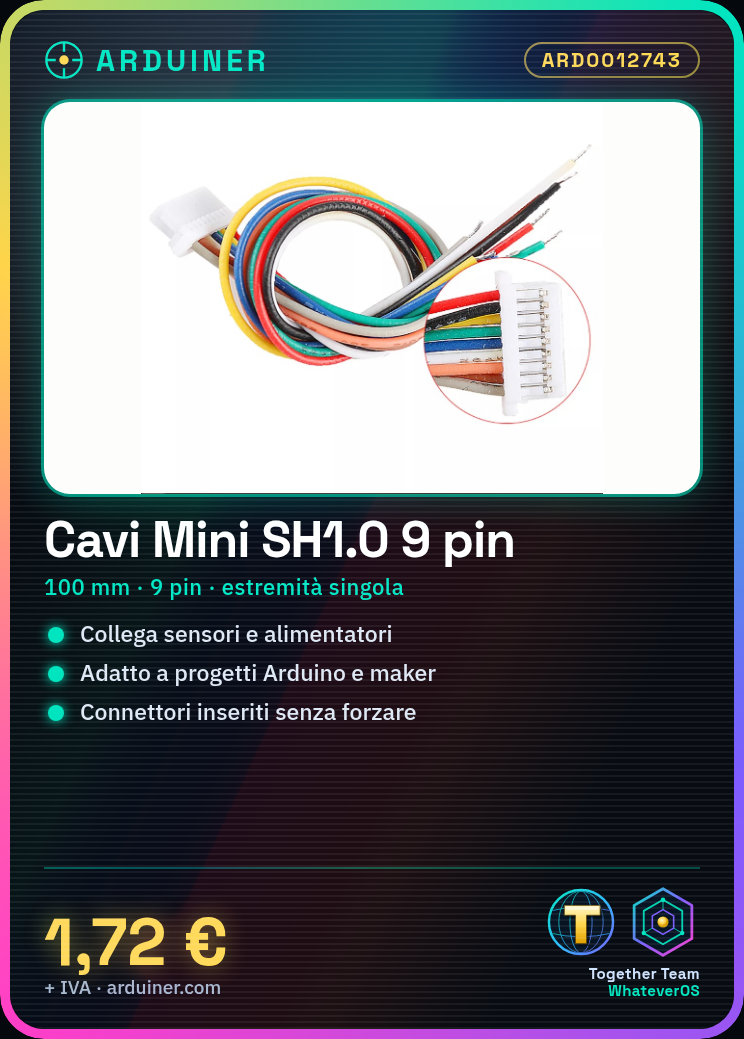
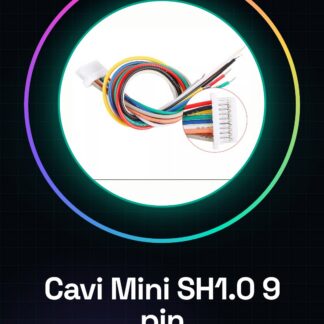
The JST SH1.0 9 pin cables are useful for connecting electronic devices that require this type of connector, such as sensors or power supplies. They are ideal for Arduino and maker projects that need a secure and simple connection.
What you need
- Arduino
- device with JST SH1.0 9 pin connector
- crimp tool
Steps
- Identify the devices to be connected with the JST cable.
- Insert the single-ended part of the connector into the source device.
- Insert the other end of the cable into the destination device.
- Check the connection by ensuring that the connectors are properly inserted without forcing.
- If necessary, use a crimp tool to secure the connectors to the cables.
- Verify that the devices are properly powered and communicating with each other.
Mini project
Create a home security system with a motion sensor and a Wi-Fi module. Connect the motion sensor to an Arduino module via a JST SH1.0 9 pin cable to send internet notifications.
Common mistakes
- Connectors inserted backwards
- Force insertion of connectors
- Use of cables that are too long
- Connections not securely made
Recommended accessories
- Arduino modules
- Motion sensor
- Wi-Fi module
- Head tightening tool
Frequently asked questions
Which other connectors are compatible?
Check the device’s datasheet for compatibility.
Can I use these cables to power a device?
Yes, if the device requires power through JST SH1.0 9 pin.
Reviews
There are no reviews yet.