 EN
 IT Italiano
 ES Español
 FR Français
 DE Deutsch
Description
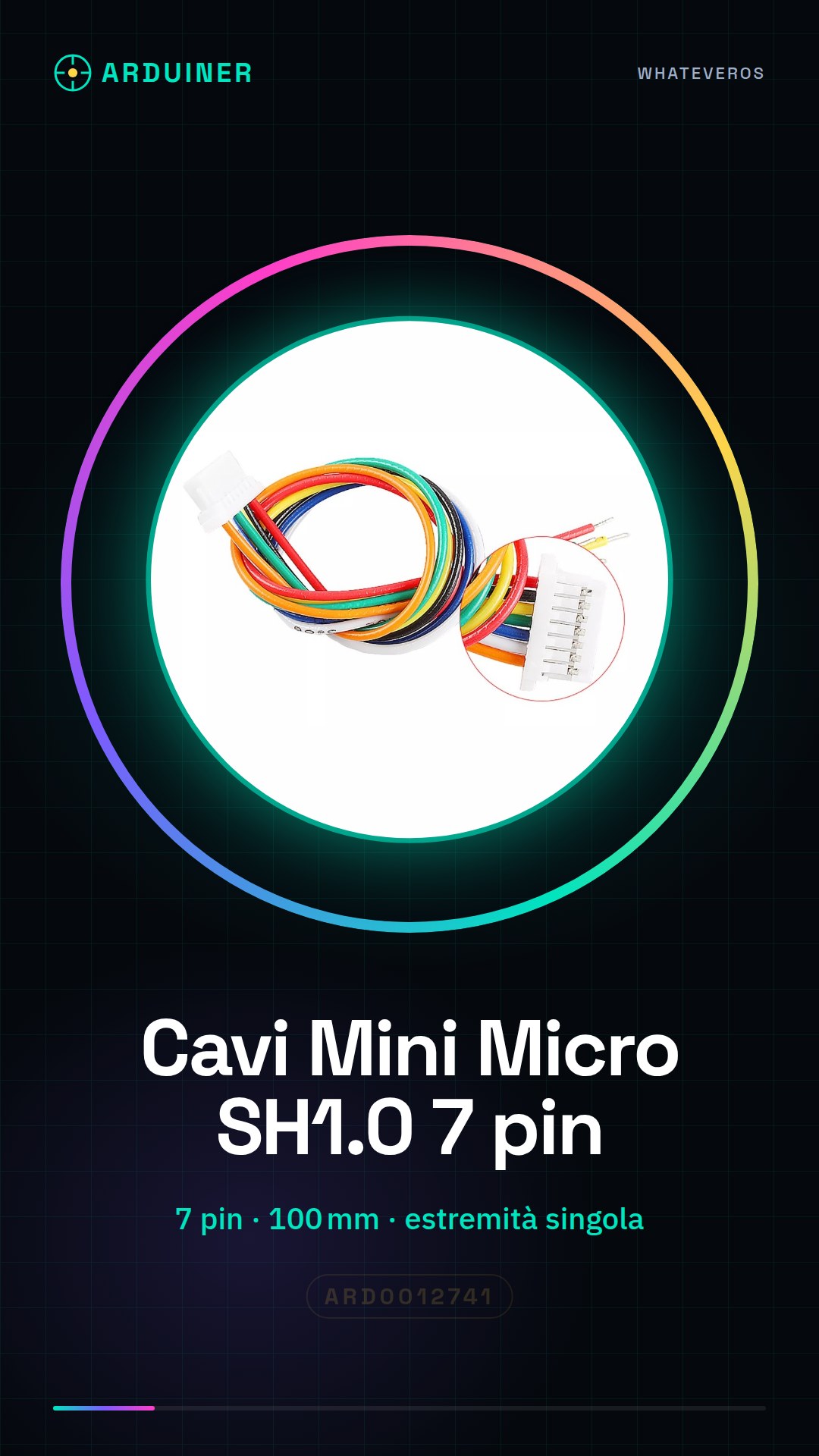
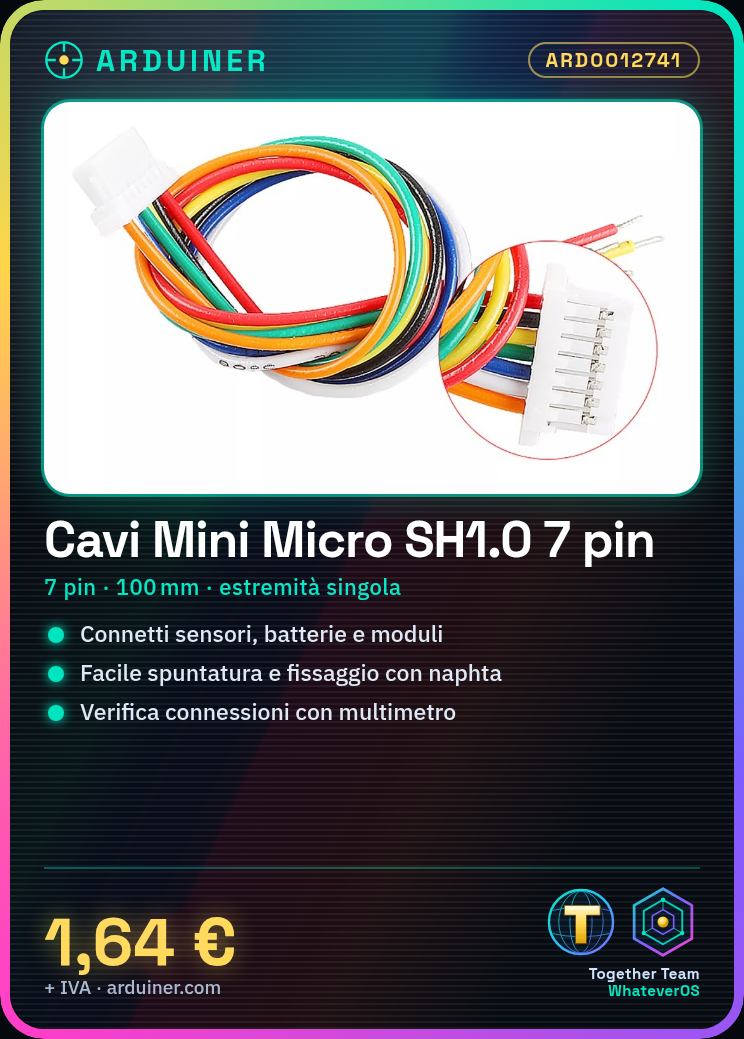
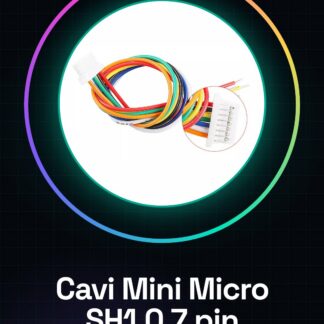
Tutorial: How to Use Mini Micro SH1.0 7 Pin JST Cables 100mm
The Mini Micro SH1.0 7 Pin JST cables are ideal for connecting electronic devices that use this type of connector, such as sensors, batteries, and other modules. They are particularly useful for makers and students working on Arduino or general electronics projects.
What you need
- Arduino
- Device with SH1.0 connector
- Wire stripper tool
- Naphta
Steps
- Check the SH1.0 connector compatibility with your devices.
- Prepare the wires by removing the insulation only in the necessary part.
- Insert the wires into the SH1.0 connector and make sure they are properly positioned.
- Secure the wires with a drop of naphta to prevent disconnection.
- Check the connection with a multimeter or multitest to ensure that the contacts are in contact.
- Repeat the previous steps for the other end of the cable.
- Test the connection with your device to ensure everything is working correctly.
Mini project
Create a home security system using a motion sensor and a wireless communication module. Connect the motion sensor to the JST lead and the wireless module to the other end to send alerts.
Common mistakes
- Do not verify connector compatibility before installation.
- Do not secure the wires properly, causing intermittent contact.
- Do not test the connection after installation.
- Use an incorrect number of wires for the connector.
Recommended accessories
- Motion sensors
- Wireless communication modules
- Multimeter
- Wire stripping kit
Frequently asked questions
What other connectors are compatible with these leads?
Check the connector datasheet to determine compatibility.
How can I protect the leads from damage?
Use protective conduits or coatings to protect the leads from physical damage.
Reviews
There are no reviews yet.