 EN
 IT Italiano
 ES Español
 FR Français
 DE Deutsch
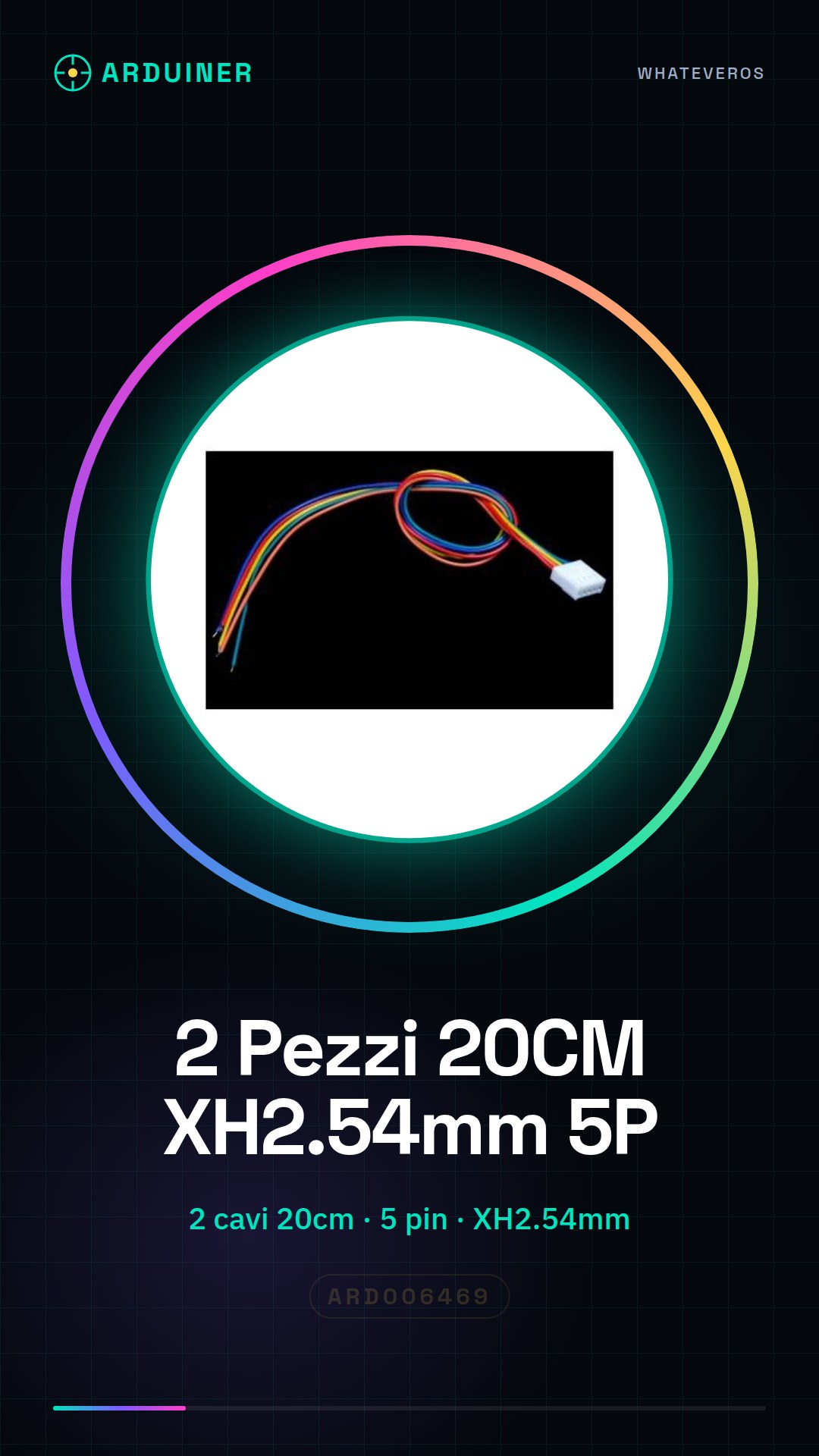
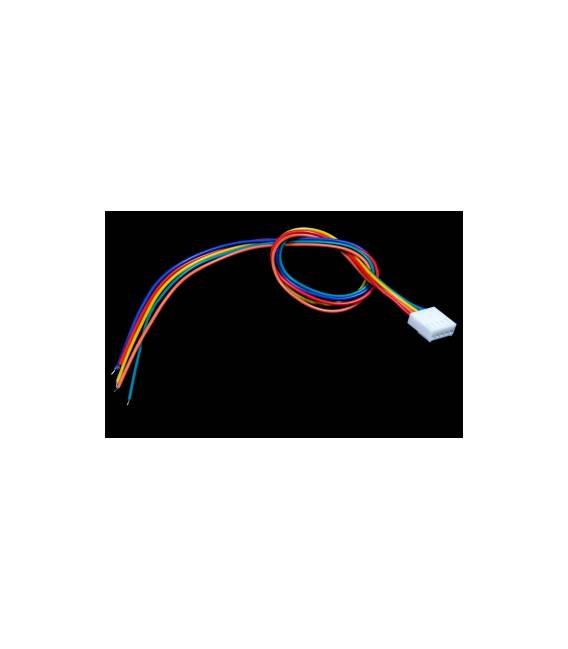
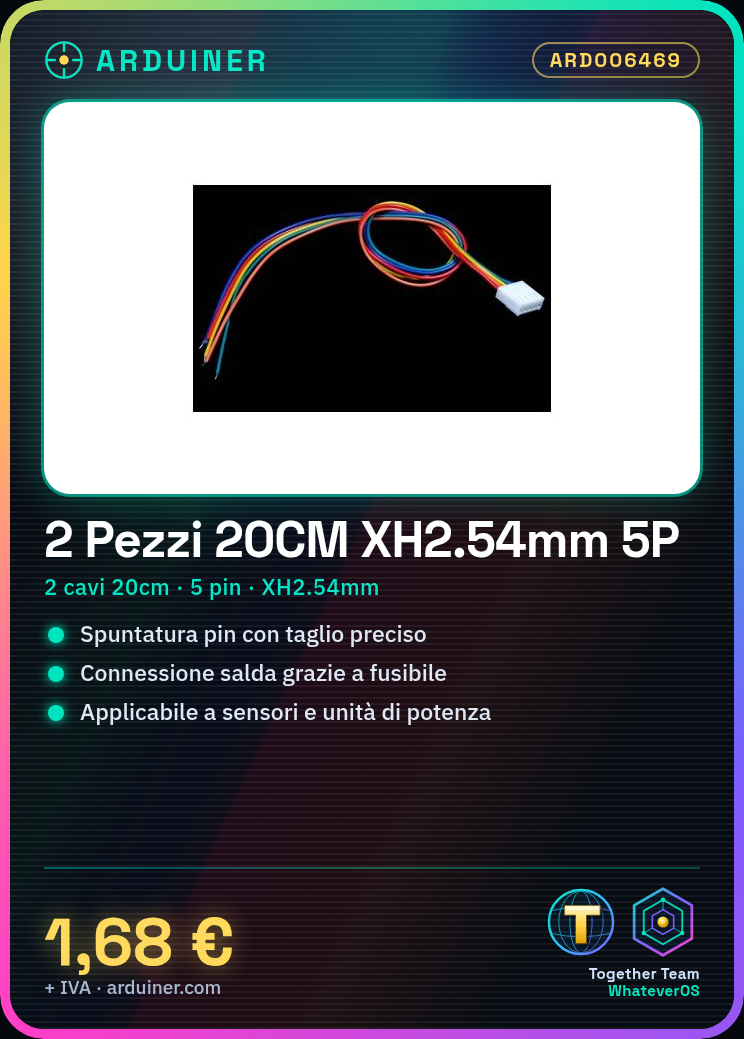
Description
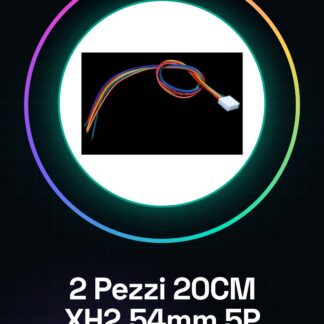
Tutorial: How to Use 20cm x 2.54mm 5P Cables
These cables are ideal for connecting electronic components, such as sensors or small power units, in Arduino projects.
What you need
- 2 cables 20cm x 2.54mm 5P
- Cutting Tools
- Deburring Tools
- Pierced Connector
Steps
- 1. Check that the cables have visible and properly deburred pins.
- 2. If necessary, deburr the pins with a precise cut.
- 3. Connect to the electronic component using a fuse.
- 4. Connect the other end of the cable to the circuit.
- 5. Check the connection and functionality.
- 6. Repeat for the other cable.
- 7. Ensure all connections are secure.
- 8. Test the project.
Mini project
Build a simple power circuit for an LED using these cables and an Arduino.
Common mistakes
- Do not deburr the pins too short or broken.
- Ensure that the connections are secure.
- Check that the cables do not tangle with each other.
- Do not use excessive force when connecting.
Recommended accessories
- Fuses
- Cutting
- Desoldering tools
- Soldered connector
Frequently asked questions
How can I trim the pins of the wires?
Use a cutter to trim the pins to a length of about 2-3mm.
Can I use these wires to connect components of different sizes?
Yes, these wires can be used to connect components of different sizes, but make sure the pins are long enough to fit into the proper connection space.
How can I check if the wires are secure?
Gently press the connections and check that they do not move or come loose.
Can I use these wires to connect digital and analog components?
Yes, these wires can be used to connect both digital and analog components.
Reviews
There are no reviews yet.