 EN
 IT Italiano
 ES Español
 FR Français
 DE Deutsch
Description
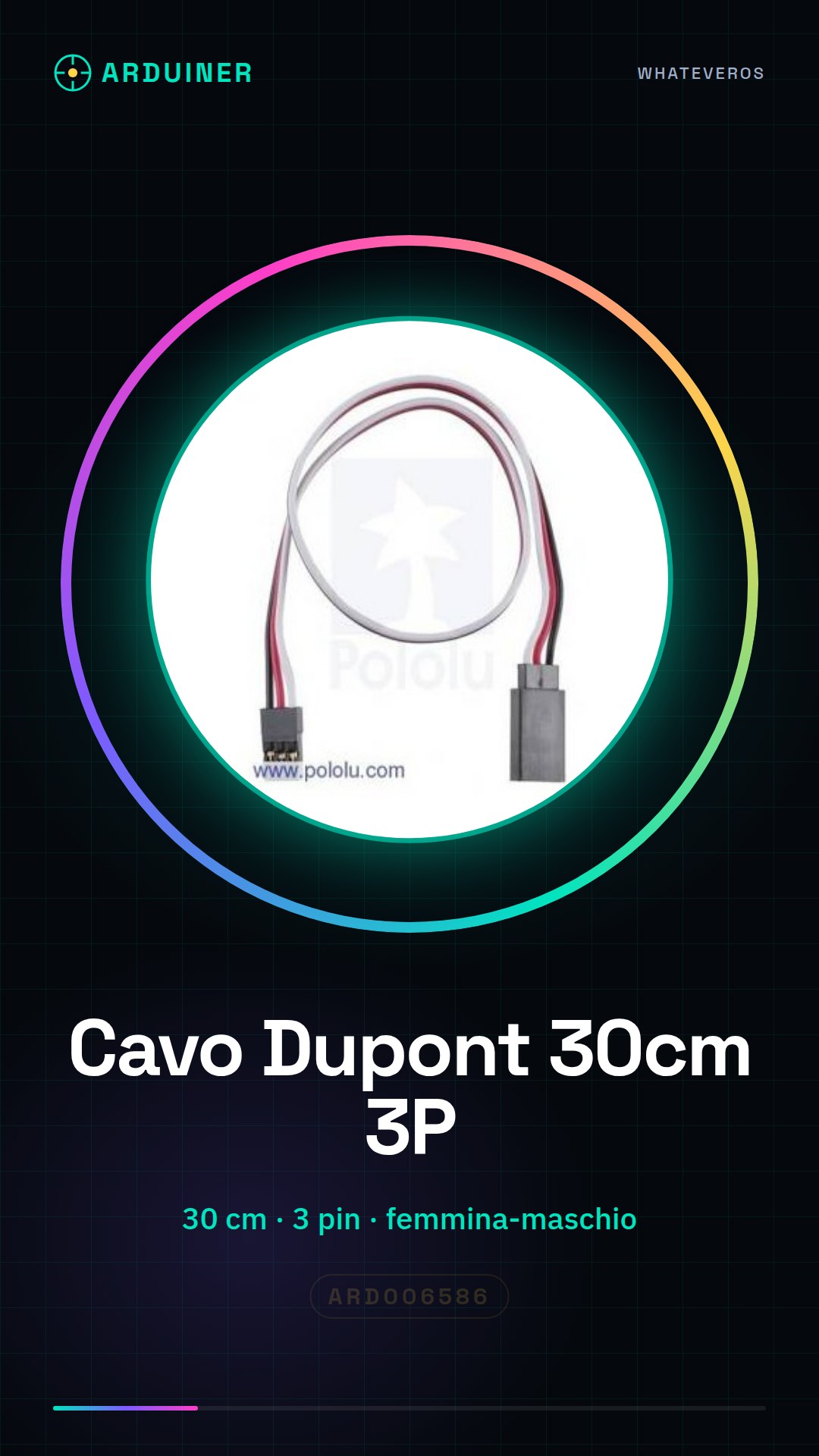
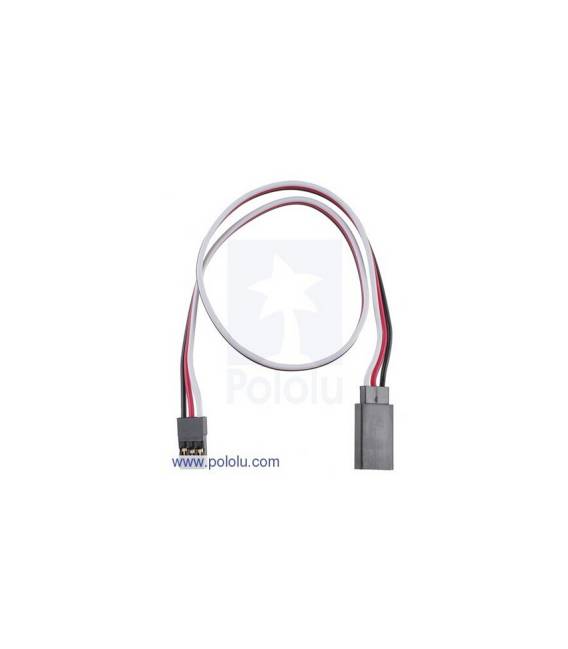
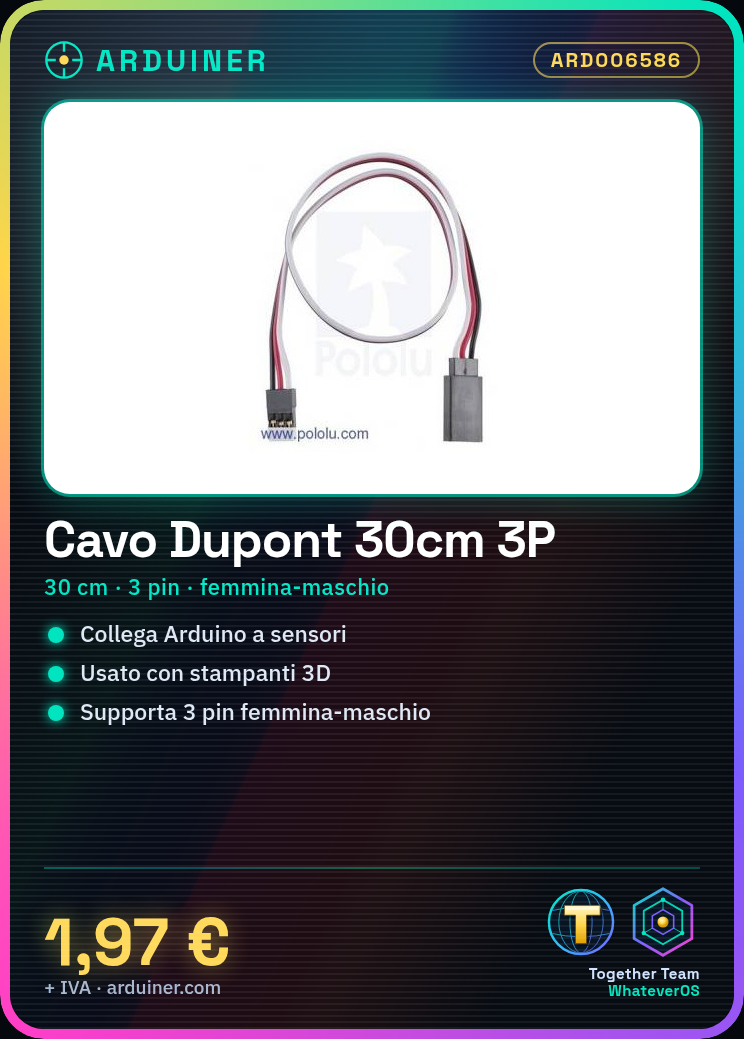
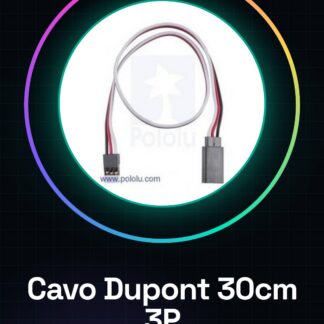
30CM Dupont Cable 3P Male Female Parallel 3 Pin Jumper Wire Arduino 3d Printer
Tutorial: How to Use Dupont Cable 3P Male Female Parallel
The Dupont cable is essential for connecting various electronic components, such as Arduino and sensors. This tutorial will guide you in its use.
What you need
- Arduino
- sensor / detector
- printed circuit boards
Steps
- Check that the Dupont cable is compatible with the connectors of your devices.
- Connect the female end of the cable to a digital pin on the Arduino.
- Connect the other end (male) to the target device, such as a sensor or an LED.
- Ensure that the connection is stable and without contact issues.
- If necessary, use multiple cables to connect more pins or devices.
- Test the communication between Arduino and the connected device.
Mini project
Create a simple home alarm system that activates a siren when a motion sensor is triggered.
Common mistakes
- Insert connectors in incorrect or incompatible positions.
- Do not check the stability of the connection.
- Use cables that are too long, which can create tangles and interference.
Recommended accessories
- Arduino Uno
- PIR Motion Sensor
- RGB LED
- Resistor
Frequently asked questions
What are the dimensions of the cable?
The cable has a length of 30 cm.
Can it be used with other microcontrollers besides Arduino?
Yes, it is compatible with most standard electronic connectors.
Reviews
There are no reviews yet.