 EN
 IT Italiano
 ES Español
 FR Français
 DE Deutsch
Description
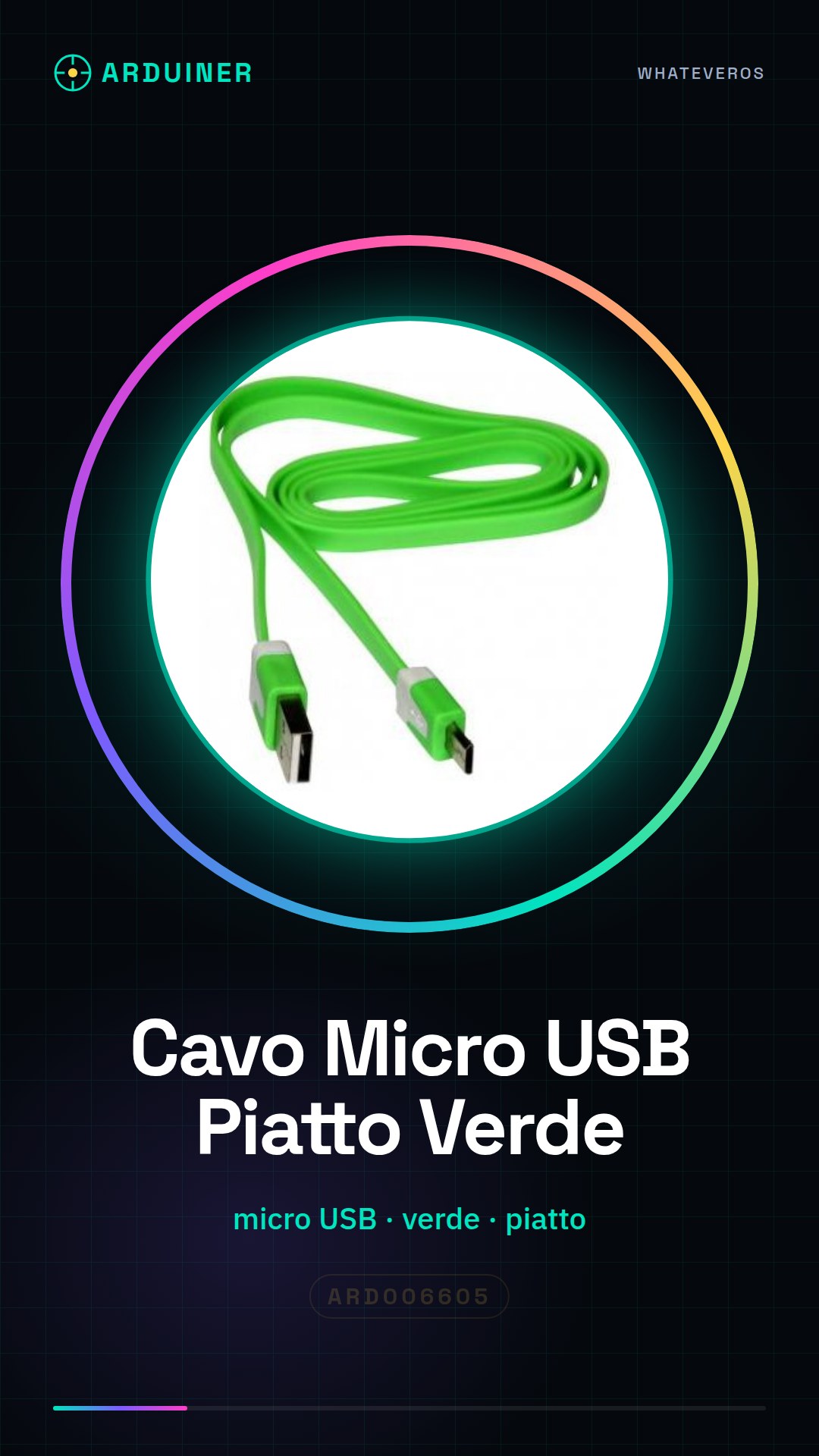
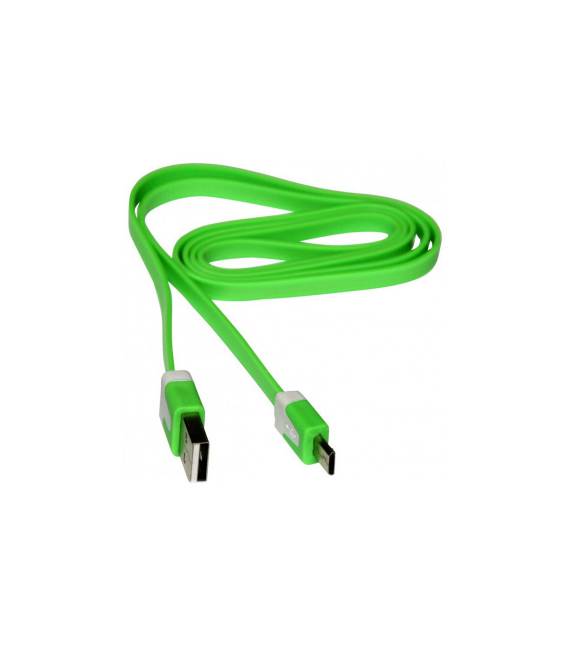
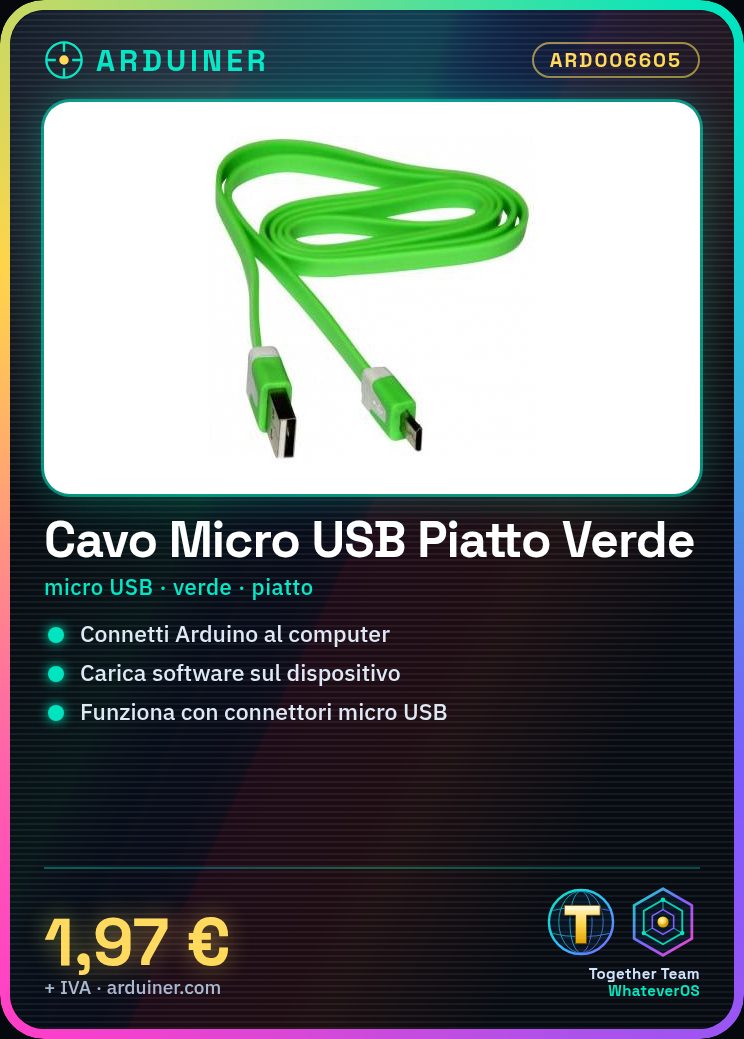
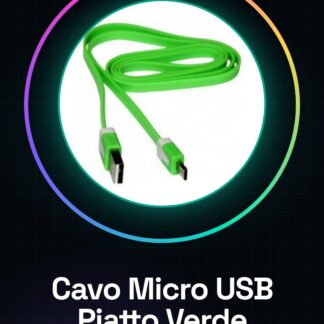
Flat Green Micro USB Cable
Tutorial: How to Use the Flat Green Micro USB Cable
The flat green micro USB cable is a fundamental accessory for anyone working with Arduino devices or other electronic tools that require data connection. This tutorial will guide you through the simple and effective use of this cable.
What you need
- Connecting your Arduino device to your computer
- Transferring software to your device
Steps
- Check that both ends of the flat green micro USB cable are well protected and free from visible damage.
- Connect the micro USB end of the cable to your Arduino or similar device.
- Connect the other end of the cable, the standard USB end, to an available USB port on your computer.
- Verify that the connection is stable and that there are no device recognition issues on Windows (see Device Manager) or on Mac (see if it appears in Finder).
- If you are downloading a new sketch, make sure the Arduino IDE recognizes your device.
- Once the connection is established, you can proceed to upload the sketch to your Arduino.
Mini project
Design and build a simple slideshow projector based on Arduino that changes image every minute. Use the micro USB cable to load new images from the computer.
Common mistakes
- {‘error’: ‘The device is not recognized by the operating system’, ‘solution’: ‘Check the cable connection and if necessary, check for updated drivers on the hardware website’}
- {‘error’: ‘Slow data transfer issues or interruptions during sketch upload’, ‘solution’: ‘Ensure the cable is securely connected at both ends and consider using a higher quality cable if the issues persist’}
Recommended accessories
- Arduino Uno R3 – ARD006598
- 3D Printer Prusa i3 MK2.5 – STP007410
- DS18B20 Temperature Sensor – SEN006599
- USB 5V/2A Power Supply – ALI006597
Frequently asked questions
Is the flat green micro USB cable compatible with all devices?
Yes, the cable is standard and should be compatible with most devices that use micro USB connectors.
Can I use this cable to charge a phone?
If your device supports USB OTG (On-The-Go) or is designed to accept power from a micro USB connector, then yes.
Reviews
There are no reviews yet.