 EN
 IT Italiano
 ES Español
 FR Français
 DE Deutsch
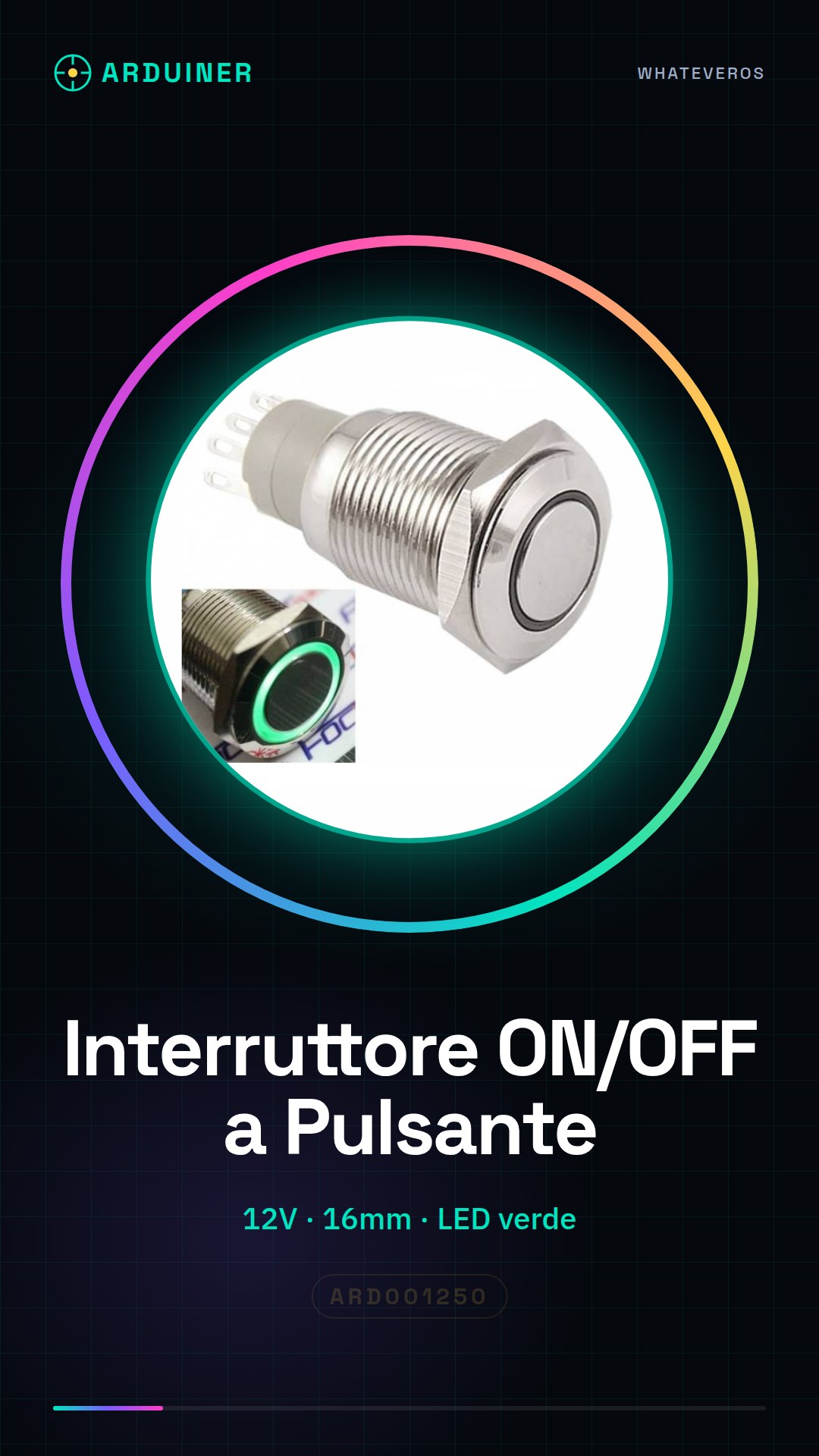
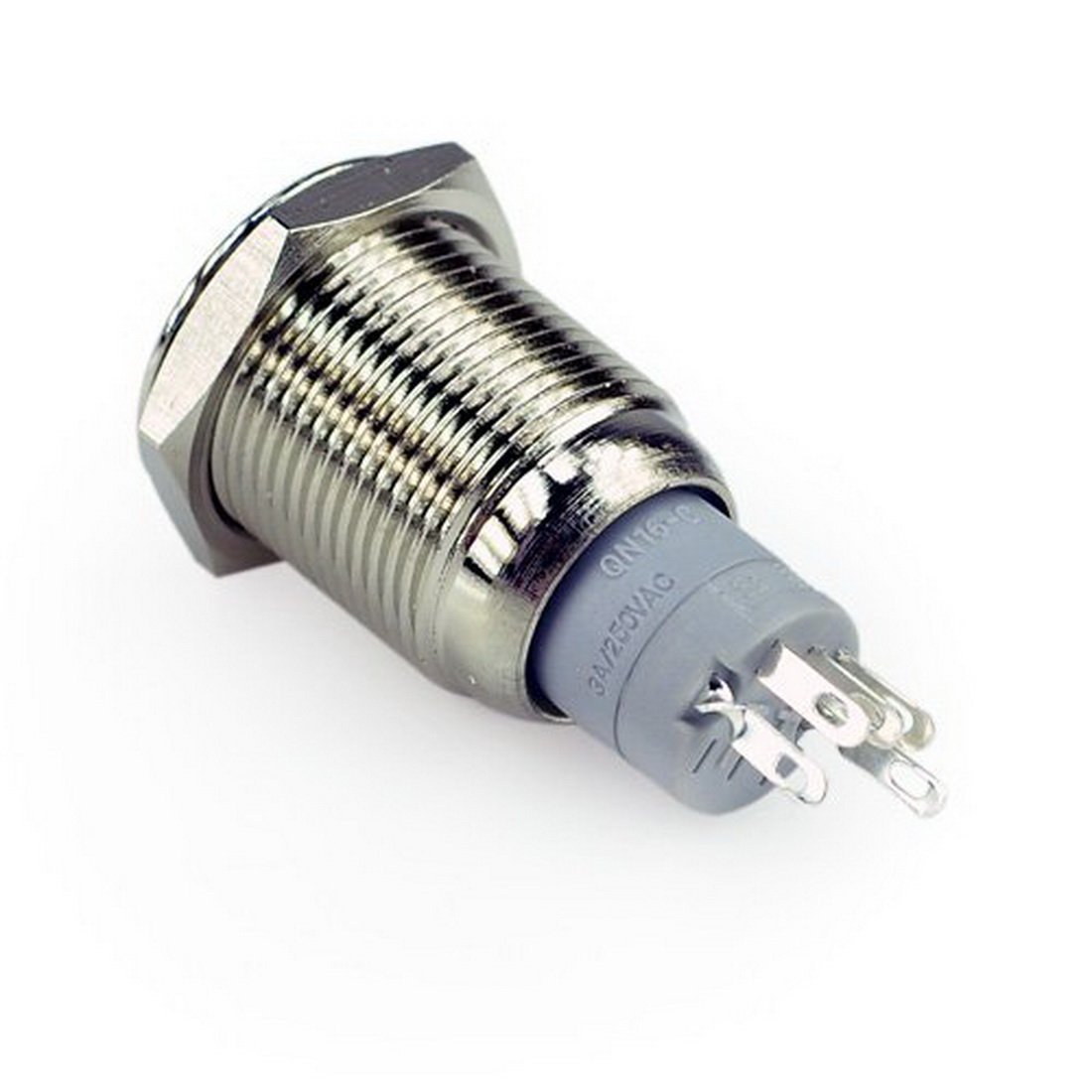
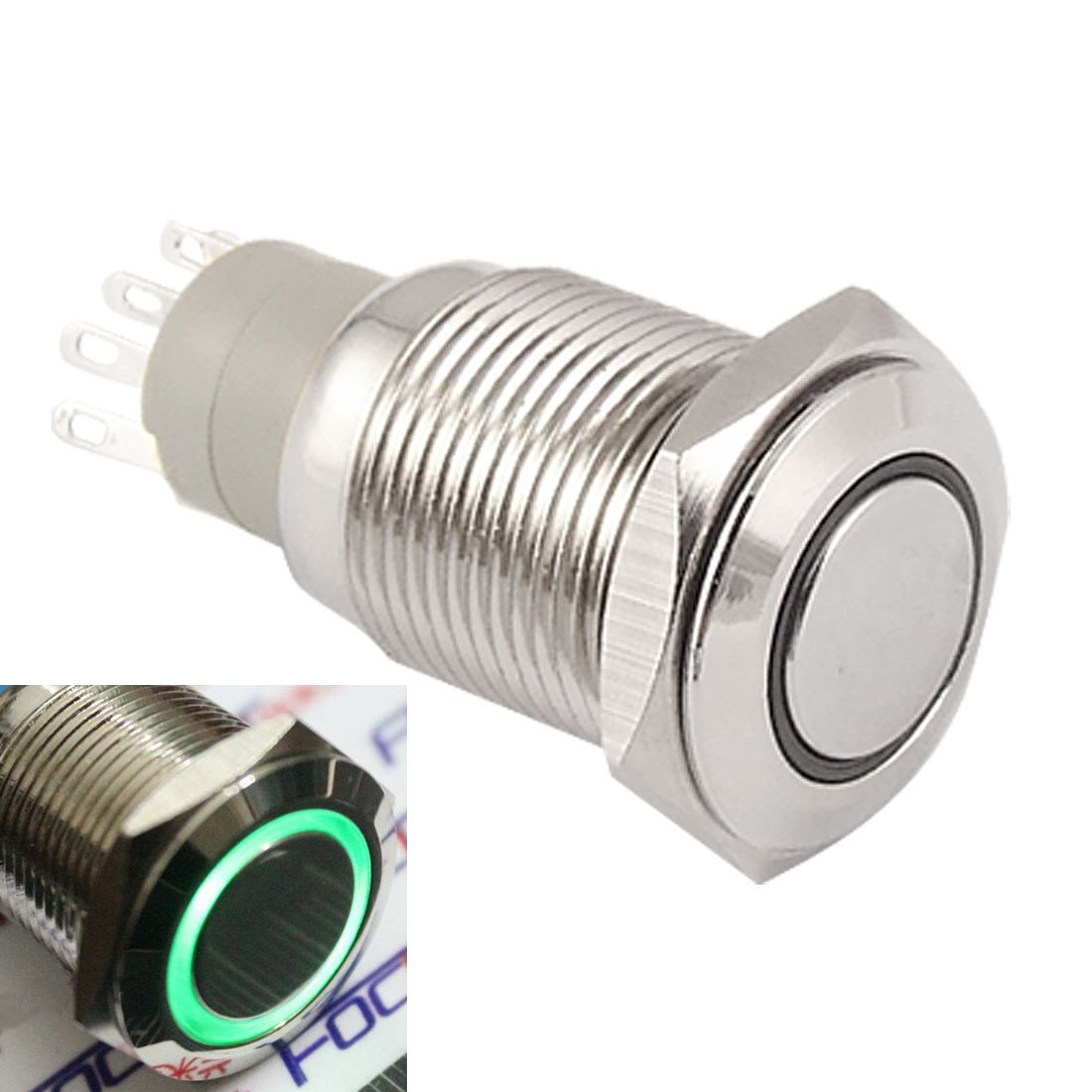
Description
What it is
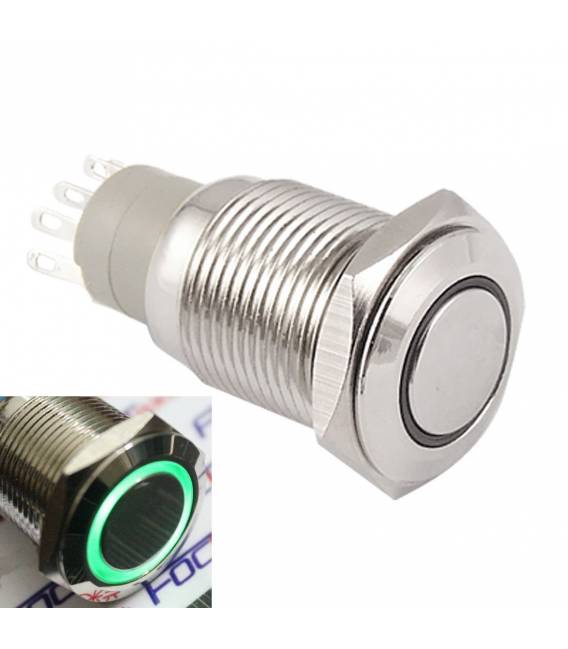
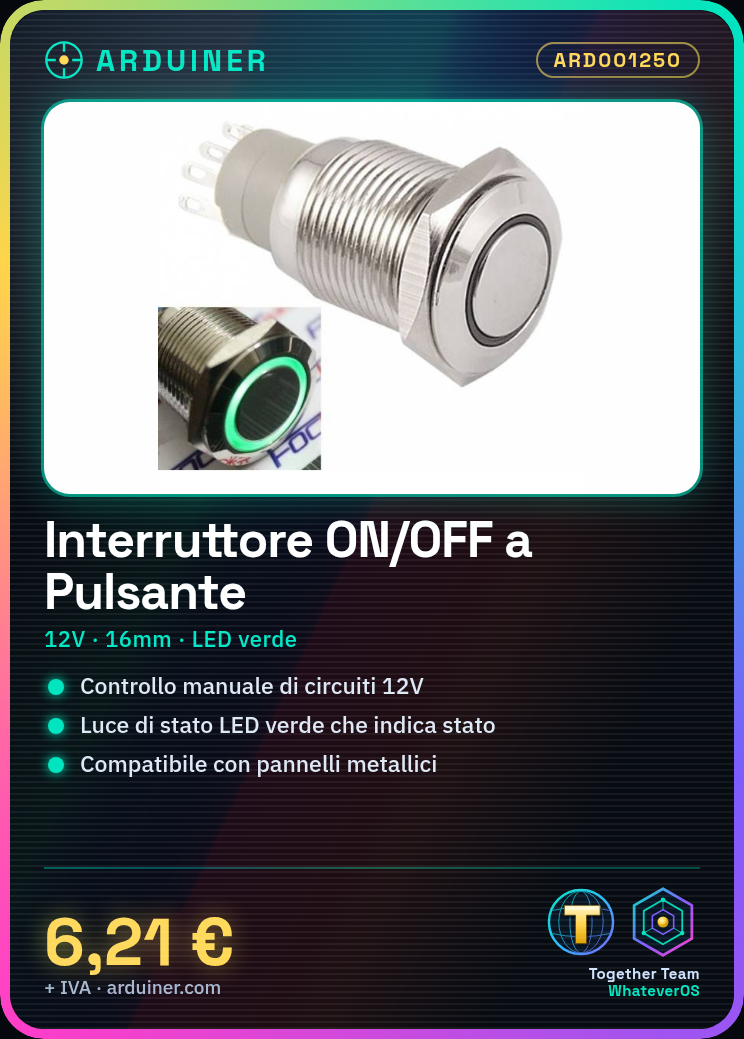
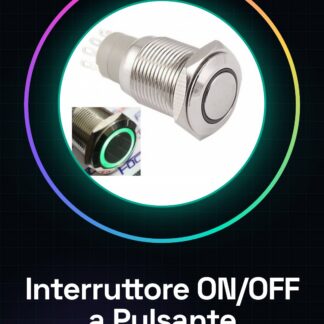
The ON/OFF push button self-locking LED green 12V 16mm metal switch is an electronic component designed for manual control of 12V powered circuits. This switch, ideal for use on metal panels, offers a simple and effective solution for activating or deactivating devices such as lights or small motors.
Features
- Type: ON/OFF push button self-locking
- Status light: LED green
- Operating voltage: 12V
- Button diameter: 16mm
- Materials: Metal (panel)
What it is for
The switch is ideal for applications requiring manual control of 12V powered devices. It can be used in various contexts, such as 3D printing or Arduino, to activate or deactivate lights or small motors. It is compatible with LED lighting systems and can be easily integrated into projects requiring safe and simple control.
Tutorial: How to Use the Self-Locking Push Button ON/OFF Switch with Green LED 12V
This ON/OFF switch is ideal for manually controlling electronic devices powered by 12V. It is particularly useful for anyone who wants a simple and safe control over systems such as lights or small motors.
What you need
- Arduino (optional)
- Connection cable
- 12V power supply
Steps
- Ensure the button is in OFF mode. If it is not, press it to turn off the device.
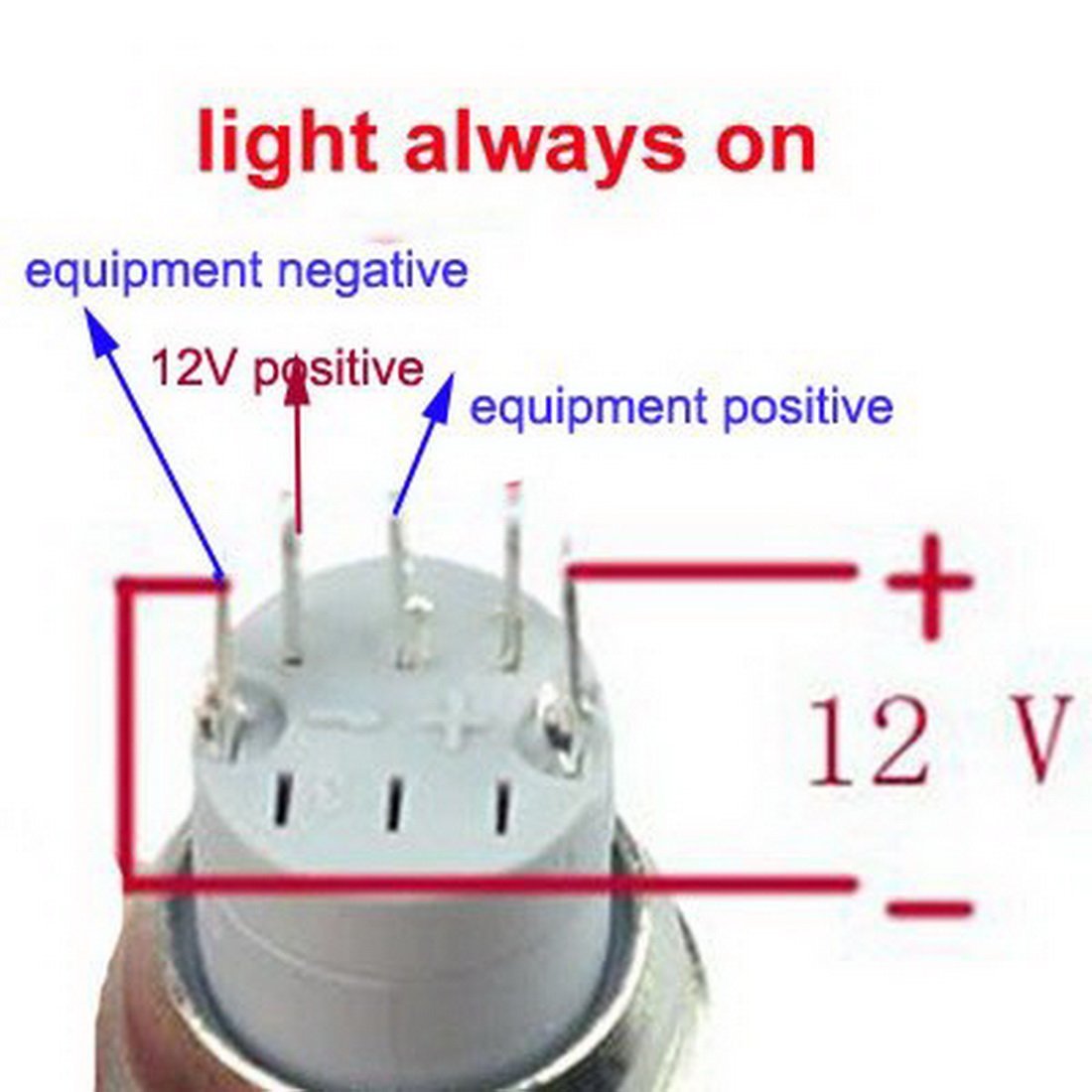
- Connect the positive end of the power supply (12V) to the positive terminal of the switch.
- Connect the negative end of the power supply to the circuit ground or earth.
- Check that the green LED lights up when you press the button, indicating that the device is ON.
- If you are using an Arduino to control devices connected to the switch, connect the appropriate digital outputs to the positive pole of the switch and ground.
- Check the proper functioning of the circuit by pressing the button and observing the state changes of the connected devices.
Mini project
Create a simple manual lighting system. Connect the switch to a 12V LED lamp and test its function.
Common mistakes
- Connecting the polarities in reverse, causing damage to the switch or connected devices.
- Failing to verify that the button is in OFF mode before installation.
- Ignoring the button’s auto-lock when pressed to avoid electrical accidents.
Recommended accessories
- Connection cable with jack
- 12V power supply
- Basic Arduino kit
Frequently asked questions
How can I control it from an electronic circuit?
Connect the switch to the positive pole of the device you wish to control, using a control circuit such as Arduino.
What is the difference between this switch and a standard one?
This switch has a safety latch function and a green LED indicator when the device is on.
Reviews
There are no reviews yet.