 EN
 IT Italiano
 ES Español
 FR Français
 DE Deutsch
Description
What it is
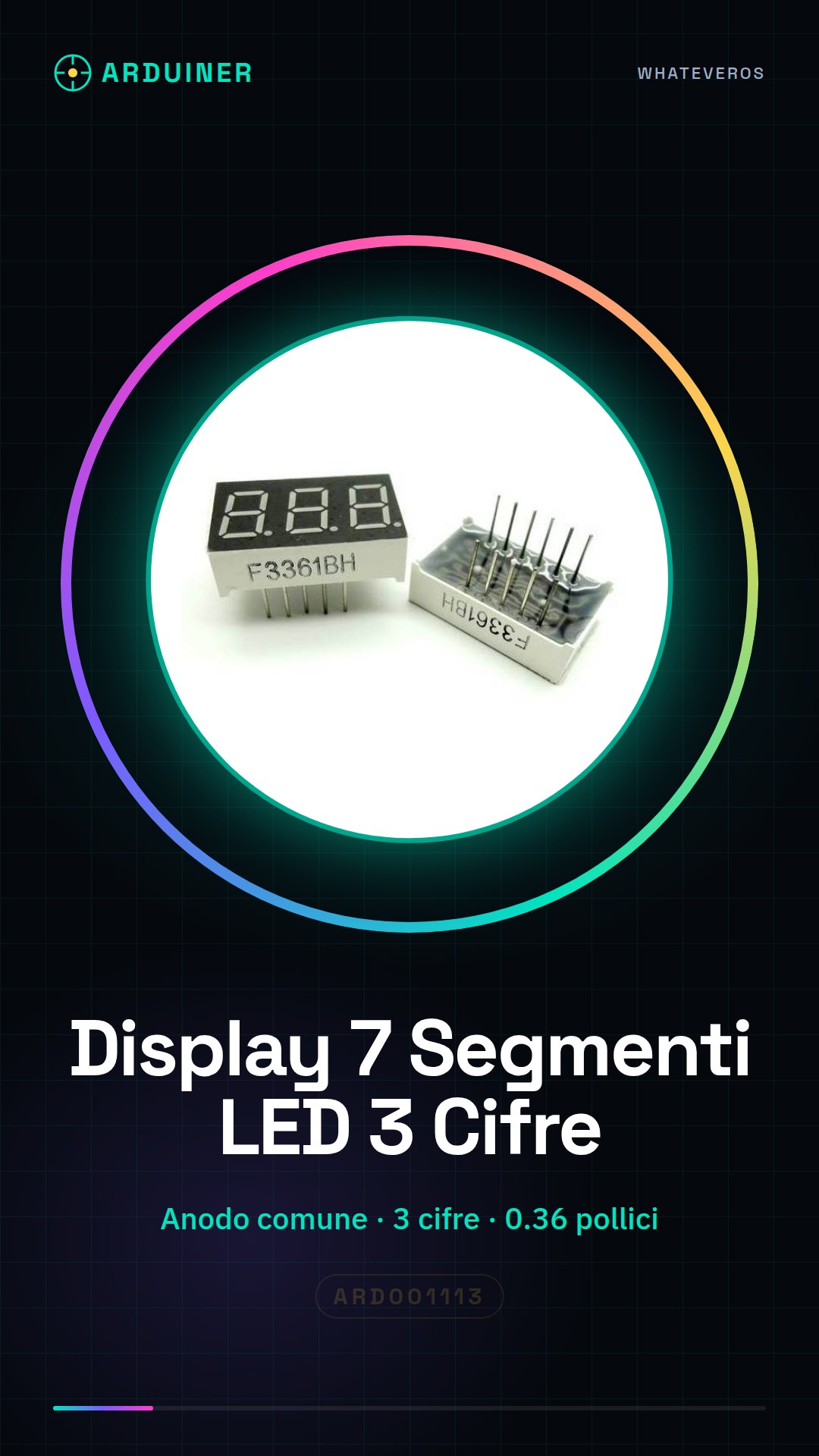
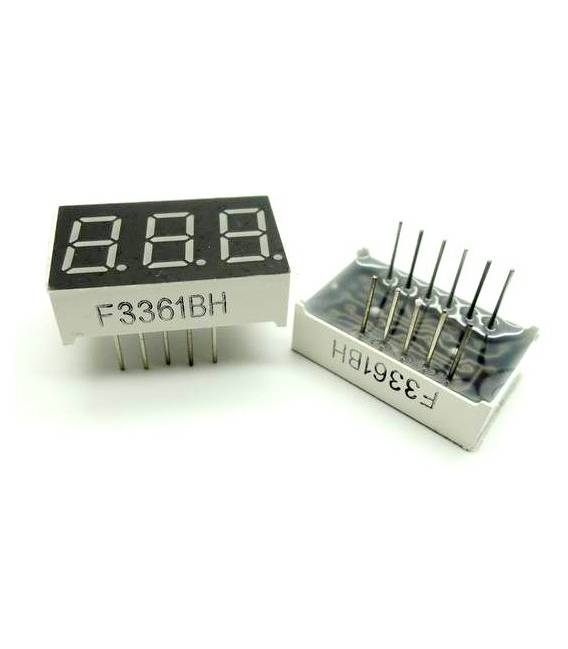
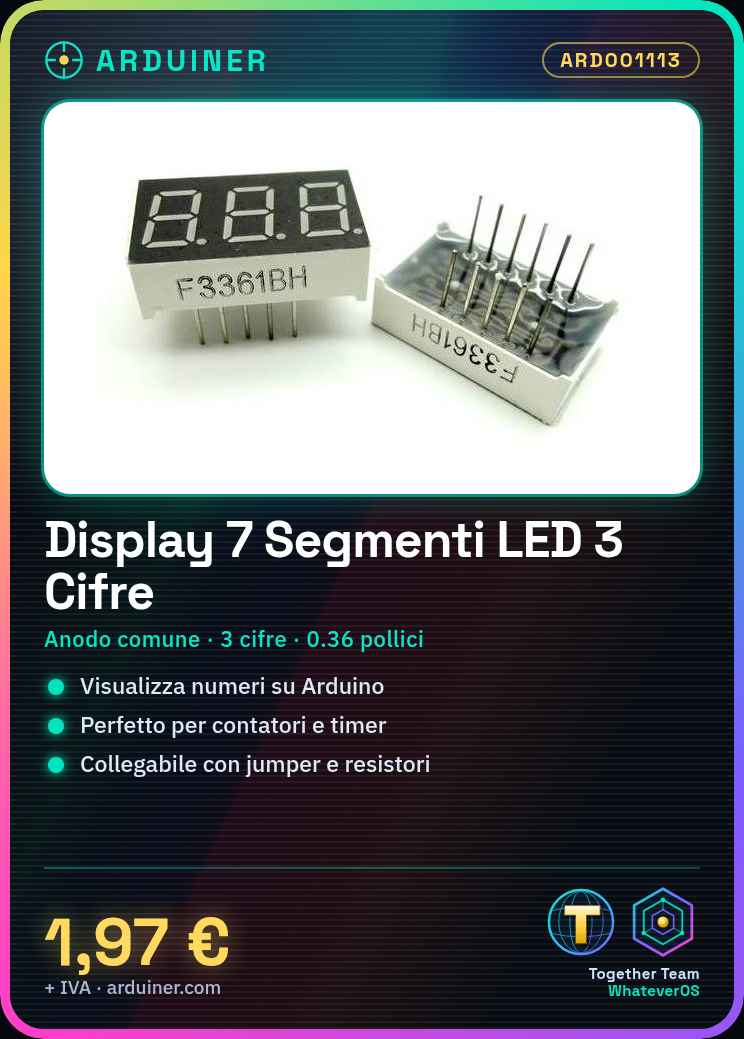
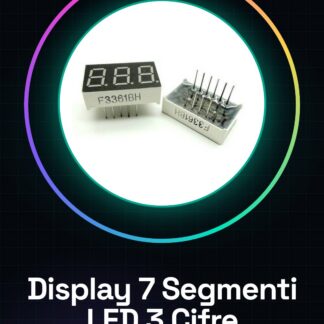
The 7-segment LED display with 3 digits and common anode of 0.36 inch size is an essential component for displaying numerals in Arduino or other microcontroller projects.
Features
- Type: 7-segment LED display with 3 digits
- Common anode
- Single digit size: 0.36 inch (check the datasheet)
What it is for
This display is ideal for projects requiring simple numeric display, such as counters, timers, or monitoring devices. It is compatible with Arduino and other microcontrollers.
Tutorial: How to use 7-segment LED display with 3 digits
This 7-segment LED display with common anode is perfect for displaying numbers and simple characters on Arduino projects. Ideal for beginners who want to create counters, timers, or any other device that requires digital display.
What you need
- Arduino Uno
- USB A-Micro B cable
- Jumpers
Steps
- Connect the display to the VCC pin of Arduino and GND to ground.
- Connect the 7 segments (A-G) to the digital pins on your Arduino, checking the datasheet for the correct order.
- Connect the digital selection signals (DS1-DS3) to the remaining digital pins, check the datasheet.
- Upload the following sketch to your Arduino.
- Initialize the variables and define the functions to light up the segments.
- Add the code to display a specific number on the 7-segment display.
Example code
// Esempio di codice
void setup() {
  pinMode(segmenti, OUTPUT);
}
void loop() {
  mostraNumero(123);
}
Mini project
Create a counter that increments every second and displays the number on the 7-segment LED display.
Common mistakes
- Do not correctly connect the pins to the digital selection signals.
- Omit the current-limiting resistor on the VCC line.
- Set the display in common cathode configuration instead of common anode.
Recommended accessories
- Current-limiting resistors
- Arduino Nano
- RGB jumpers
- 4-digit LED display
Frequently asked questions
How can I change the orientation of the display?
Check the datasheet for segment configuration.
Can I connect it directly to the microcontroller without current-limiting resistors?
No, it could damage the LEDs. Check the datasheet for the required resistors.
Reviews
There are no reviews yet.