 EN
 IT Italiano
 ES Español
 FR Français
 DE Deutsch
Description
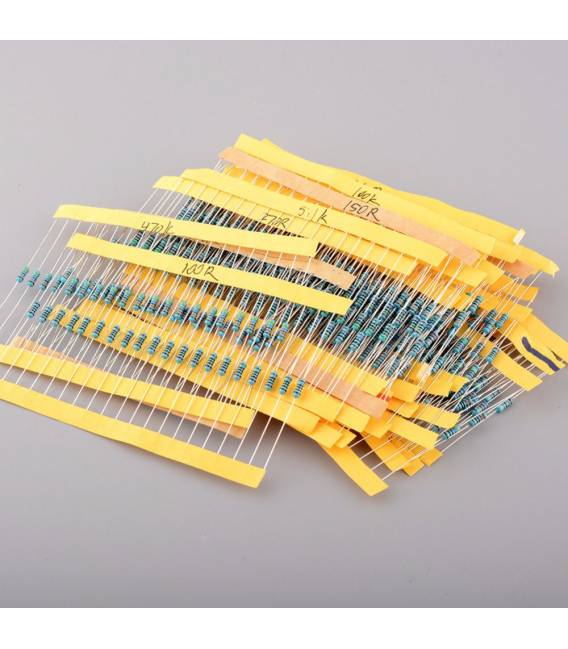
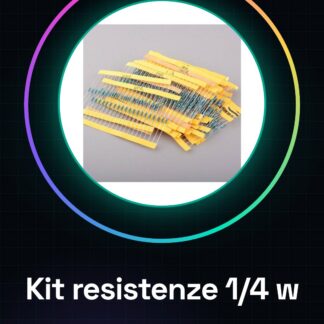
1/4 w colored ring resistance Kits, 100R-2.4K 10pcs of 27 kinds : 100 110 150 180 200 220 240 270 300 330 360 390 430 470510 560 680 750 820 910 1K 1.2K 1.5K 1.8K 2K 2.2K 2.4K1/4 w colored ring resistance Kits, 100R-2.4K 10pcs of 27 kinds : 100 110 150 180 200 220 240 270 300 330 360 390 430 470510 560 680 750 820 910 1K 1.2K 1.5K 1.8K 2K 2.2K 2.4K1/4 w colored ring resistance Kits, 100R-2.4K 10pcs of 27 kinds : 100 110 150 180 200 220 240 270 300 330 360 390 430 470510 560 680 750 820 910 1K 1.2K 1.5K 1.8K 2K 2.2K 2.4K
We have datasheets available for all components, should it not be present in the product download sheet, send us a message through the contact us form and we will publish it as soon as possible on our website.
Tutorial: How to use Colored Ring Resistor Kit
Resistance kit for Arduino and electronics projects. Ideal for beginners.
What you need
- Arduino Uno
- colored ring resistance kit
Steps
- Identify the desired resistance by the color of the ring
- Check the resistance value on the datasheet
- Connect the red end of the component to the Arduino output pin
- Connect the black end to ground (GND) or another part of the circuit
- Write and load an Arduino sketch to test the resistance
Example code
Stringa vuota, poiché non si tratta di un modulo elettronico ma di componenti.Mini project
Create a light that changes intensity based on the connected resistance
Common mistakes
- Connect the resistance to the wrong pin on the Arduino
- Use a resistance value that is too high or too low for the project
Recommended accessories
- LED
- Breadboard
- Jumpers
Frequently asked questions
What are the resistance values?
Check on the datasheet
How to connect a resistance?
Connect the red end to the output pin and black to GND
Reviews
There are no reviews yet.