 EN
 IT Italiano
 ES Español
 FR Français
 DE Deutsch
Description
What it is
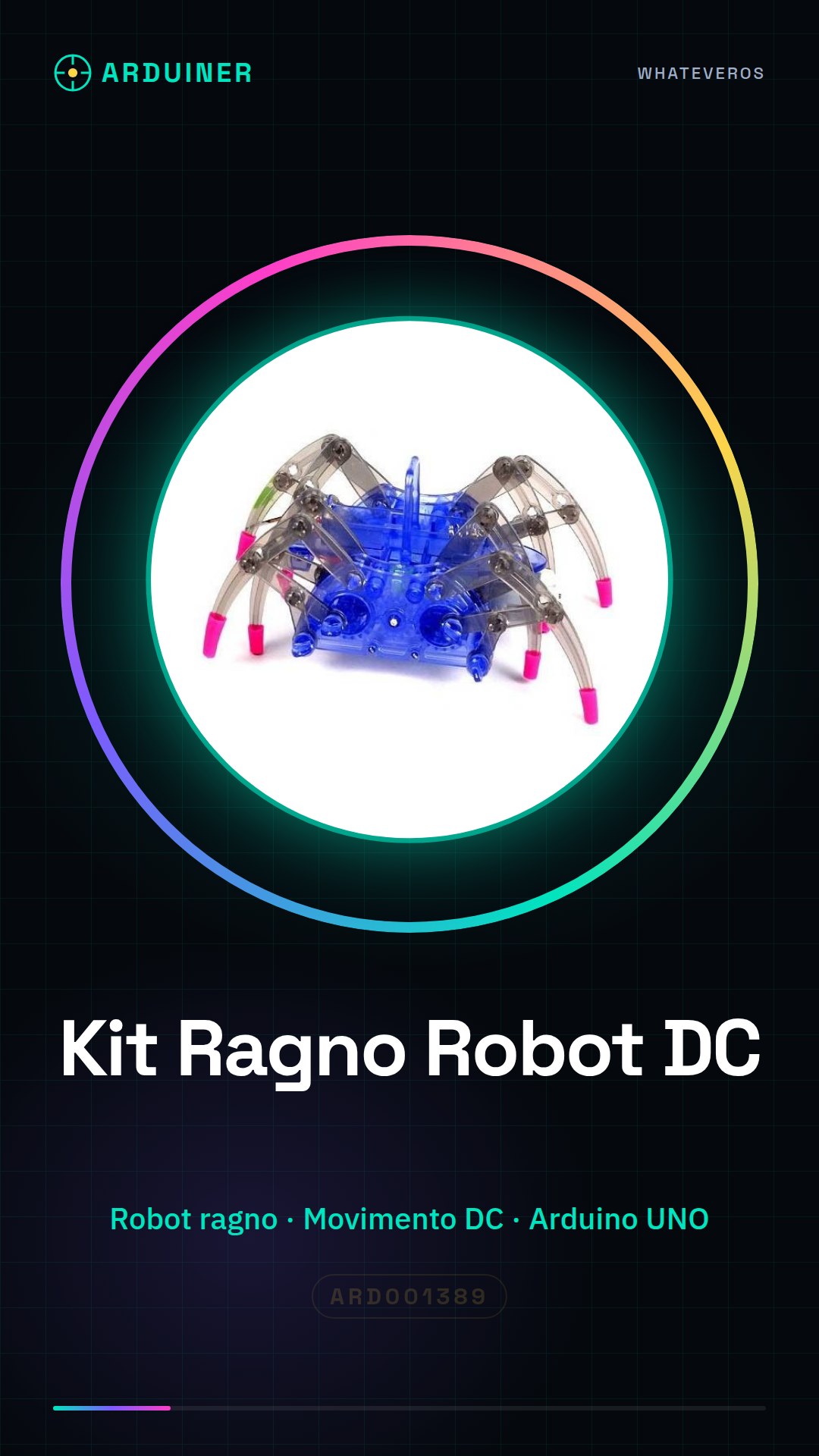
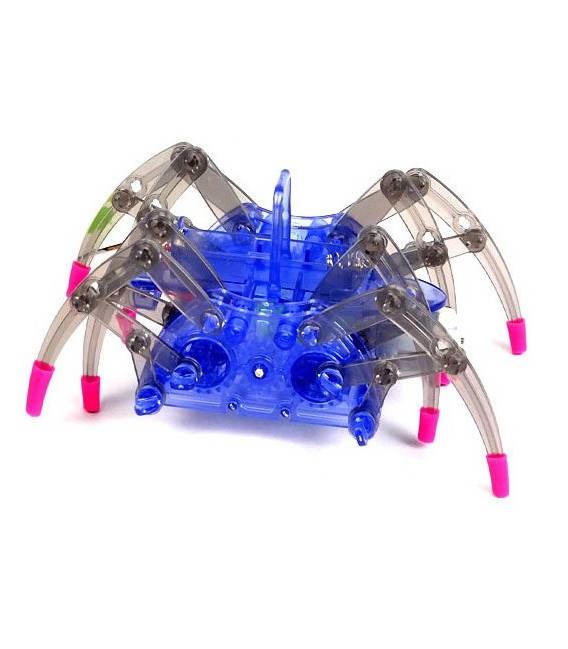
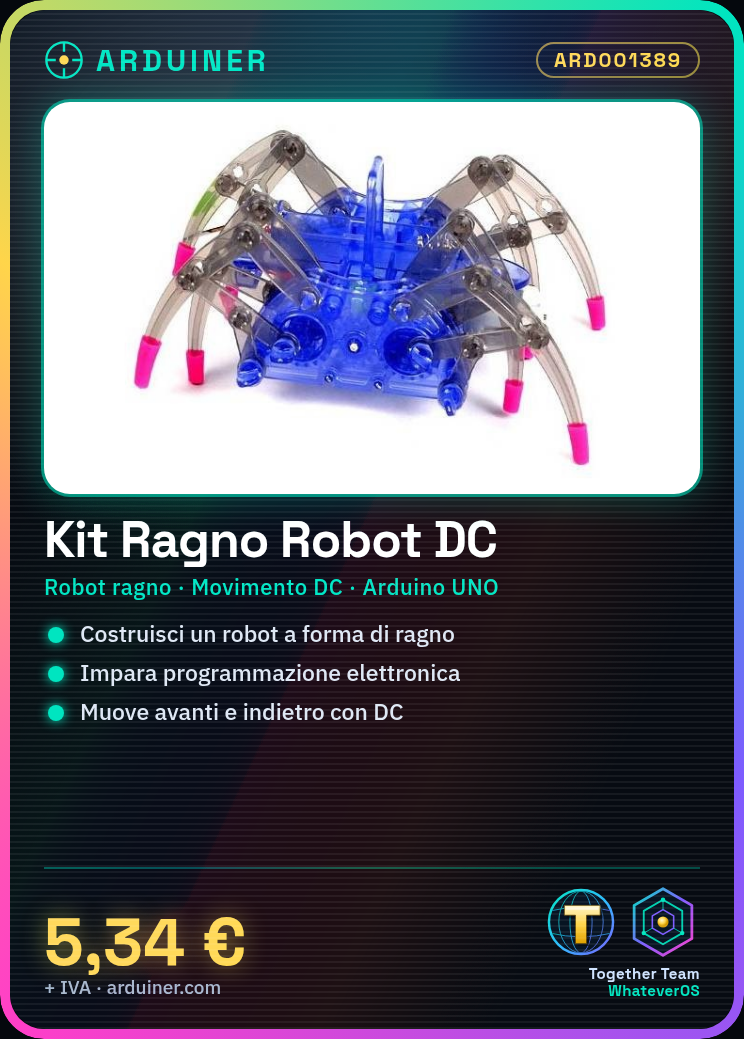
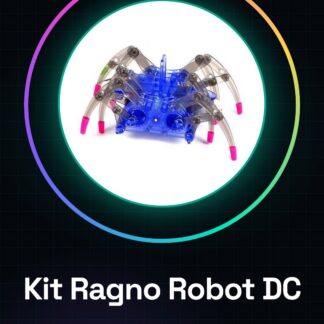
The Electric DC Spider Robot Kit is a set of components to build a small spider-shaped robot. Ideal for learning the basics of electronic programming and robotics, it allows you to build a simple and functional circuit.
Features
- Spider shape
- Electric DC movement
What it is for
The kit can be used to build a circuit that moves the spider forward and backward. It is ideal for beginner and intermediate makers who want to learn the basics of electronic programming and robotics.
Tutorial: How to use Electric DC Spider Robot Kit
The Electric DC Spider Robot Kit is ideal for beginner and intermediate makers who want to build a simple but functional robot. It allows you to learn the basics of electronic programming and robotics.
What you need
- Electric DC Spider Robot Kit
- Arduino UNO
- USB cable
- AA battery (2 pieces)
Steps
- 1. Assemble the kit following the provided instructions.
- 2. Connect the AA battery to the specified connectors.
- 3. Connect the Arduino UNO to the spider robot via the USB cables.
- 4. Upload the provided Arduino code to the spider robot.
- 5. Set the spider robot to manual or automatic mode.
- 6. Check the movement of the spider robot.
- 7. Try to program simple movements.
- 8. Check the datasheet for further details
Example code
```
#include <Wire.h>
#include <Adafruit_PWMServoDriver.h>

Adafruit_PWMServoDriver pwm = Adafruit_PWMServoDriver();

void setup() {
  Serial.begin(9600);
}

void loop() {
  pwm.setPWM(0, 0, 200); // Avvia motore
  delay(2000); // Attendi 2 secondi
  pwm.setPWM(0, 0, 0); // Arresta motore
  delay(2000); // Attendi 2 secondi
}
```
Mini project
Build a simple circuit that moves the spider robot forward for 2 seconds and then backward for 2 seconds.
Common mistakes
- Connect the battery before charging the Arduino.
- Forget to upload the code.
- Use an Arduino other than the UNO.
- Fail to follow the assembly instructions.
Recommended accessories
- Arduino UNO
- USB cable
- AA battery (2 pieces)
Frequently asked questions
The spider robot stops during movement.
Check the battery charge and the USB cable connection.
What is the code to move the spider robot to the right?
Check the datasheet for specific commands.
Can I use a different Arduino than the UNO?
Yes, but adaptations may be necessary.
Reviews
There are no reviews yet.