 EN
EN IT Italiano
 ES Español
 FR Français
 DE Deutsch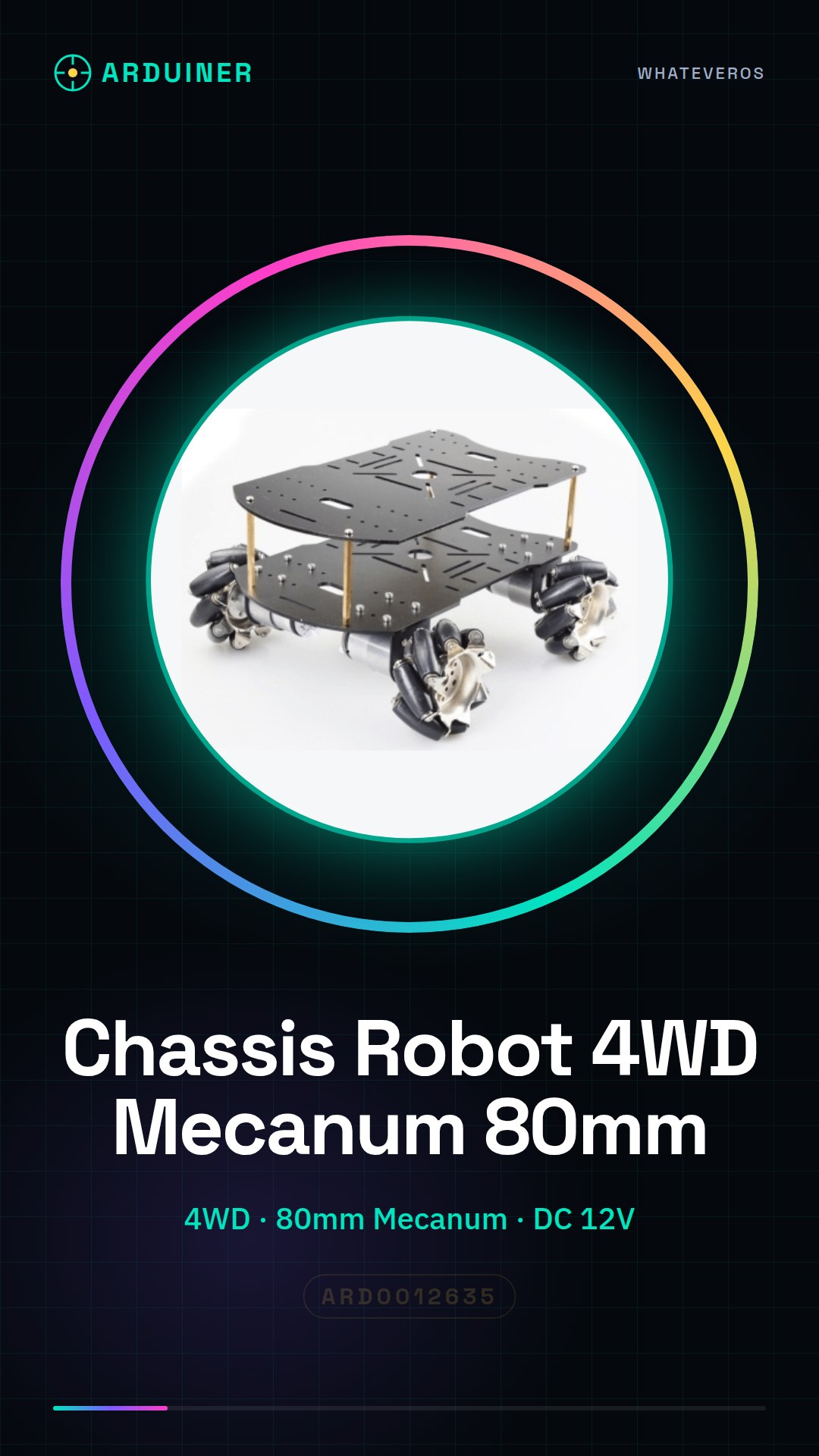
Description
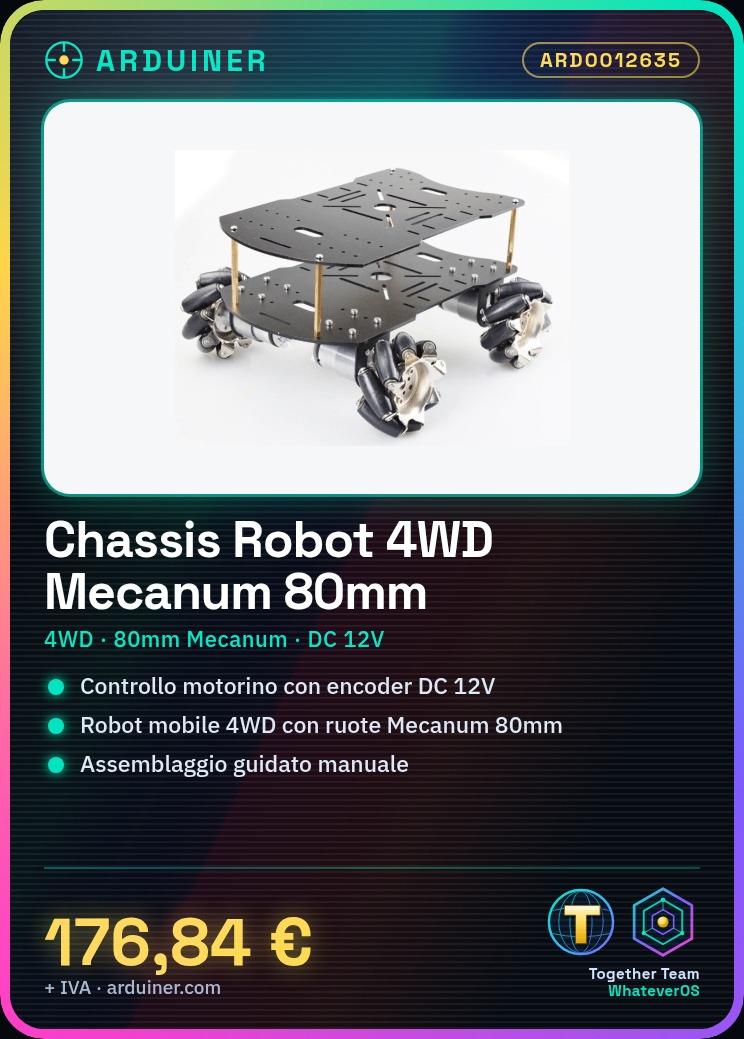
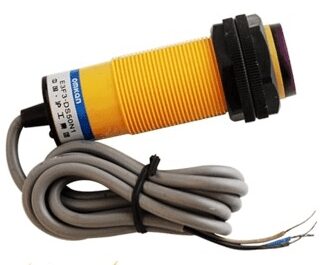
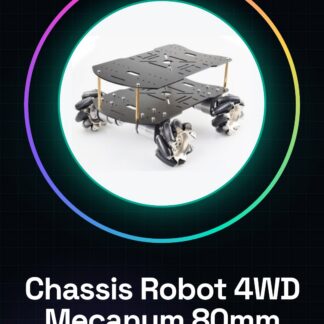
This 4WD 80mm Mecanum wheel RC robot car chassis with DC 12V encoder motor is a perfect kit for robotics and STEM projects. Designed for use with Arduino or Raspberry Pi, it allows you to create an autonomously guided mobile robot. Features: 4WD chassis with 80mm Mecanum wheels, DC 12V encoder motor. Ideal for Arduino and Raspberry Pi projects. Complete kit to start a robotics project. What it’s used for: Ideal for beginners and intermediates who want to create an autonomously guided mobile robot. You can use it to create a robot that avoids obstacles, using distance sensors to detect obstacles and programming the robot to move around them. It’s also suitable for obstacle avoidance and autonomous path projects. Tutorial: How to use the Double Layer 4WD 80mm Mecanum Wheel RC Robot Car Chassis. This 4WD Mecanum wheel chassis is perfect for robotics and STEM projects. Ideal for beginners and intermediates who want to create an autonomously guided mobile robot with Arduino or Raspberry Pi. What you need: Arduino or Raspberry Pi, power and data connectors, programming software, optional distance sensors, 12V battery, assembly tools (screwdrivers, pliers). Steps: Assemble the chassis following the instruction manual. Connect the DC 12V encoder motor to the chassis. Connect the Raspberry Pi or Arduino to the encoder motor. Install the necessary library to control the encoder motors. Write a sketch or script to test the chassis movement. Verify the connectivity between control and motor. Add sensors to improve the robot’s navigation. Test the robot in controlled environments. Example code: void setup() { Serial.begin(9600); } void loop() { // Insert code here to control the encoder motors } Mini-project: Create a robot that avoids obstacles. Use distance sensors to detect obstacles and program the robot to move around them. Common errors: Incorrect connections between the encoder motor and control. Missing necessary software configuration for encoder motors. Incorrectly connected distance sensor. Battery not providing sufficient power. Recommended accessories: Distance sensors (e.g., HC-SR04), 12V robot battery, electrical connections, robot assembly kit. Frequently asked questions: What is the required voltage? Check the datasheet of the motor.
Reviews
There are no reviews yet.