 EN
 IT Italiano
 ES Español
 FR Français
 DE Deutsch
Description
What it is
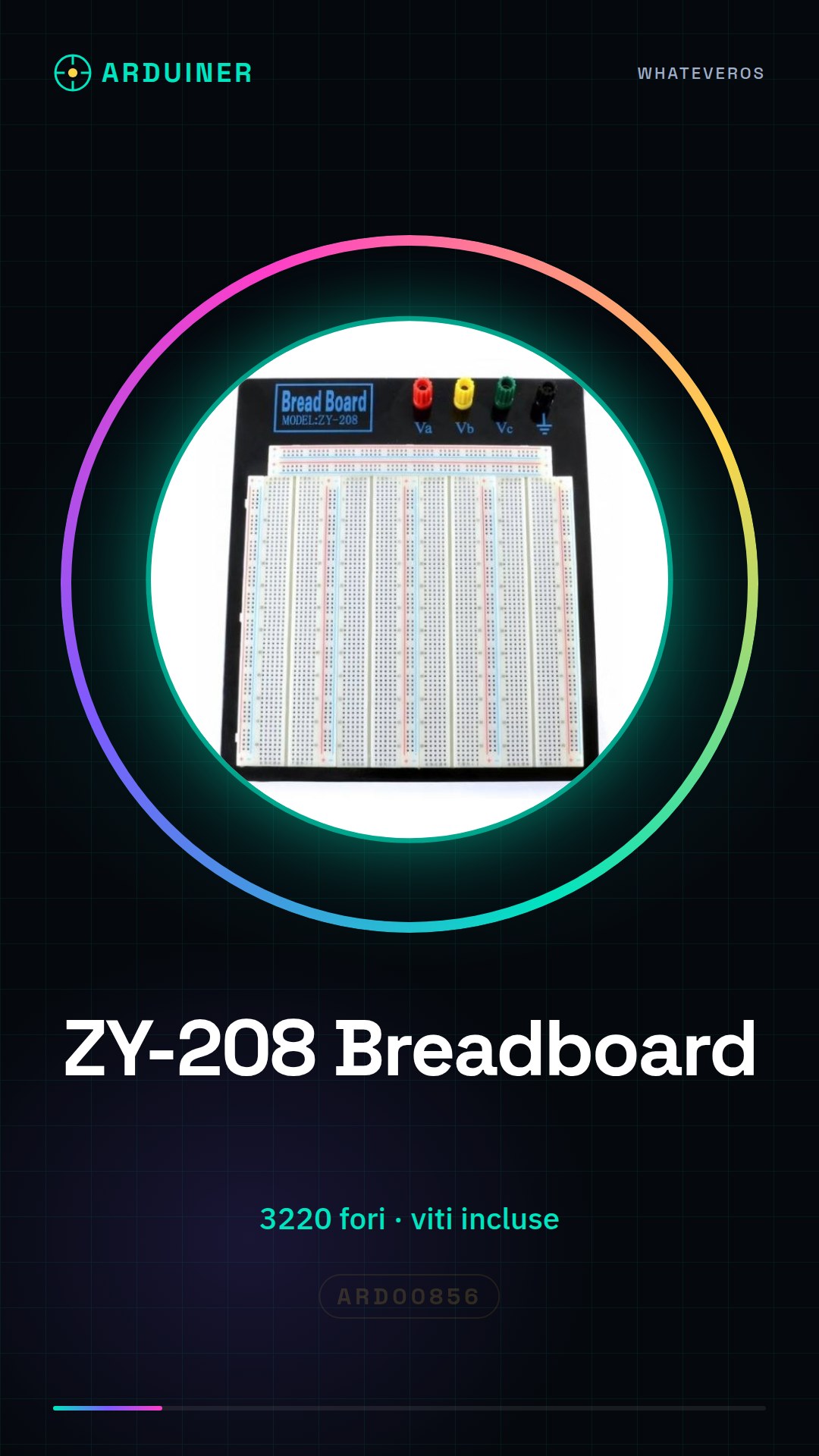
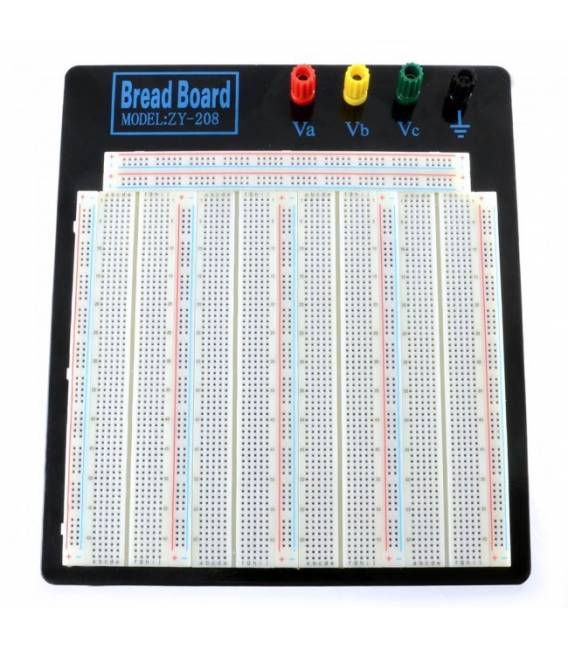
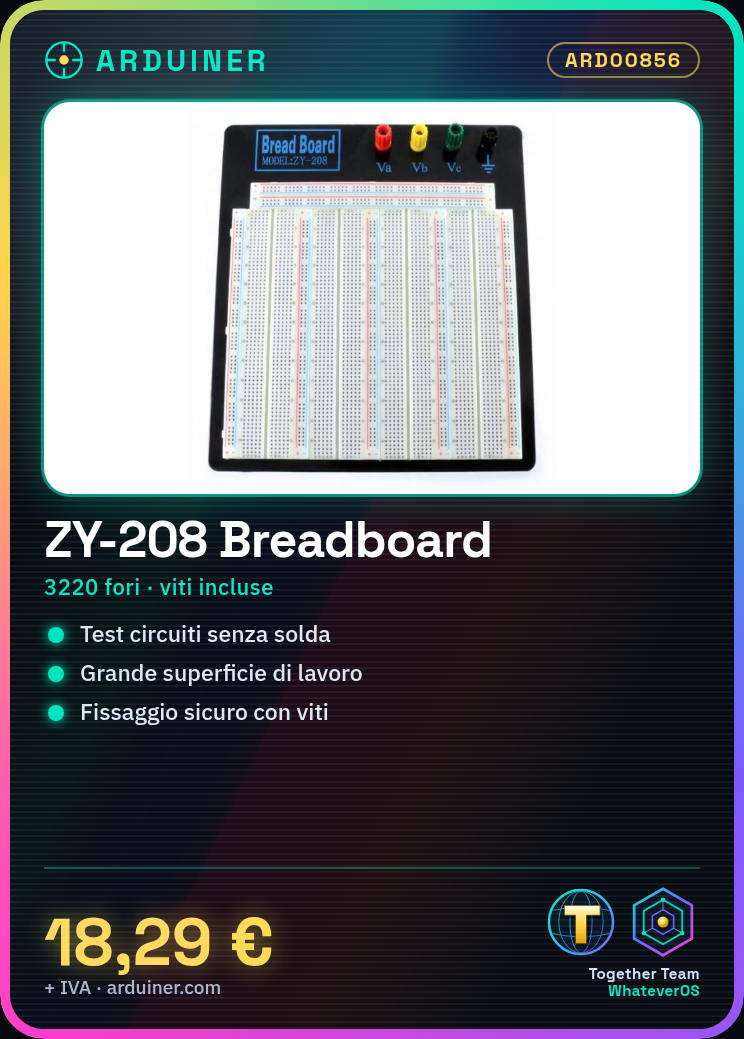
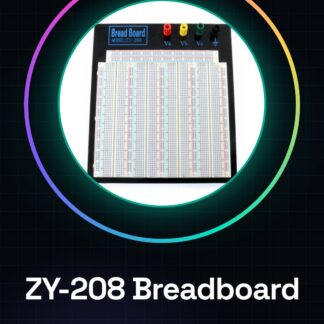
The ZY-208 breadboard is an essential component for electronic project realization, allowing circuits to be tested without soldering. With a large working surface consisting of 3220 holes, this breadboard offers flexibility and convenience to makers.
Features
- Total number of holes: 3220
What it is for
Ideal for beginners and experts, the ZY-208 breadboard can be used in various contexts such as creating a flashing light with an LED and resistor. It can be easily integrated with Arduino or other microcontrollers.
Tutorial: How to Use the Experimental Breadboard Zy-208
The ZY-208 breadboard with 3220 holes is a fundamental component for makers who want to experiment and test electronic circuits without soldering. Ideal for both beginners and experts, this breadboard offers a large working surface.
What you need
- Arduino
- jumper wires
- electronic components (resistors, LEDs, sensors)
- multimeter
Steps
- Check for the presence of holes in the breadboard. They should be arranged in rows of 5 columns separated by an empty central area.
- Place the breadboard on a stable surface and secure it with the provided screws to prevent accidental movement during testing.
- Connect electronic components to the breadboard holes using jumper cables. Remember that each column represents a continuous connection.
- Connect the breadboard to the Arduino or other devices using jumper cables, following the correct polarity of the components.
- Test the connectivity between components using a multimeter. Verify that the contact lines are functioning properly.
- Try creating simple circuits such as those with resistors and LEDs to familiarize yourself with the breadboard.
Mini project
Create a blinking light using an LED, a resistor, and an Arduino. Set the LED to ‘HIGH’ and then to ‘LOW’ alternately.
Common mistakes
- Do not secure the breadboard properly
- Incorrect component connections
- Ignore the polarity of components during connections
Recommended accessories
- Arduino Uno R3
- USB cable for Arduino
- Variable resistor kit
- Multicolor LED set
Frequently asked questions
How many holes does the breadboard have?
The Zy-208 breadboard has a total of 3220 holes.
How can I clean my breadboard?
Use a damp cloth and dry it thoroughly before using again.
Reviews
There are no reviews yet.