 EN
 IT Italiano
 ES Español
 FR Français
 DE Deutsch
Description
What it is
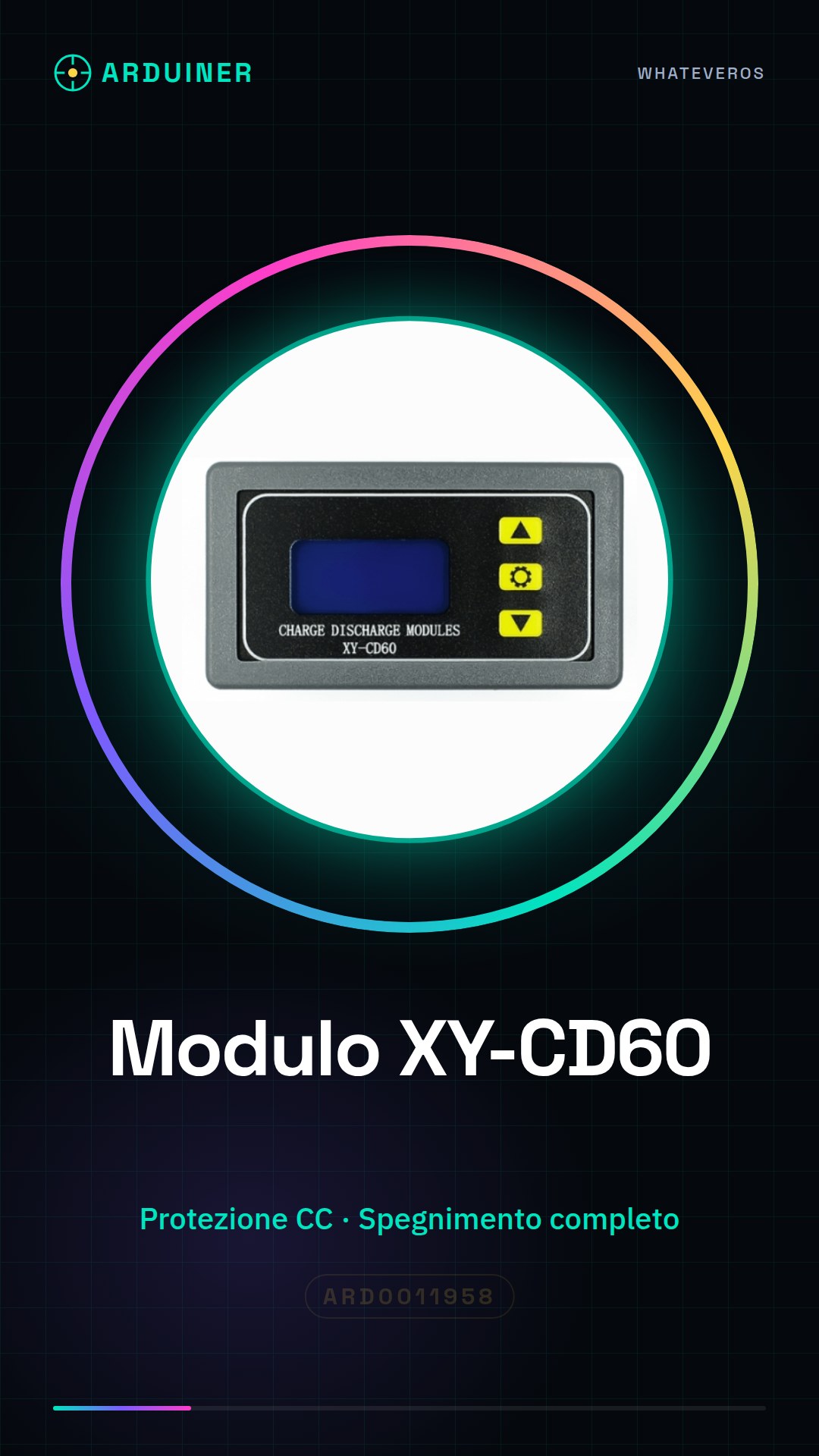
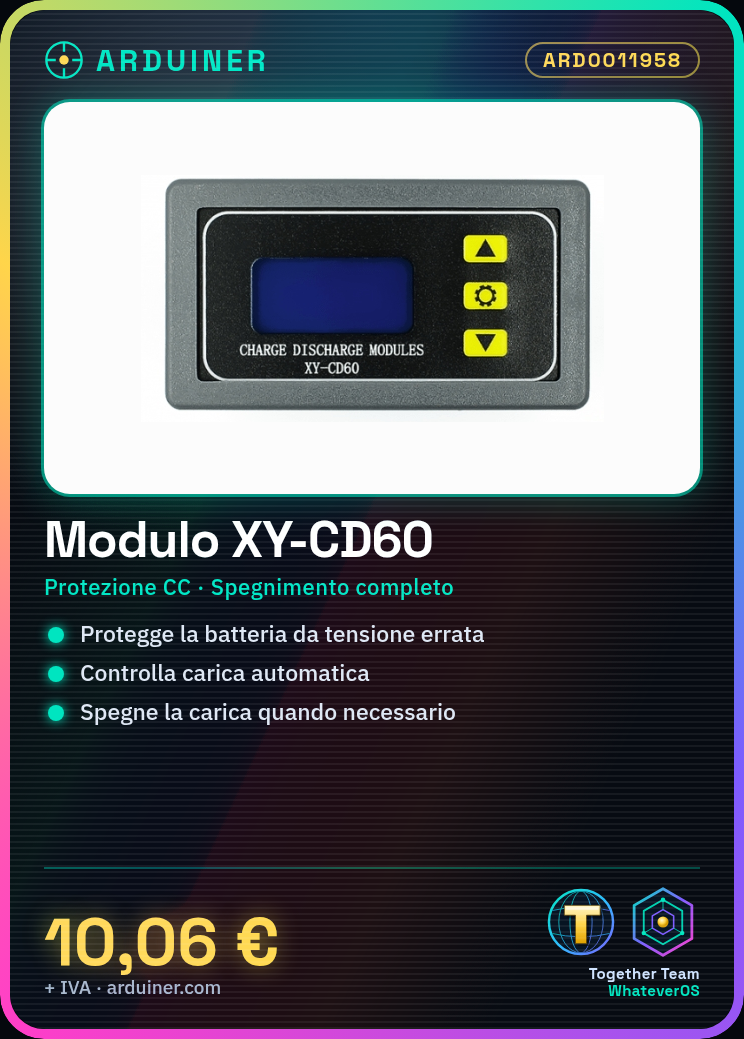
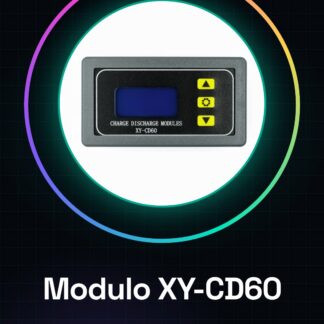
The XY-CD60 module is an electronic device designed for battery charging management and protection against incorrect input voltages (CC). It can be used in Arduino projects to monitor and control battery voltage, ensuring safe and efficient operation.
Features
- CC Voltage Protection
- Battery Charging Control
- Complete shutdown in case of CC voltage
What it is for
The XY-CD60 module is ideal for Arduino projects that require precise battery voltage control. It can be used to create automatic battery charging systems for 3.7V batteries. It is useful in applications where battery safety and protection are essential.
Tutorial: How to Use the XY-CD60 Module
The XY-CD60 module is ideal for monitoring and protecting battery charge. Useful for projects that require accurate voltage control.
What you need
- XY-CD60 Module
- Arduino
- Battery to monitor
- 10kΩ Resistor
Steps
- 1. Connect the module to the Arduino using the VCC and GND pins.
- 2. Connect the battery to the module using the BAT+ and BAT- pins.
- 3. Connect the resistor to the SHDN pin to disable the module when not in use.
- 4. Load the provided Arduino code.
- 5. Check the datasheet for the maximum output voltage.
- 6. Configure the module for the desired protection level.
- 7. Test the module with a test battery.
- 8. Verify that the module shuts off charging when the maximum voltage level is reached.
Example code
```void loop() {}```Mini project
Create an automatic charging system for a 3.7V battery using the XY-CD60 Module and an Arduino.
Common mistakes
- Do not check the maximum voltage on the datasheet.
- Do not use an appropriate resistor to disable the module.
- Connect the battery directly without going through the module.
- Omit the test with a test battery.
Recommended accessories
- 3.7V Battery
- 10kΩ Resistor
- Arduino
- Arduino Cable
Frequently asked questions
Does the module work with batteries of voltages other than 3.7V?
Check the datasheet for the maximum operating voltage.
How can I disable the module?
Connect a 10kΩ resistor between the SHDN pin and GND.
Does the module have a maximum charge limit?
Check the datasheet for the maximum charge limit.
Reviews
There are no reviews yet.