 EN
 IT Italiano
 ES Español
 FR Français
 DE Deutsch
Description
What it is
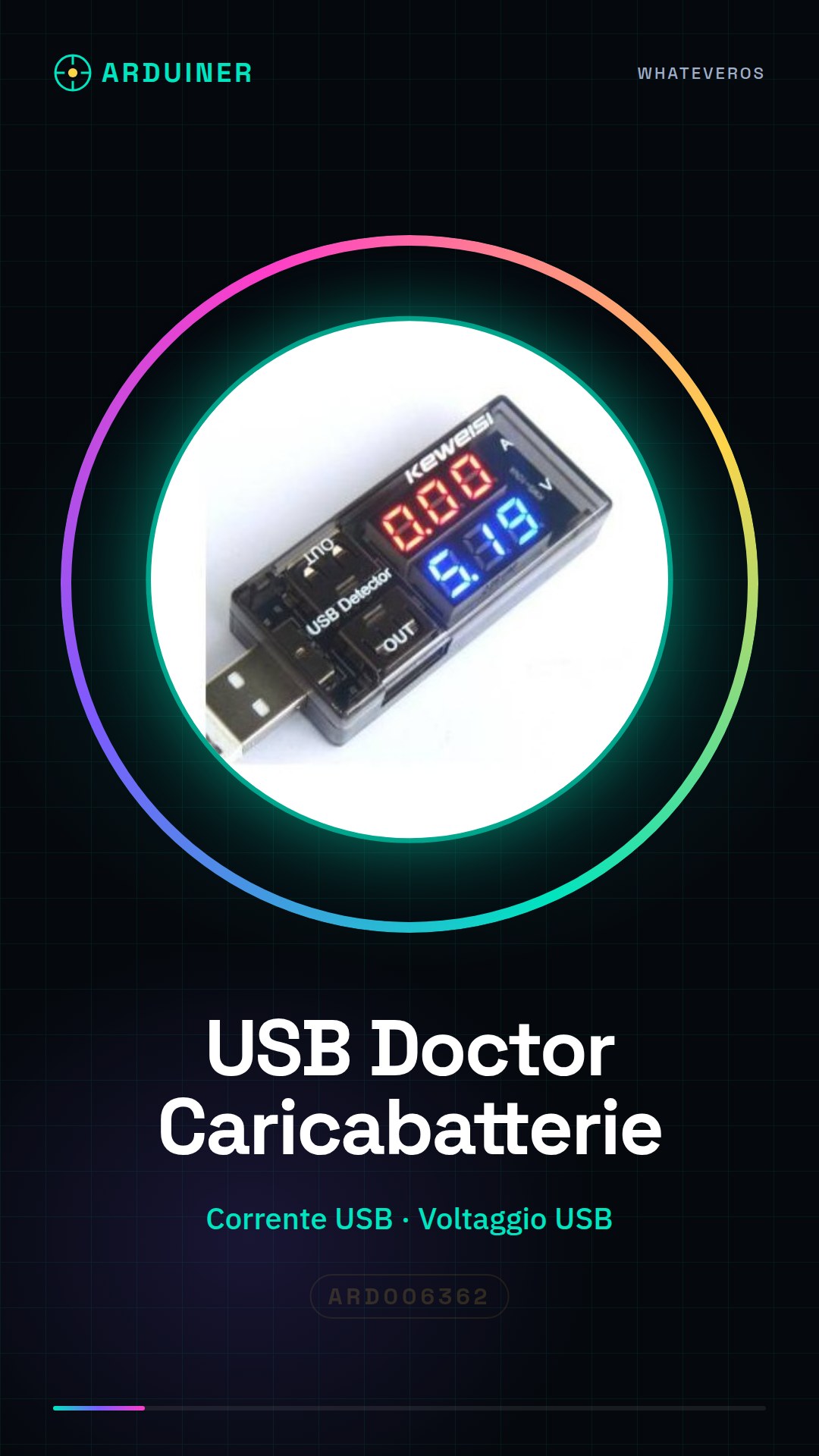
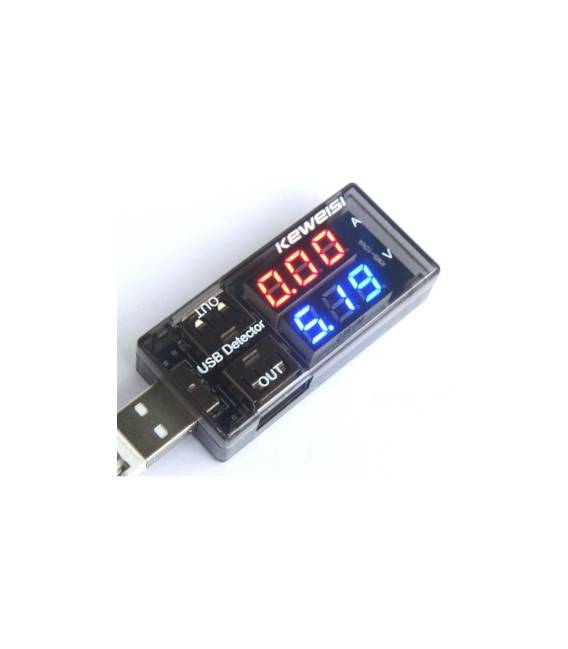
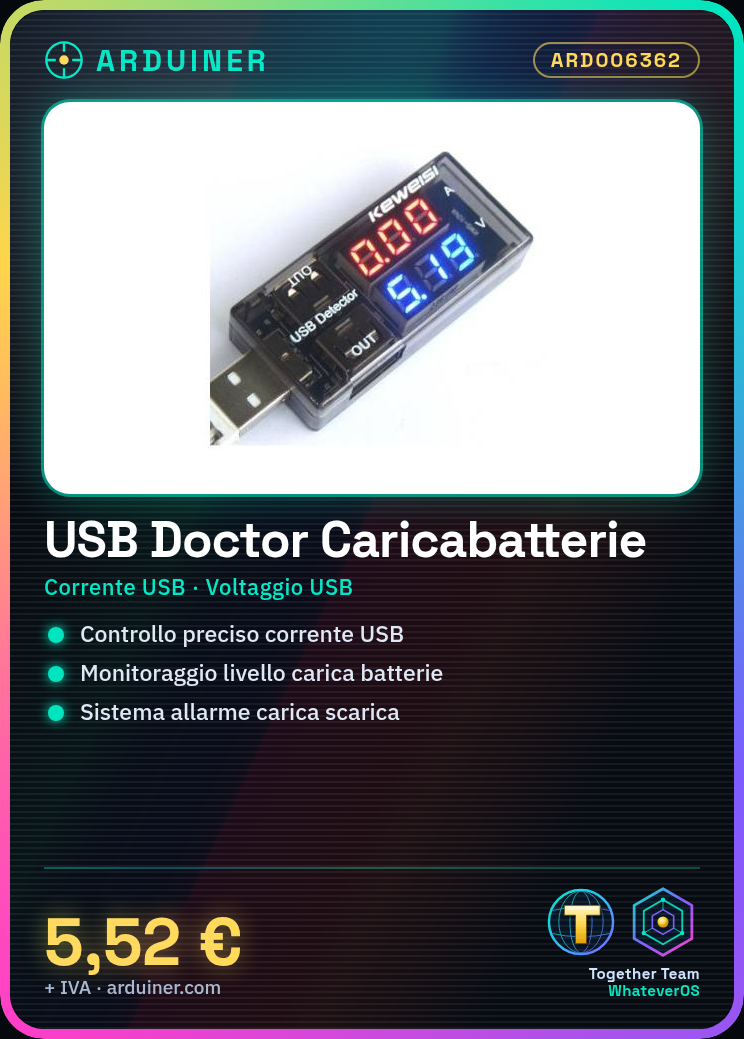
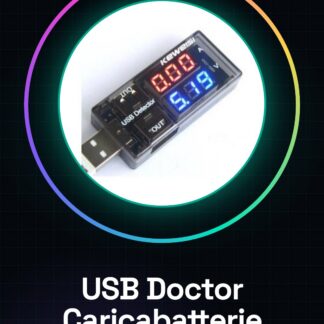
The USB Doctor Current Voltaggio Detector Charging Detector is a precise tool for measuring current and voltage output from a USB port.
Features
- Precise current and voltage measurement
- Ideal for Arduino project safety and efficiency
- Battery charge level monitoring
- SKU: ARD006362
- Price: 5.52 €
What it is for
The USB Doctor Battery Charger is useful for Arduino projects that require precise current and voltage measurement from a USB port. It can be used to monitor battery charge levels and to design alarm systems that notify when batteries are discharged or fully charged.
Tutorial: How to use USB Doctor Current Voltaggio Detector Charging Detector
The USB Doctor Battery Charger is a practical tool for monitoring battery charge levels and checking if they are ready for recharging. Ideal for makers, hobbyists, and professionals working with battery-powered devices.
What you need
- USB Doctor Battery Charger
- Computer or Android device
Steps
- Connect the USB Doctor Battery Charger to the computer via the microUSB connector.
- Install the necessary drivers if required by the operating system.
- Open a monitoring software (such as Arduino IDE with Serial Monitor or a similar Android app).
- Insert the battery into the charger.
- Check the charge level and charging current on the device display.
- If necessary, adjust the monitoring parameters through the software interface.
- Use the collected data to optimize battery management in projects.
Mini project
Design an alarm system that sends a notification when the batteries are low or fully charged. Use Arduino and the USB Doctor Battery Charger to monitor the battery status.
Common mistakes
- Fail to install the necessary drivers correctly.
- Insert the battery into the device incorrectly.
- Stop charging before the system indicates that the charge is complete.
- Use software that is not compatible with the USB Doctor Battery Charger.
Recommended accessories
- Lithium batteries of various capacities
- MicroUSB connector
- Monitoring software for Arduino or Android
Frequently asked questions
How can I check the battery status?
Insert the battery into the charger and check the charge level on the display.
Which software is compatible with this device?
Use Arduino IDE with Serial Monitor or a similar Android app.
Reviews
There are no reviews yet.