 EN
 IT Italiano
 ES Español
 FR Français
 DE Deutsch
Description
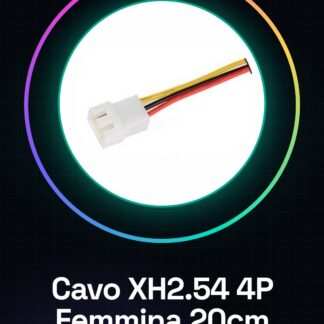
Tutorial: How to Use XH2.54 4P Female 20cm Lead
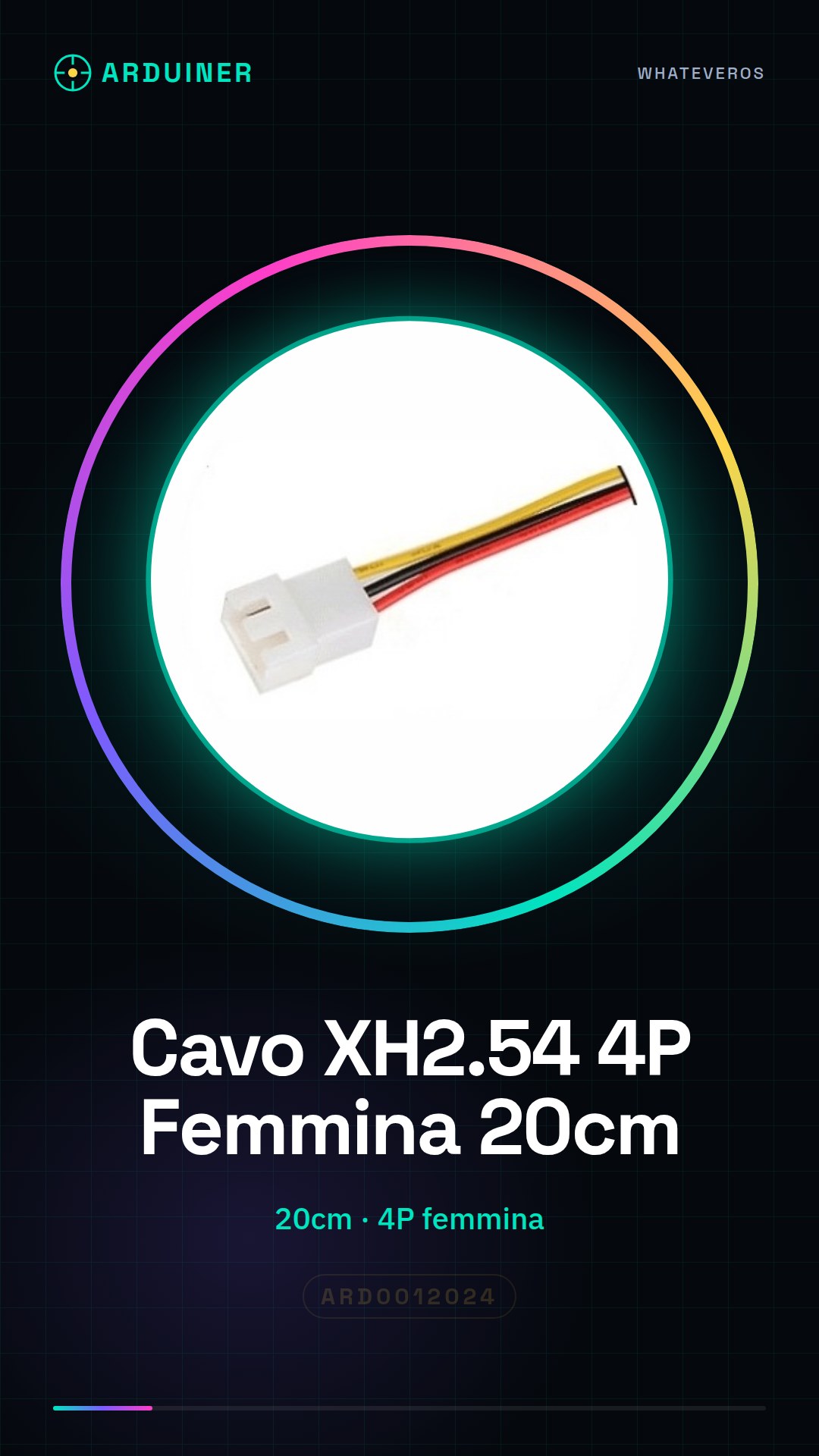
The XH2.54 4P female lead is a very useful connector for connecting various electronic components. Ideal for Arduino projects, sensors, and 3D printing systems, it allows for stable and secure connections.
What you need
- Arduino Projects
- Sensors
- 3D Printers
- Control Systems
- Testing and Debugging
Steps
- Check the connector compatibility with the project components.
- Trim the lead if necessary, keeping at least 1 cm in length.
- Clean the connector contacts with a dry cloth.
- Position the lead near the connection point.
- Gently insert the connector into the destination component.
- Verify the connection by checking that the contacts are well aligned.
- If necessary, apply a small piece of electrical tape to secure the connector.
- Test the connection with a multimeter or monitoring software.
Mini project
Create a temperature sensor with a DHT11 and an LCD display, using the XH2.54 4P female cable to connect the components.
Common mistakes
- Insert the connector backwards.
- Do not secure the connector, causing it to fall.
- Use a cable that is too short, preventing the connection.
- Do not check the connection before using the system.
Recommended accessories
- XH2.54 4P Male Cable 20cm
- Digital multimeter
- Electrical tape
- Electronic test kit
Frequently asked questions
What is the recommended maximum length for the cable?
The recommended maximum length is 20 cm to ensure a stable connection.
How do you clean the connector contacts?
Use a dry cloth to remove dust and impurities from the contacts.
Can the cable be used for different connectors?
Check the datasheet to ensure that the connector is compatible with the component.
Reviews
There are no reviews yet.