 EN
 IT Italiano
 ES Español
 FR Français
 DE Deutsch
Description
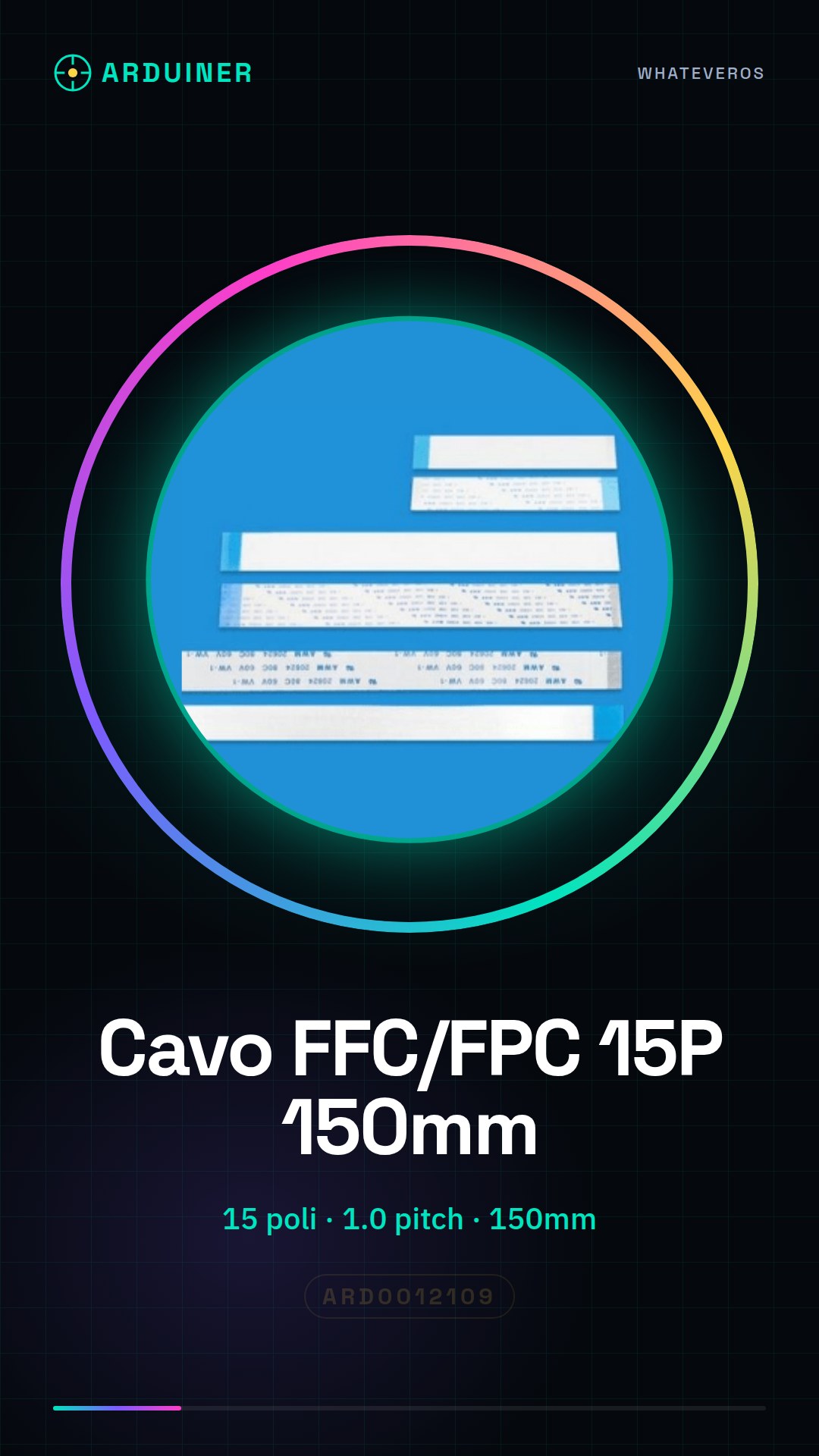
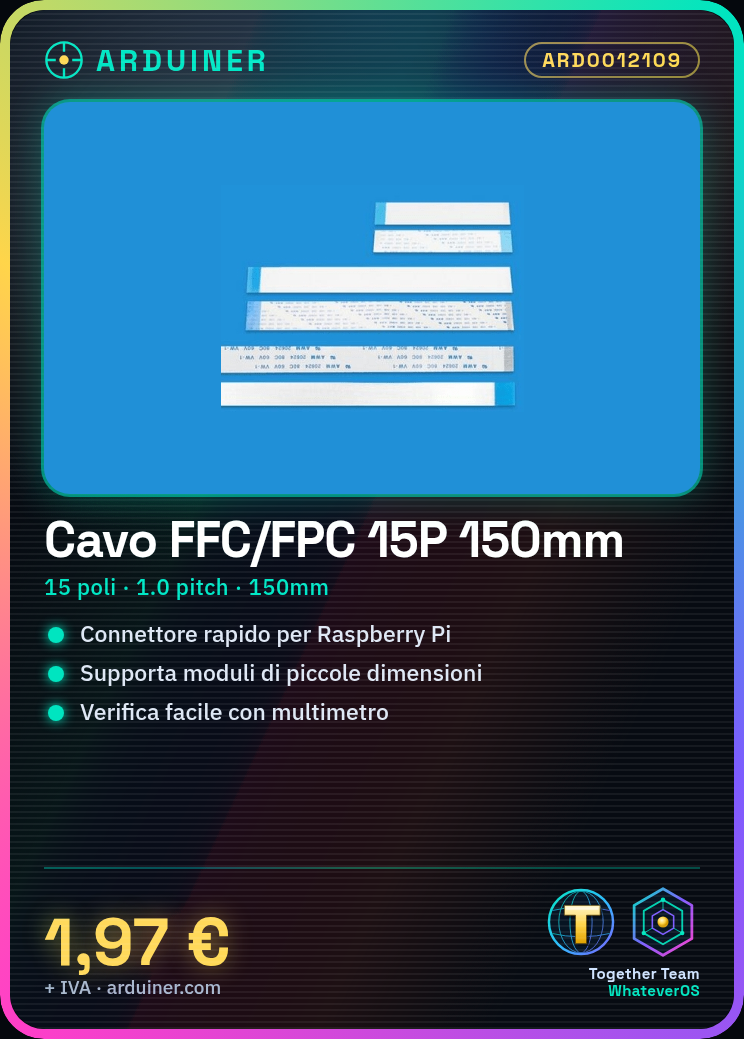
FFC/FPC 15P 1.0pitch 150mm Cable for Raspberry PI /RPIC-FLEX-15
Tutorial: How to Use FFC/FPC 15P 1.0pitch 150mm Cable
This 15-pin FFC/FPC cable with 1.0 pitch connectors is ideal for connecting small Raspberry Pi modules. It is perfect for electronics projects that require fast and clean connections.
What you need
- Raspberry Pi
- Module to connect
- Tool to remove connectors (if necessary)
- Pin tester or multimeter
- Connect to computer
Steps
- Check that the cable is compatible with the module to connect.
- If necessary, remove the connectors from the cable using an appropriate tool.
- Connect the cable to the module.
- Connect the other end of the cable to the Raspberry Pi.
- Check the connection with a pin tester or multimeter.
- Verify the proper functioning of the module with the Raspberry Pi.
- If the module is a display, install the necessary libraries on the Raspberry Pi.
- Test the module with a simple script or sketch.
Mini project
Connect an LCD 16×2 module to the Raspberry Pi to create a test display.
Common mistakes
- Do not check the cable compatibility before installation.
- Do not use the correct tool to remove connectors.
- Do not verify the connection before activating the module.
- Use a long or short cable according to the project needs.
Recommended accessories
- LCD 16×2 Module
- Raspberry Pi Starter Kit
- Multimeter
- Tool for removing FFC/FPC connectors
Frequently asked questions
What is the length of the cable?
The cable length is 150mm.
Is the cable compatible with other devices besides the Raspberry Pi?
Check the cable and device datasheet for compatibility.
How do you remove the connector?
Use a specific tool to remove FFC/FPC connectors.

Reviews
There are no reviews yet.