 EN
 IT Italiano
 ES Español
 FR Français
 DE Deutsch
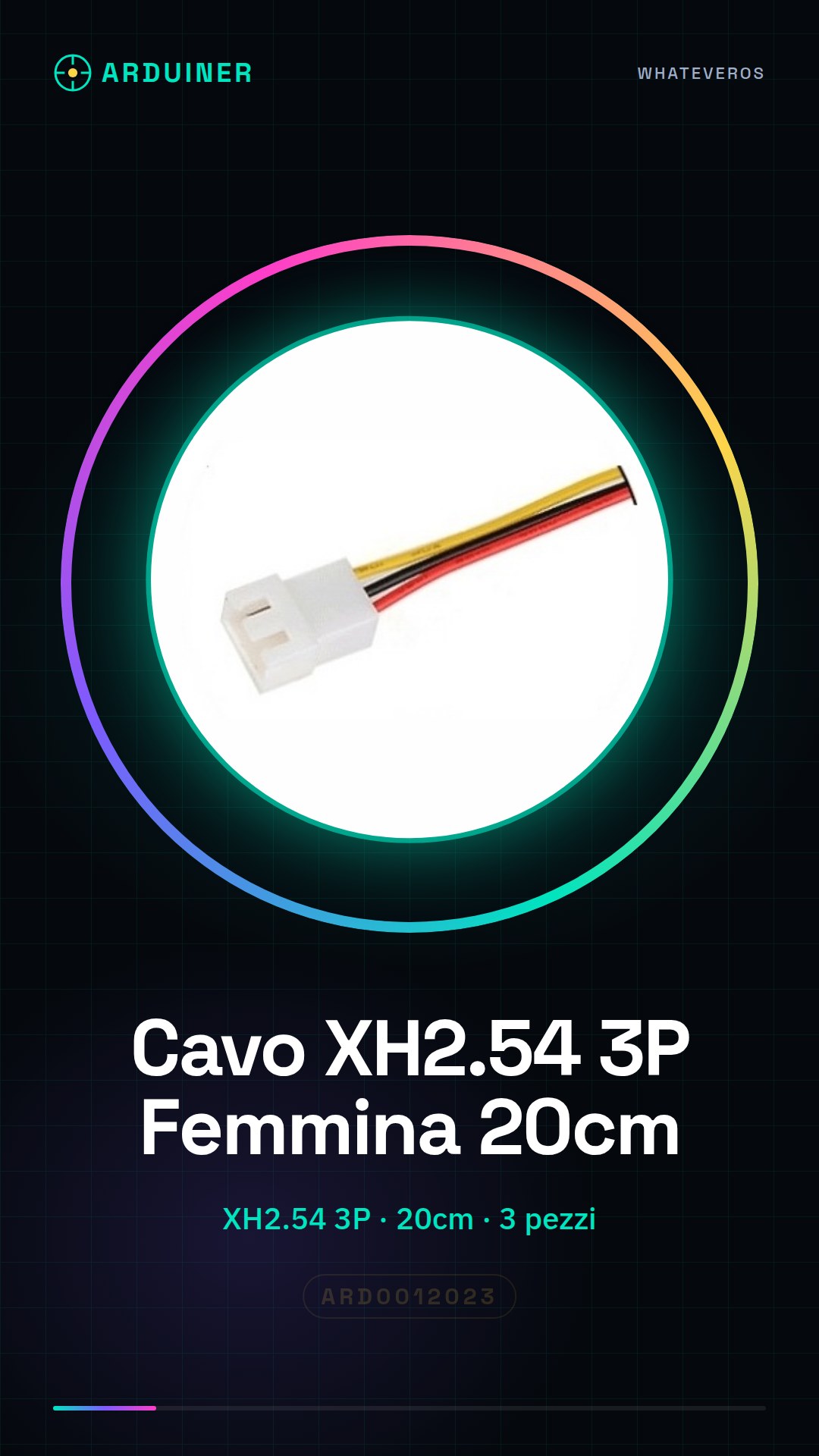
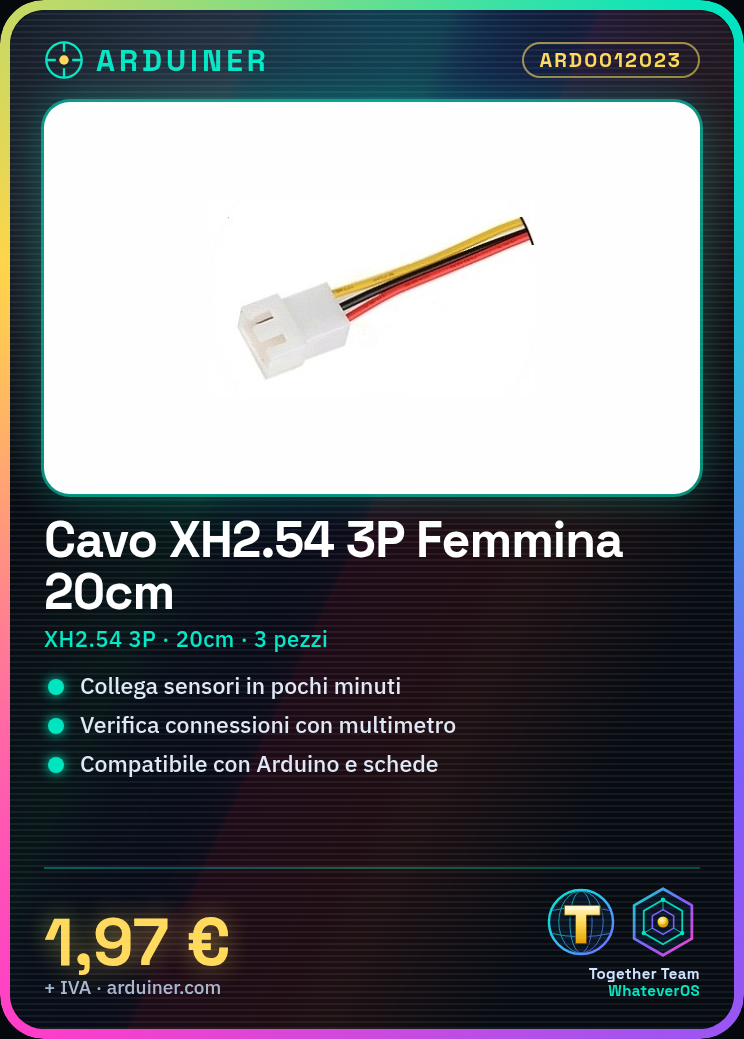
Description
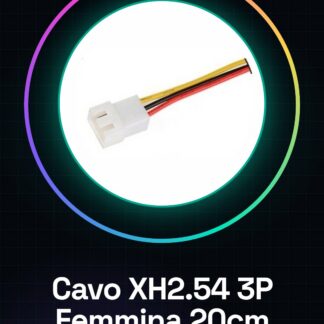
Tutorial: How to Use XH2.54 3P Female 20cm Cable – 3 Pieces
This cable is ideal for connecting sensors, displays, or small control units. Useful for beginners and intermediates.
What you need
- XH2.54 3P Female 20cm Cable – 3 Pieces
- XH2.54 Male Connector
- Microcontroller or Arduino Board
- Sensors or devices to connect
Steps
- Check the datasheet for connector specifications.
- Connect cable to XH2.54 Male Connector.
- Connect cable to microcontroller or Arduino Board.
- Connect cable to sensors or devices.
- Verify connections with a multimeter.
- Load Arduino code to test connection.
Mini project
Build a simple humidity sensor. Connect a DHT22 sensor to the cable and display data on an LCD display.
Common mistakes
- Connect cable to incorrect connectors.
- Omit connection verification.
- Ignore connector specifications.
- Do not test connection before use.
Recommended accessories
- DHT22 Sensor
- LCD Display 16×2
- Multimeter
- XH2.54 Male Connector
Frequently asked questions
Can I use this cable with any microcontroller?
Yes, but check compatibility with the XH2.54 connector.
How long does it take to connect the components?
About 10 minutes for beginners.
Can this cable be used to connect components of different sizes?
Yes, but make sure the components are compatible with the XH2.54 connector.
Can I use this cable to connect high-power components?
Check the maximum current allowed on the datasheet.

Reviews
There are no reviews yet.