 EN
 IT Italiano
 ES Español
 FR Français
 DE Deutsch
Description
What it is
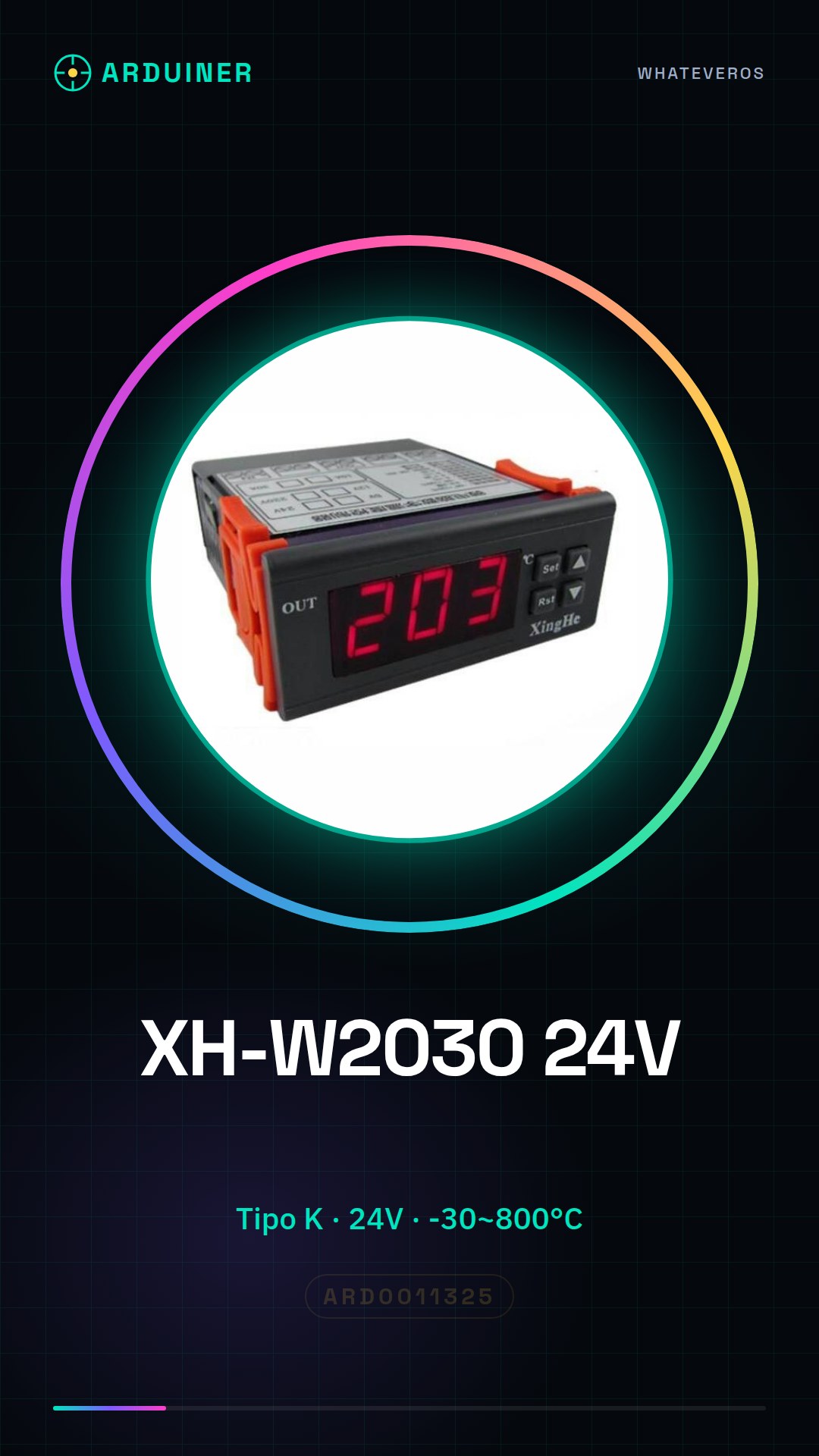
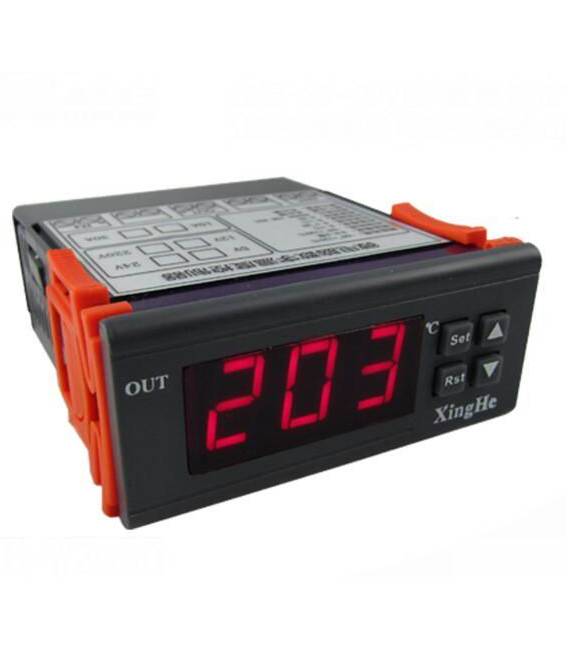
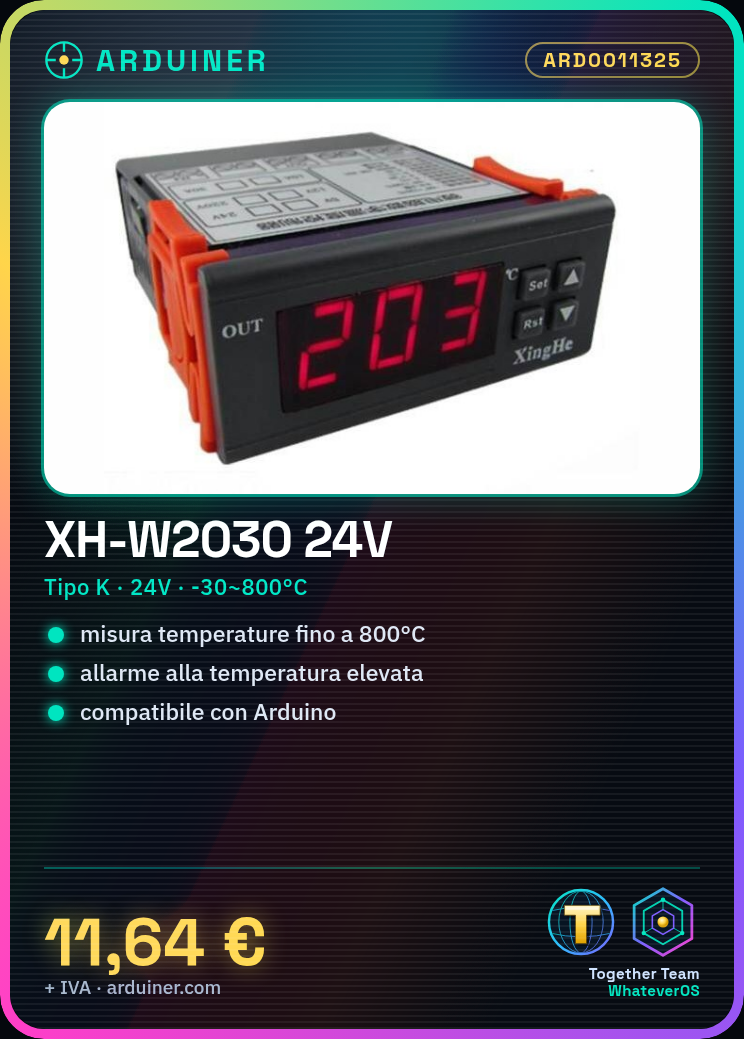
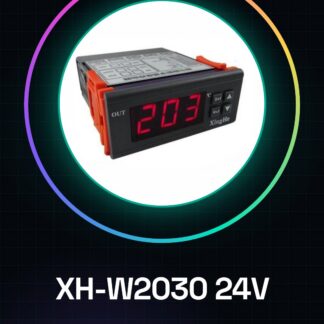
XH-W2030 is a high-temperature type K thermocouple with high-temperature alarm output, ideal for measuring high temperatures up to 800°C. This device is designed for applications requiring high precision and reliability in temperature measurement.
Features
- Type K thermocouple
- High-temperature alarm output
- Temperature range: -30°C to 800°C
- Power supply side: 24V
What it is for
XH-W2030 can be used in various projects, such as creating a home oven alarm system that alerts when the temperature exceeds a certain threshold. It is compatible with Arduino and similar microcontrollers.
Tutorial: How to use XH-W2030 Thermocouple
The XH-W2030 thermocouple is a high-performance device that allows measuring high temperatures up to 800°C. This component is ideal for DIY projects and industrial applications where temperature accuracy is crucial.
What you need
- Arduino Uno or compatible
- Connection cable
- Connectors
Steps
- Connect the positive connector (thermocouple) to the input pin of the Arduino
- Connect the negative connector (thermocouple) to ground (GND)
- Install the Adafruit_MAX31855 library in the Arduino IDE
- Write the sketch to read data from the thermocouple
- Check that the module output corresponds to the measured temperature
- Adjust the software according to the project requirements (reading interval, alarm threshold)
- Implement an alarm system when the temperature exceeds a certain threshold
- Test the entire circuit to ensure everything works correctly
Example code
// Includi la libreria
#include <Adafruit_MAX31855.h>
// Definisci i pin di Arduino
#define MAX31855_CS_PIN 9
#define MAX31855_CLK_PIN 10
#define MAX31855_DO_PIN 11
// Inizializza il modulo
Adafruit_MAX31855 max31855(MAX31855_CLK_PIN, MAX31855_CS_PIN, MAX31855_DO_PIN);
void setup() {
Serial.begin(9600); // Avvia la comunicazione seriale
}
void loop() {
float temperature = max31855.readTempC();
if (isnan(temperature)) { Serial.println("Errore di lettura" ); }
else { Serial.print(F("Temperatura: ")); Serial.print(temperature); Serial.println(F(" C")); }
}
Mini project
Create an alarm system for the home oven that alerts when the temperature exceeds a certain threshold. The project takes about half an hour.
Common mistakes
- Incorrectly connect the pins
- Use the wrong library to read thermocouple data
- Ignore the device’s temperature specifications
- Do not test the system before final use
Recommended accessories
- Arduino Uno R3
- USB A-MicroB cable
- JST PH to pin connector
Frequently asked questions
How can I verify the maximum temperature of the thermocouple?
Check the product datasheet to obtain temperature limits.
What is the most common reason for error during installation?
Connections are incorrect or the library used is not suitable for the thermocouple.



Reviews
There are no reviews yet.