 EN
 IT Italiano
 ES Español
 FR Français
 DE Deutsch
Description
What it is
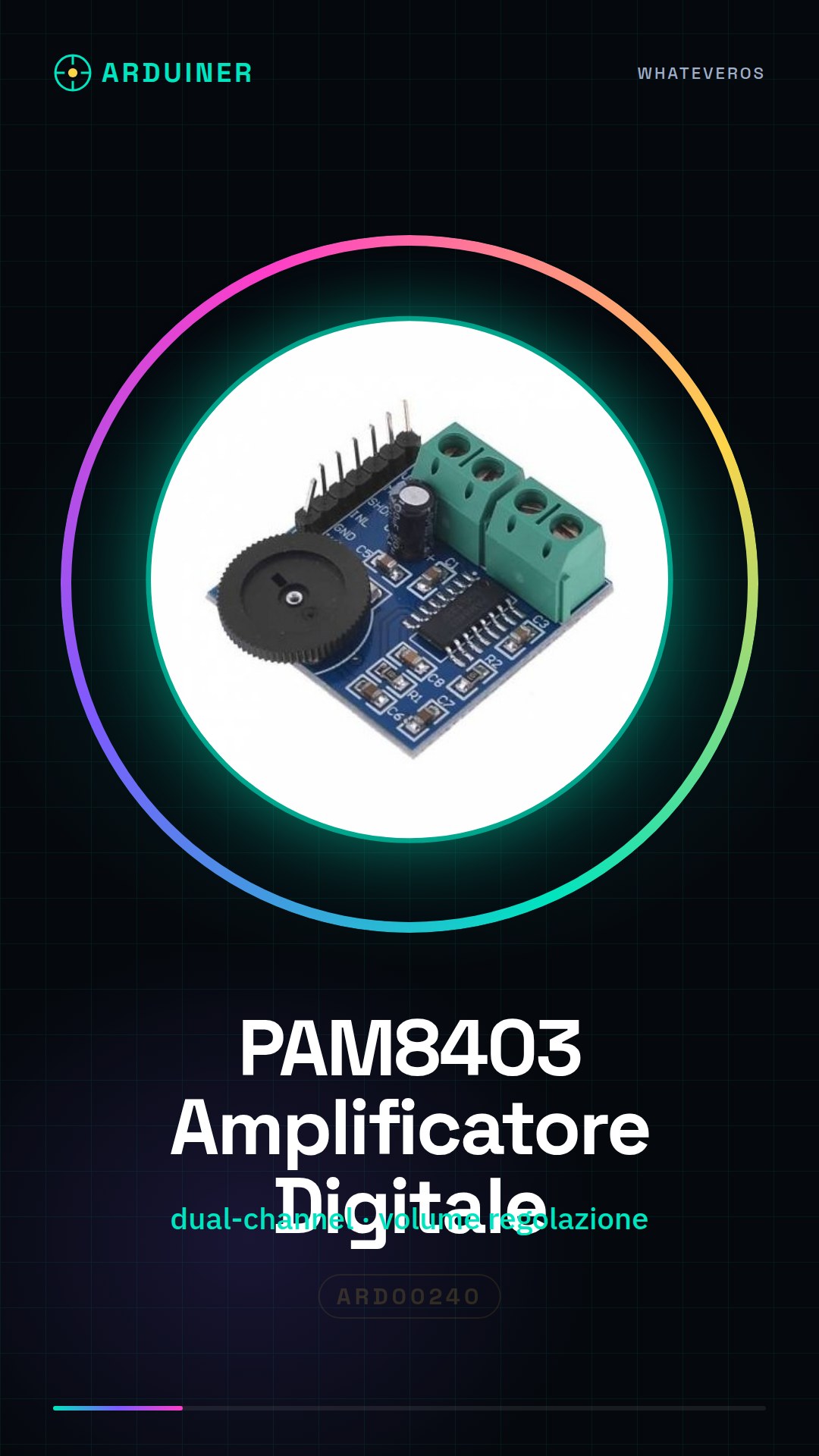
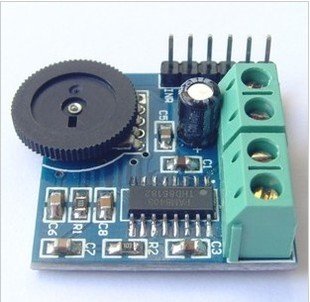
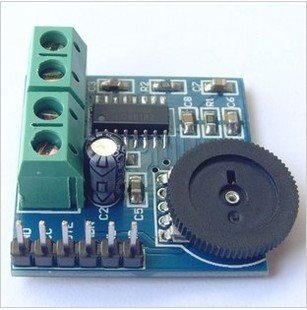
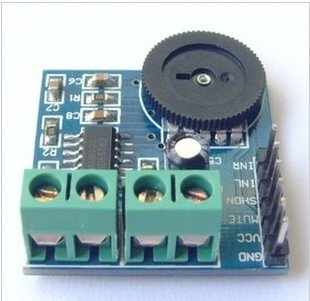
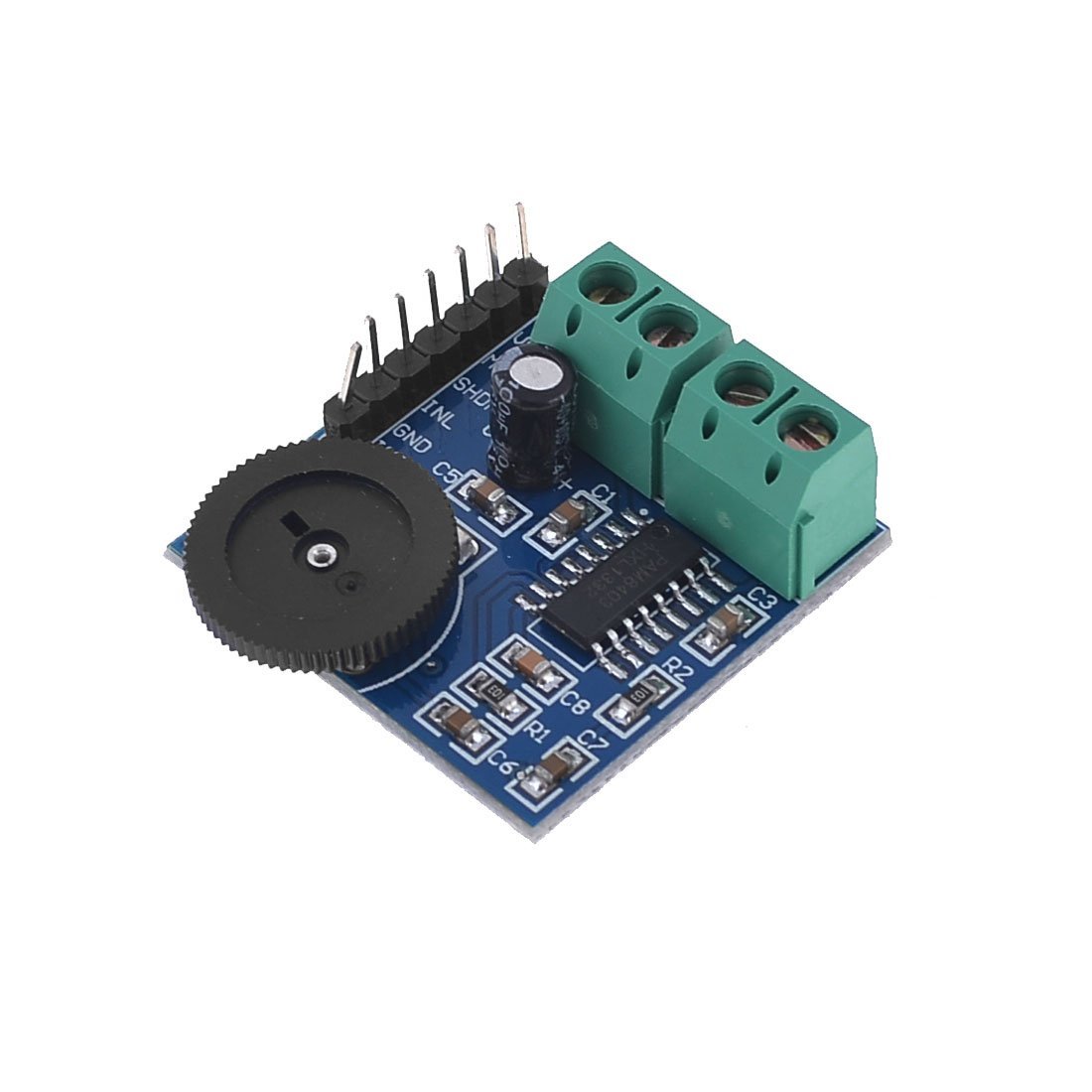
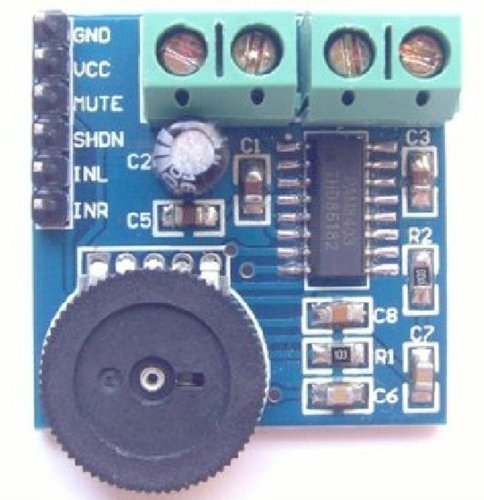
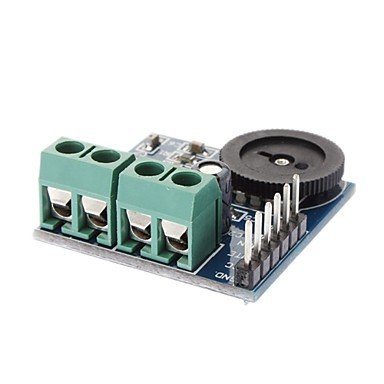
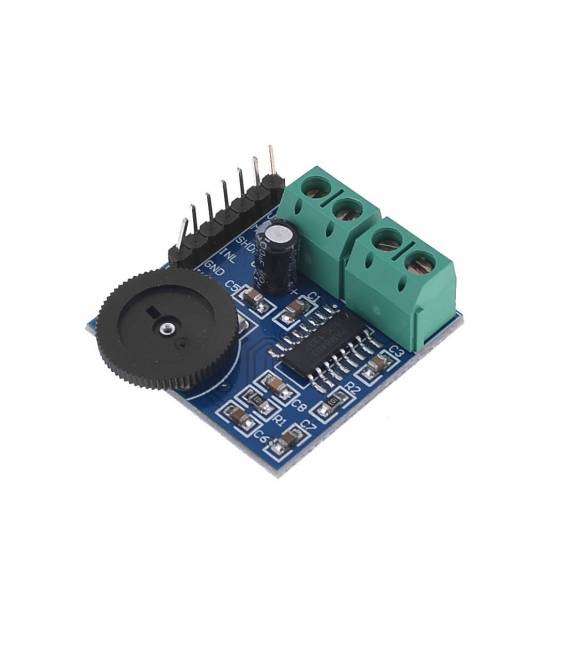
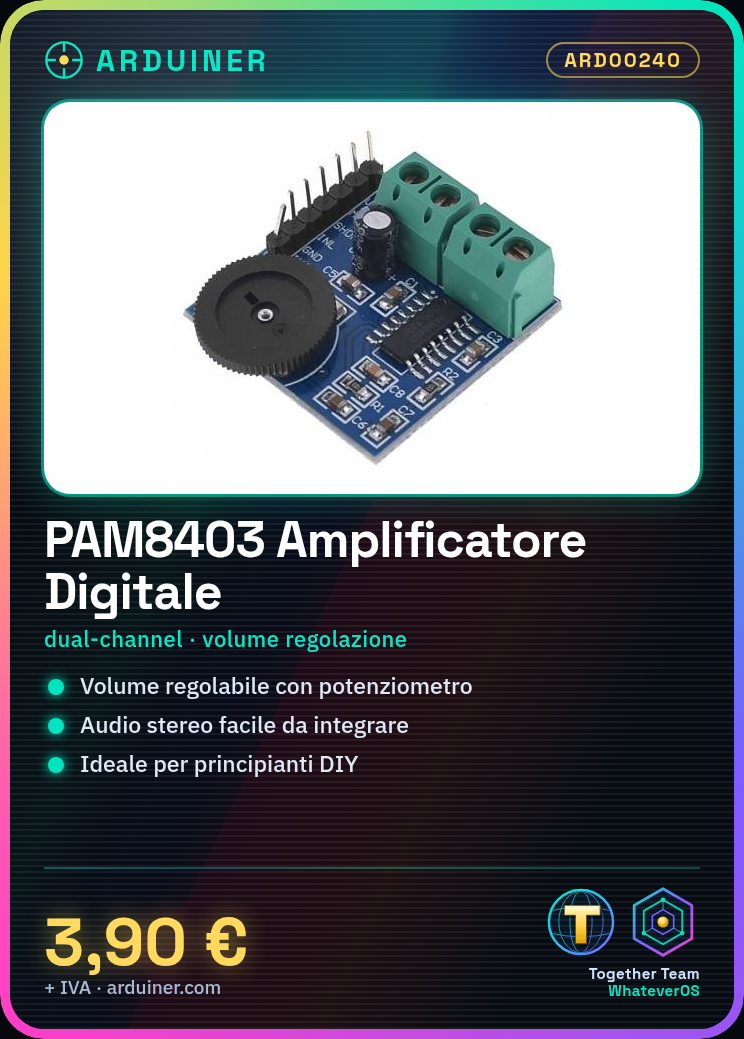
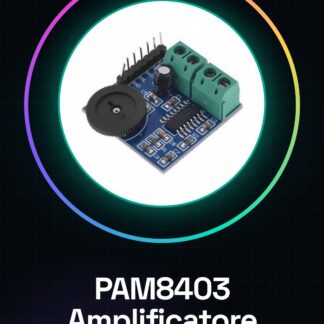
The PAM8403 module is a dual-channel digital audio amplifier that allows for easy integration of audio functionality in Arduino or 3D printed projects. This component includes built-in volume control and offers stereo audio performance for DIY applications.
Features
- Dual-channel digital audio amplifier
- Integrated volume control
What it is for
Ideal for beginners and DIY projects, the PAM8403 module can be used in various contexts such as creating a stereo audio system with Arduino and two speakers. It is compatible with several platforms including Arduino and ESP.
Tutorial: How to use the PAM8403 module (digital audio amplifier)
The PAM8403 module is a stereo audio amplifier for DIY projects. Ideal for beginners.
What you need
- PAM8403 module
- Arduino Uno
- two headphones or speakers
- jumper wires
Steps
- Connect VCC and GND of the module to +5V and GND of the Arduino
- Connect the left audio line (L) to one of the Arduino’s digital outputs
- Connect the right audio line (R) to the other digital output of the Arduino
- Adjust the volume of the module using a potentiometer connected to VOLUME and GND
- Check the datasheet to connect any additional LEDs or indicators
- Download the example sketch provided by the Arduino IDE
- Compile and upload the code to the Arduino
- Test the amplifier with headphones or speakers connected
Example code
void setup() {
  pinMode(9, OUTPUT);
  pinMode(10, OUTPUT);
}

void loop() {
  tone(9, 440); // sinistra
  tone(10, 880); // destra
}
Mini project
Create a stereo audio system with Arduino and two speakers
Common mistakes
- Connect VCC to +3.3V instead of +5V
- Do not connect the potentiometer to adjust the volume
- Use headphones or speakers that are too sensitive without limiting the audio output
- Omit connecting GND between Arduino and module
Recommended accessories
- PAM8403 module
- Arduino Uno R3
- Jumper wire kit
- Potentiometer (10kΩ)
Frequently asked questions
How do you adjust the volume?
Connect a potentiometer between VOLUME and GND of the module.
Can it power headphones directly?
Yes, but check the sensitivity of the headphones before connecting them.
Reviews
There are no reviews yet.