 EN
 IT Italiano
 ES Español
 FR Français
 DE Deutsch
Description
What it is
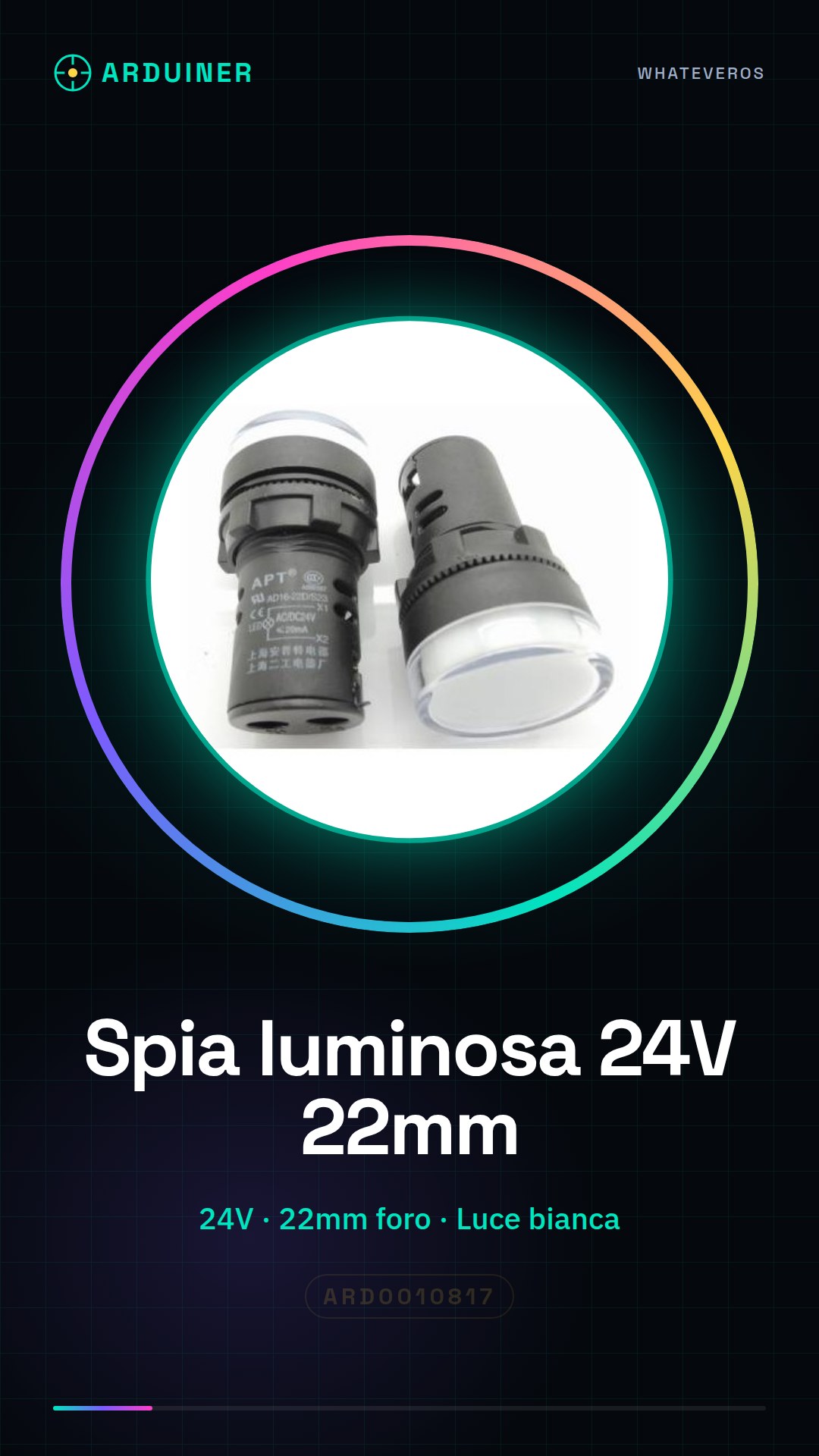
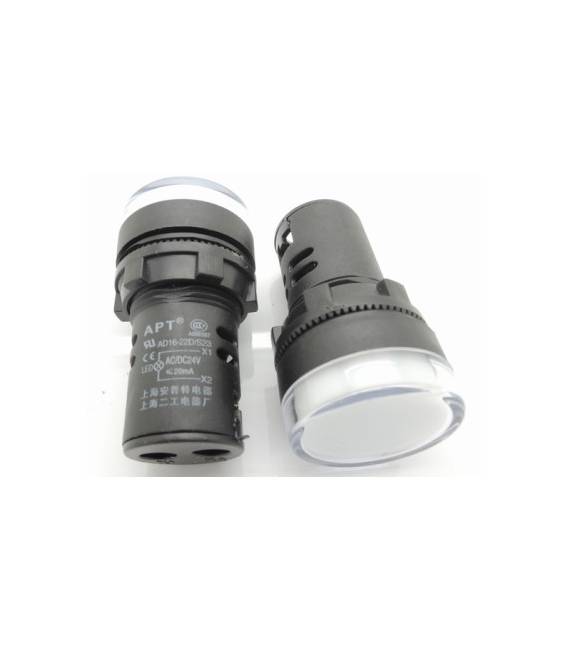
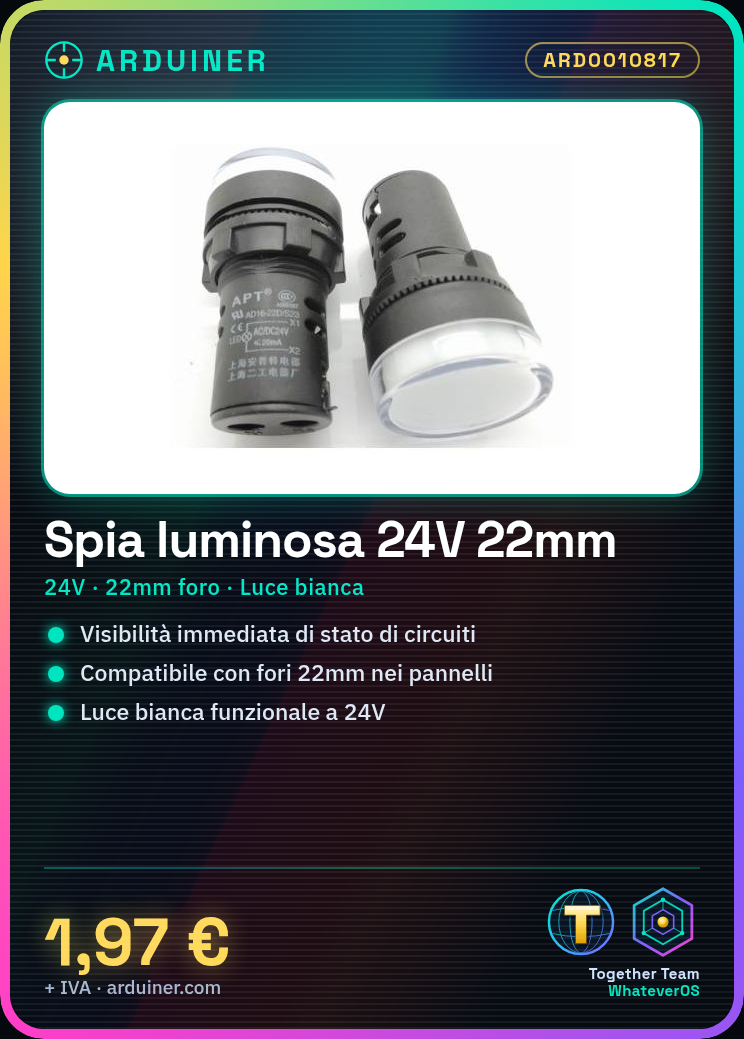
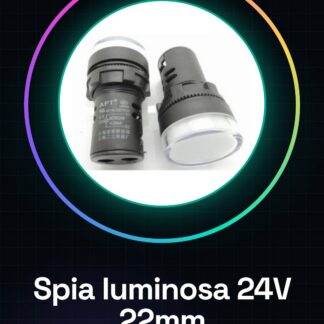
The AD16-22D/S panel indicator light is an electronic component designed to indicate the activation or deactivation state of devices. With a white light head, it fits perfectly into 22mm holes in panels.
Features
- Type: Panel indicator light
- Light: White
- Operating voltage: 24V
- Hole diameter: 22mm
What it is for
The AD16-22D/S indicator light is used to monitor the state of electronic circuits, providing immediate visibility. It is ideal for makers who want to create simple home alarm systems or other projects where the visualization of device activation/deactivation is crucial.
Tutorial: How to use AD16-22D/S 24V indicator light
The AD16-22D/S 24V indicator light is a useful component for makers and electricians who want to indicate the activation or deactivation state of a device. Ideal for monitoring electronic circuits, it offers immediate visibility thanks to its bright white light.
What you need
- Arduino Uno
- USB cable
- Appropriate resistor (check the datasheet)
- Circuit connection
Steps
- Connect the indicator light to an Arduino Uno using the available digital pins and a resistor to limit the current flow.
- Download the Arduino IDE and install the necessary libraries if they are not already present in the system.
- Write a simple sketch that activates the indicator light when a certain pin of the Arduino is high (HIGH) and turns it off when the pin is low (LOW).
- Upload the sketch to the Arduino Uno microcontroller via the USB cable by connecting the Arduino to the computer.
- Check that the indicator light turns on correctly in response to commands loaded onto the Arduino.
- If necessary, adjust the resistor to optimize the brightness of the indicator light without damaging it.
Example code
void setup() {
  pinMode(13, OUTPUT);
}

void loop() {
  digitalWrite(13, HIGH); // Accende la spia luminosa
  delay(500);
  digitalWrite(13, LOW); // Spegne la spia luminosa
  delay(500);
}
Mini project
Create a simple home alarm system that turns on a series of indicator lights when doors and windows are open. Use motion sensors or magnetic contacts to activate the alarm.
Common mistakes
- Using a resistor that is too low, which could damage the indicator light.
- Failing to verify the correct connection between Arduino and the indicator light.
- Ignoring the polarity of the indicator light during installation.
- Omitting to test the indicator light before integrating it into the final project.
Recommended accessories
- Arduino Uno
- Variable resistor kit
- PIR motion sensors
- Molex connectors
Frequently asked questions
How can I control the illumination of the indicator light?
You can use an Arduino to send digital signals that activate or deactivate the indicator light.
What is the electrical consumption of this light indicator?
Check the product datasheet to obtain accurate specifications.
Reviews
There are no reviews yet.