 EN
 IT Italiano
 ES Español
 FR Français
 DE Deutsch
Description
What it is
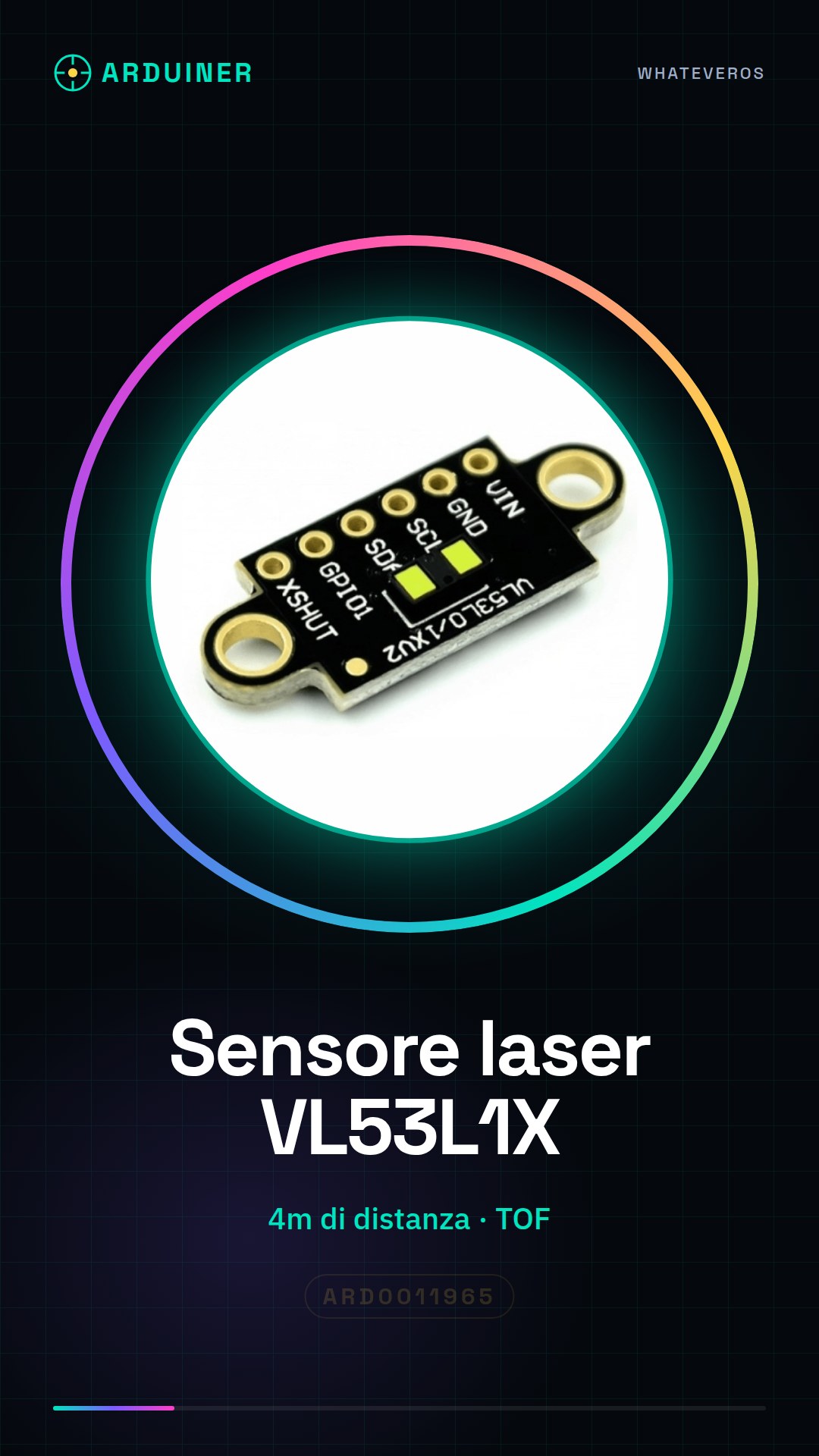
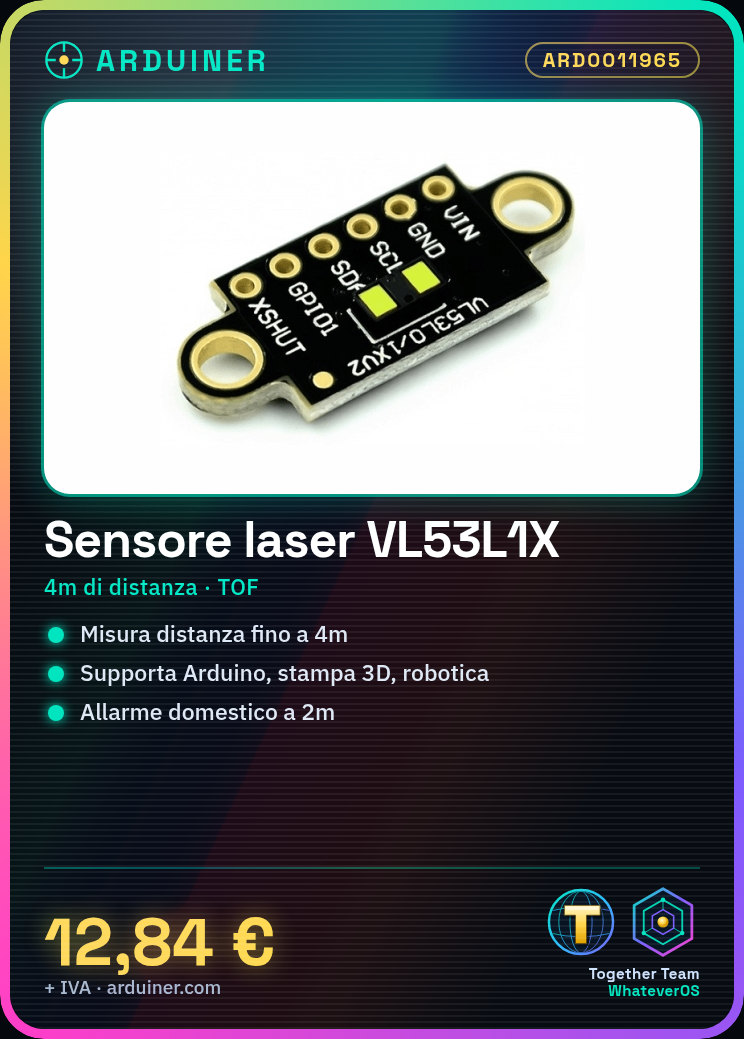
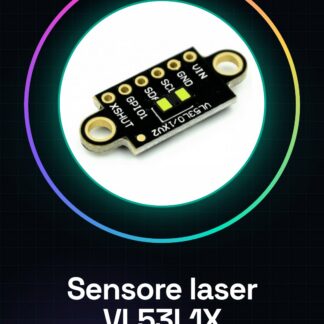
The VL53L1X laser distance sensor module is an electronic component designed to measure accurate distances up to 4 meters. This device uses Time of Flight (TOF) detection technology to provide precise distance data.
Features
- Measure distance up to 4 meters with precision
What it is for
The VL53L1X module is ideal for Arduino, 3D printing, and robotics projects. It can be used to create home alarm systems that send a notification when movement is detected within 2 meters. It is compatible with various microcontrollers such as Arduino and ESP.
Tutorial: How to use VL53L1X Laser Distance Sensor Module
The VL53L1X laser distance sensor module is an ideal component for measuring accurate distances up to 4 meters. This device is perfect for both Arduino projects and 3D printing and robotics applications.
What you need
- Arduino or compatible microcontroller
- USB Connection (if needed)
- Power Supply 3-5V
Steps
- Connect VCC to the 3.3V or 5V pin of the Arduino
- Connect GND to the ground of the Arduino circuit
- Connect SDA to one of the I2C pins of the Arduino (usually A4)
- Connect SCL to one of the I2C pins of the Arduino (usually A5)
- Install the Adafruit_VL53L0X library via Library Manager
- Check the firmware version on the datasheet for necessary updates
- Write and upload the example sketch provided
- Test the sensor by measuring distances at various points
Example code
// Includi la libreria
#include <Adafruit_VL53L0X.h>
// Creare un'istanza del sensore
Adafruit_VL53L0X vl53 = Adafruit_VL53L0X();
void setup() {
  Serial.begin(9600);
  if (!vl53.begin()) {
    Serial.println(F("Errore durante l'inizializzazione del sensore"));
    while (1); // Bloccare il programma
  }
}
void loop() {
  uint16_t distance = vl53.readRangeContinuousMillimeters();
  Serial.print("Distanza: ");
  Serial.println(distance);
}
Mini project
Create a home security system prototype that sends a notification when movement is detected within 2 meters.
Common mistakes
- Library installation error
- Incorrect I2C pin connection
- Insufficient power supply for the sensor
Recommended accessories
- 16×2 LCD module to display the distance
- AA batteries compatible with Arduino
- 3D printed mechanical support for the sensor
Frequently asked questions
How can I calibrate the sensor?
Check the product datasheet
How long does it take to measure distance?
The response time is generally less than 30 ms, check the datasheet for specific details
Reviews
There are no reviews yet.