 EN
 IT Italiano
 ES Español
 FR Français
 DE Deutsch
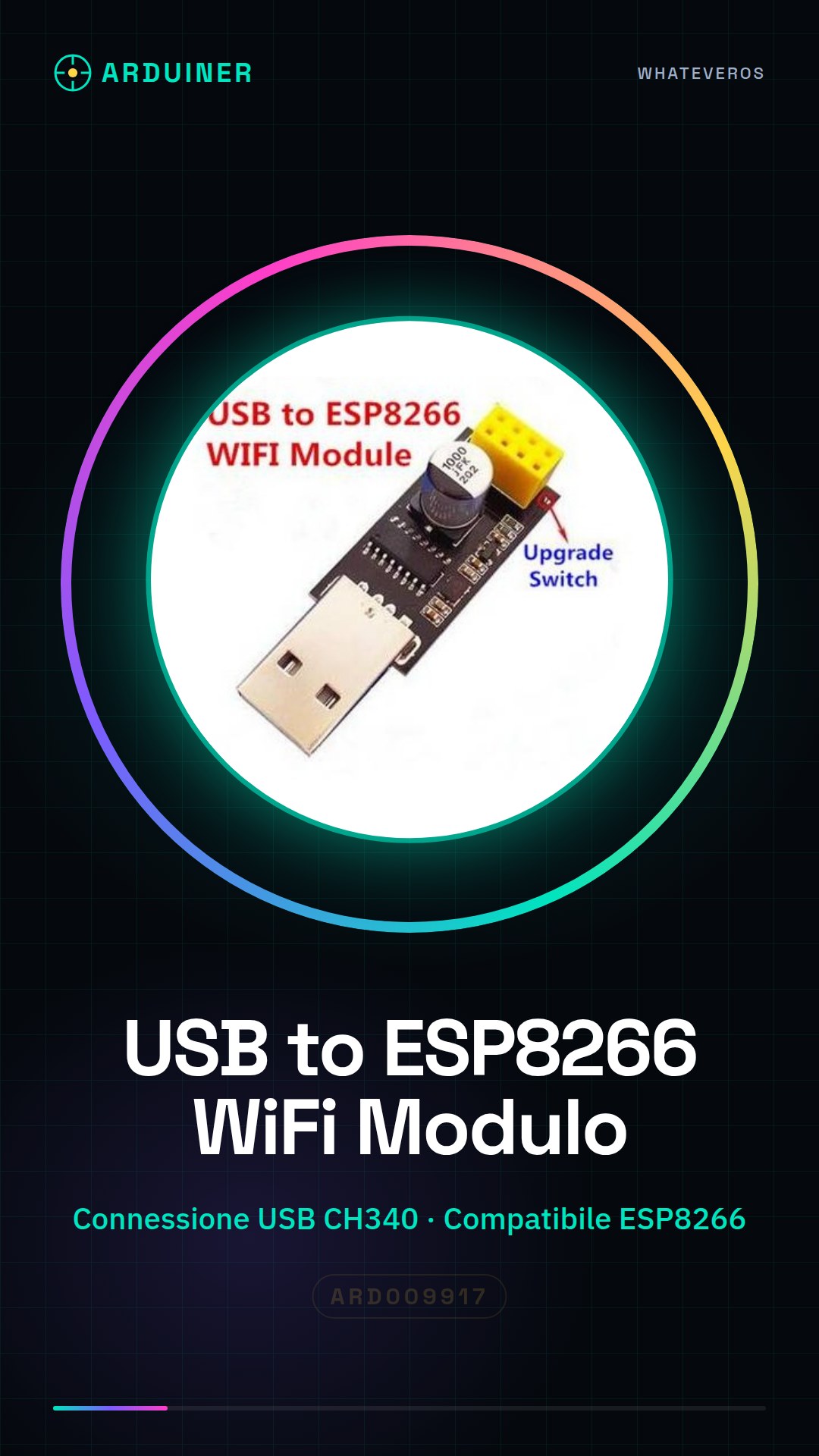
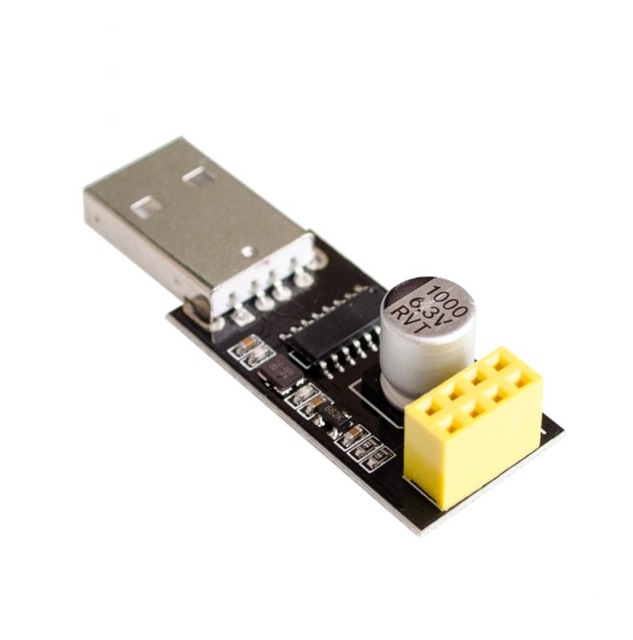
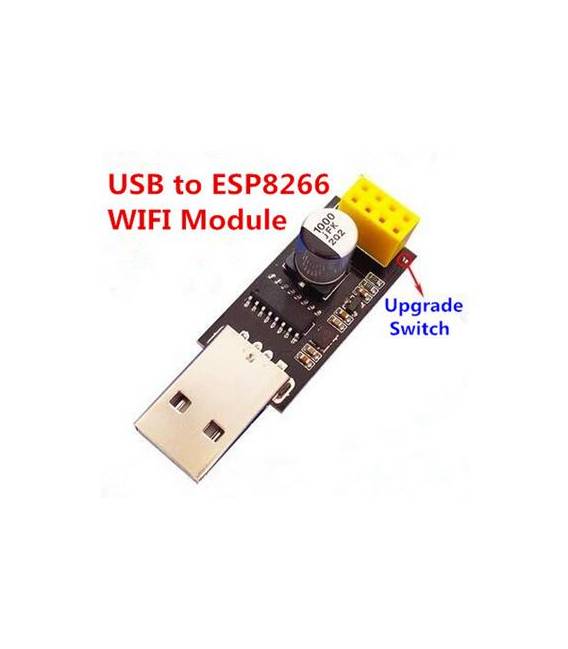
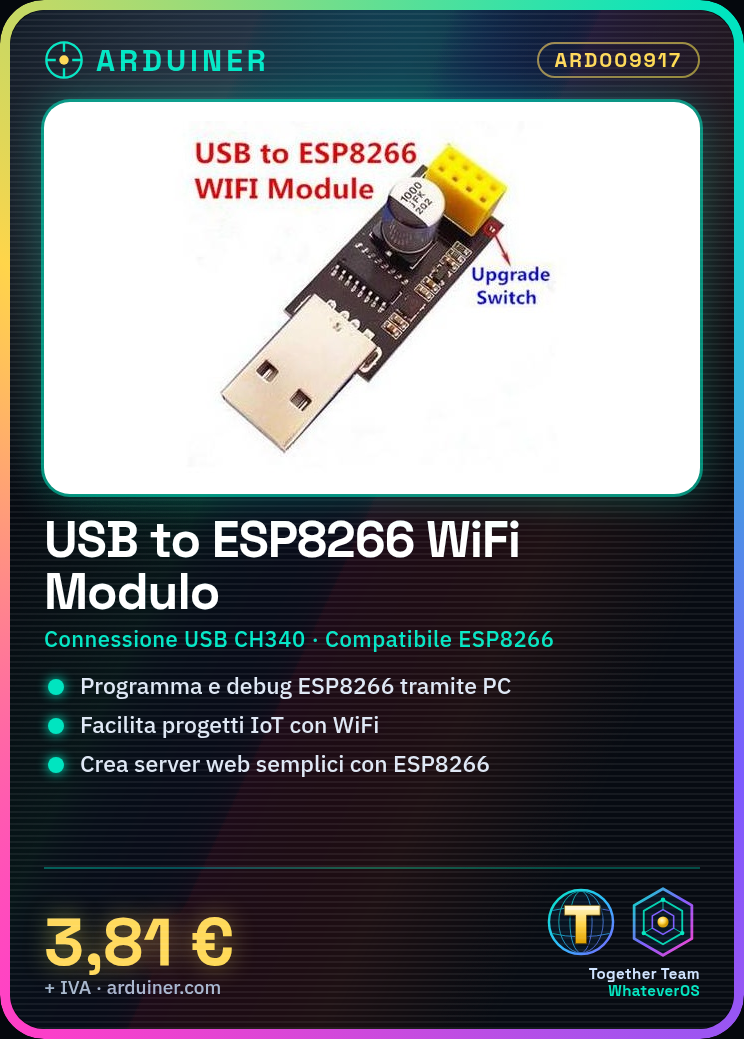
Description
What it is
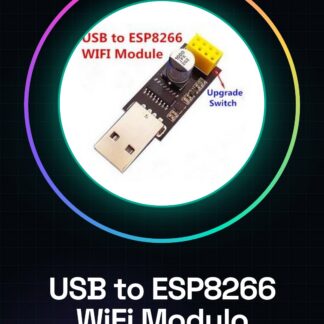
The USB to ESP8266 WIFI module is a serial adapter CH340 that allows connecting an ESP8266 microcontroller to a computer.
Features
- USB connection to computer via CH340
- Compatible with ESP8266
- SKU: ARD009917
- Price: 3.81 €
What it is for
This module is useful for programming and debugging an ESP8266. It can be used for IoT projects and to create simple web servers with ESP8266.
Tutorial: How to use USB to ESP8266 WIFI Microcontroller Module Serial Adapter CH340
This module allows you to connect your ESP8266 to a computer for programming and debugging. Useful for WiFi projects.
What you need
- PC or laptop
- USB cable
- ESP8266
- Arduino IDE
Steps
- Download and install the Arduino IDE.
- Check the datasheet for your ESP8266 specifications.
- Connect the CH340 module to your PC with the USB cable.
- Open the Arduino IDE and select ‘Arduino Uno’ as board.
- Choose the correct serial port.
- Upload the ‘Serial Monitor’ example code to Arduino IDE.
- Check the connection through the serial monitor.
- Load a custom code onto ESP8266.
Mini project
Create a simple web server with ESP8266 using a sample code.
Common mistakes
- Incorrect USB connection.
- Arduino IDE not up to date.
- Incorrect Arduino code.
- ESP8266 not initialized properly.
Recommended accessories
- ESP8266
- Arduino IDE
- USB cable
- ESP8266 shield
Frequently asked questions
How can I check the serial port?
Go to ‘Tools’ > ‘Port’ and select the correct port.
My ESP8266 does not connect to the serial monitor.
Check the physical connection and the initialization code.
What are the minimum requirements for the Arduino IDE?
Visit the official Arduino website for minimum requirements.

Reviews
There are no reviews yet.