 EN
 IT Italiano
 ES Español
 FR Français
 DE Deutsch
Description
What it is
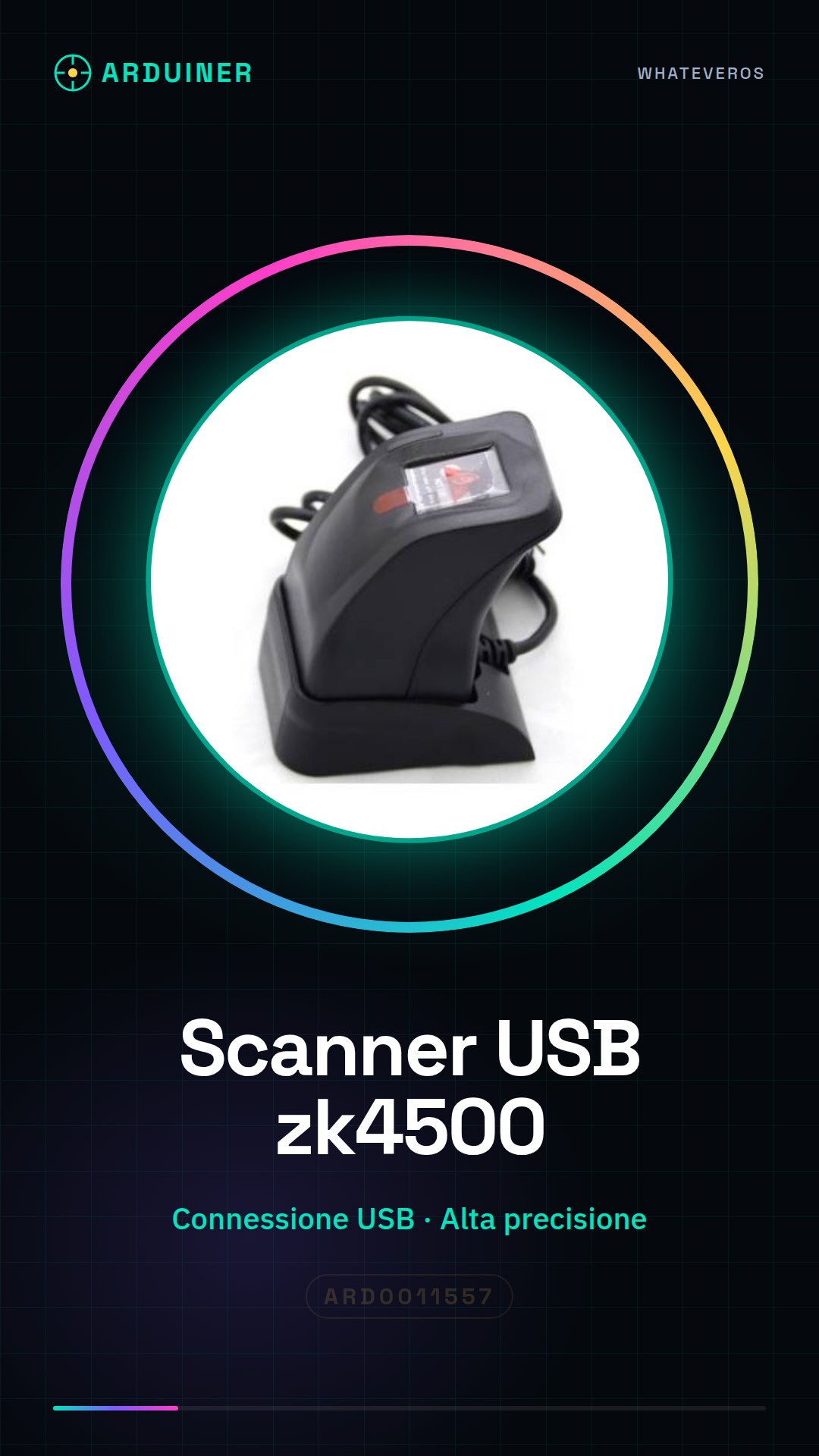
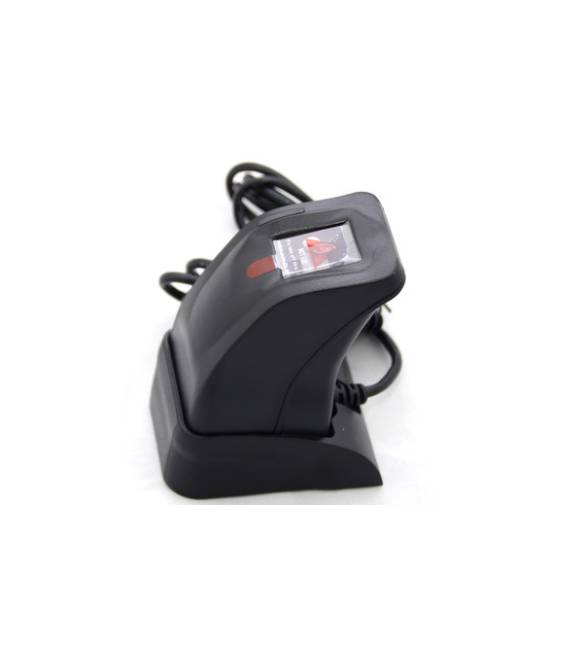
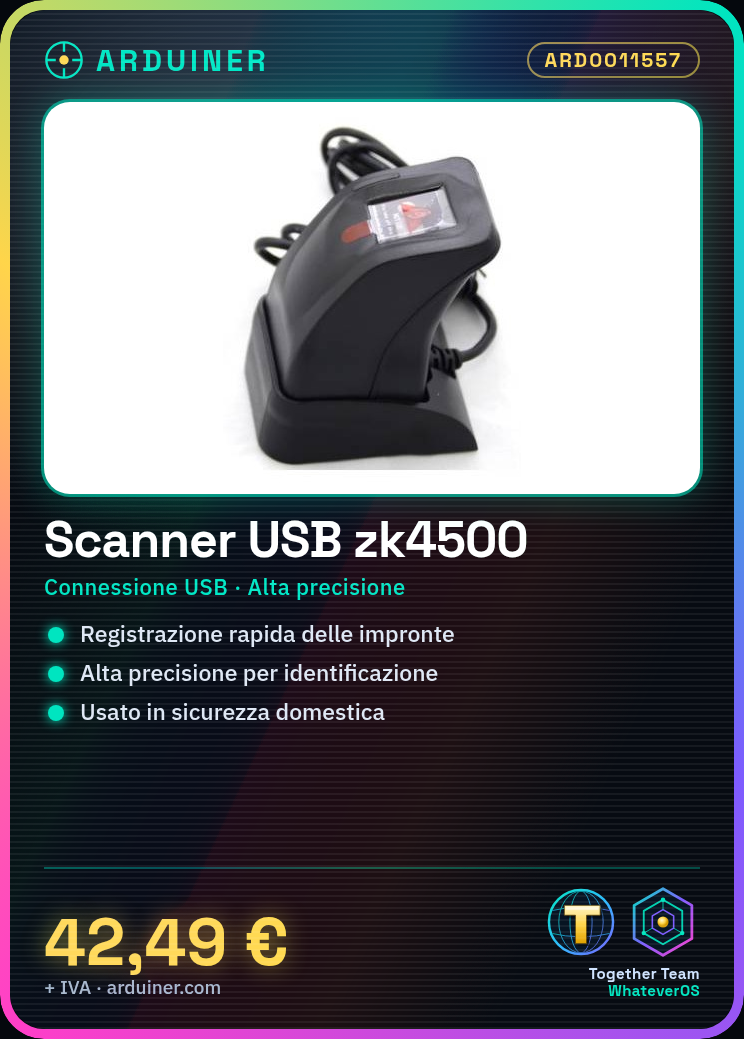
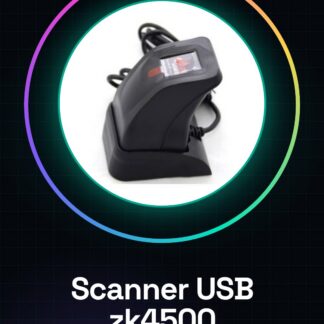
ZK4500 is a USB fingerprint scanner that quickly and accurately records fingerprints.
Features
- USB Connection
- Fingerprint Registration
- High Precision
What it is for
The ZK4500 is ideal for home or commercial security applications, allowing fingerprint enrollment and identification. It is suitable for developers and end-users who want to create fingerprint-based access systems. It can be used with Arduino for custom automation and security projects.
Tutorial: How to Use USB Fingerprint Scanner ZK4500
The ZK4500 USB fingerprint scanner is ideal for home or commercial security applications, allowing fingerprint enrollment and identification. Suitable for developers and end-users.
What you need
- PC or Mac with USB
- Arduino IDE
- ZKUHID library
- Fingerprint library
Steps
- 1. Download and install Arduino IDE.
- 2. Install the ZKUHID and Fingerprint libraries.
- 3. Connect the zk4500 scanner to the PC.
- 4. Check the datasheet for correct power supply.
- 5. Write basic code to initialize the device.
- 6. Read the datasheet documentation for specific settings.
- 7. Try scanning a fingerprint.
- 8. Verify the scanned data with the device interface.
Example code
```cpp
#include <ZKUHID.h>
#include <Fingerprint.h>

void setup() {
  Serial.begin(9600);
  ZKUHID.begin();
  Fingerprint.begin();
}

void loop() {
  if (Fingerprint.readImage()) {
    Serial.println("Impronta scansionata");
  }
}
```
Mini project
Create a fingerprint-based access system using zk4500 and an Arduino.
Common mistakes
- Incorrect power supply: check the datasheet.
- Unstable USB connection: recalculate the cable.
- Libraries not installed correctly: check the documentation.
- Code not working: check syntax and dependencies.
Recommended accessories
- Arduino Nano
- 16×2 LCD Display
- Relay
- 5V Power Supply
Frequently asked questions
How can I verify if the device is correctly connected?
Check the device LED and monitor the serial console for initialization signals.
What are the minimum requirements for using the device?
PC or Mac with available USB, Arduino IDE installed.
Can I use the device with a microcontroller other than Arduino?
Check compatibility on the datasheet.



Reviews
There are no reviews yet.