 EN
 IT Italiano
 ES Español
 FR Français
 DE Deutsch
Description
What it is
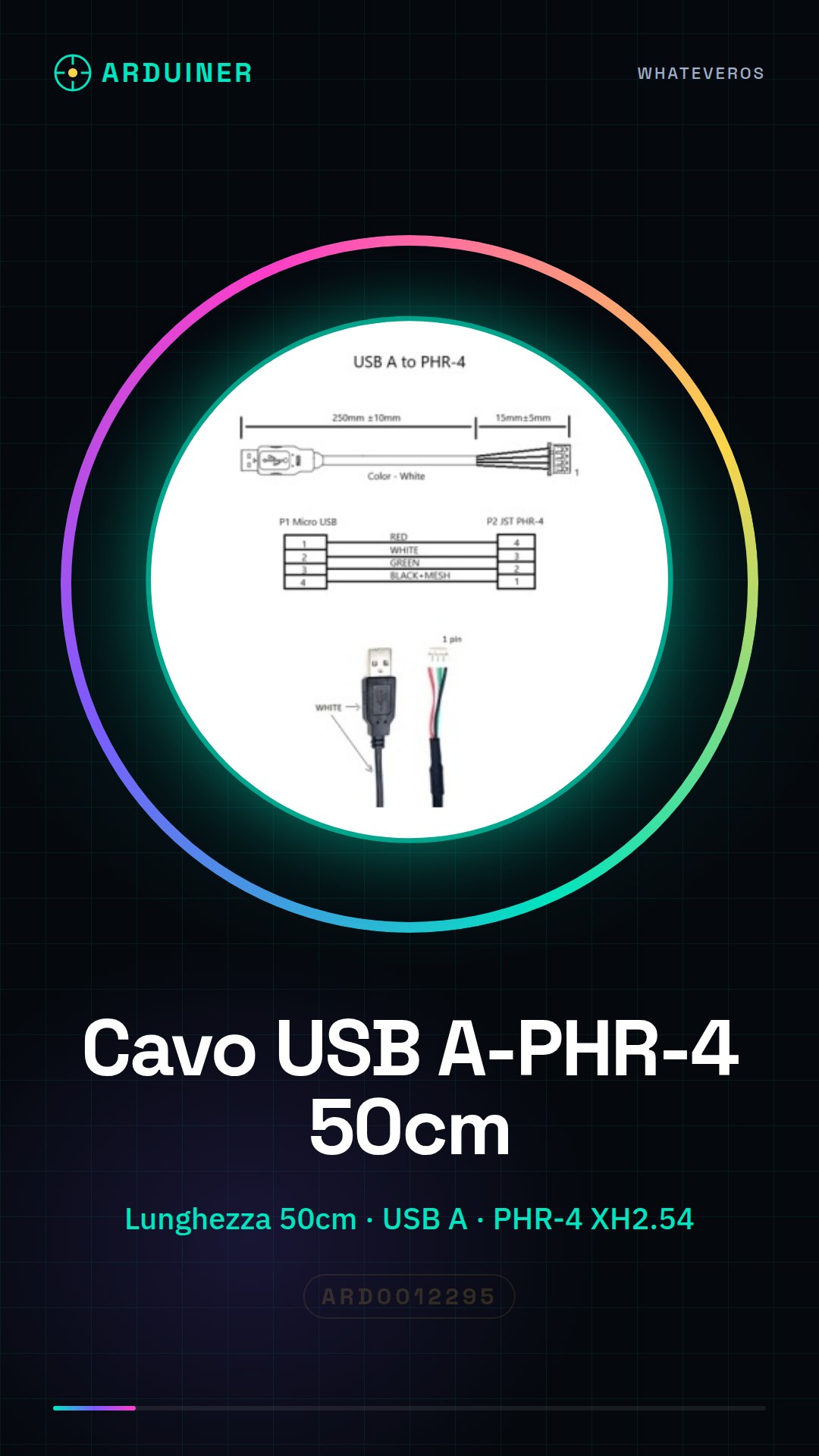
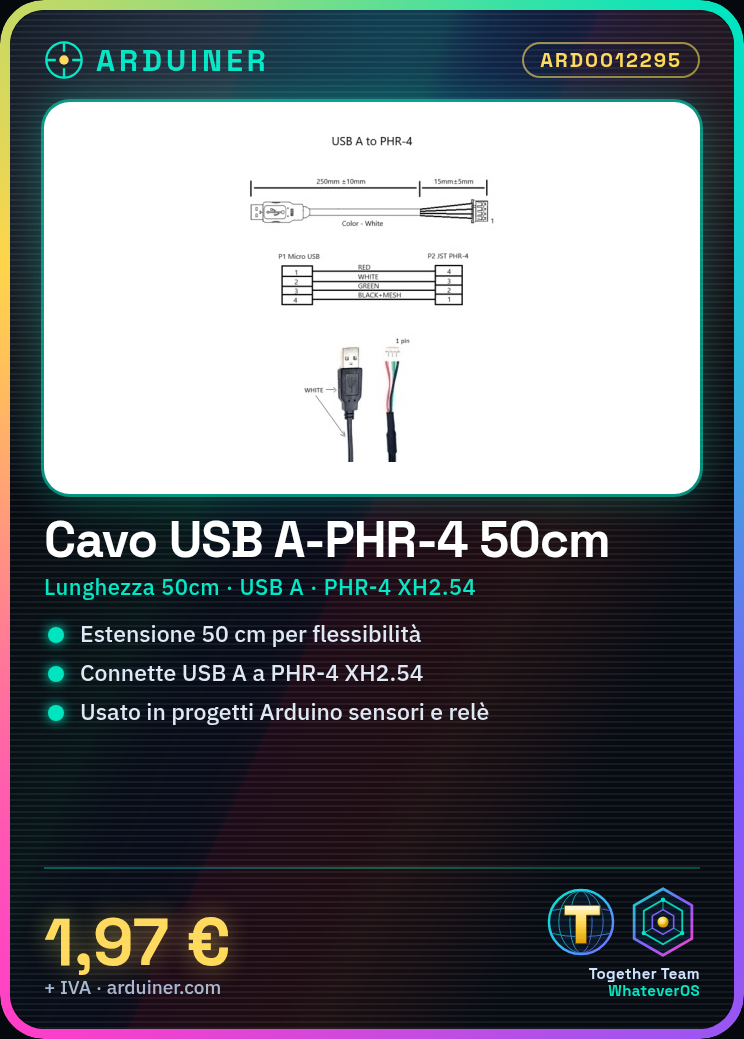
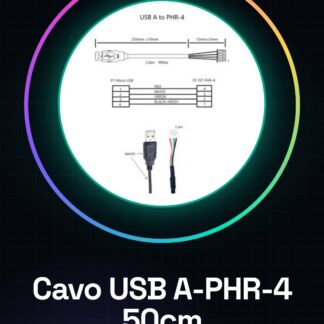
This 50 cm USB A to PHR-4 XH2.54 cable is an essential component for connecting Arduino devices and electronic components. It is used to extend the power or data cable from a USB A device to a PHR-4 XH2.54 connector.
Features
- Length: 50 cm
- USB A connector on one end
- PHR-4 XH2.54 connector on the other end
What it is for
Ideally used for electronic and Arduino projects that require greater positioning flexibility. It can be used to connect sensors, relays, and other electronic devices to a PHR-4 XH2.54 connector. For example, it can be used to create an Arduino-controlled lighting system that uses a light sensor and a relay connected via the PHR-4 XH2.54 connector to control the lights.
Tutorial: How to use USB A to PHR-4 XH2.54 50cm Connector
The USB A to PHR-4 XH2.54 50cm connector is a useful component for extending the power or data cable from a USB A device to a PHR-4 XH2.54 connector. Ideal for electronics and Arduino projects that require greater positioning flexibility.
What you need
- USB A Connector
- PHR-4 XH2.54 Connector
- Wire Stripper Tool
- Naphta
Steps
- Unwind the PHR-4 XH2.54 cable and separate the individual wires.
- Cut the USB A wires to expose the internal metals.
- Connect the corresponding wires between the USB A cable and the PHR-4 XH2.54 cable (VCC to VCC, GND to GND, D+ to D+, D- to D-).
- Wrap the wires with electrical tape or apply naphta to protect the connections.
- Insert the ends of the cable into the respective connectors and ensure they are securely fastened.
Mini project
Create an Arduino-controlled lighting system that uses a light sensor and a relay connected via the PHR-4 XH2.54 connector to control the lights.
Common mistakes
- Do not connect the signal wires correctly.
- Do not protect the connections with naptha.
- Use damaged or flaked connectors.
- Do not check the correct connection before using the cable.
Recommended accessories
- USB A connector
- PHR-4 XH2.54 connector
- Wire stripper tool
- Naptha
Frequently asked questions
How can I verify the correct connection?
Check that the wires are connected correctly and that the connectors are securely fastened.
Can I use this cable to transfer data?
Yes, but make sure that the D+ and D- wires are connected correctly.
Reviews
There are no reviews yet.