 EN
 IT Italiano
 ES Español
 FR Français
 DE Deutsch
Description
What it is
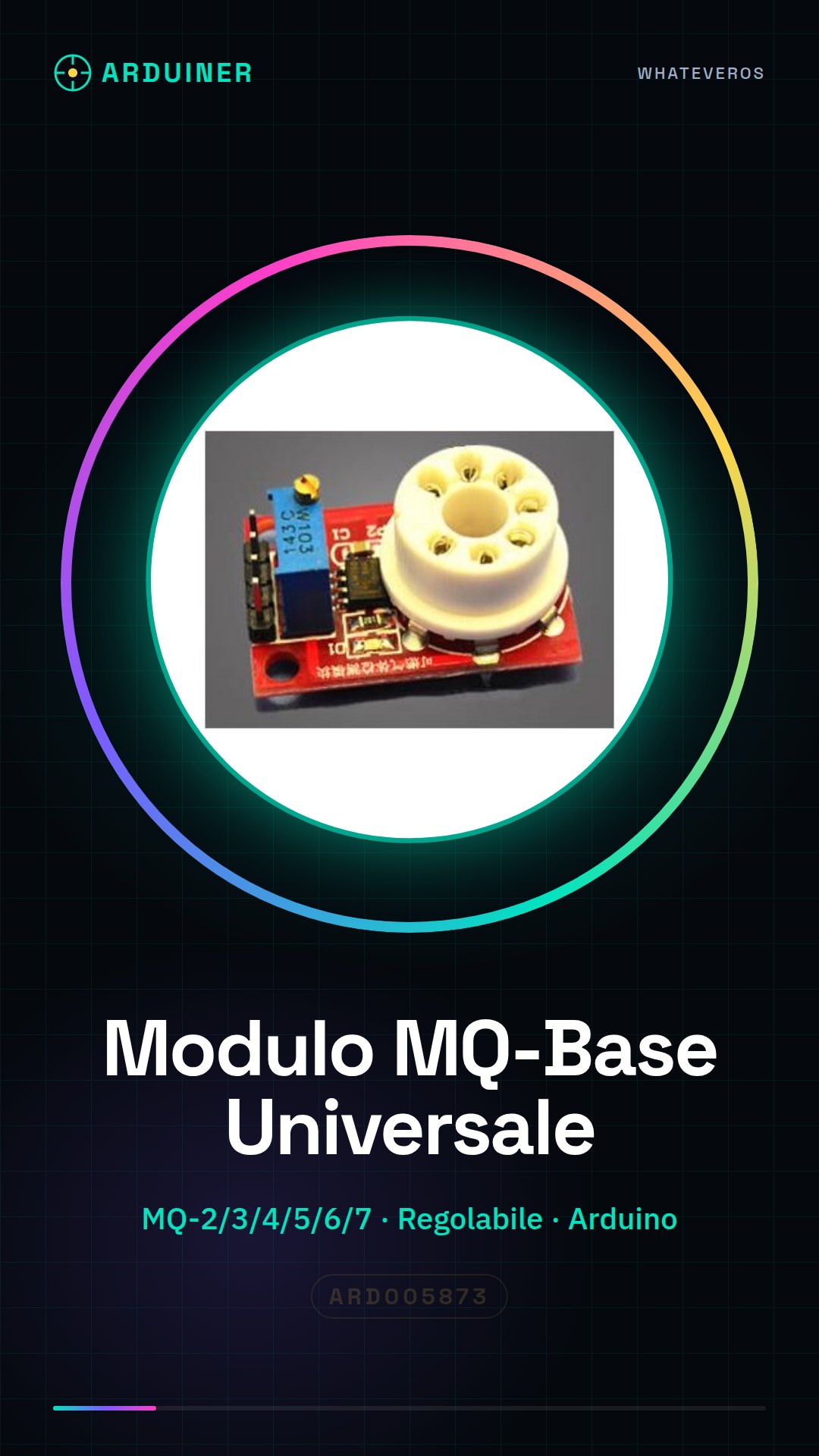
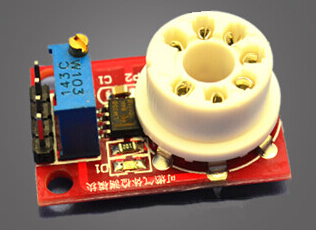
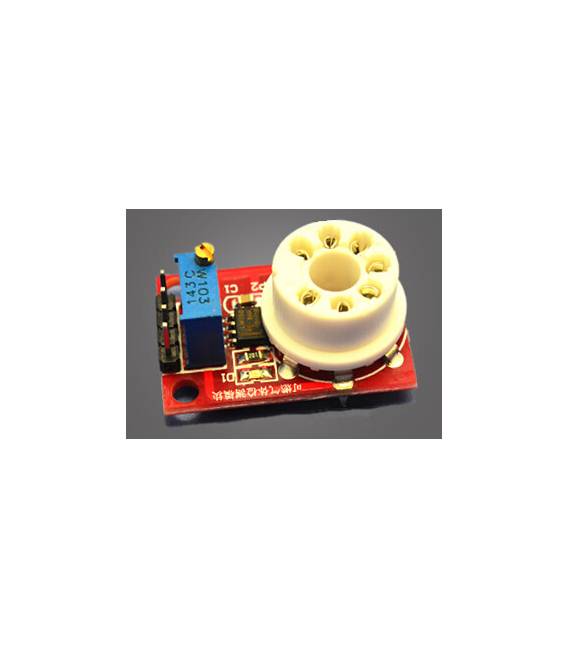
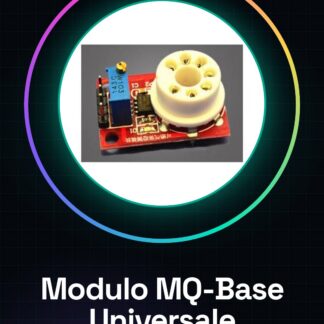
The universal MQ-Base module is a adjustable device designed for compatibility with MQ-2, MQ-3, MQ-4, MQ-5, MQ-6, and MQ-7 gas sensors. This component allows for the measurement of various types of gas concentrations in domestic or industrial environments.
Features
- Compatible with MQ-2, MQ-3, MQ-4, MQ-5, MQ-6, and MQ-7 gas sensors
- Adjustable to fit different types of sensors
What it is for
MQ-Base modules are ideal for projects that require gas concentration measurement, such as the implementation of domestic or industrial alarm systems. You can connect theOUTPUT to an LED pin and program Arduino to turn on the LED when the gas concentration exceeds a certain limit.
Tutorial: How to Use Universal MQ-2/3/4/5/6/7 Base Module
This sensor module is ideal for measuring gas concentrations in domestic and industrial environments. Useful for beginners and intermediate makers.
What you need
- Arduino or compatible
- Wiring Kit
- Multimeter
- Module datasheet
Steps
- 1. Installation: Apply a small amount of adhesive to secure the module to the socket.
- 2. Connection: Connect VCC to Arduino’s 5V, GND to GND, and OUT to a digital pin.
- 3. Check the datasheet: Know the maximum temperature and voltage limits.
- 4. Configuration: Use `analogRead` to read analog values.
- 5. Test: Apply gas and verify the module’s response.
- 6. Program: Use `Serial.println` to display values.
- 7. Calibration: Check the module’s response with different gas levels.
- 8. Safety: Follow the datasheet instructions to avoid risks.
Example code
```cpp
int gasPin = 2;
void setup() {
  Serial.begin(9600);
}
void loop() {
  int gasValue = analogRead(gasPin);
  Serial.println(gasValue);
  delay(1000);
}
```
Mini project
Create a simple gas alarm with the MQ-2/3/4/5/6/7 module and an LED. Connect the OUTPUT to an LED pin and program Arduino to turn on the LED if the analog value exceeds a certain limit.
Common mistakes
- Connect VCC to 3.3V instead of 5V.
- Omit calibration.
- Ignore operating temperatures.
- Use a different digital pin from the analog one.
Recommended accessories
- Arduino Nano
- LED
- 1kΩ resistor
- Wiring cable
Frequently asked questions
Does the module work with Arduino Uno?
Yes, it works with Arduino Uno. Check the power supply voltage.
How to calibrate the module?
Measure values with different gas levels and adjust the Arduino code.
Which gases can it measure?
Check the datasheet to know the types of gas.
Does the module work with batteries?
Check the power supply specifications on the datasheet.
Reviews
There are no reviews yet.