 EN
 IT Italiano
 ES Español
 FR Français
 DE Deutsch
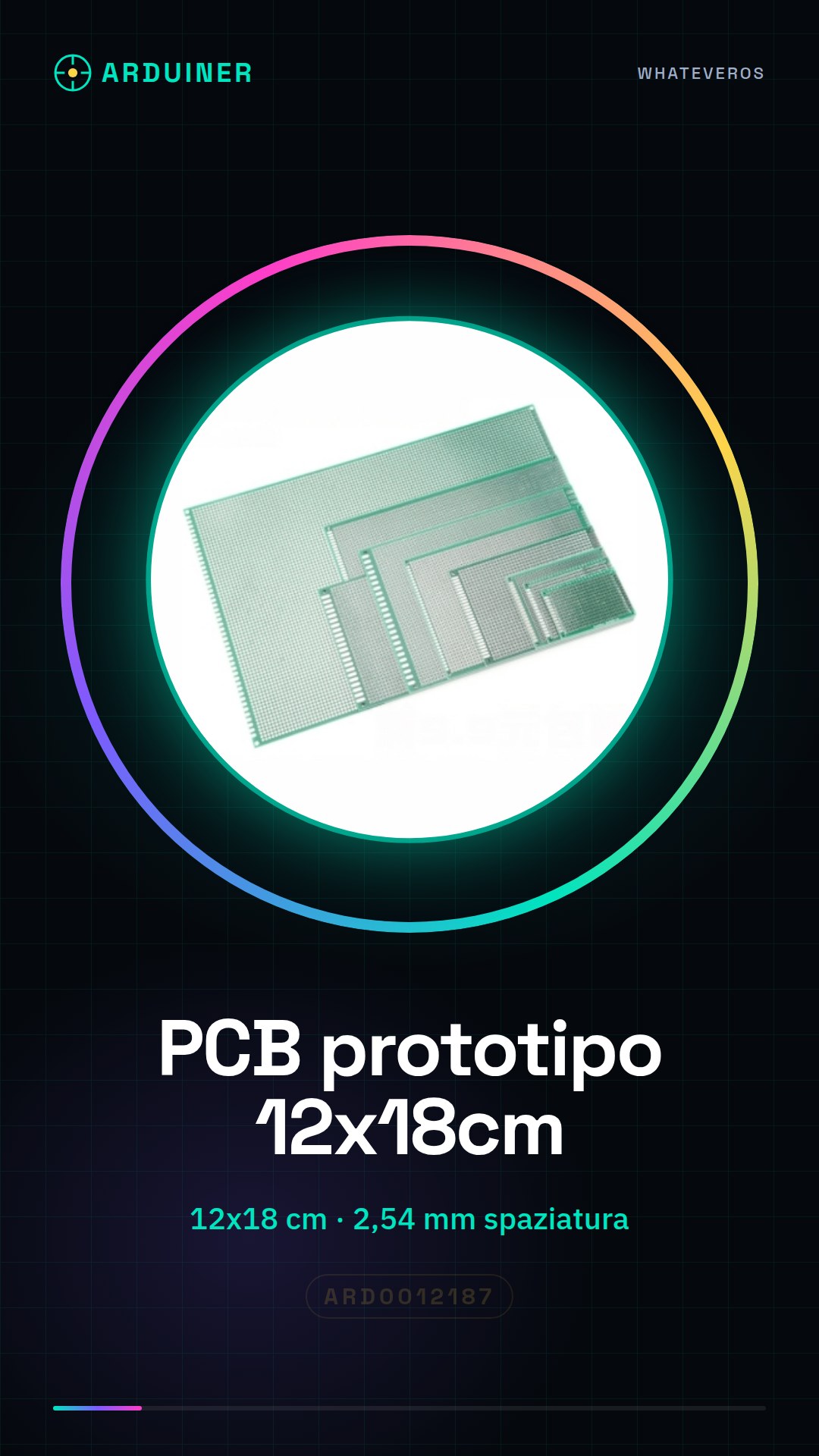
Description
What it is
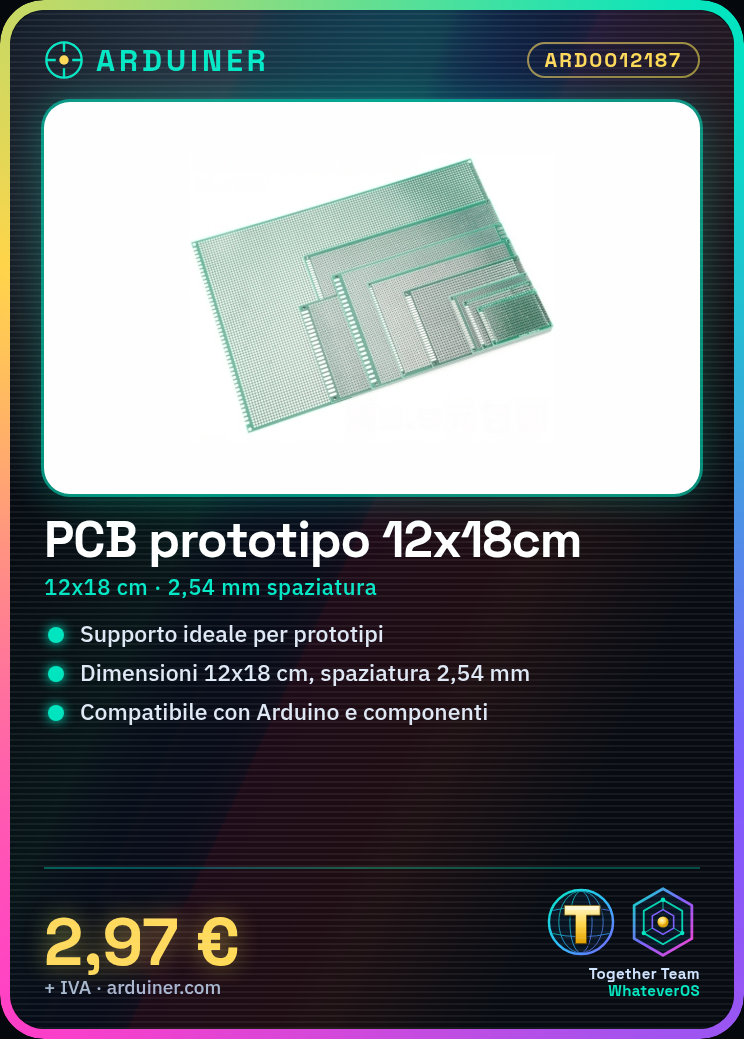
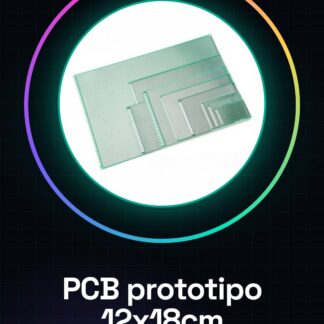
The universal PCB prototype double-sided board is an ideal support for the realization of electronic prototypes and projects. With dimensions of 12 x 18 cm and a hole spacing of 2.54 mm, this PCB allows makers and electronics enthusiasts to explore and develop circuits without having to create a custom PCB.
Features
- Dimensions: 12 x 18 cm
- Hole spacing: 2.54 mm
- Double-sided
What it is for
This PCB prototype is perfect for creating simple control circuit prototypes, for example for an RGB LED with Arduino. Additionally, it is compatible with a wide range of electronic components, making it a versatile option for Arduino and electronics enthusiasts who are learning or developing projects.
Tutorial: How to use PCB Prototype 12 * 28 cm 2.54 mm
The double-sided PCB prototype 12 * 28 cm with 2.54 mm spacing is ideal for makers who want to create circuit prototypes without having to produce a custom PCB. This universal circuit board is perfect for Arduino enthusiasts and electronics hobbyists who are learning or developing projects.
What you need
- Arduino Uno
- Connectors
- Soldering Iron
- Connection Wires
- Electronic Components
- Breadboard
Steps
- Prepare the PCB prototype by cleaning it carefully to remove any impurities.
- Draw the circuit on the protective label of the PCB using a permanent marker.
- Connect the electronic components to the PCB using the connectors and connection wires.
- Test the circuit on the breadboard by connecting the components before soldering.
- Solder the electronic components to the PCB using the soldering iron.
- Check the entire circuit using a multimeter or a digital multimeter.
- Test the circuit with a simple Arduino sketch to ensure everything works correctly.
- Protect the PCB with a protective coating to prevent oxidation and corrosion.
Mini project
Create a simple RGB LED control circuit prototype with Arduino. Connect an RGB LED to the PCB prototype and use Arduino to control colors and brightness.
Common mistakes
- Do not clean the PCB before circuit drawing.
- Do not check the circuit before soldering.
- Do not use the correct temperature during soldering.
- Do not protect the PCB after soldering.
Recommended accessories
- Precision soldering iron
- Connector kit
- Large breadboard
- Electronic test kit
Frequently asked questions
Can I use any type of solder?
Check the datasheet for recommended solder temperature and type.
What electronic components can I connect?
You can connect any electronic component that fits the 2.54 mm pitch.
How can I protect the PCB after soldering?
Use a protective paint or a specific lacquer for PCBs.
Reviews
There are no reviews yet.