 EN
EN IT Italiano
 ES Español
 FR Français
 DE Deutsch
Description
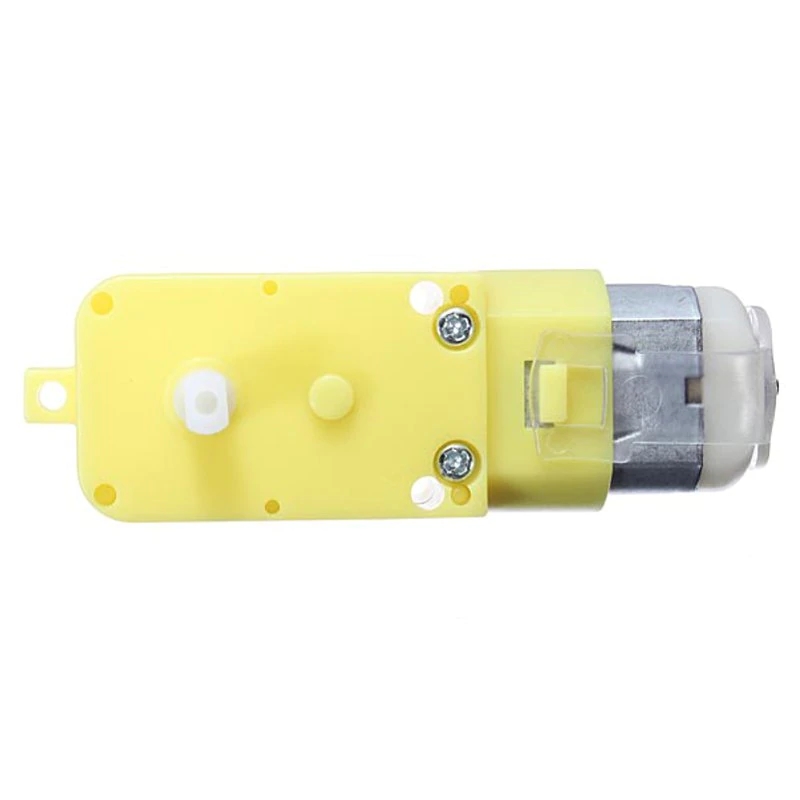
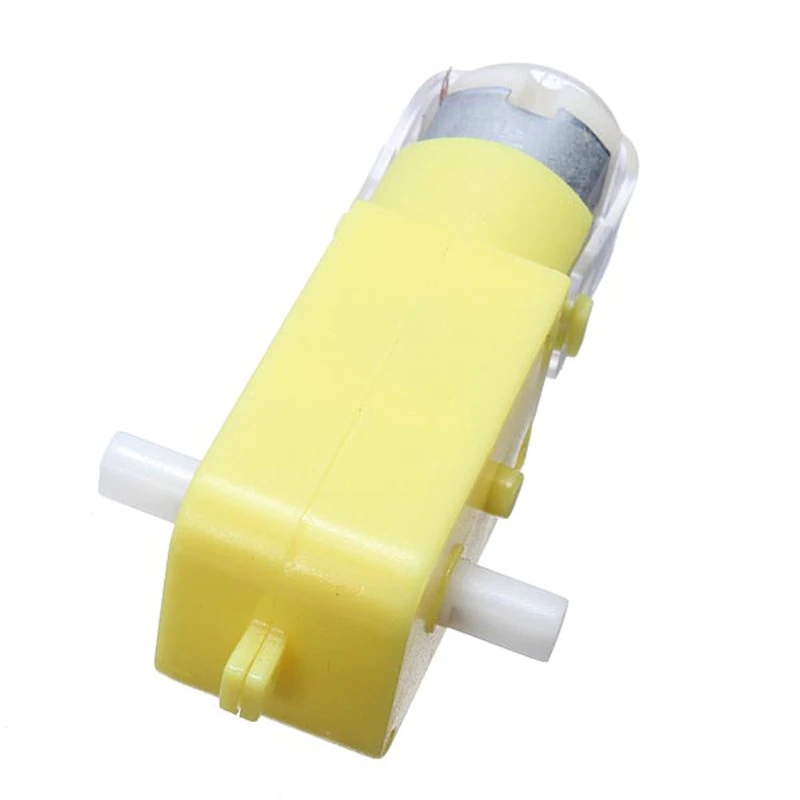
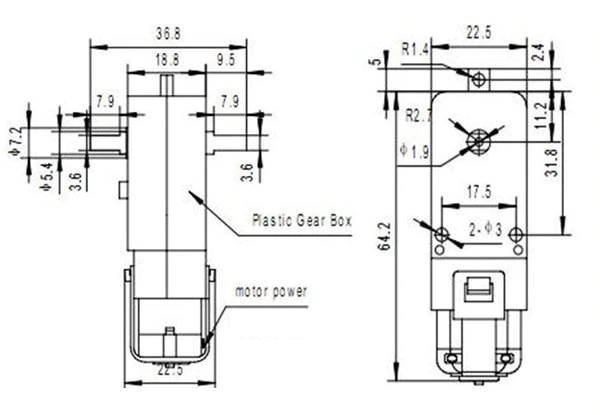
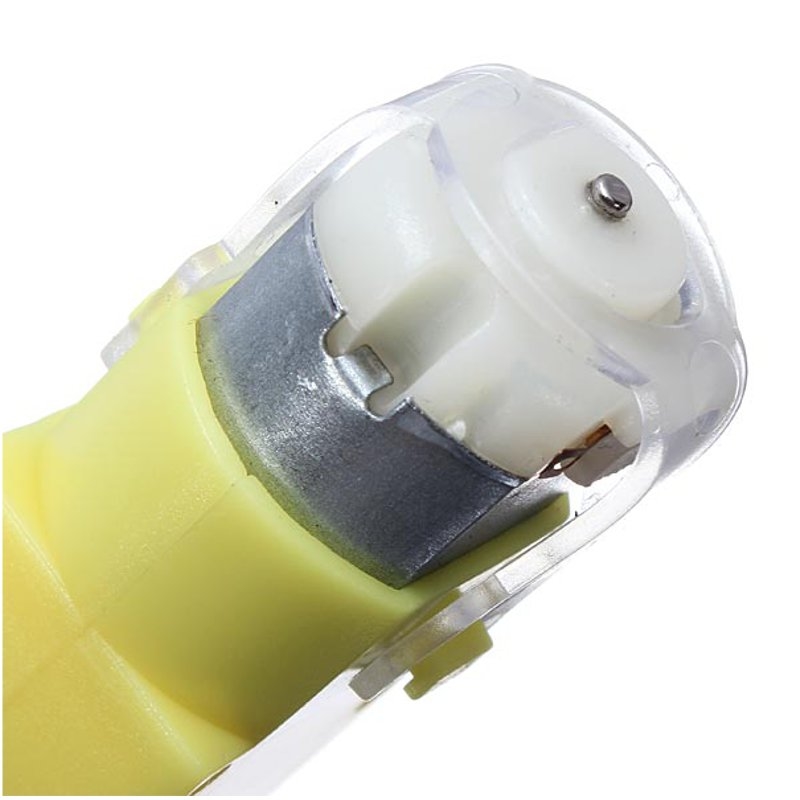
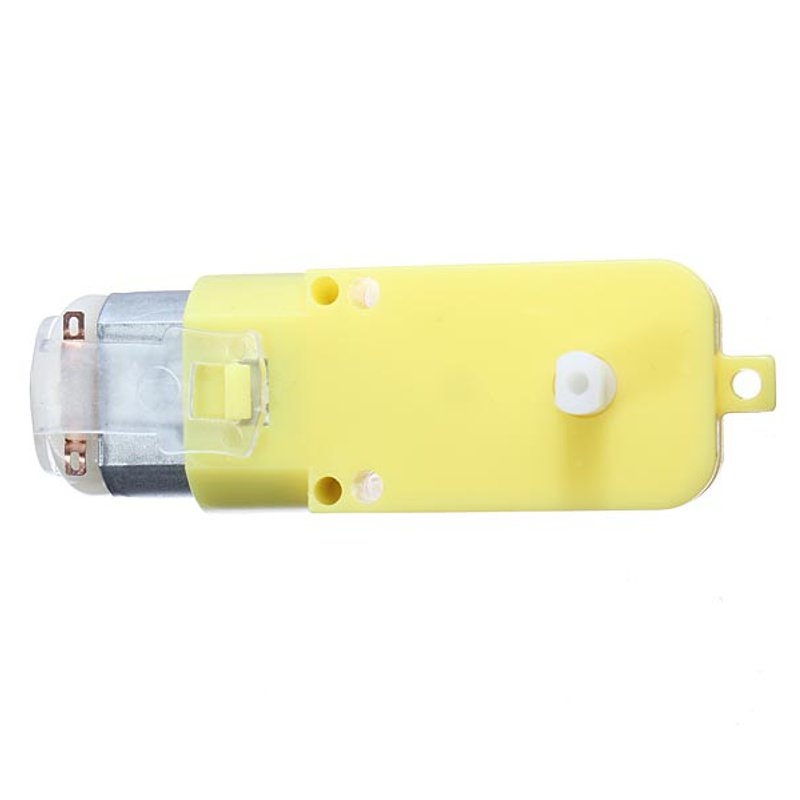
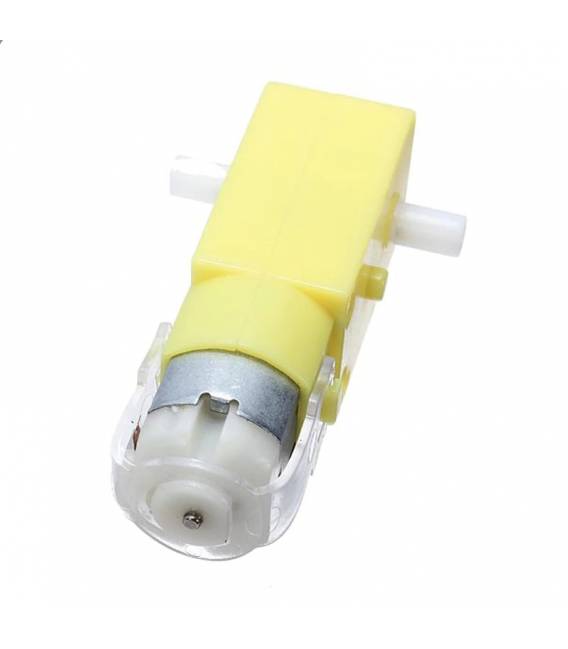
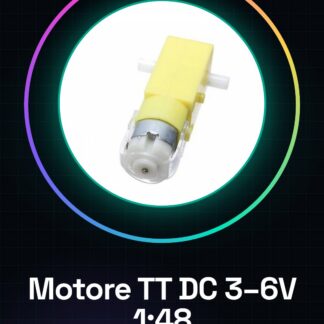
Variable voltage TT DC motor from 3V to 6V with mechanical reduction 1:48, ideal for mobile projects such as smart cars, rovers, and robots. Suitable for both beginners and experts due to its ease of use and performance. Features: Operating voltage: 3V – 6V Mechanical reduction: 1:48 What it’s for This motor is perfect for projects like smart cars, rovers, and robots. It is compatible with Arduino and can be used for traction in various mobile devices. Tutorial: How to use TT DC Double Shaft Gear Motor 1:48 The TT DC motor with 1:48 reduction is ideal for projects like smart cars, rovers, and robots. It is perfect for beginners who want to start building mobile devices. What you need: Arduino Uno 3.7V LiPo Battery L298N Motor Driver Jumper Wires Connectors Steps Check the motor voltage (refer to the datasheet) and ensure the battery is compatible. Connect the motor to the motor driver L298N following the datasheet specifications. Connect the battery power to the circuit via the connectors. Connect the motor driver to the Arduino using jumper wires for data communication. Upload and load the provided Arduino sketch onto your microcontroller. Verify that the motor rotates in the correct direction. If not, invert the control signals. Adjust the motor speed by modifying the sketch values. Try to create a feedback system to improve your project’s performance. Example code void setup() { pinMode(2, OUTPUT); pinMode(3, OUTPUT); } void loop() { digitalWrite(2, HIGH); analogWrite(3, 150); delay(2000); digitalWrite(2, LOW); delay(2000); } Mini-project Build a simple rover that moves forward and backward. Use the motor for traction and add distance sensors. Common mistakes Connecting the wrong voltage to the motor Not inverting signals when necessary Ignoring the importance of the motor driver Not testing the code on an Arduino simulator Recommended accessories L298N Motor Driver 3.7V LiPo Battery Arduino Uno R3 HC-SR04 Distance Sensors Frequently Asked Questions The motor overheats. Check that the voltage and load are correct. I can’t control the motor speed. Ensure you have correctly configured the PWM pins in the Arduino code.

Reviews
There are no reviews yet.