 EN
 IT Italiano
 ES Español
 FR Français
 DE Deutsch
Description
What it is
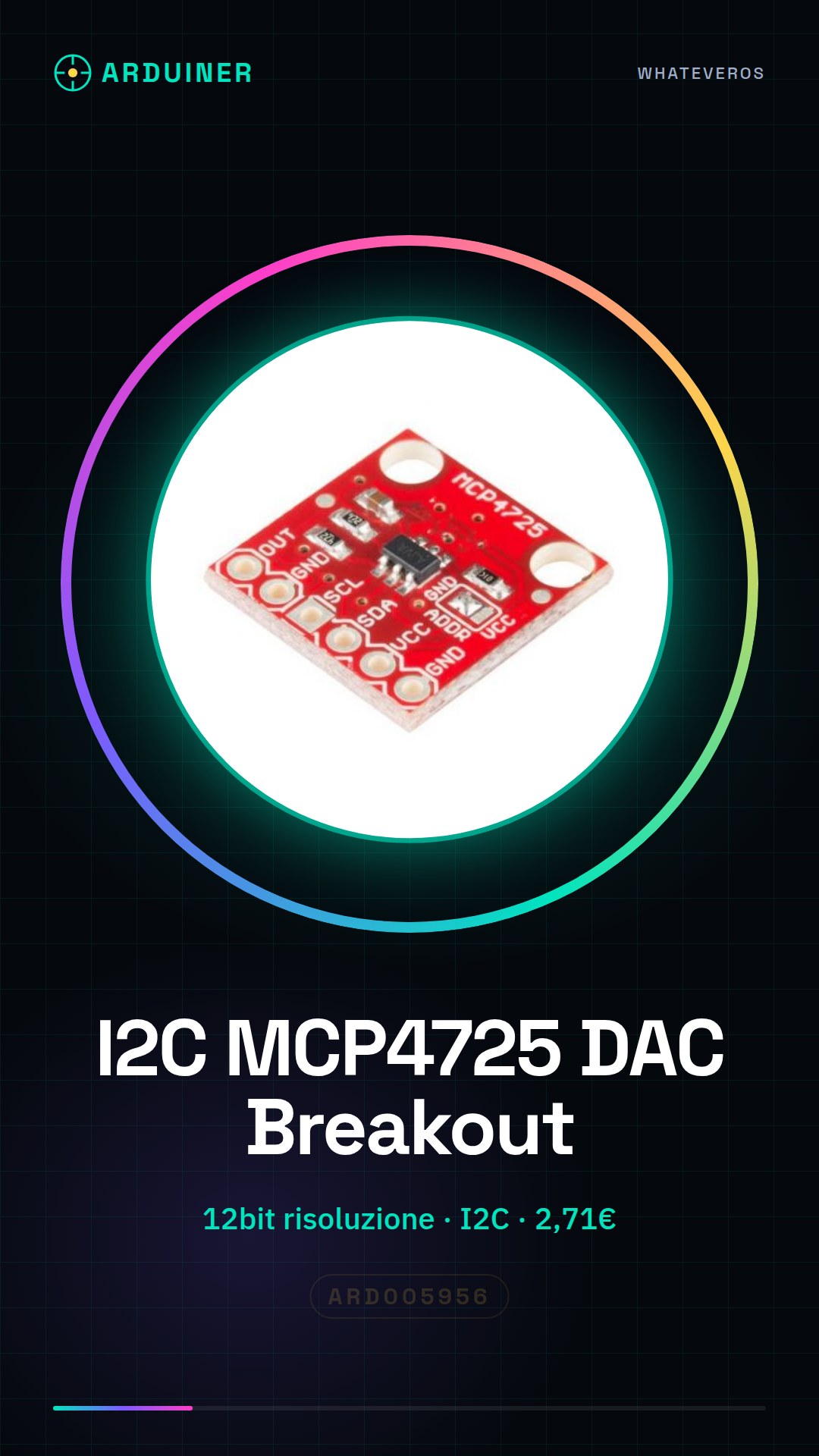
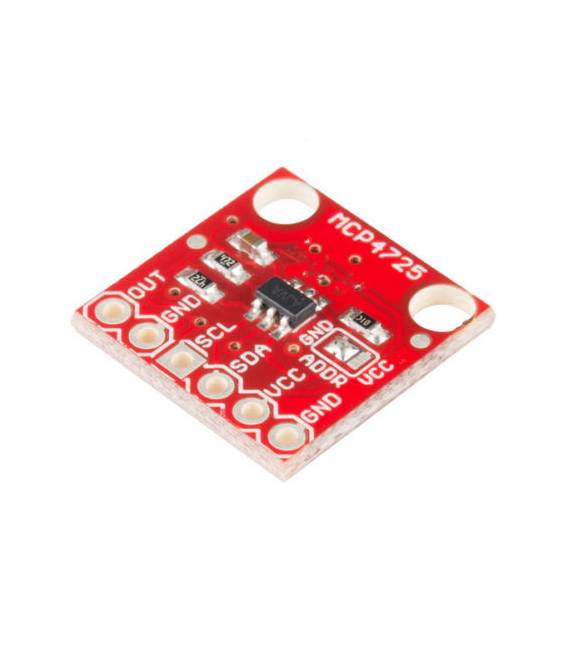
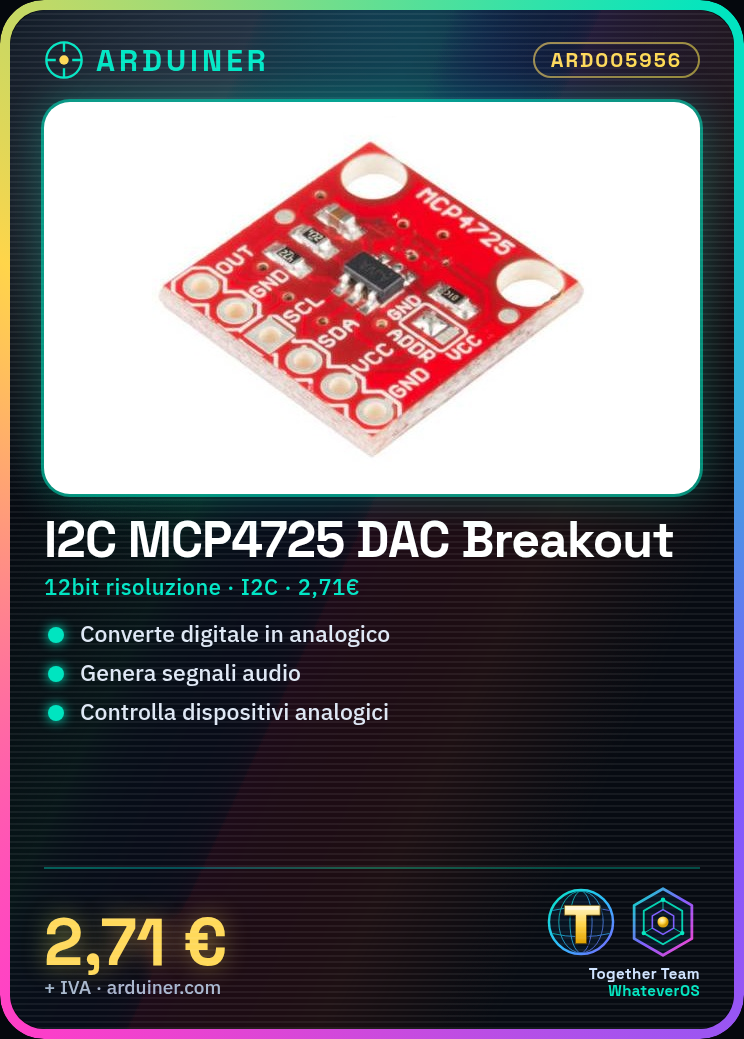
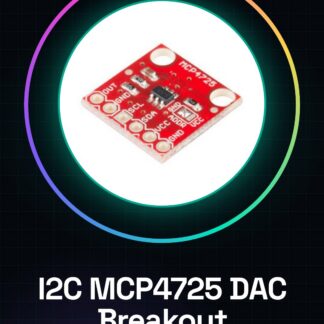
The I2C MCP4725 DAC Breakout Development Board is a development board that uses the digital-to-analog converter (DAC) MCP4725. It allows for the conversion of digital signals to analog signals, with a resolution of 12 bits.
Features
- Resolution 12 bit
- I2C Interface
- SKU: ARD005956
- Price: 2.71 €
What it is for
The board is ideal for audio projects and Arduino development. It can be used to generate audio signals, control analog devices, or create audio oscillators. Its I2C interface makes it easy to integrate into electronic projects.
Tutorial: How to use I2C MCP4725 DAC Breakout
The MCP4725 DAC allows for the conversion of digital signals to analog, ideal for generating audio signals or controlling analog devices. Useful for beginner and intermediate makers.
What you need
- Arduino or compatible
- I2C cable
- 10kΩ pull-up resistor
- Save
Steps
- 1. Connect the SDA and SCL pins of the DAC to your Arduino.
- 2. Connect the 10kΩ resistor between SDA/SCL and VCC.
- 3. Connect the DAC GND to the Arduino GND.
- 4. Load the source code.
- 5. Use Wire.h to initialize the I2C interface.
- 6. Set the analog value with analogWrite() or a decimal value.
- 7. Test the signal with a multimeter.
- 8. Check the datasheet for further settings.
Example code
```cpp
#include <Wire.h>

void setup() {
  Wire.begin();
  Wire.beginTransmission(0x60);
  Wire.write(0x00);
  Wire.write(0b111111111111);
  Wire.endTransmission();
}

void loop() {}
```
Mini project
Create a simple audio oscillator with a MCP4725 DAC. Set various values and listen to the signal.
Common mistakes
- Connect SDA/SCL directly to VCC without pull-up resistor.
- Omit initializing the I2C interface.
- Use out-of-range values (0-4095) with analogWrite().
- Forget to check the datasheet.
Recommended accessories
- Arduino Nano
- 10kΩ resistor
- Multimeter
- Speaker
Frequently asked questions
How to set an audio signal?
Set decimal values between 0 and 4095 with analogWrite().
Why is a pull-up resistor important?
It prevents stability and signal correctness issues with I2C.
Can you use other microcontrollers?
Yes, any microcontroller with I2C support.
Reviews
There are no reviews yet.