 EN
 IT Italiano
 ES Español
 FR Français
 DE Deutsch
Description
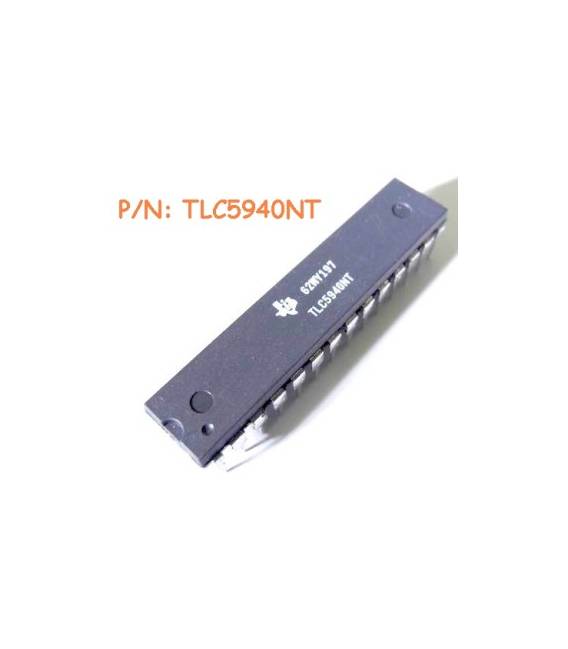
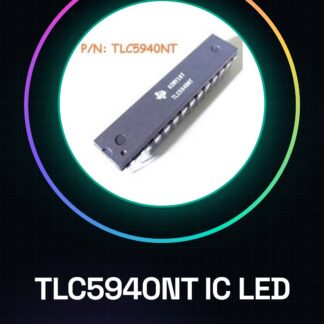
TLC5940NT IC Integrated Circuits
Component Specifications:
| Operating Supply Voltage (Type) | 3.3 / 5V |
| Number of Segments | 16 |
| Operating Temperature (Min) | -40C |
| Operating Temperature (Max) | 85C |
| Operating Temperature Classification | Industrial |
| Package Type | PDIP |
| Supply Current | 60000uA |
| Pin Count | 28 |
| Mounting | Through-Hole Mounting |
| Operating Supply Voltage (Min) | 3V |
| Operating Supply Voltage (Max) | 5.5V |
| Low-Level Output Current | 1mA |
| High-level output current | -1mA |
We have the technical sheet of all components available, if it is not present in the product download card, send us a message from the contact us module and we will publish it as soon as possible on our website.
Tutorial: How to use TLC5940NT
The TLC5940NT is a low-cost IC for LED management, ideal for display and lighting projects.
What you need
- TLC5940NT
- Arduino
- 220Ω resistor
- LED
Steps
- Connect Arduino GND to TLC5940NT GND.
- Connect Arduino VCC to TLC5940NT VCC.
- Connect Arduino SDA to TLC5940NT SDA.
- Connect Arduino SCL to TLC5940NT SCL.
- Connect the LED anode to OUT0 TLC5940NT.
- Connect the LED cathode to a 220Ω resistor.
- Connect the other end of the resistor to GND.
- Upload the code to Arduino.
Example code
```void setup() { TLC5940NT.begin(); TLC5940NT.setPixel(0, 255, 255, 255); TLC5940NT.update();}void loop() {}```Mini project
Create a simple LED strip that lights up when Arduino receives a signal.
Common mistakes
- Do not connect the pins correctly.
- Omit the resistor for the LED.
- Do not check the SDA and SCL frequency.
- Forget to update the pixels.
Recommended accessories
- Arduino Nano
- LED Strip
- 1kΩ Resistor
- Multimeter
Frequently asked questions
How can I control more LEDs?
Connect more TLC5940NT and control the corresponding pins on Arduino.
What is the maximum power for a single LED?
Check the datasheet for precise values.
Does the TLC5940NT support different colors?
Yes, use the R, G, B channels for different colors.
What to do if it doesn’t work?
Check the connections, voltages, and code. If the problem persists, contact support.
Reviews
There are no reviews yet.