 EN
 IT Italiano
 ES Español
 FR Français
 DE Deutsch
Description
Tutorial: How to Use TL16C450FN UART Interface IC
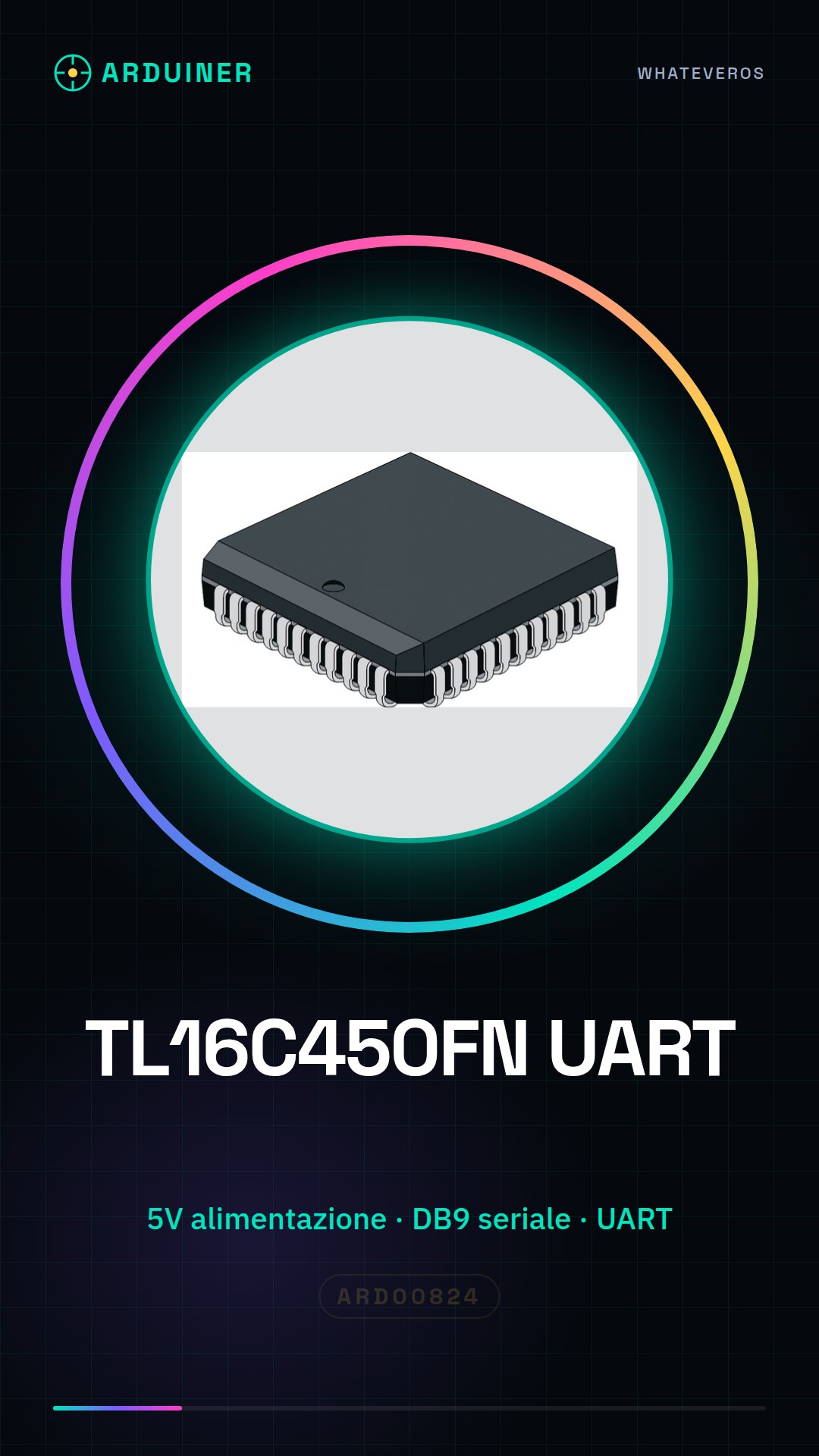
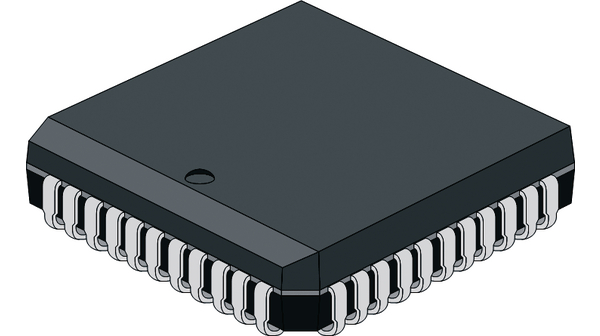
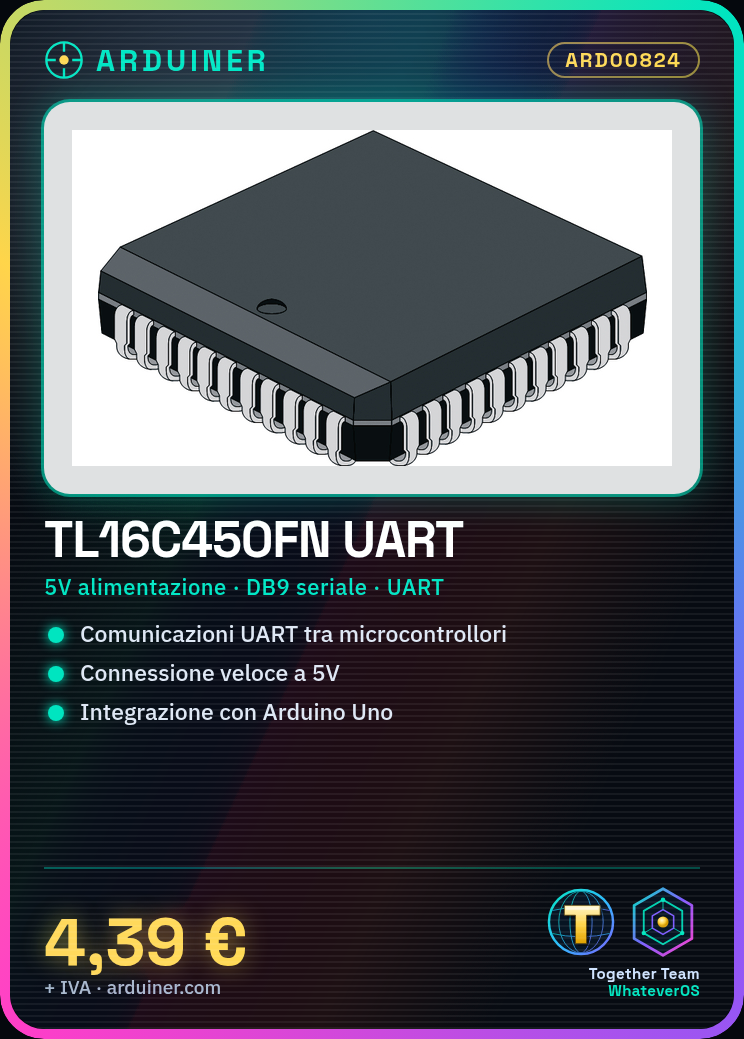
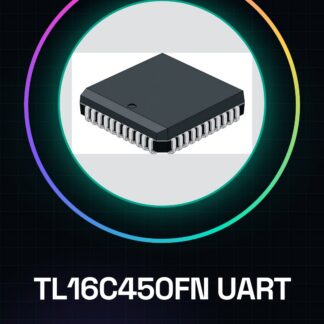
The TL16C450FN is an integrated circuit that allows managing serial (UART) communications between various devices. It is ideal for projects requiring a stable and fast connection between microcontrollers or digital systems.
What you need
- Arduino Uno
- DB9 Serial Connector
- 5V Power Supply
Steps
- Check the datasheet of the TL16C450FN to understand the necessary pin configuration.
- Connect the VCC pin to the 5V of the Arduino, and GND to GND.
- Connect the TXD of the Arduino to the RXD of the TL16C450FN and vice versa.
- Check the datasheet for the capacitor values needed for decoupling between power and ground.
- Test the connection by uploading a simple sketch that sends data via serial.
- If everything works well, you can start writing more complex code to utilize the features of the TL16C450FN.
Example code
// Esempio di codice Arduino
void setup() {
  Serial.begin(9600);
}

void loop() {
  Serial.println("Messaggio da Arduino");
}
Mini project
Create a system that sends temperature and humidity sensor data to a PC via serial with the TL16C450FN.
Common mistakes
- Do not verify the polarity of the capacitors correctly.
- Incorrect serial transmission speed setting.
- TXD/RXD connection inverted between Arduino and IC.
- Power supply not conforming to TL16C450FN specifications.
Recommended accessories
- Temperature and humidity sensor DHT22
- DB9 type serial connections
- Arduino Uno R3
Frequently asked questions
What is the maximum transmission speed?
Check the TL16C450FN datasheet.
Do you need an additional capacitor for TXD/RXD?
Yes, check the datasheet for recommended values.
Reviews
There are no reviews yet.