 EN
 IT Italiano
 ES Español
 FR Français
 DE Deutsch
Description
Technical Specifications
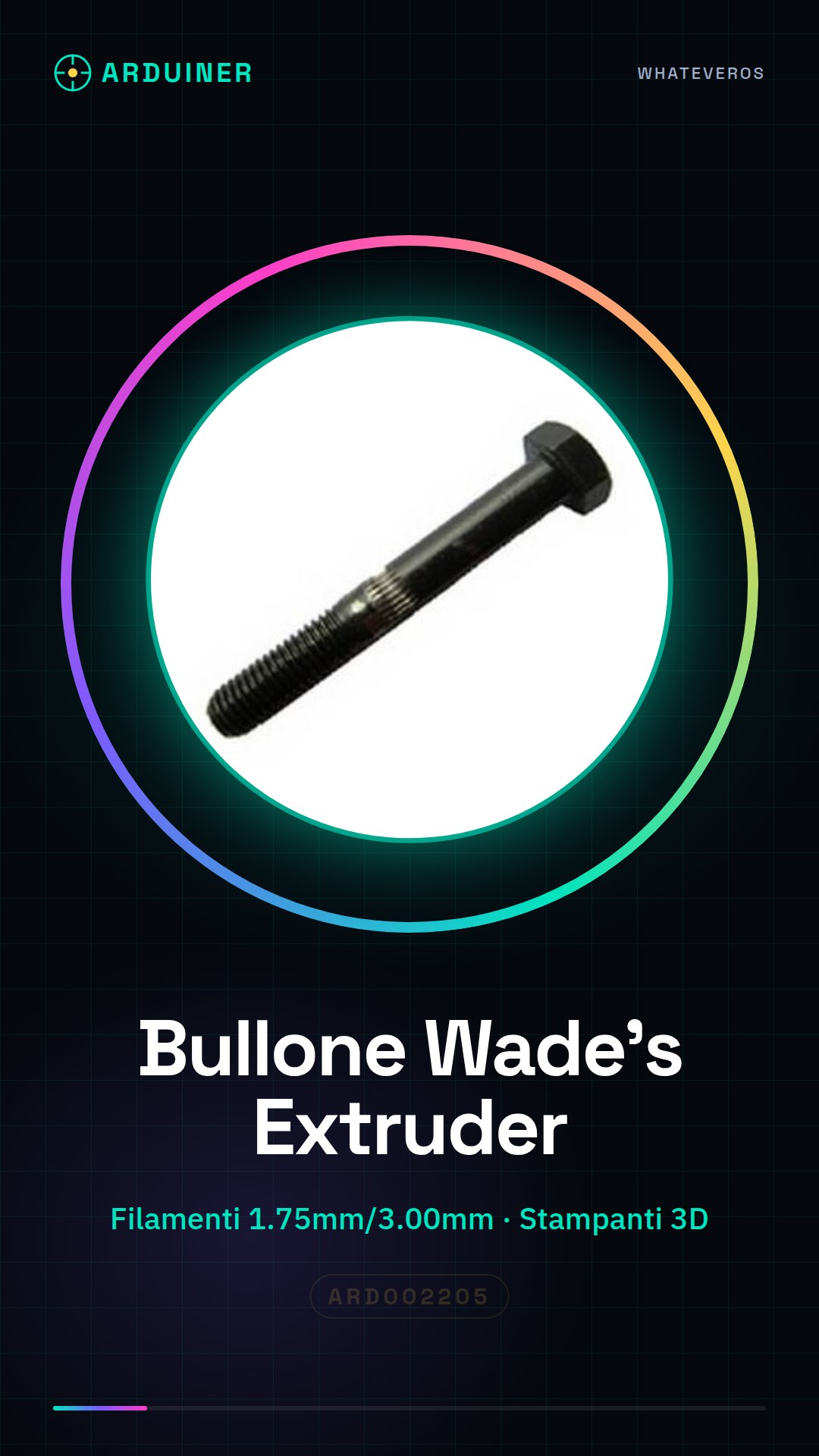
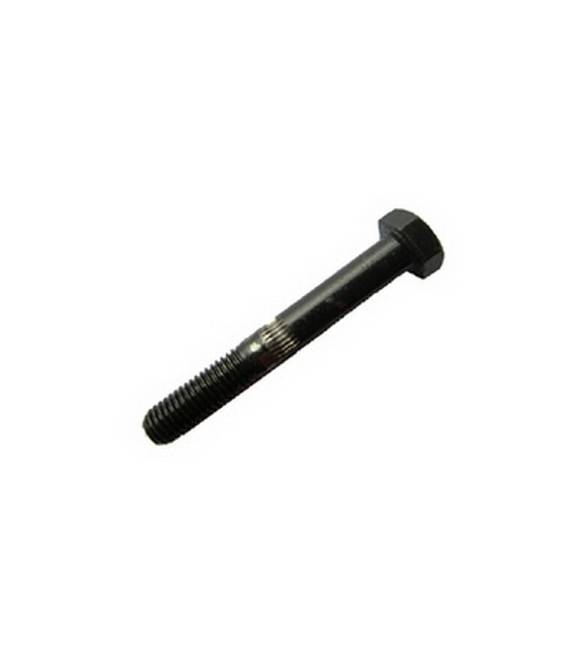
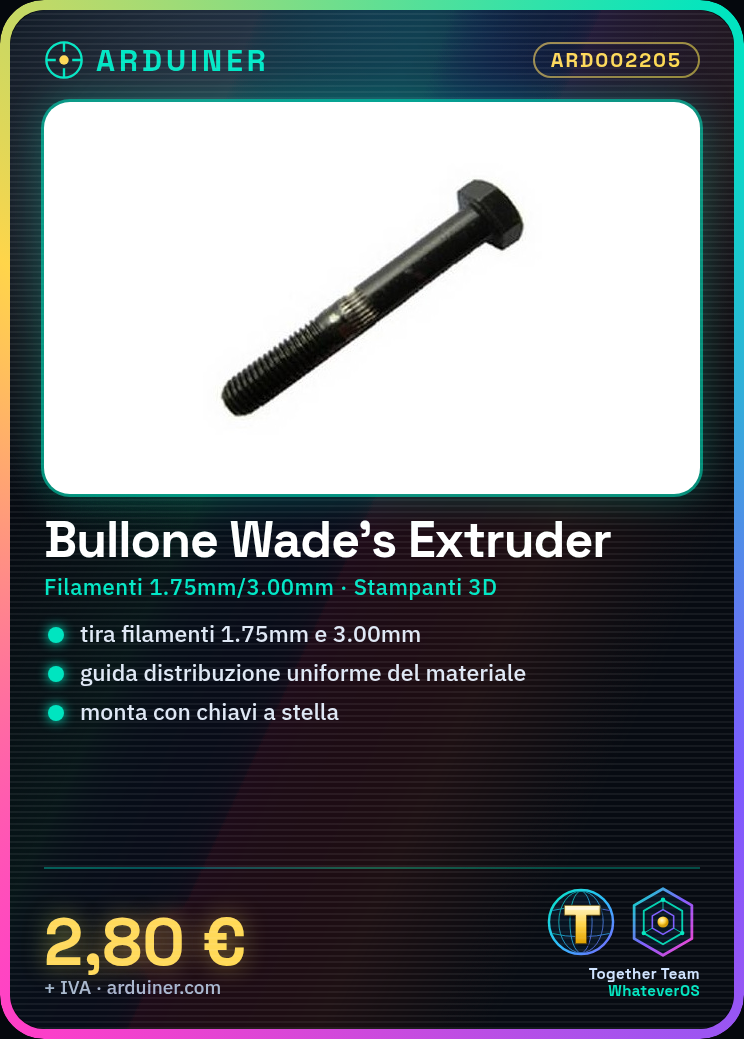
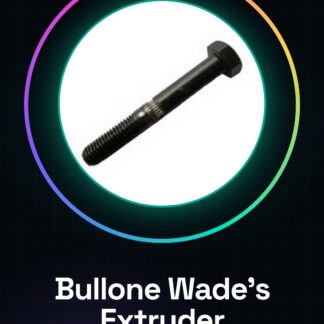
The threaded bolt for Wade’s Extruder is a crucial component for 3D printers that use this type of extruder. It pulls plastic filament (1.75mm and 3.00mm) through the extruder, ensuring a uniform distribution of material during printing. The threaded bolt contributes to improving the precision and quality of 3D printing.
The threaded bolt must be correctly positioned inside the extruder to ensure a constant flow of filament. It is important to check the compatibility of the filament diameter with the bolt holes to avoid jams and ensure optimal material flow.
During installation, it is crucial to use appropriate tools such as star wrenches to securely tighten the bolt to the extruder. A stable position of the bolt is essential to prevent any operational issues during printing.
Specs
| Parameter | Value |
| Model | Threaded Bolt for Wade’s Extruder |
| Quantity | 1 piece |
| Filament Compatibility | 1.75mm and 3.00mm |
| Interface | Wade’s Extruder |
| Container | N/D (see manufacturer’s technical sheet) |
Installation and Usage
- Ensure that the Wade’s Extruder is correctly assembled and ready for the bolt installation.
- Position the threaded bolt in the designated spot on the extruder, ensuring a stable position.
- Use star wrenches to securely tighten the bolt to the extruder.
- Check the filament diameter compatibility with the bolt holes (check on the datasheet).
- Insert the filament into the bolt and ensure it is pulled evenly without any jams.
Compatibility and Requirements
- The threaded bolt is compatible with Wade’s Extruder and can be used with filament diameters of 1.75mm and 3.00mm.
- It is used to ensure a uniform flow of filament during 3d printing.
- Mounting tools such as star keys are required for installation.
Limitations and Important Notes
- The threaded bolt is not designed for other types of extruders.
- It is important to check the filament diameter compatibility before installation.
- Make sure the bolt is securely fastened to prevent any operational issues.
- Mounting safety is crucial to prevent jams and damage to the filament.
Troubleshooting
The filament does not flow uniformly.
Probable cause: Incorrect position or insufficient tightening of the bolt.
Solution: Check the position of the bolt and retighten with star wrenches.
Jams during printing.
Probable cause: Incorrect compatibility of filament diameter.
Solution: Check the filament compatibility with the bolt and adjust if necessary.
Incorrect bolt position.
Probable cause: Incorrect mounting.
Solution: Remount the bolt in the correct position and retighten.
Insufficient mounting security.
Probable cause: Insufficient tightening of the bolt.
Solution: Check and retighten the bolt with star wrenches.
Use cases
Printing a complex 3D model
Objective: Check the uniform distribution of the filament.
What is needed: Threaded bolt for Wade’s Extruder, PLA/ABS filament 1.75mm or 3.00mm, Wade’s Extruder.
Steps: 1) Verify the filament compatibility with the bolt. 2) Mount the threaded bolt correctly. 3) Insert the filament into the bolt. 4) Start the 3D model printing.
Expected result: Uniform filament distribution during printing.
Extruder Maintenance
Objective: Replace the threaded bolt.
What is needed: Threaded bolt for Wade’s Extruder, assembly tools.
Steps: 1) Disassemble the extruder. 2) Remove the old bolt. 3) Install the new threaded bolt. 4) Verify the assembly.
Expected result: Restoration of the extruder functionality.
3D Printing Project for Hobby
Objective: Use a threaded bolt to improve print quality.
What is needed: Threaded bolt for Wade’s Extruder, PLA/ABS filament 1.75mm or 3.00mm, Wade’s Extruder.
Steps: 1) Check filament compatibility. 2) Mount the threaded bolt. 3) Insert the filament. 4) Start printing.
Expected result: Improvement in print quality.
3D Print Project for School
Objective: Use the threaded bolt for a school project.
What you need: Threaded bolt for Wade’s Extruder, PLA/ABS filament 1.75mm or 3.00mm, Wade’s Extruder.
Steps: 1) Check filament compatibility. 2) Mount the threaded bolt. 3) Insert the filament. 4) Start printing.
Expected result: School project completed with good quality.
3D Print Project for Home
Objective: Use the threaded bolt for a home project.
What you need: Threaded bolt for Wade’s Extruder, PLA/ABS filament 1.75mm or 3.00mm, Wade’s Extruder.
Steps: 1) Check filament compatibility. 2) Mount the threaded bolt. 3) Insert the filament. 4) Start the print.
Expected result: Completed home project with good quality.
3D printing project for maintenance
Objective: Use the threaded bolt for the maintenance of the extruder.
What you need: Threaded bolt for Wade’s Extruder, PLA/ABS filament 1.75mm or 3.00mm, Wade’s Extruder.
Steps: 1) Check filament compatibility. 2) Mount the threaded bolt. 3) Insert the filament. 4) Start the print.
Expected result: Successful completion of extruder maintenance.
3D printing project for repair
Objective: Use the threaded bolt for the repair of a damaged extruder.
What you need: Threaded bolt for Wade’s Extruder, PLA/ABS filament 1.75mm or 3.00mm, Wade’s Extruder.
Steps: 1) Check filament compatibility. 2) Mount the threaded bolt. 3) Insert the filament. 4) Start the print.
Expected result: Wade’s Extruder repair completed successfully.
3D print project for testing
Objective: Use the threaded bolt to test the extruder functionality.
What you need: Threaded bolt for Wade’s Extruder, PLA/ABS filament 1.75mm or 3.00mm, Wade’s Extruder.
Steps: 1) Check filament compatibility. 2) Mount the threaded bolt. 3) Insert the filament. 4) Start the print.
Expected result: Extruder test completed successfully.
In the package
- 1 piece
Complete the project
- E3D M6X26 Threaded Extruder Nut for 1.75mm Filaments 3D Printers: Ensures a uniform flow of filament during 3D printing.
- Fixed Nozzle Block for J-Head .35 for 1.75mm / 3mm Filaments 3D PrintersImproves the precision and quality of 3D prints.
- Fixed Nozzle Block for J-Head .50 for 1.75mm / 3mm filament 3D printersFor maintenance and repair of the extruder.
Technical FAQs
Does the threaded bolt fit both filament diameters?
Check compatibility on the product datasheet.
What tools are needed to install the bolt?
Star key and possibly pliers.
How can I prevent the filament from jamming in the bolt?
Check the filament diameter compatibility with the bolt holes and ensure the bolt is securely fastened.
Which filaments are compatible with the threaded bolt?
PLA/ABS filaments of 1.75mm and 3.00mm diameter.
Tutorial: How to use Threaded Bolt for Wade’s Extruder
The idler bolt is an essential component for 3d printers that use the Wade’s Extruder. It pulls the plastic filament (1.75mm and 3.00mm) through the extruder, ensuring an even distribution of material during printing.
What you need
- Wade’s Extruder
- PLA/ABS Filament 1.75mm or 3.00mm
- Assembly Tools (star wrenches)
Steps
- Check that the Wade’s Extruder is assembled correctly and ready for the installation of the idler bolt.
- Position the idler bolt in the designated spot on the extruder, ensuring a stable placement.
- Use the star wrenches to securely fasten the idler bolt to the extruder.
- Verify the compatibility of the filament diameter with the bolt holes (check the datasheet).
- Insert the filament into the idler bolt and ensure it is pulled through evenly without any jams.
Mini project
Create a simple 3D model to print using the extruder with the threaded bolt to check the filament distribution.
Common mistakes
- Insufficient mounting safety
- Filament that does not flow uniformly
- Incorrect bolt position
Recommended accessories
- Wade’s Extruder ARD002206
- PLA Filament 1.75mm ARD002207
- Electronic mounting tools ARD002208
Frequently asked questions
Does the threaded bolt fit both filament diameters?
Check the datasheet for specific compatibility.
What tools are needed to install the bolt?
Star key and possibly pliers.
How can I prevent the filament from jamming in the bolt?
Check the correct bolt position and absence of impurities in the holes.
Reviews
There are no reviews yet.