 EN
 IT Italiano
 ES Español
 FR Français
 DE Deutsch
Description
What it is
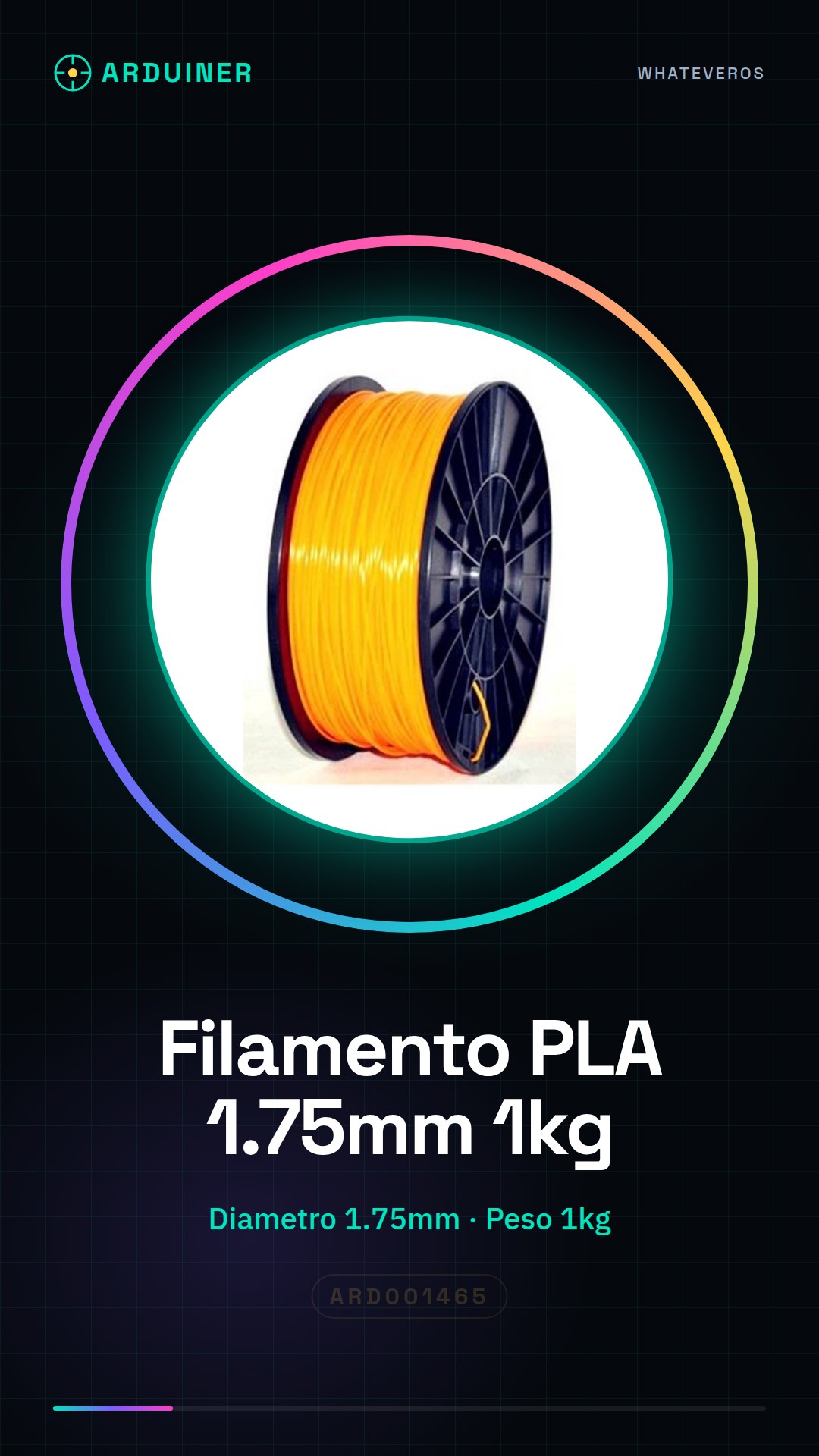
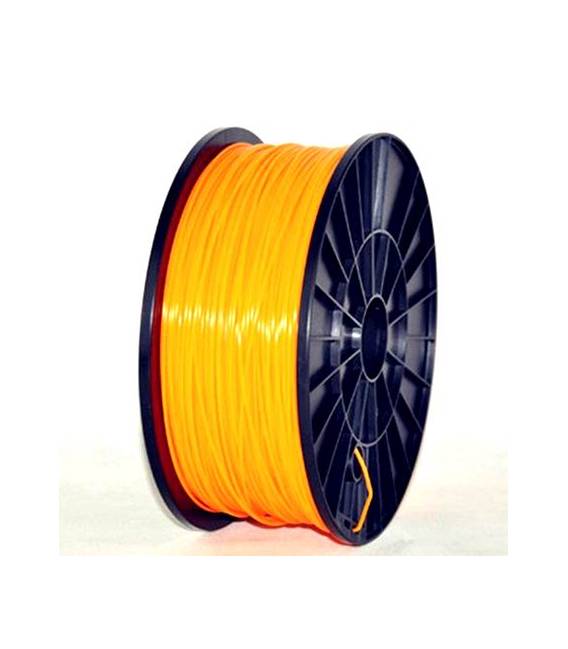
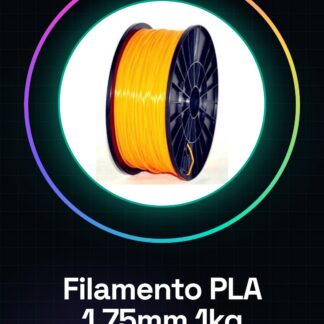
Arduiner’s orange PLA filament is a consumable for 3D printers suitable for both beginners and more experienced makers. This filament, available in 1kg spools and with a diameter of 1.75mm, offers high quality and is ideal for creating prototypes and decorative objects.
Features
- Filament Type: PLA
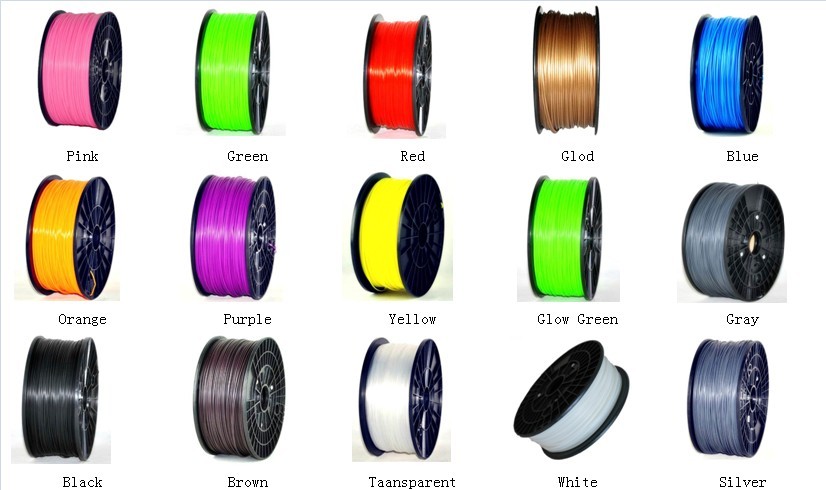
- Color: Orange
- Net Weight: 1kg
- Diameter: 1.75mm
What it is for
This PLA filament is suitable for printing decorative models, functional prototypes, and customizable objects such as containers with logos or unique designs. It is compatible with a wide range of 3D printers that use 1.75mm filaments.
Tutorial: How to Use Orange PLA Filament 1.75mm
PLA filament 1.75mm is ideal for 3D printing decorative models and functional prototypes without the use of low-melt materials like ABS. Suitable for both beginners and more experienced makers, this filament offers a good quality-price ratio.
What you need
- 3D Printer with PLA printing capacity
- Wi-Fi transceiver or USB A-Micro B cable
- Slicing software (e.g., Cura)
- Filament data reader
Steps
- Install the filament in the printer’s container, verifying compatibility with the hardware.
- Configure slicing settings in your preferred software, such as the melt temperature (check the datasheet).
- Load the 3D model to be printed into the software and generate the necessary GCode files.
- Connect the printer to the Wi-Fi network or to the computer via USB cable to transfer the GCode file.
- Start the print and monitor the process, intervening if necessary in case of problems.
- Once the print is complete, carefully remove the model from the print bed.
Mini project
Print a customizable container for small objects with your own logo or design.
Common mistakes
- Filament that tangles on the spool
- Creation of droplets during filament melting
- Disconnections on the upper side of the print
- Difficulty starting the print
Recommended accessories
- Filament loader to facilitate filament loading
- Heated adhesive bed for better model adhesion
- Cleaning kit to keep the nozzle clean and functioning
- 3D print management software like OctoPrint
Frequently asked questions
How can I reduce disconnections during printing?
Slightly increase the melting temperature or control the tension of the filaments on the spool.
What are the advantages of PLA over ABS?
PLA is less volatile and requires less hardware preparation, making it ideal for beginners.

Reviews
There are no reviews yet.