 EN
 IT Italiano
 ES Español
 FR Français
 DE Deutsch
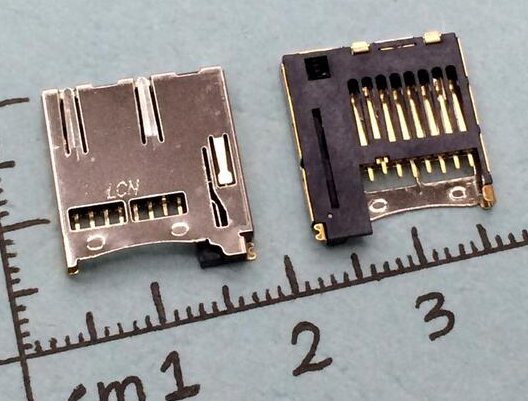
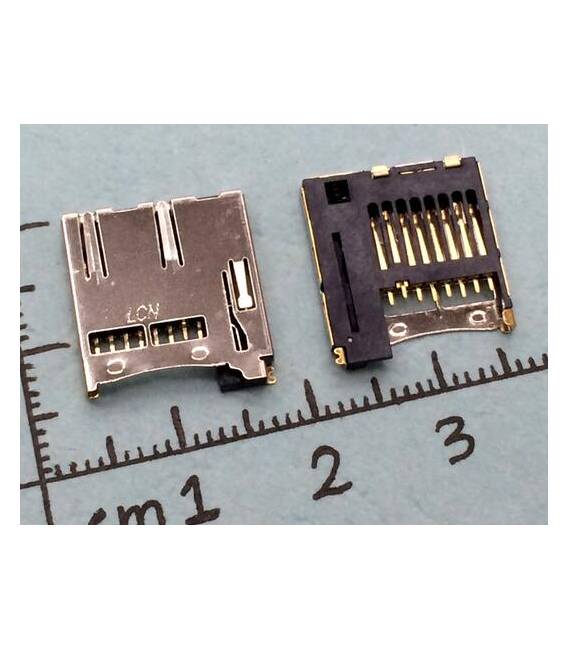
Description
Tutorial: How to Use TF Card Socket
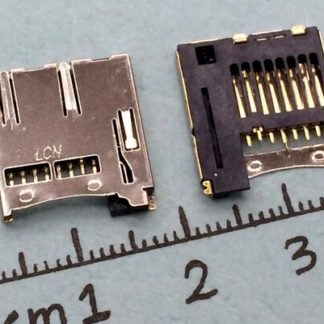
The TF card socket is a fundamental component for easily connecting microcontroller boards like Arduino to external devices. Useful for beginners and intermediates.
What you need
- TF Card Socket
- Arduino or compatible
- TF Card
- Wires
Steps
- Check the datasheet for the socket specifications.
- Connect the socket to the Arduino using the wires.
- Ensure the contacts are secure and correctly positioned.
- Insert the TF card into the socket.
- Verify the installation by checking that the TF card is properly inserted.
- Test the connection with a lamp or resistor to check functionality.
- If necessary, adjust the power supply voltage.
- Verify the stability and safety of the connection.
Mini project
Build a simple temperature recorder using a DHT11 sensor, the TF card socket, and an Arduino.
Common mistakes
- Connect the TF socket to a voltage higher than it supports.
- Force insert the TF card socket.
- Omit the connection test.
- Do not verify the connection stability.
Recommended accessories
- DHT11 Sensor
- LED Lamp
- 1 kΩ Resistor
- Conductors
Frequently asked questions
Can I use a TF socket on any Arduino?
Check the datasheet to see if the socket supports the voltage and current flow of your Arduino.
How long does the socket last?
The lifespan depends on usage conditions and the quality of the component.
Can I use the TF socket with other microcontrollers?
Check the datasheet to see if the socket is compatible with the voltage and frequency of your microcontroller.
How can I prevent the contacts from coming loose?
Use high-quality conductors and ensure that the socket and card are properly inserted.
Reviews
There are no reviews yet.