 EN
 IT Italiano
 ES Español
 FR Français
 DE Deutsch
Description
What it is
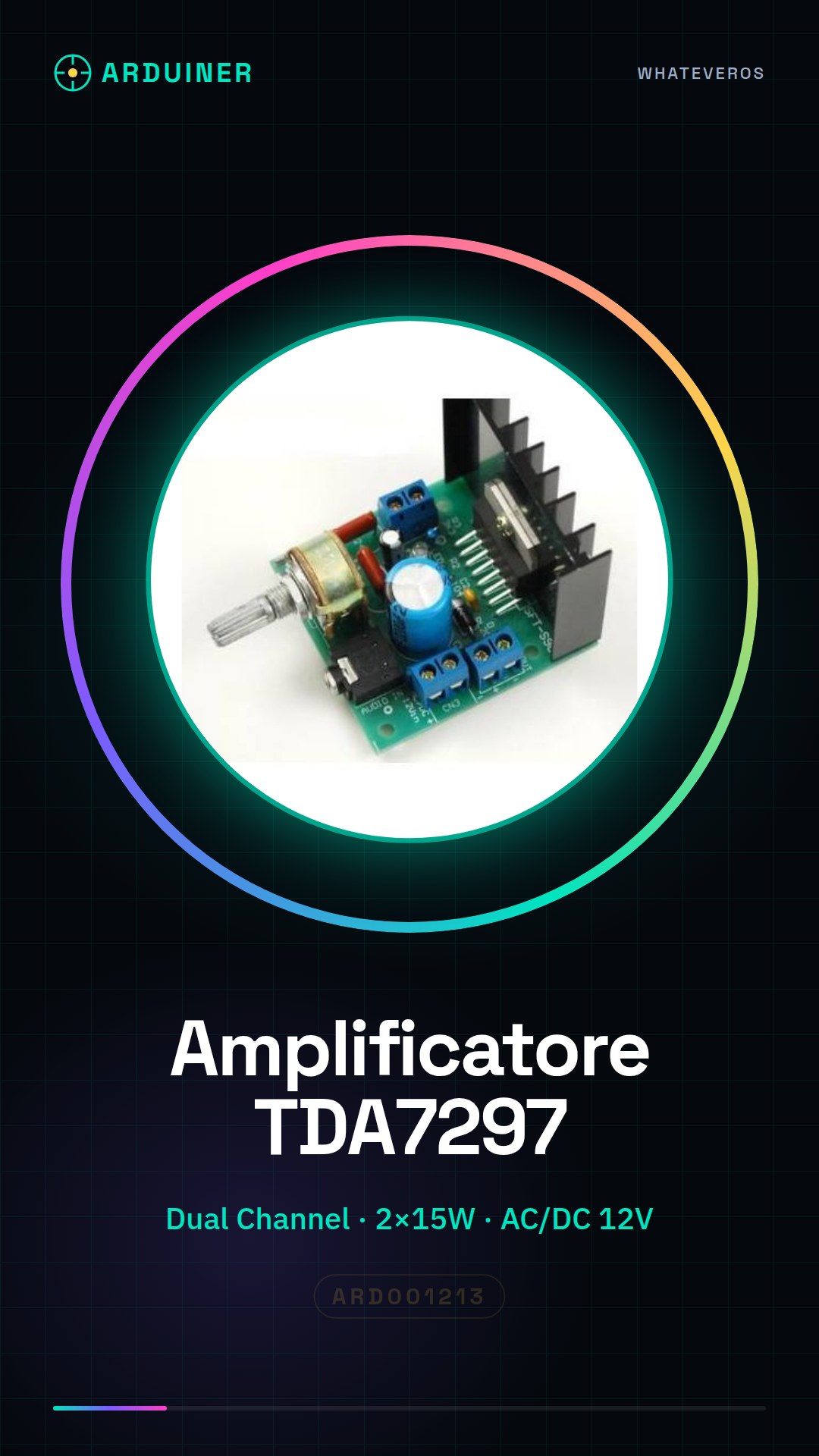
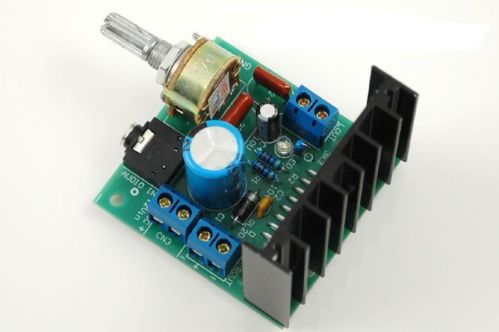
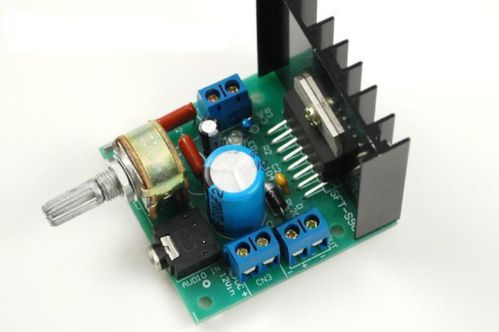
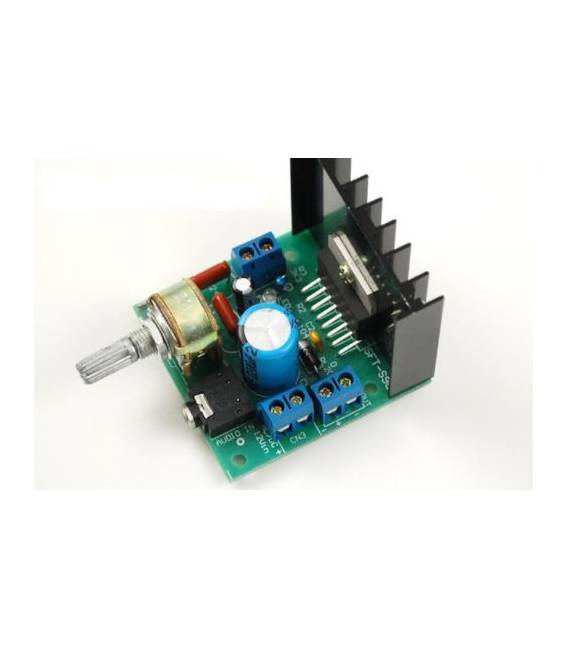
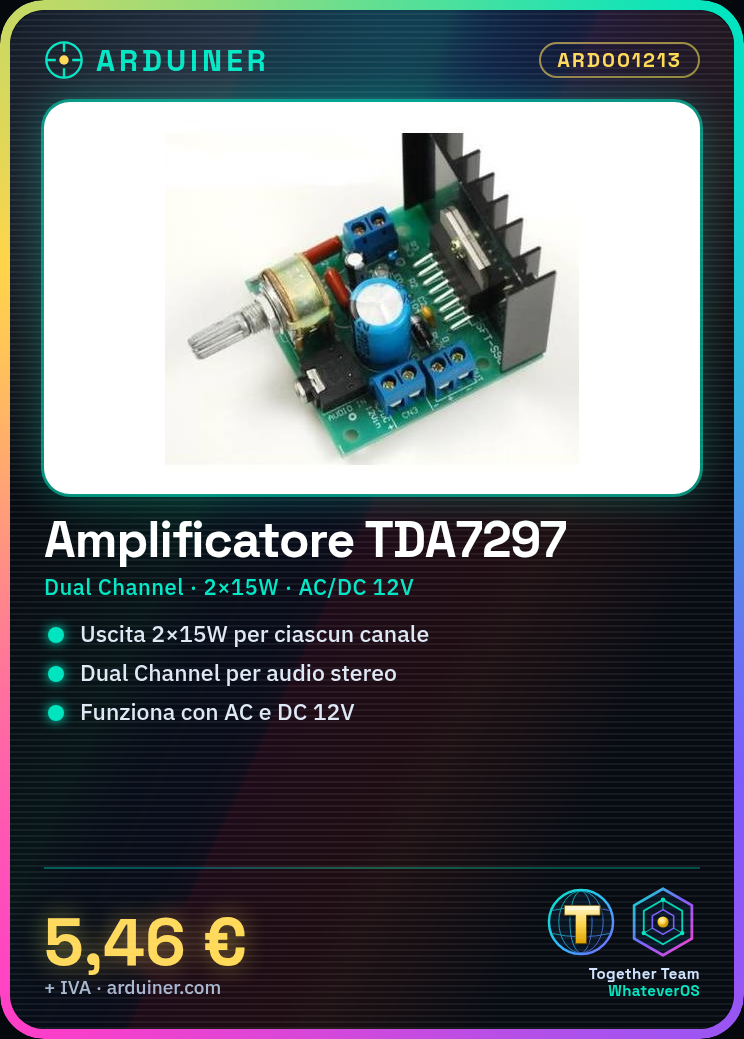
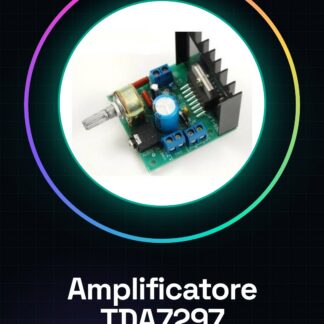
The TDA7297 Version B audio amplifier is a dual channel audio amplification board that supports both AC and DC 12V power supply. This electronic component is ideal for DIY projects where increasing volume and improving sound quality is desired.
Features
- TDA7297 Version B
- AC/DC 12V Power Supply
- Output Power: 2 x 15W
What it is for
The TDA7297 amplifier can be used in a variety of applications, such as creating portable speakers or stereo systems. It can be easily integrated into DIY projects to improve the audio of existing devices.
Tutorial: How to Use TDA7297 Audio Amplifier Version B
The TDA7297 audio amplifier is ideal for anyone who wants to increase the volume and quality of an audio source. This component can be used in DIY projects such as portable speakers, stereo systems, or any other device that requires a powerful audio amplifier.
What you need
- Arduino (optional)
- 12V Power Supply
- Audio Connections (input and output)
- Protection Resistors
Steps
- Check the power supply voltage required by the TDA7297 datasheet, it is usually 12V. Connect the component to a stable 12V power supply.
- Connect the protection resistors to the amplifier outputs to prevent damage caused by excessive loads or short circuits.
- Connect the audio input to the TDA7297. Check the datasheet for the type of connection required (e.g., RCA or 3.5mm jack).
- If you are using an Arduino to control volume or other functions, connect the audio signals and control lines to the microcontroller.
- Check that all connectors are securely connected and that there are no short circuits.
- Power up the amplifier. Listen to the sound through headphones or a pair of speakers to verify the correct functioning of the audio.
- If necessary, use an Arduino to control additional features such as volume or sound attenuation.
Mini project
Create a small audio box with a plastic container and this amplifier. Connect a microphone to the TDA7297 to record, or use external speakers to play music.
Common mistakes
- Do not verify the correct power supply voltage before installation.
- Omit the output protection resistors.
- Connect the audio signal incorrectly or not according to the component datasheet.
Recommended accessories
- 12V Power Supply
- Resistors for the amplifier protection
- External Speakers
- Microphone
Frequently asked questions
How can I control the volume with Arduino?
Connect a potentiometer to the TDA7297 and use the Arduino to read the potentiometer values and adjust the audio signal.
Can it also be used as a bass amplifier?
Yes, but make sure the cutoff frequency is adequate for the project requirements. Check the datasheet for specific technical details.
Reviews
There are no reviews yet.