 EN
 IT Italiano
 ES Español
 FR Français
 DE Deutsch
Description
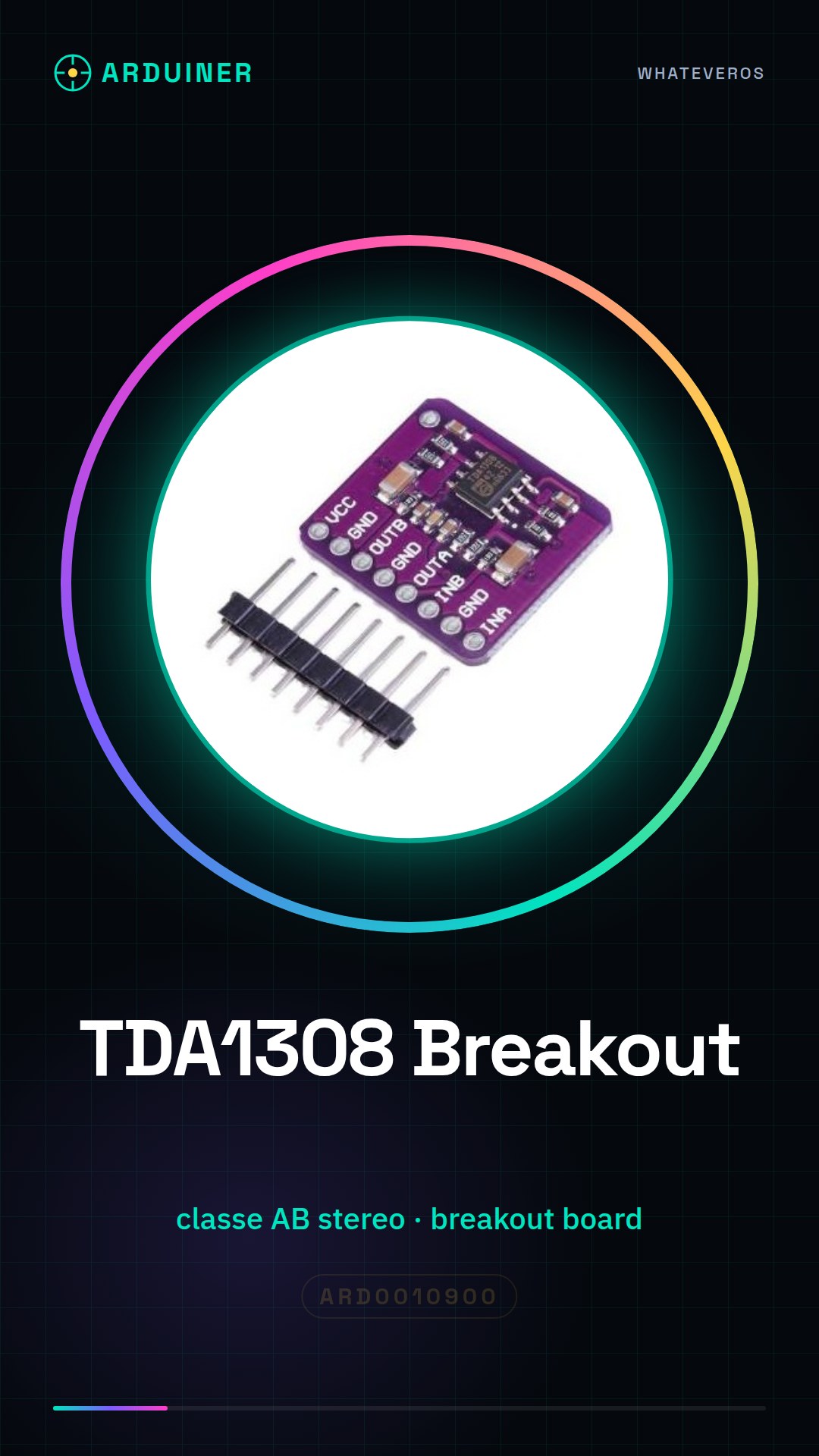
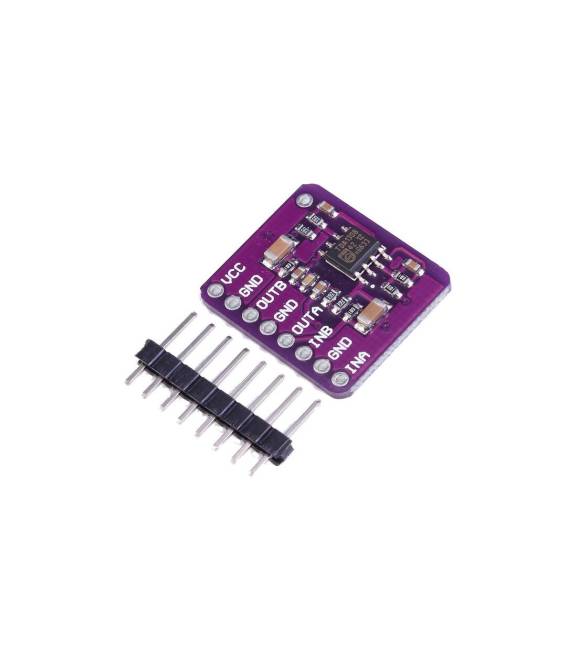
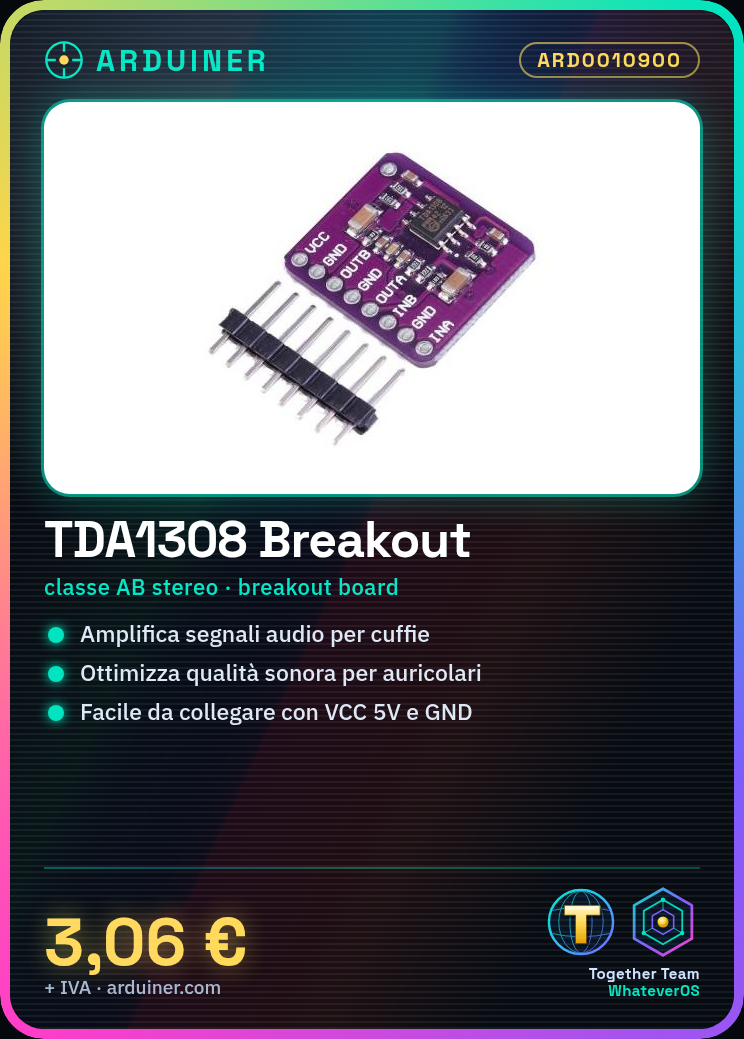
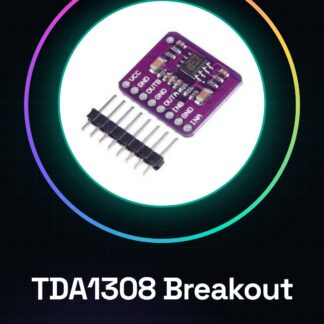
What is the TDA1308 Breakout Board? The TDA1308 Breakout Board is a stereo class AB integrated circuit preamplifier designed to amplify audio signals for headphones. It optimises performance with earphones and improves the sound quality of connected devices. Features Type: Stereo Class AB Preamp Model: TDA1308 Connection: Breakout board SKU: ARD0010900 Price: £2.75 Ideal for beginner to intermediate level audio projects, it can be used to amplify and filter audio signals intended for headphones. Examples of use include creating simple audio players with Arduino. Tutorial: How to Use TDA1308 Breakout The TDA1308 Breakout is a stereo class AB headphone preamplifier ideal for beginner to intermediate level audio projects. It allows amplifying and filtering audio signals for headphones. What You Need TDA1308 Breakout Board Arduino 10kΩ Resistor Headphones Connecting Wires Steps 1. Check the TDA1308 datasheet specifications. 2. Connect a 10kΩ resistor between VCC and GND for protection. 3. Connect VCC to Arduino’s 5V. 4. Connect TDA1308 GND to Arduino GND. 5. Connect headphones to the OUT pin. 6. Load the Arduino source code. 7. Control volume with a trim pot or variable resistor. 8. Test the audio system. Example Code void loop() {} Mini-project Create a simple headphone audio player using Arduino and TDA1308. Common Mistakes Do not use voltages higher than 5V on VCC. Do not connect VCC directly to GND without resistance. Do not connect headphones directly to OUT pin without filtering. Avoid setting volume too high, which could damage the headphones. Recommended Accessories Headphones Variable Trim Potentiometer 10kΩ Variable Resistor Frequently Asked Questions What specifications should I check in the datasheet? Check power supply voltage, operating frequency and nominal power. Can I use a different power supply than 5V? Verify maximum and minimum power supply voltages on the datasheet. What are volume limitations? Check nominal power and maximum volume on the datasheet. Can I connect digitalised audio directly? Use an anti-imaging filter or DAC to convert the digital signal.
Reviews
There are no reviews yet.