 EN
 IT Italiano
 ES Español
 FR Français
 DE Deutsch
Description
What it is
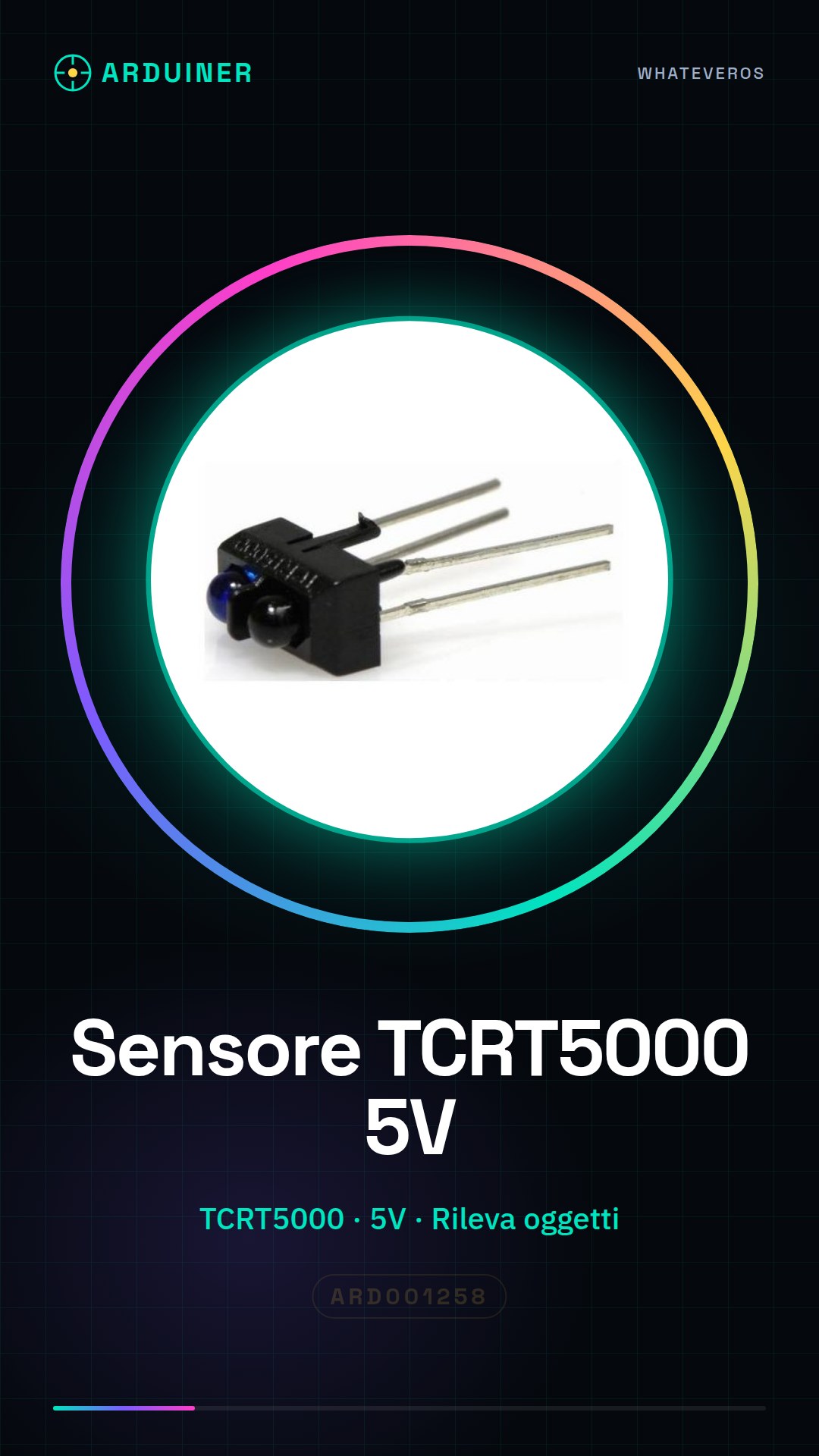
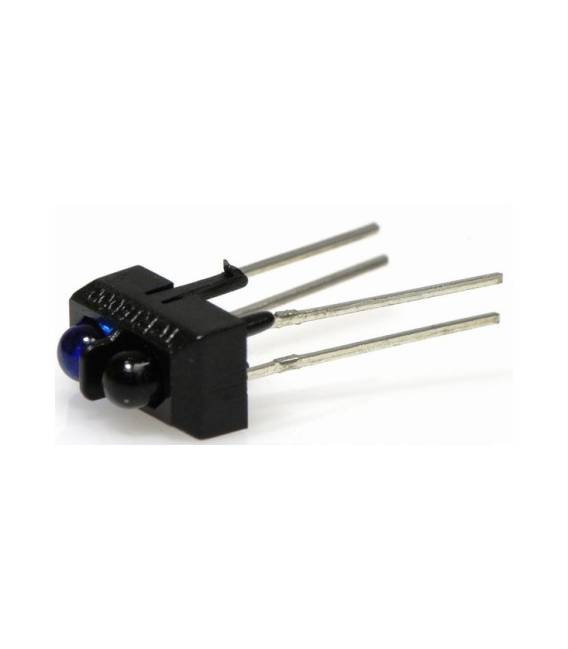
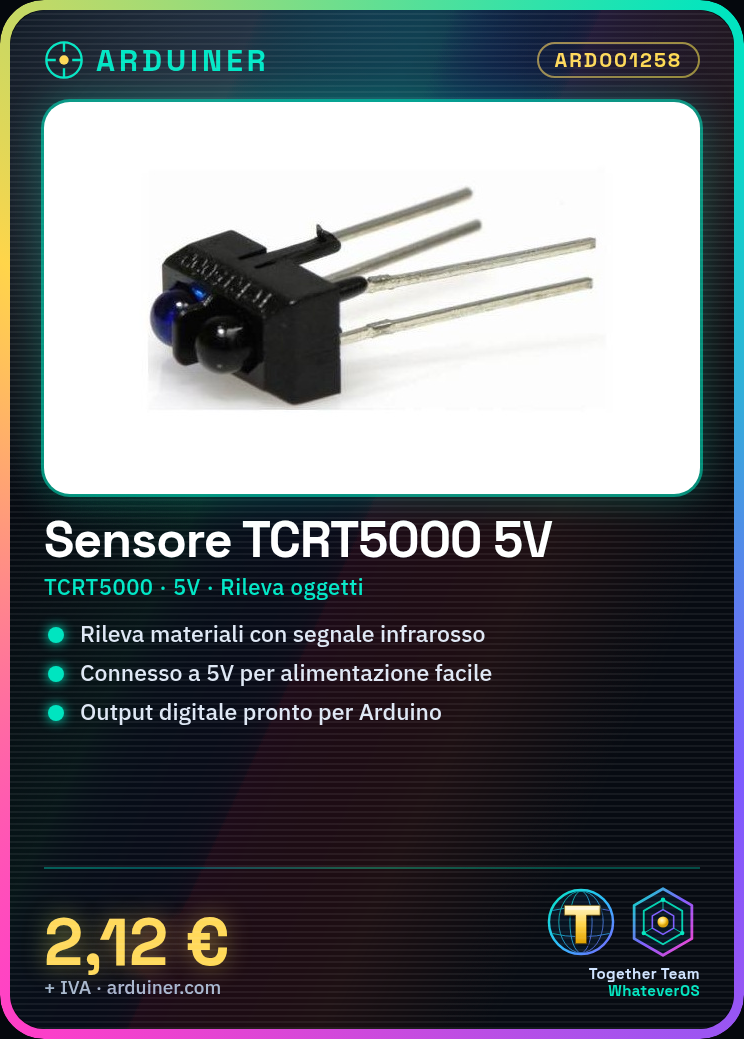
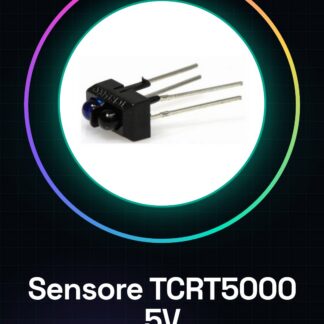
The TCRT5000 optical sensor is a component usable in Arduino projects for object detection or material presence sensing. This reflective infrared sensor can be integrated into various types of applications, such as robotics and home automation.
Features
- Type: Reflective Infrared Optical Sensor TCRT5000
- Vcc: 5V
- Maximum Current: check datasheet
What it is for
Ideal for beginner and intermediate makers, the TCRT5000 sensor can be used in projects that require object detection. For example, a home alarm system can be created that sends a notification when material presence is detected.
Tutorial: How to Use TCRT5000 Reflective Infrared Optical Sensor
The reflective optical sensor TCRT5000 is a fundamental component for projects requiring object detection or material presence sensing. Ideal for beginner and intermediate makers, this sensor can be used in various environments such as robotics, home automation, and prototypes.
What you need
- Arduino Uno
- USB Cable
- 5V Power Supply Connection
- Capacitor (check datasheet)
- Pull-up Resistor
Steps
- Connect the sensor VCC connector to the Arduino 5V pin.
- Connect the sensor GND connector to the Arduino ground (GND).
- Connect the sensor output OUT to a digital pin of the Arduino, for example pin 2.
- If necessary, connect a pull-up resistor between VCC and the sensor port to improve the stability of the reading (check datasheet).
- Upload the Arduino sketch to the microcontroller.
- Open the Arduino IDE Serial Monitor at 9600 baud rate.
- Place an object in front of the sensor and observe the state changes at the output.
- Adjust the distance of the sensor from the object to optimize its performance.
Example code
void setup() {
  Serial.begin(9600);
  pinMode(2, INPUT_PULLUP);
}

void loop() {
  int sensorValue = digitalRead(2);
  Serial.println(sensorValue);
}
Mini project
Create a home alarm system that sends a notification when the presence of objects is detected.
Common mistakes
- Connect the sensor without pull-up resistance
- Do not verify the datasheet specifications for electrical power
- Set an incorrect baud rate in the Serial Monitor
- Use an non-optimal distance between the sensor and the object
Recommended accessories
- Arduino Uno R3
- USB A-B cable
- Variable resistors
- Capacitors for Arduino
Frequently asked questions
What is the maximum detection distance of the TCRT5000?
Check the datasheet.
How can I connect the sensor to a Raspberry Pi?
Connect VCC to 3.3V, GND to ground mass and OUT to the desired GPIO pin.
The sensor does not work correctly.
Check the electrical connection and verify that the sensor is positioned correctly relative to the object to be detected.
Reviews
There are no reviews yet.