 EN
 IT Italiano
 ES Español
 FR Français
 DE Deutsch
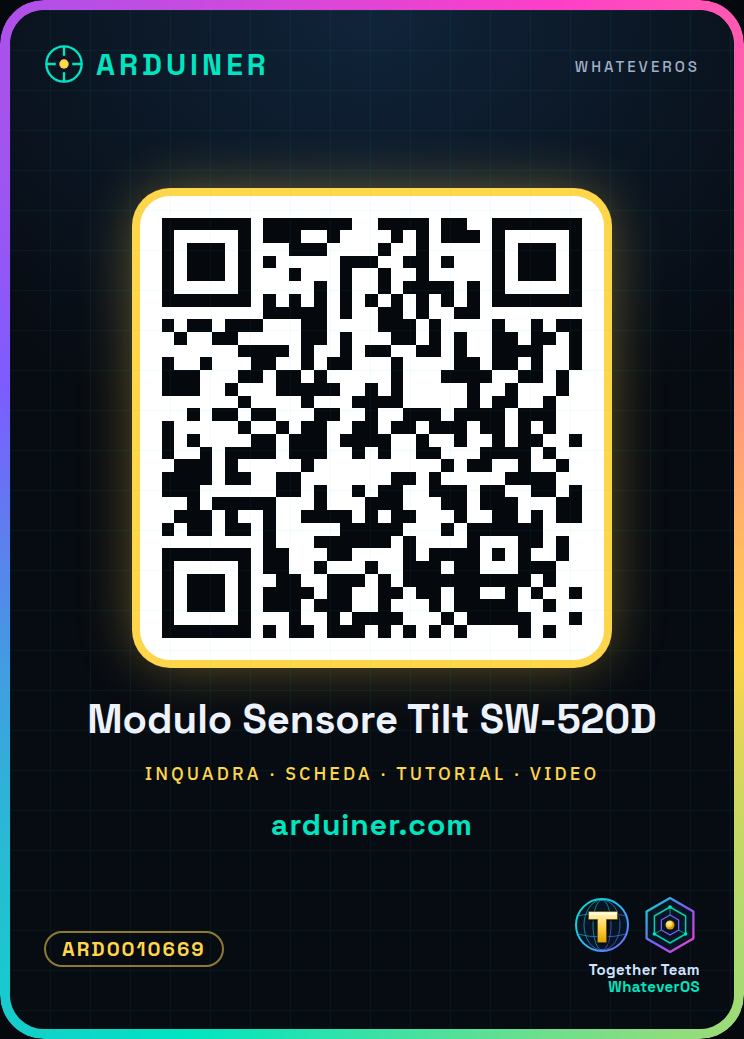
Description
What it is
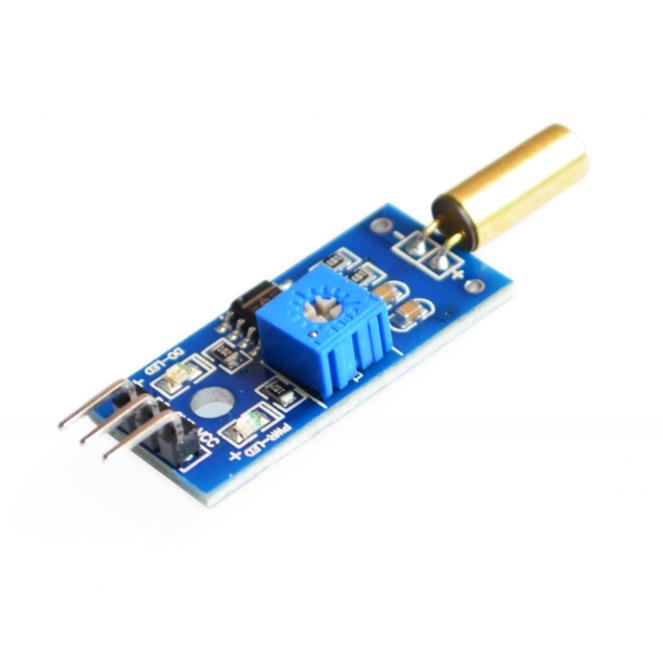
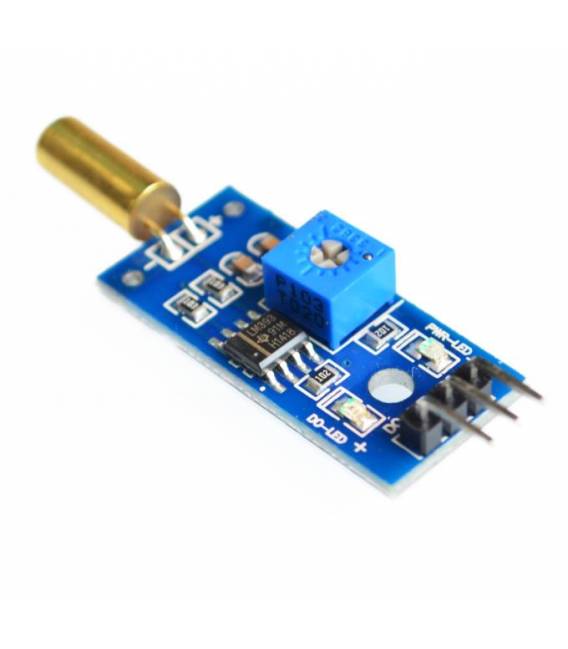
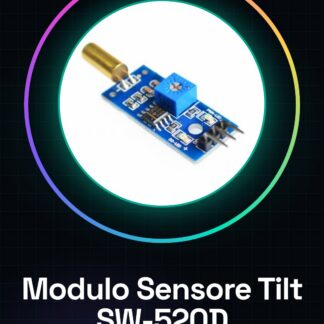
The tilt vibration sensor module SW-520D is a detection device that allows monitoring position changes and vibrations. This component is ideal for Arduino projects where movement or inclination detection is required.
Features
- Detect movements and inclinations with precision
- Ideally suited for various applications such as home alarms or presence sensors
What it is for
This sensor can be used to create a security system that activates when a vibration is detected. It can be connected to a relay and tested by tilting the entire device.
Tutorial: How to use Tilt Vibration Sensor Module SW-520D
The SW-520D tilt vibration sensor is a simple but useful component for projects requiring detection of position or movement changes. Ideal for beginner and intermediate makers, this sensor can be used in various devices such as home alarms or presence sensors.
What you need
- Arduino Uno
- USB cable
- 9V battery (optional)
- 3D print for sensor protection
Steps
- Connect the module to the analog pin A0 of the Arduino
- Insert the necessary library within the Arduino IDE
- Write the sketch that reads values from the sensor and sends them to the serial
- Check the datasheet to correctly set the threshold value of the sensor
- Test the sensor by tilting it in various positions
- Implement a function that activates an LED or relay when vibration is detected
- Protect the sensor with a custom 3D print for external applications
- Check the datasheet to optimize the sensor sensitivity based on project requirements
Example code
const int sensorPin = A0;
int sensorValue;
void setup() {
  Serial.begin(9600);
}

void loop() {
  sensorValue = analogRead(sensorPin);
  Serial.println(sensorValue);
}
Mini project
Create a home alarm that activates when vibration is detected. Connect the sensor to a relay and test it by tilting the entire device.
Common mistakes
- Setting the sensor threshold too low or too high
- Connecting the sensor to a digital pin instead of an analog pin
- Failing to protect the sensor from extreme conditions
- Ignoring the specifications on the datasheet
Recommended accessories
- 5V Relay
- RGB LED
- 3D Printer
- 9V Battery
Frequently asked questions
How can I increase the sensitivity of the sensor?
Check the datasheet to correctly set the threshold value
Does the sensor work with Arduino Mega?
Yes, connect the module to the appropriate analog pin on the Arduino Mega
Can it be used outdoors?
It is recommended to protect the sensor with a 3D printed case for outdoor applications
Reviews
There are no reviews yet.