 EN
 IT Italiano
 ES Español
 FR Français
 DE Deutsch
Description
What it is
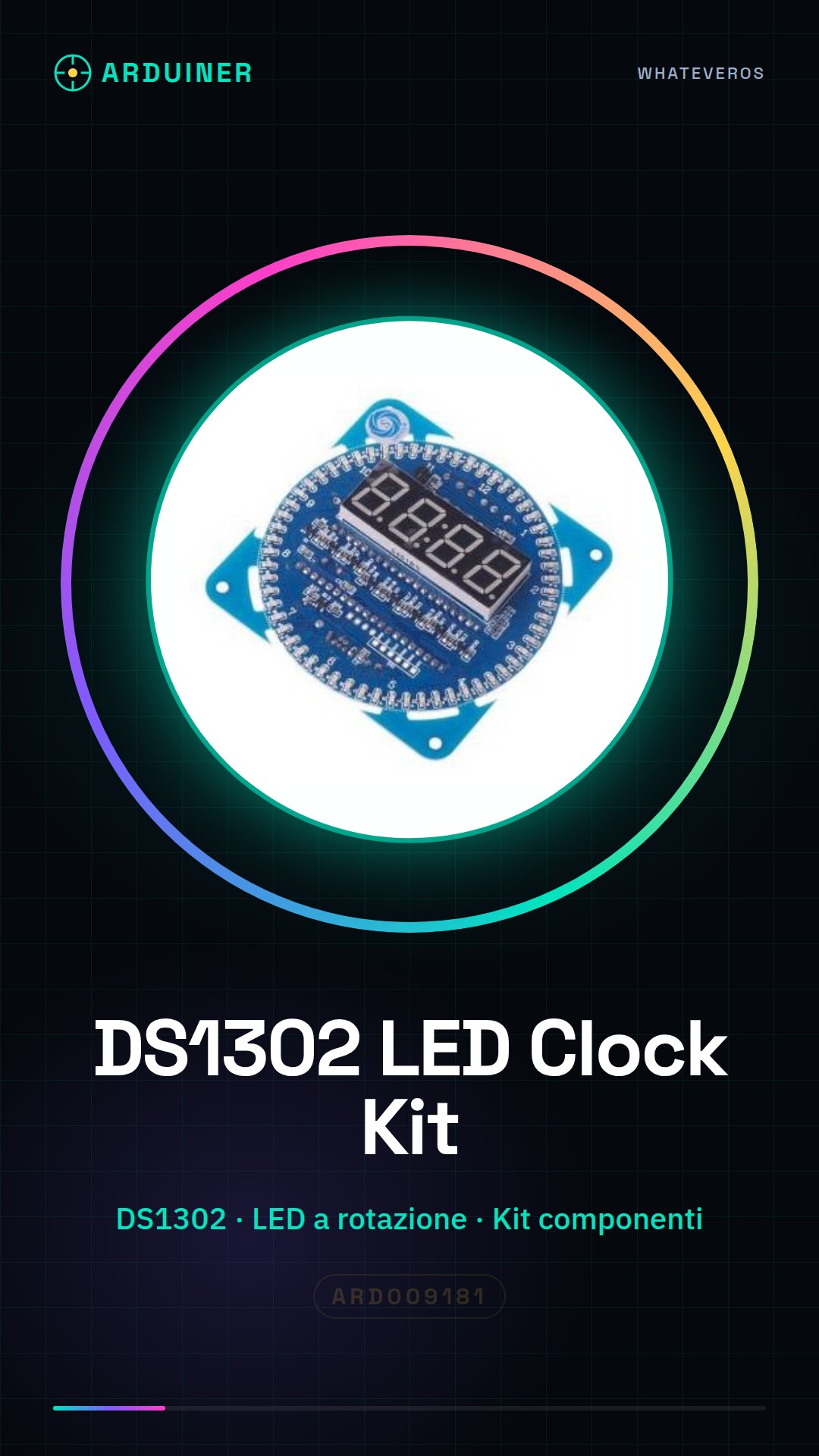
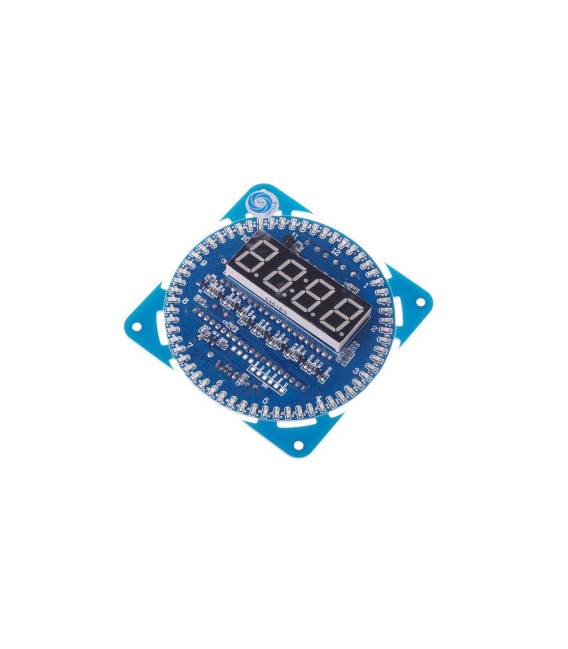
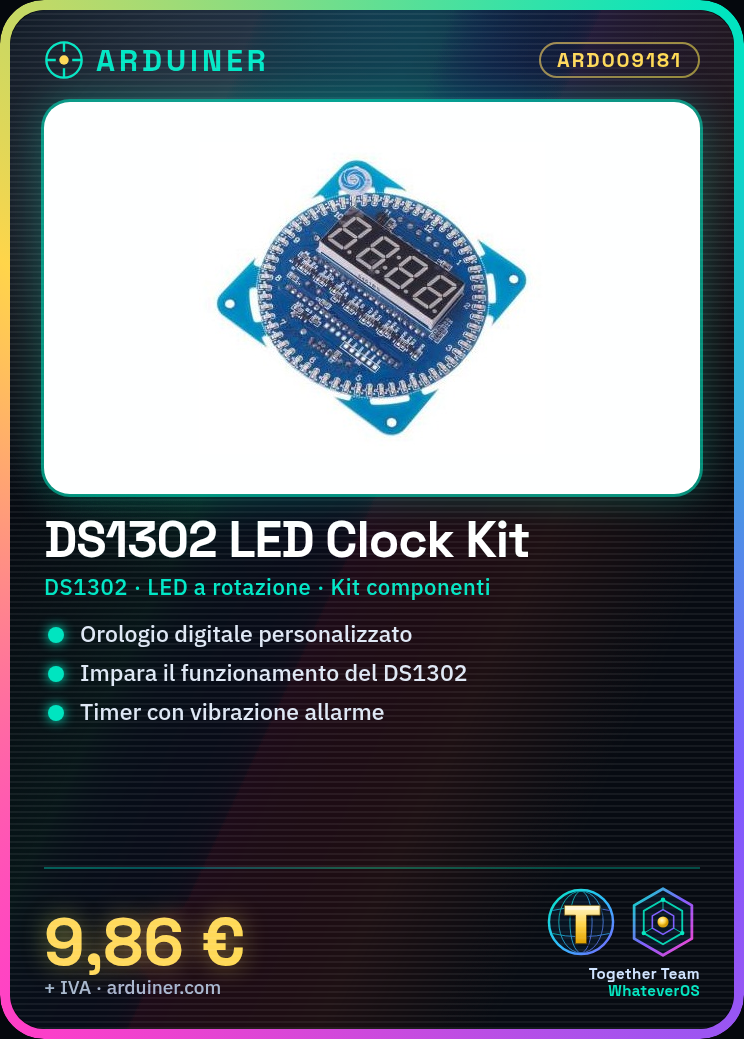
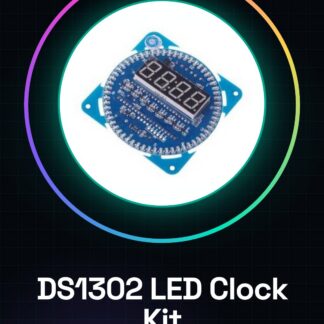
The DIY DS1302 Kit Electronic LED Rotating Clock is a set of components that allows makers to build a custom digital clock. This kit provides a learning platform to understand the operation of the DS1302 time module and the programming of LED matrices.
Features
- Based on DS1302 time module
- Includes kit components to build a digital clock with LED rotation
What it is for
Ideally used for Arduino projects and learning, the kit allows the creation of custom timers that alert via vibration when time is running out before the deadline. It can be integrated with Arduino or ESP for additional features.
Tutorial: How to use DS1302 Clock Kit
The LED Rotating Digital Clock Kit based on DS1302 is perfect for makers who want to create a custom digital clock. This kit offers a complete learning platform to understand the operation of the DS1302 time module and the programming of LED matrices.
What you need
- Arduino Uno
- DS1302 Clock Kit
- USB A-Micro B Cable
- Arduino IDE Software
Steps
- Connect the clock kit to a computer via the USB port of the integrated microcontroller.
- Download and install the Arduino IDE on a computer.
- Open a new sketch window in Arduino IDE and connect to the clock kit via the ‘Tools > Serial Port’ menu.
- Insert the provided code sketch and upload it to the clock kit’s microcontroller.
- Check that the date and time are correct on the clock kit’s LED matrix.
- If necessary, modify the code to customize the clock’s features.
- Test the clock kit after uploading the modified sketch.
- Configure any additions such as alarms or timers using the DS1302 library.
Example code
/*
  Orologio DS1302
  Questo esempio di codice configura il modulo DS1302 per mostrare l'ora e la data su una matrice LED.
*/
#include <DS1307RTC.h>
// Collegamenti del kit orologio a Arduino
#define SDA_PIN A4 // verifica sul datasheet
#define SCL_PIN A5 // verifica sul datasheet
// Inizializzazione del modulo DS1302
void setup() {
  Wire.begin(SDA_PIN, SCL_PIN);
  rtc.begin();
}
void loop() {
  // Mostra l'ora e la data su una matrice LED collegata al kit orologio.
}
Mini project
Create a simple timer that vibrates to alert when there is little time left before the deadline. Set the timer for 30 minutes, then add code that makes the kit vibrate when only 5 minutes remain.
Common mistakes
- Incorrect connection between Arduino and clock kit
- Incorrect date and time in the DS1302 module
- Sketch compilation without uploading it to the clock kit
Recommended accessories
- USB A-Micro B cable
- CR1220 battery for the time module
- Pull-up resistor for the DS1302 data lines
- Motion sensors for automatic alarms
Frequently asked questions
How can I change the appearance of the clock?
You can change the sketch code to add special effects to the LED matrices.
What is the battery life of the CR1220?
The duration varies based on consumption, but generally it can work for months or years.
Can I use this kit for 3D printing projects?
Yes, you can integrate it with a 3D printer control module to manage print time.
Reviews
There are no reviews yet.