 EN
 IT Italiano
 ES Español
 FR Français
 DE Deutsch
Description
What it is
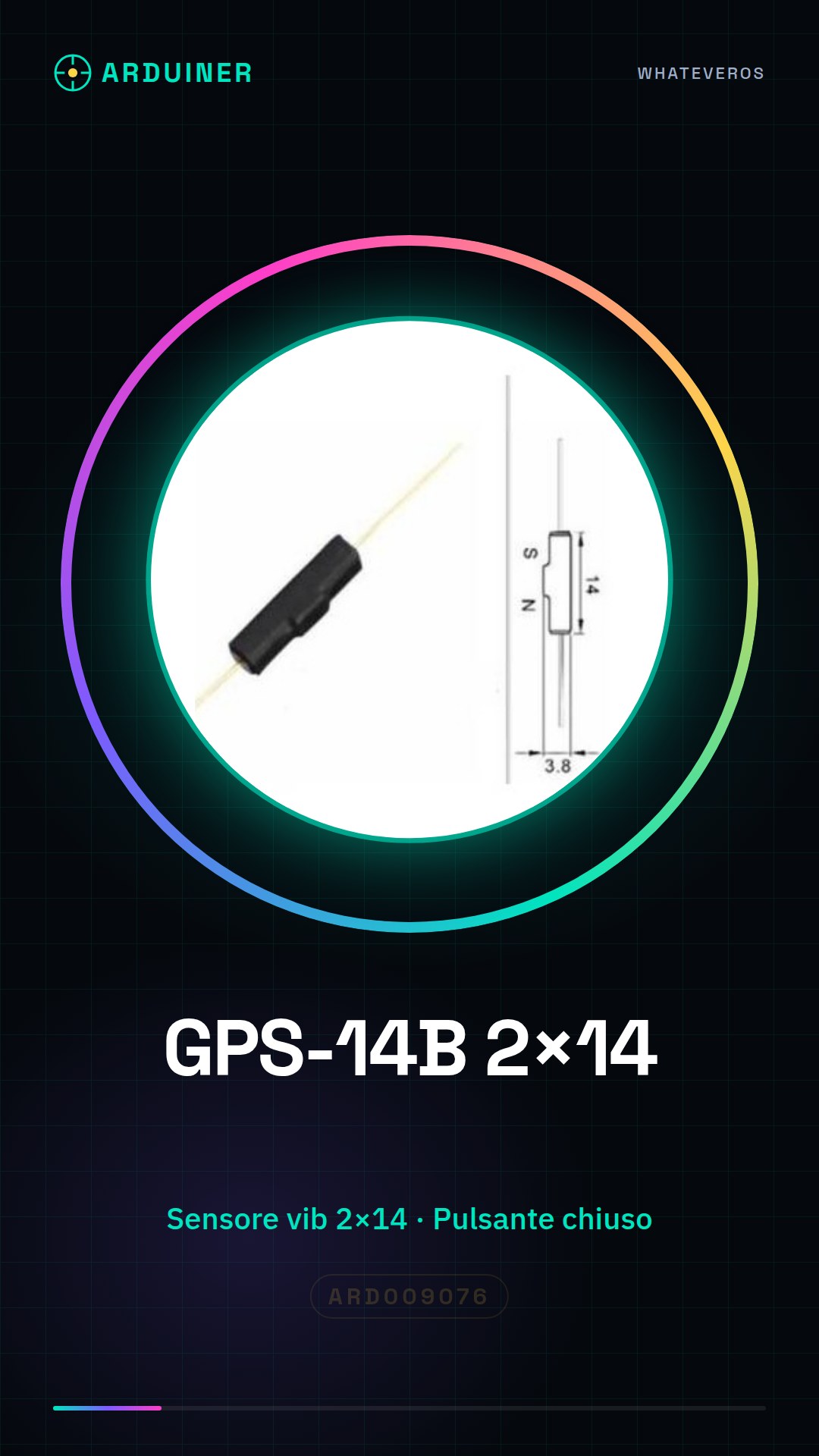
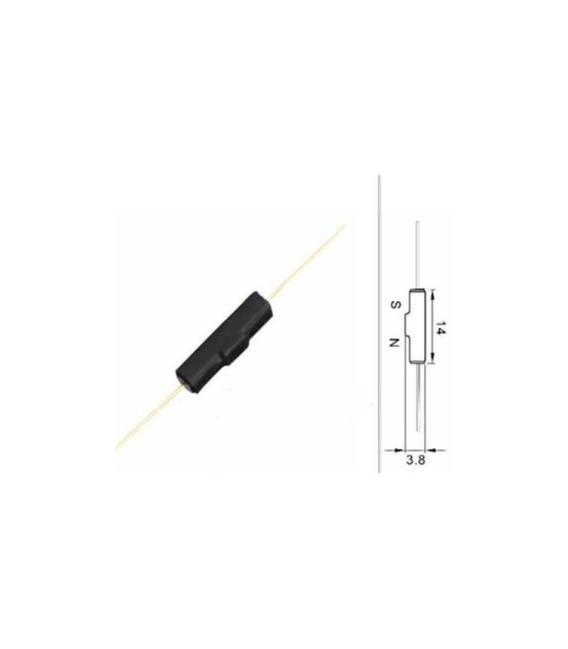
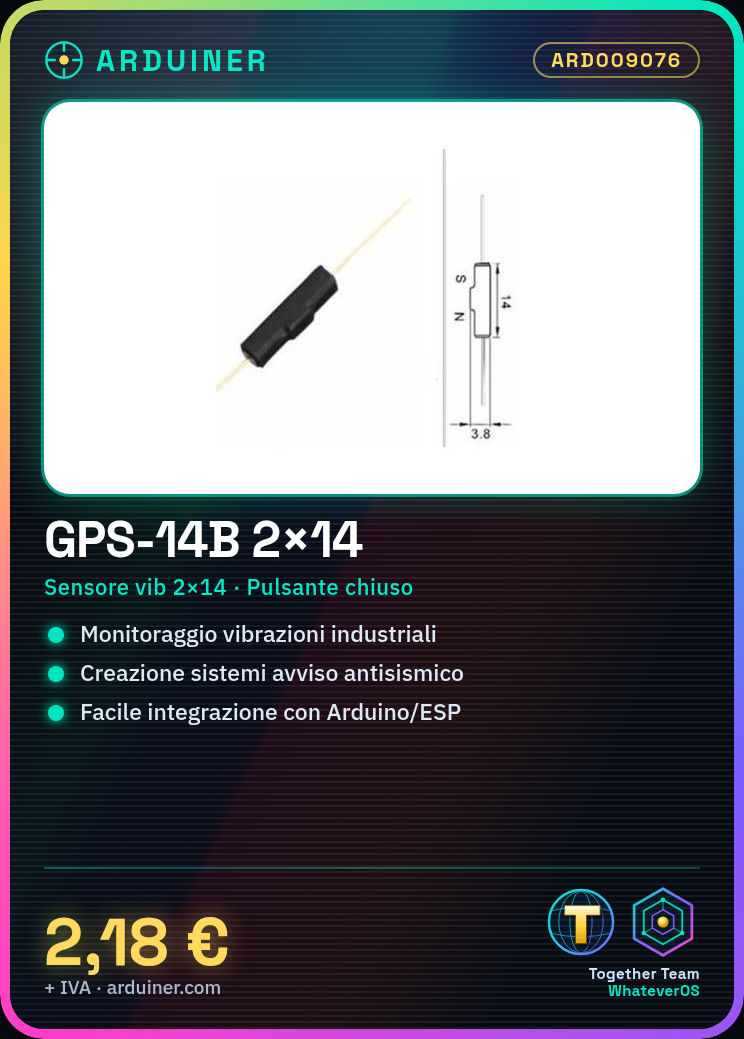
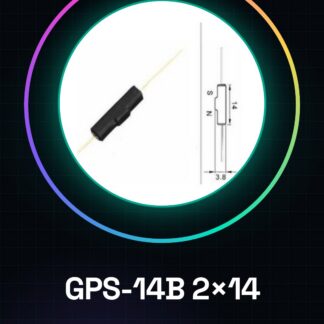
The GPS-14B 2×14 is a vibration sensor with a magnetic seismic switch. This device is designed to monitor seismic events and vibrations in industrial and domestic environments.
Features
- Vibration sensor 2×14
- Magnetic seismic switch normally closed
What it is for
The main uses of the GPS-14B include the creation of seismic warning systems and movement monitoring. It is suitable for both beginner and intermediate projects and can be easily integrated with Arduino or ESP to develop control and monitoring applications.
Tutorial: How to use GPS-14B
The GPS-14B is an ideal vibration sensor for seismic protection and movement monitoring projects. Useful for beginners and intermediates.
What you need
- GPS-14B
- Arduino
- Power cable
- 10kΩ resistor
Steps
- 1. Connect the GPS-14B to pin A0 of Arduino.
- 2. Attach a power cable to the VCC and GND of the GPS-14B.
- 3. Connect a 10kΩ resistor between the OUT pin and GND.
- 4. Load the Arduino code.
- 5. Check the datasheet for the bounce frequency of the switch.
- 6. Try shaking the sensor to verify the signals.
- 7. Adapt the code to your needs.
- 8. Test the system in vibration situations.
Example code
```int sensorPin = A0;
void setup() {
  Serial.begin(9600);
}

void loop() {
  int sensorValue = analogRead(sensorPin);
  Serial.println(sensorValue);
  delay(1000);
}```
Mini project
Create an earthquake warning system with an LED that turns on when the GPS-14B detects vibrations.
Common mistakes
- Do not connect the VCC to the 5V pin of Arduino.
- Forget to add the pull-down resistor.
- Set the wrong pin for analog reading.
- Omit the delay between readings.
Recommended accessories
- LED
- Resistor for LED
- 5V power cable
Frequently asked questions
How can I calibrate the sensor?
Check the datasheet for calibration specifications and follow the instructions.
Does the sensor only record vibrations?
The GPS-14B records vibrations and movements. Check the datasheet for details.
Can I use the GPS-14B for navigation projects?
No, it is a vibration sensor, not a GPS.
What are the specifications of the magnetic button?
Check the datasheet for the specifications of the magnetic button.
Reviews
There are no reviews yet.