 EN
 IT Italiano
 ES Español
 FR Français
 DE Deutsch
Description
What it is
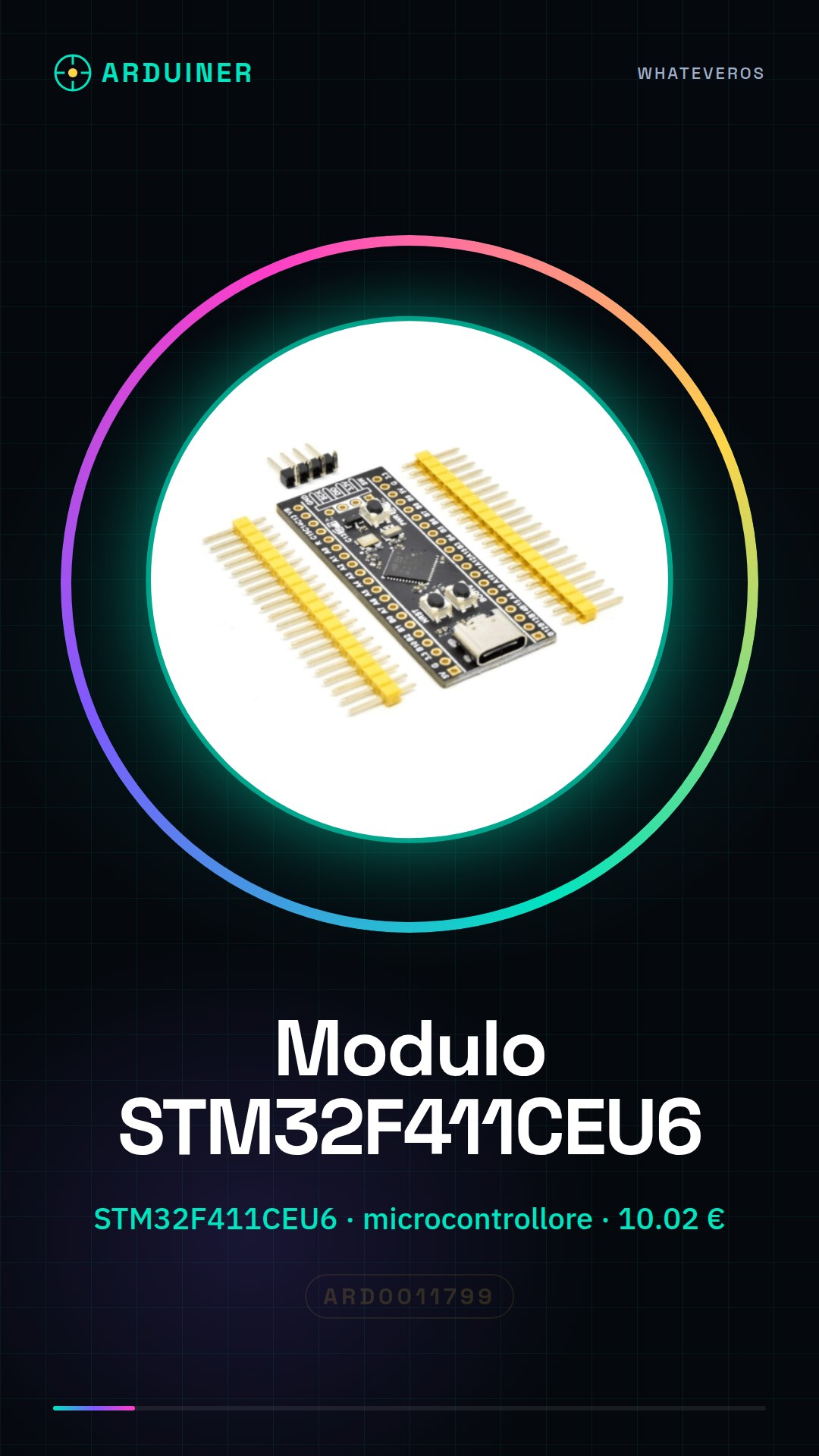
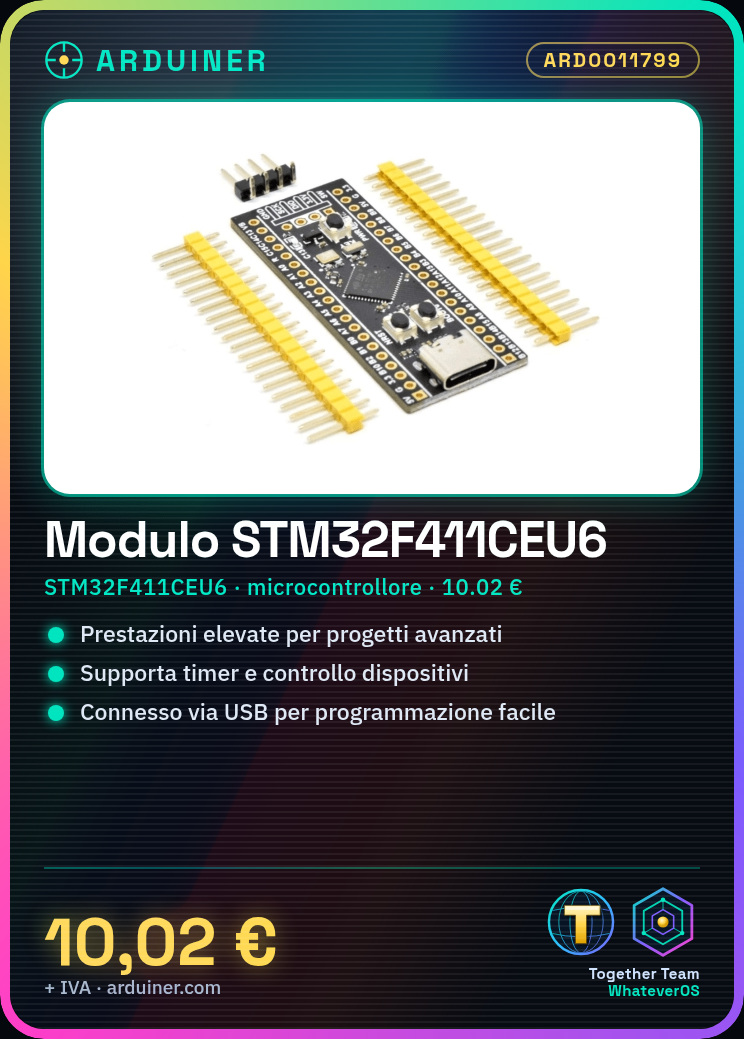
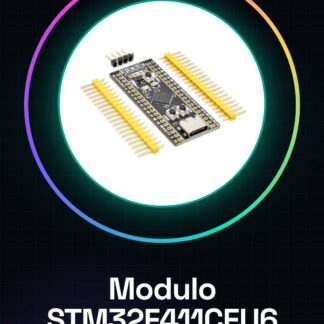
The STM32F411CEU6 module is a microcontroller based on the STM32F411CEU6 chip. It offers high performance and can be used for advanced electronics projects.
Features
- STM32F411CEU6 Microcontroller
- SKU: ARD0011799
- Price: 10.02 €
What it is for
The STM32F411CEU6 module is suitable for advanced electronics projects that require higher performance than basic Arduino microcontrollers. It can be used for applications such as timers, device control, interfacing with sensors, and much more. Compatibility with Arduino and other development environments can be verified in the datasheet.
Tutorial: How to Use the STM32F411CEU6 Module
The STM32F411CEU6 module is ideal for advanced electronics projects, offering superior performance to basic ones. It is perfect for programmers who want a controller with powerful processing capabilities.
What you need
- Arduino IDE
- USB Cable
- 10kΩ Resistor
- LED
- Multimeter
Steps
- 1. Install Arduino IDE.
- 2. Download the driver for the STM32 microcontroller.
- 3. Connect the module to the computer with the USB cable.
- 4. Check the datasheet for the module specifications.
- 5. Create a new project in Arduino IDE.
- 6. Insert the following code:
“`cpp
#includeint ledPin = 5;
void setup() {
pinMode(ledPin, OUTPUT);
}void loop() {
digitalWrite(ledPin, HIGH);
delay(1000);
digitalWrite(ledPin, LOW);
delay(1000);
}
“` - 7. Compile and upload the code to the module.
- 8. Connect the LED to pin 5 and observe the LED turning on and off.
Example code
```cpp
#include <STM32F4xx_hal.h>

int ledPin = 5;

void setup() {
  pinMode(ledPin, OUTPUT);
}

void loop() {
  digitalWrite(ledPin, HIGH);
  delay(1000);
  digitalWrite(ledPin, LOW);
  delay(1000);
}
```
Mini project
Build an LED timer that turns an LED on and off every second. In 30 minutes, you can have a working LED timer.
Common mistakes
- Do not install the correct driver.
- Connect the module to the computer with a different USB cable.
- Write the Arduino code without including the necessary headers.
- Forget to check the specifications on the datasheet.
Recommended accessories
- Arduino UNO
- LED
- 10kΩ resistor
- Multimeter
Frequently asked questions
How can I verify if the module is correctly connected?
Use a multimeter to measure the voltage on the module’s power pin.
What is the power pin of the module?
The power pin is the VCC, generally pin 3.
Can I use this module with other IDEs?
The module is compatible with the Arduino IDE, but it can also be used with other IDEs supporting the STM32 microcontroller.
Reviews
There are no reviews yet.