 EN
 IT Italiano
 ES Español
 FR Français
 DE Deutsch
Description
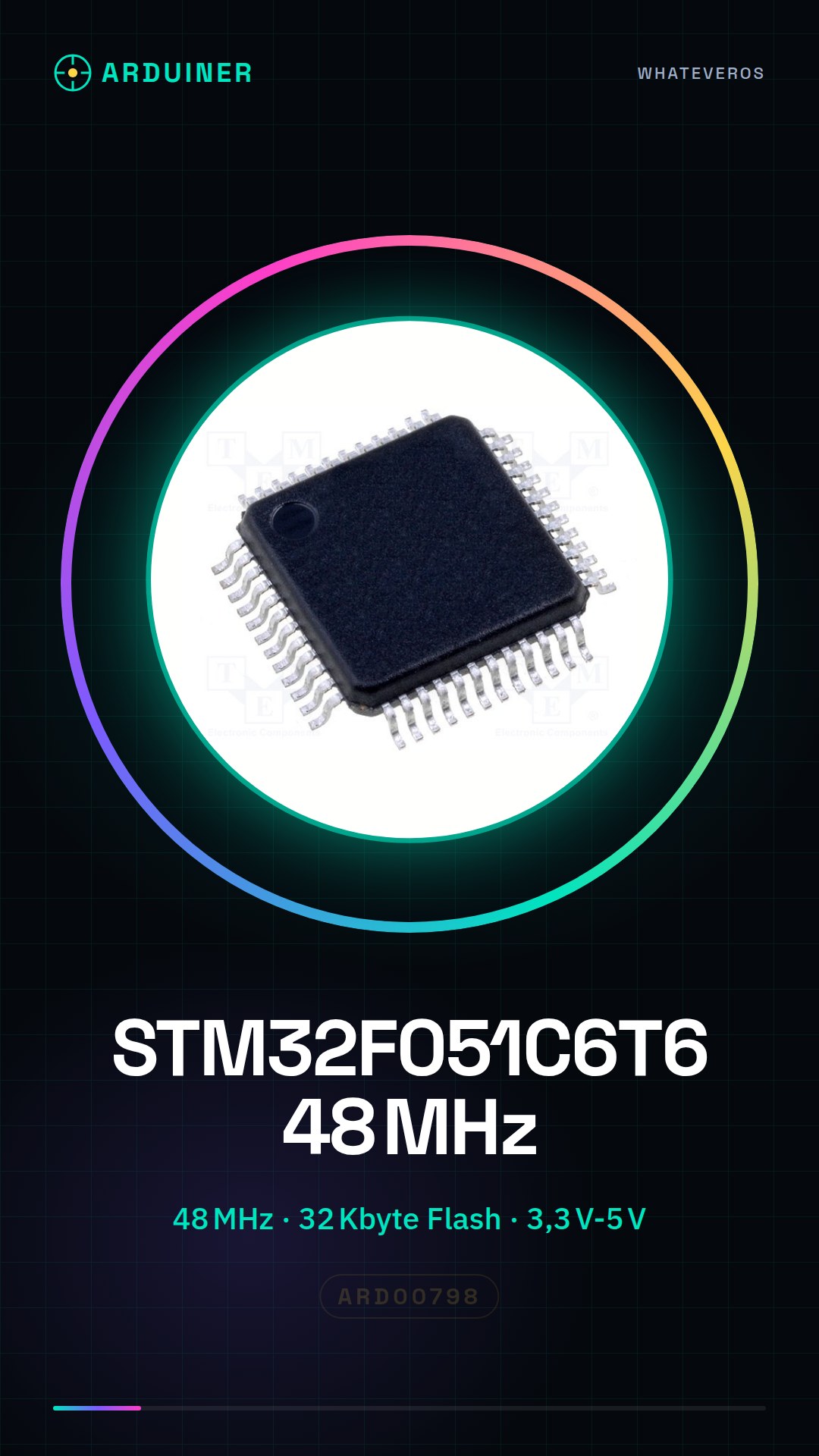
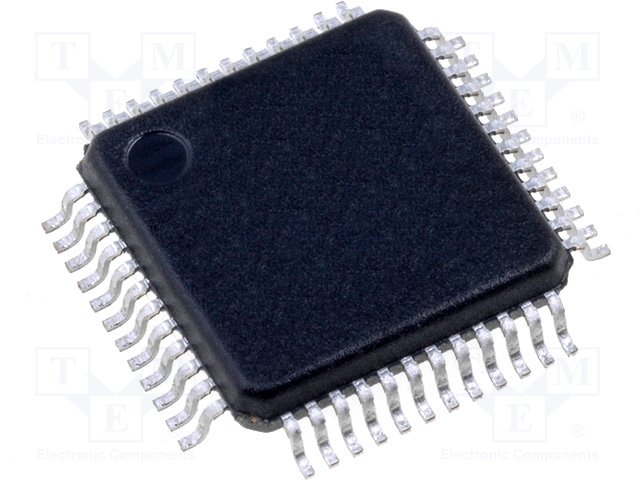
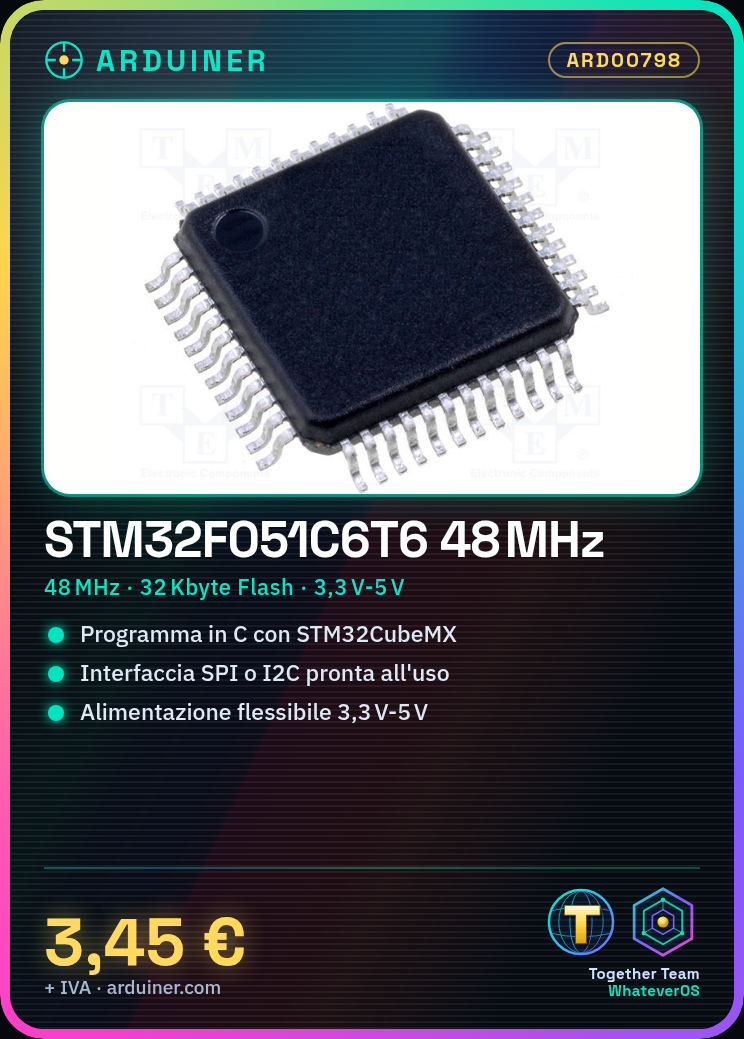
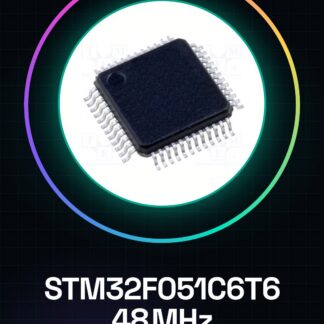
MCU STM32F051C6T6 with 32 Kbyte Flash, 48 MHz CPU Integrated Circuits
Tutorial: How to Use MCU STM32F051C6T6
The STM32F051C6T6 MCU is a high-performance microcontroller ideal for advanced electronics projects. This tutorial will guide you through the initial steps with this component.
What you need
- Arduino IDE
- CubeMX library
- SPI or I2C connector
- Power supply 3,3V-5V
Steps
- Install the STM32CubeMX library in your Arduino IDE.
- Configure the STM32CubeMX project for the MCU STM32F051C6T6.
- Generate C code and load it into a development environment like Eclipse or Atollic TrueSTUDIO.
- Connect the MCU to the Arduino IDE via an SPI or I2C connector.
- Verify the correct clock configuration in the datasheet.
- Load a minimal sketch to test basic functionalities.
- Monitor the output through the Arduino IDE serial console.
- Test GPIO pins with a simple LED or resistor.
Example code
// Inserisci qui lo sketch minimo per il MCU STM32F051C6T6Mini project
Create a small control interface through buttons and an LCD display connected to the MCU.
Common mistakes
- Incorrect clock configuration.
- Incorrect GPIO settings.
- Incorrect firmware loading.
- Unstable SPI/I2C connection.
Recommended accessories
- Arduino IDE
- CubeMX Library
- SPI or I2C Connector
- LCD Display
Frequently asked questions
How can I configure the clock?
Check the specifications in the datasheet and configure STM32CubeMX accordingly.
Which GPIO pins should I use for an LED?
Select the available pins for your MCU’s GPIO port and ensure they are configured as outputs.
Reviews
There are no reviews yet.