 EN
 IT Italiano
 ES Español
 FR Français
 DE Deutsch
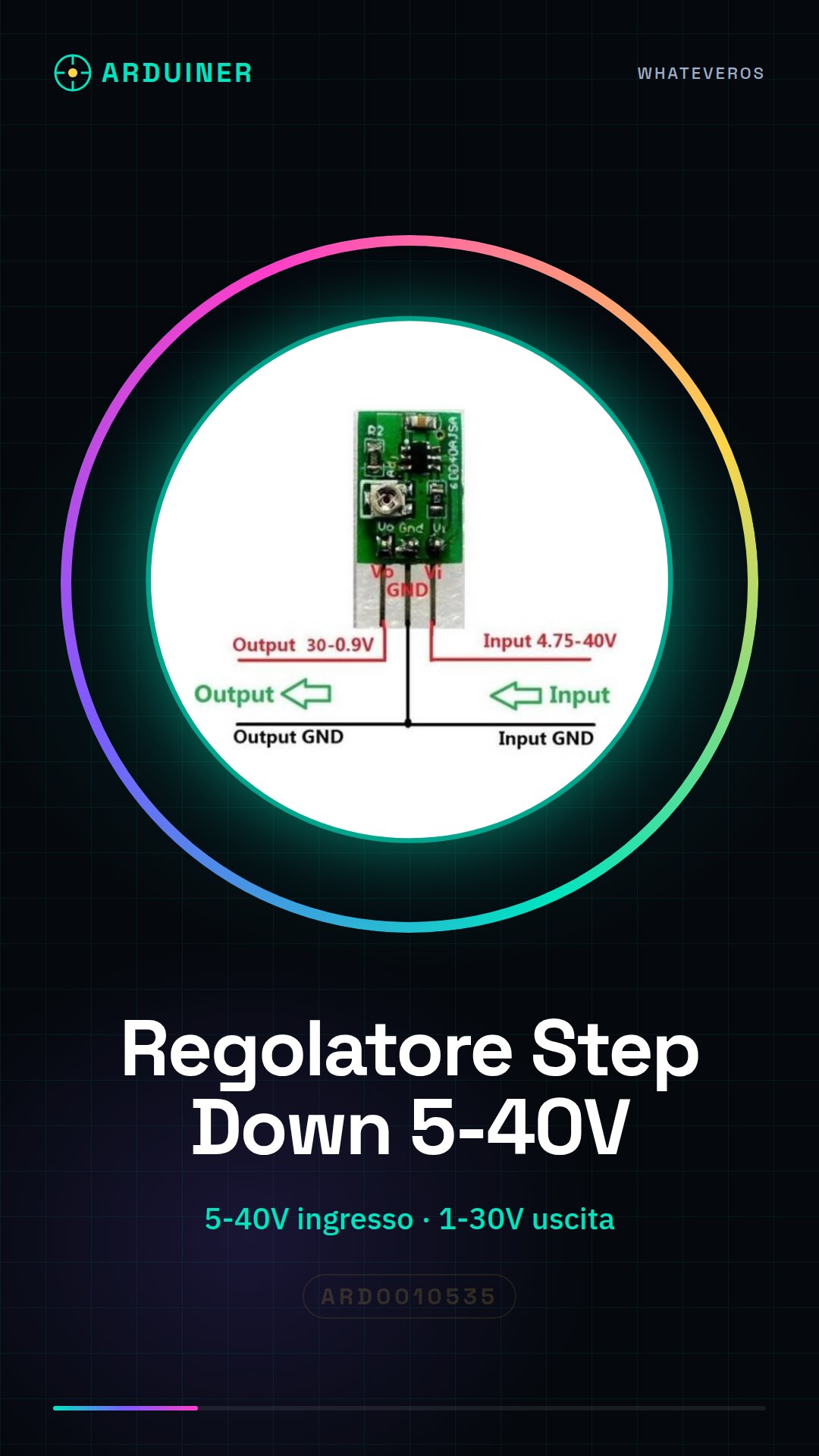
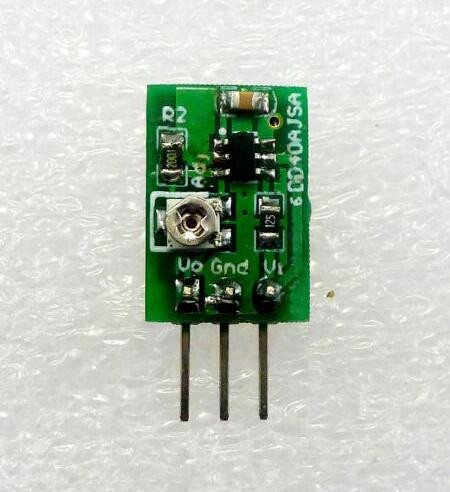
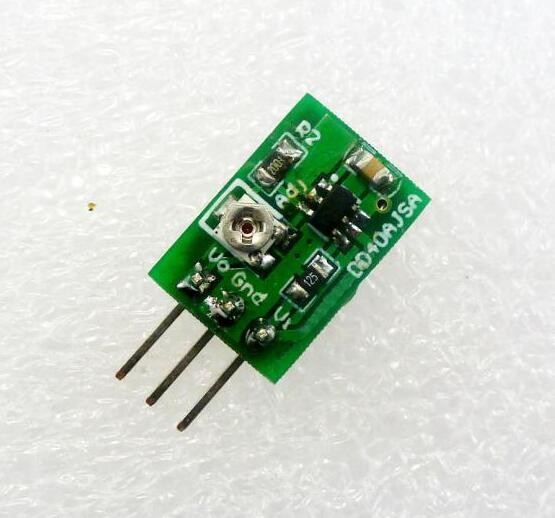
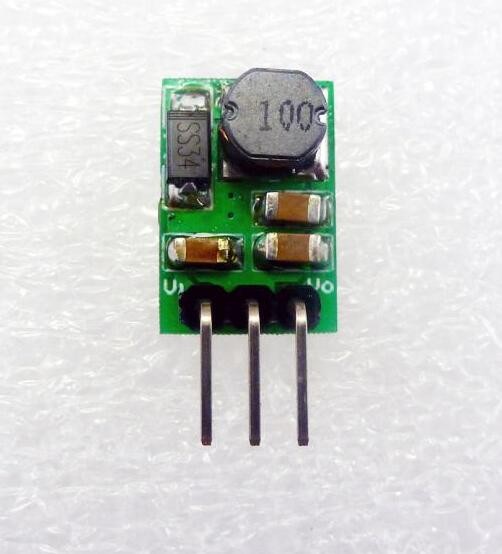
Description
What it is
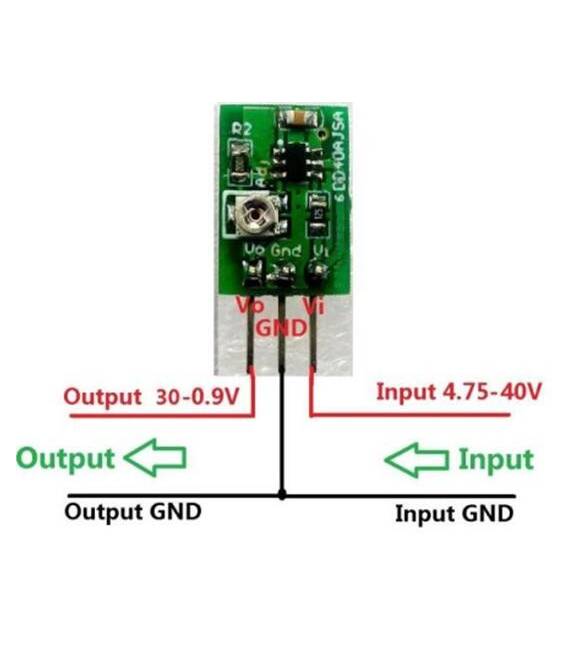
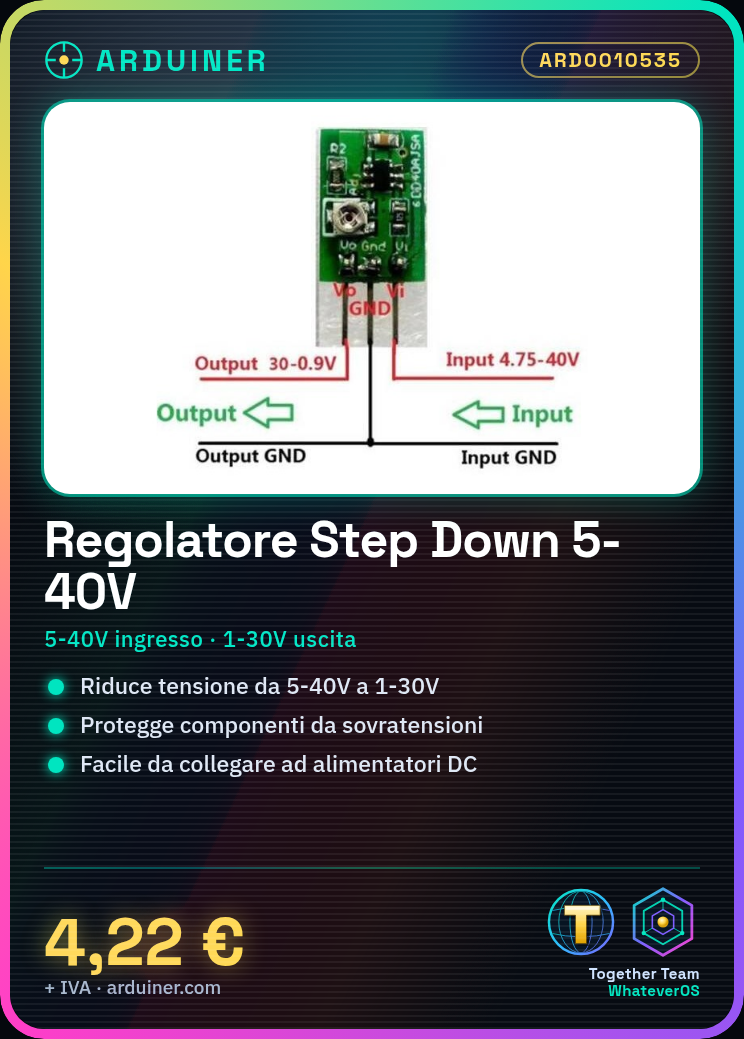
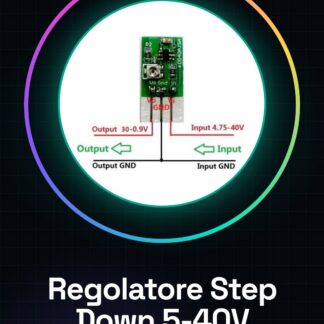
The ARD0010535 Step Down Voltage Regulator Module is an electronic component that serves to reduce the voltage of an electrical supply. It converts an input voltage range of 5 to 40V into a variable output from 1 to 30V.
Features
- Voltage step down conversion (from 5V to 40V to 1V to 30V)
- SKU: ARD0010535
- Price: 4.22€
What it is for
This module is useful for powering electronic projects that require a lower voltage than the main power supply. For example, it can be used to power Arduino modules, LEDs, sensors, and other electronic components. Voltage regulation allows to protect sensitive components from overvoltage and to optimize the circuit’s power supply.
Tutorial: How to Use Step Down Voltage Regulator
The Step Down Voltage Regulator is a fundamental component for reducing the voltage of electrical currents, essential for protecting sensitive components and optimizing the power supply of your projects.
What you need
- Step Down Voltage Regulator
- Arduino or compatible microcontroller
- DC Power Supply from 5V to 40V
- Power Supply Cable
Steps
- 1. Check the datasheet for input and output voltage specifications.
- 2. Connect the DC power supply to the input terminal of the module.
- 3. Connect the module output to a microcontroller or device to be powered.
- 4. Verify that the power supply is stable with a multimeter.
- 5. Test the module with an Arduino to control the correct voltage regulation.
- 6. Install the module on a prototype or circuit.
- 7. Check the output current and the temperature of the module.
- 8. Configure the module if necessary for the desired output voltage.
Mini project
Create a simple lighting circuit with an LED that turns on when the power supply is stable.
Common mistakes
- Connect the output terminal to ground.
- Ignore the output voltage verification.
- Do not use a cooler if the module exceeds 50°C.
- Do not apply input voltages higher than the specifications.
Recommended accessories
- Cooler for voltage regulator
- Multimeter
- 10kΩ resistor
- 3V LED
Frequently asked questions
How can I verify the output voltage?
Use a multimeter to measure the voltage between the output terminals of the module.
Does the module automatically regulate the voltage?
Yes, the module automatically regulates the voltage within the output specifications.
Can I use an AC power supply?
No, make sure to use a DC power supply.
What are the maximum current specifications?
Check the datasheet to know the maximum current specifications of the module.
Reviews
There are no reviews yet.