 EN
 IT Italiano
 ES Español
 FR Français
 DE Deutsch
Description
What it is
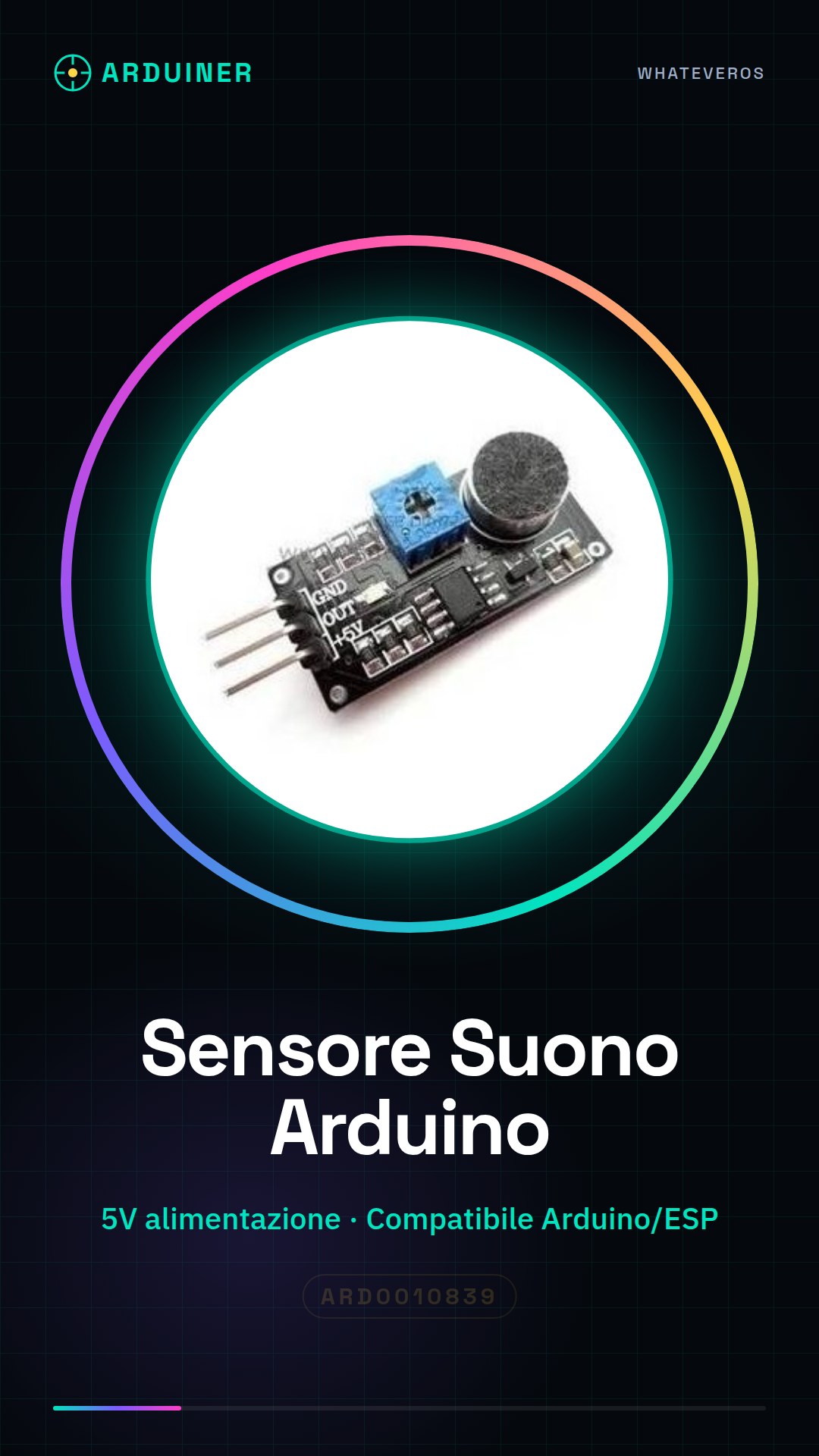
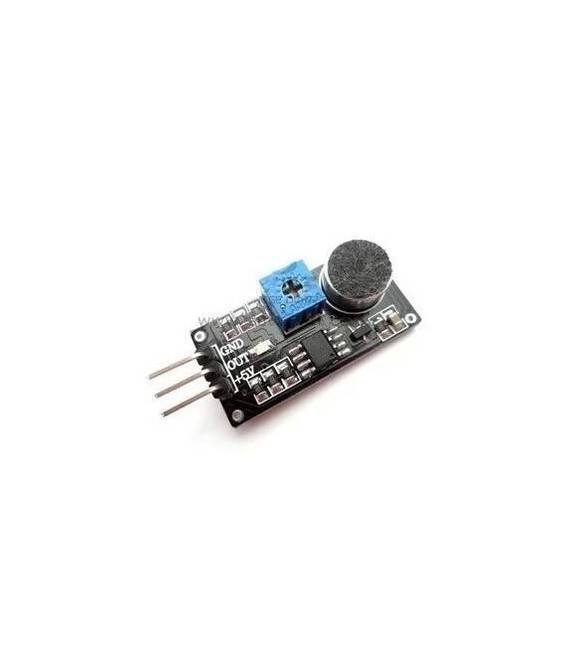
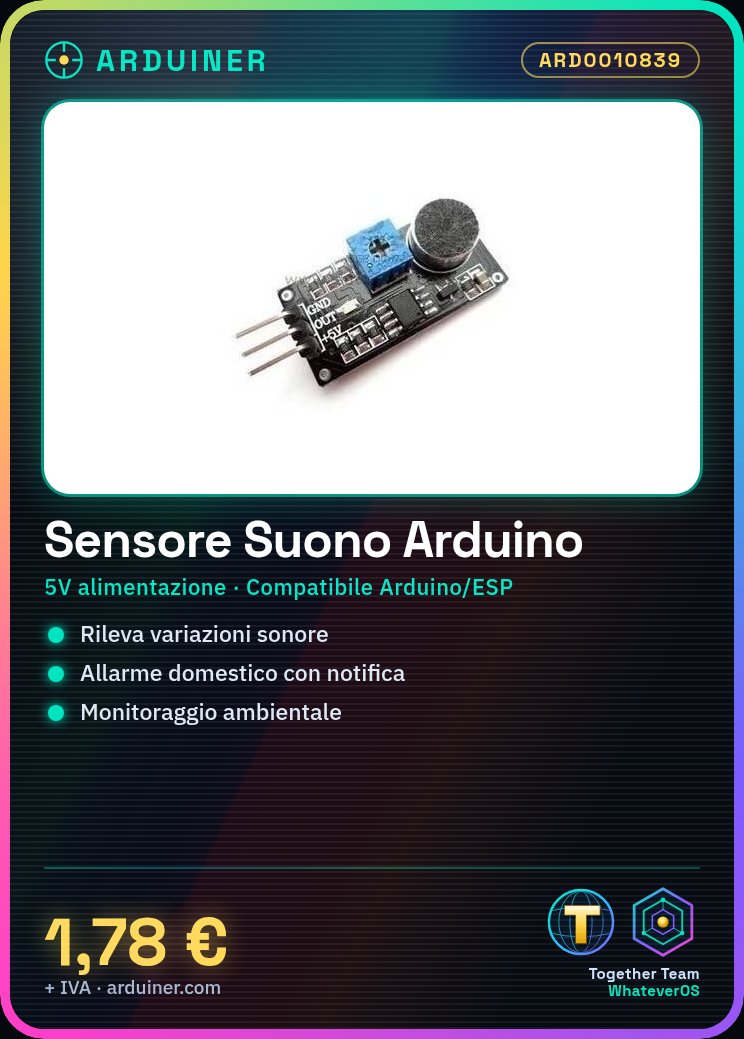
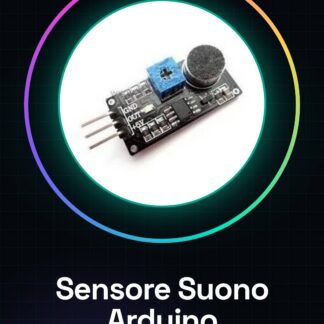
The sound detection sensor module is an electronic component designed to integrate with Arduino devices. This device allows the detection of sound variations in the surrounding environment, making it useful for various types of applications.
Features
- Suitable for Arduino projects
- Ideally usable in security and environmental monitoring applications
What it is for
The sound detection sensor module can be used to create home alarm systems that trigger a notification when a sound above a certain threshold is detected. Additionally, it is compatible with Arduino and ESP.
Tutorial: How to use Sound Detection Sensor Module
The sound detection sensor module is a useful component for projects requiring sound variation detection. Ideal for beginners and intermediates, it can be used in various areas such as home alarm or environmental monitoring.
What you need
- Arduino Uno
- USB Connection
- 5V Power Supply
Steps
- Connect the module to the Arduino microcontroller using the GPIO connectors.
- Check the proper power supply of the module (5V).
- Install the necessary libraries to manage the sensor on Arduino IDE.
- Write a sketch that reads data from the sound detection sensor.
- Compile and upload the sketch to the microcontroller.
- Open the serial monitor in Arduino IDE to view sound variations.
- Adjust the threshold level to activate the alarm or warning when a noise is detected.
- Test the system with various types and intensities of sounds.
Example code
// Esempio di codice Arduino
#include <Audio.h>
void setup() {
  Serial.begin(9600);
}
void loop() {
  int soundLevel = analogRead(A0); // Leggi il livello del suono dal sensore
  Serial.println(soundLevel);
}
Mini project
Create a home security system that triggers a notification when noise above a certain threshold is detected.
Common mistakes
- Using incorrect voltage (not 5V).
- Choosing a threshold that is too low or too high for the sensor.
- Ignoring the calibration of the sensor before use.
- Failing to check the electronic connections before compiling the sketch.
Recommended accessories
- ESP8266 Wi-Fi Module
- Arduino Buzzer
- 16×2 LCD Display
- Relay Module
Frequently asked questions
How can I calibrate the sensor?
To calibrate, run the sketch and record reference values in silent conditions.
The sensor is not working properly.
Check the power supply voltage and ensure that the connector is properly connected to the Arduino.

Reviews
There are no reviews yet.