 EN
 IT Italiano
 ES Español
 FR Français
 DE Deutsch
Description
What it is
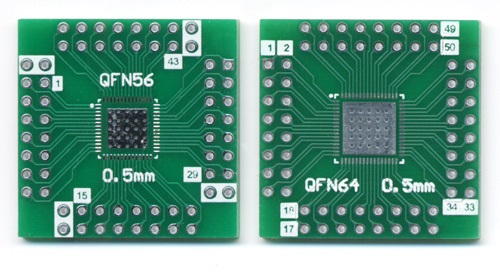
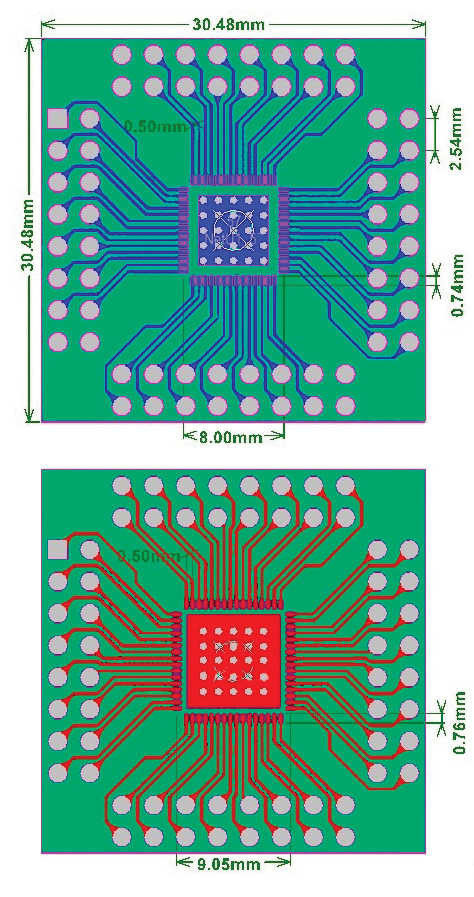
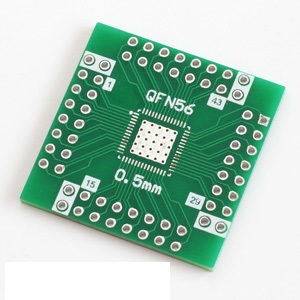
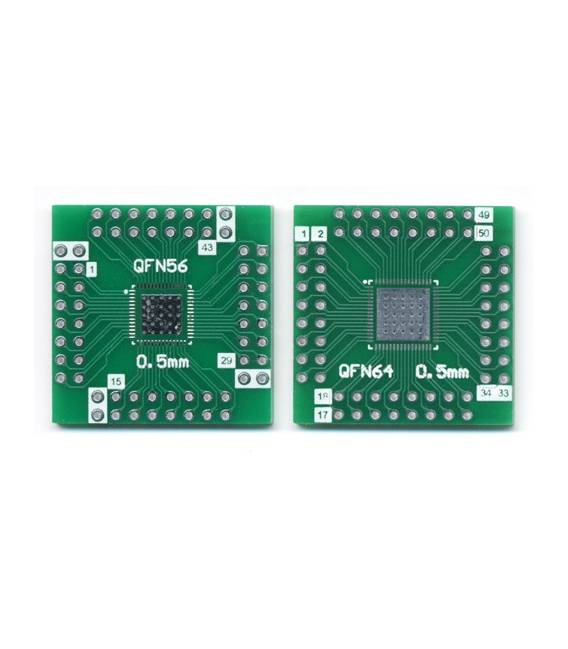
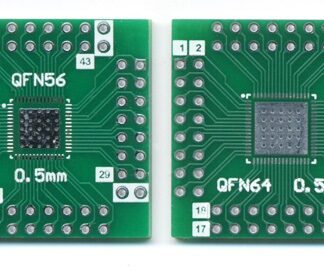
The SMD QFN56 QFN64 adapter is a component used to connect QFN (quad flat no lead) components to a breadboard or PCB. This adapter facilitates prototyping projects that require the use of SMD chips without the complications of mounting.
Features
- Adapts QFN56 and QFN64 components to breadboard or PCB
- Enables precise and secure connection of circuit board signals
What it is for
Serves to create a simple input/output interface with a QFN64 microcontroller. It can be used to connect LEDs, buttons, and other components to the SMD chip pins.
Tutorial: How to use SMD QFN56/QFN64 Adapter
This adapter allows you to use components with the square pad package (QFN) on a breadboard or PCB, making prototyping for projects that require these types of chips easier. It is ideal for beginner and intermediate makers who want to explore integrated circuits without the hassle of SMD mounting.
What you need
- SMD QFN56/QFN64 Adapter
- QFN56 or QFN64 Component
- Breadboard or PCB
- Appropriate pin header
Steps
- Check the component’s datasheet to determine the required adapter type (QFN56 or QFN64).
- Place the component on the SMD side of the adapter.
- Connect the pin header to the other end of the adapter on a breadboard or PCB.
- Verify the connections using a multimeter to ensure that each pin is correctly connected.
- If necessary, solder the component and adapter physically for greater stability.
Mini project
Create a simple input/output interface with a QFN64 microcontroller using this adapter. Connect LEDs, buttons, and resistors to various pins of the component to test its functionality.
Common mistakes
- Do not properly verify the compatibility between the QFN chip and the adapter.
- Incorrect pin header connection on the breadboard or PCB.
- Solder without first verifying all connections.
- Use of an inappropriate adapter for the type of component.
Recommended accessories
- Various LEDs
- Breadboard
- Variable resistors
- Buttons
Frequently asked questions
How can I make sure that the adapter is compatible with my QFN chip?
Check the datasheet of your component to verify the dimensions and pin layout, then choose the corresponding adapter.
Can I use this adapter on a printed circuit board (PCB)?
Yes, but make sure to solder the component physically to the adapter and then to the PCB to avoid connection issues.
Reviews
There are no reviews yet.