 EN
EN IT Italiano
 ES Español
 FR Français
 DE Deutsch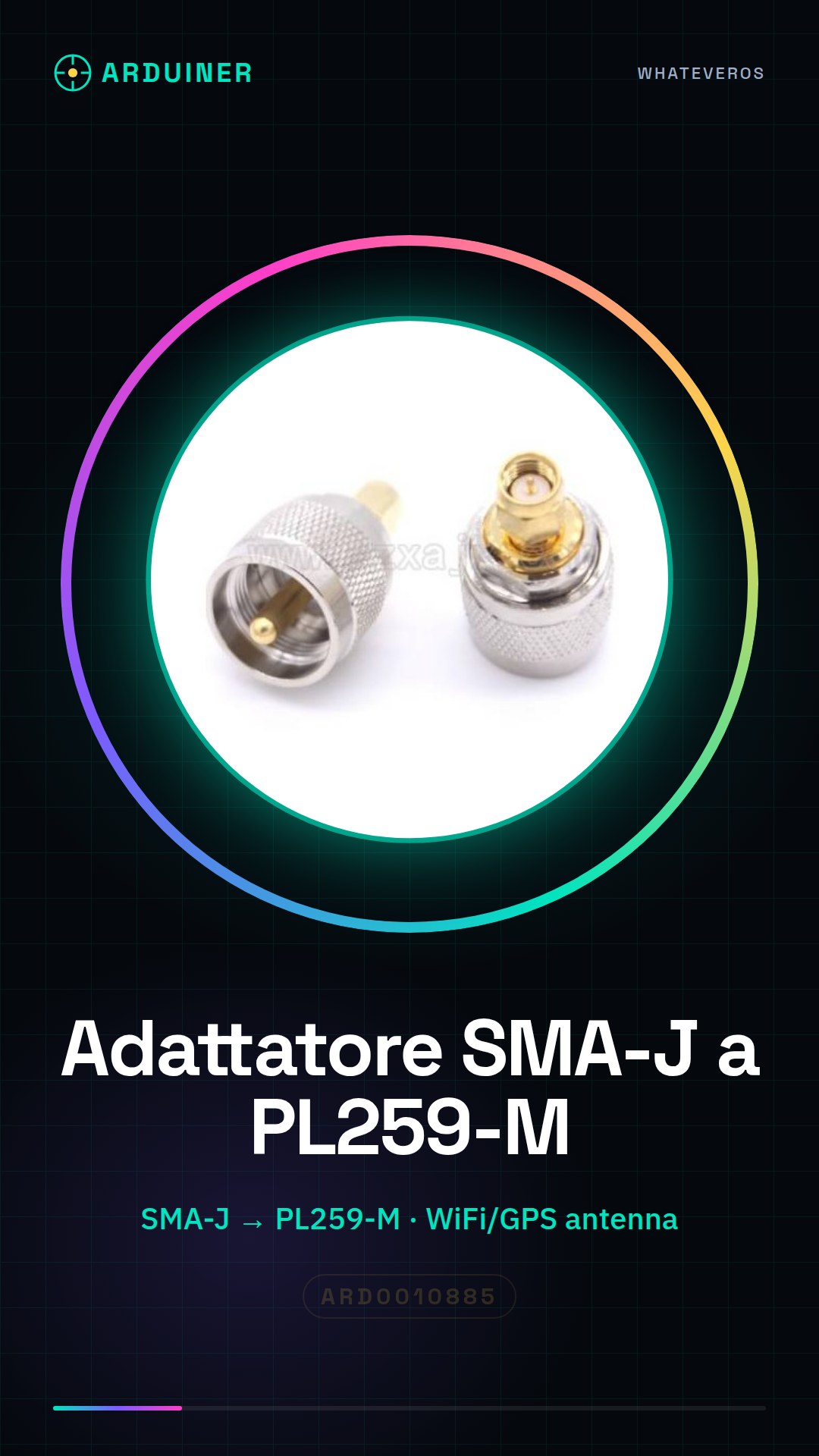
Description
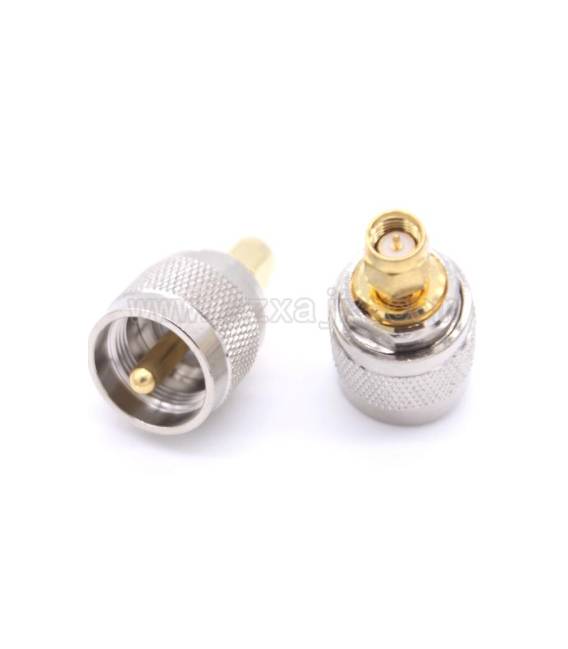
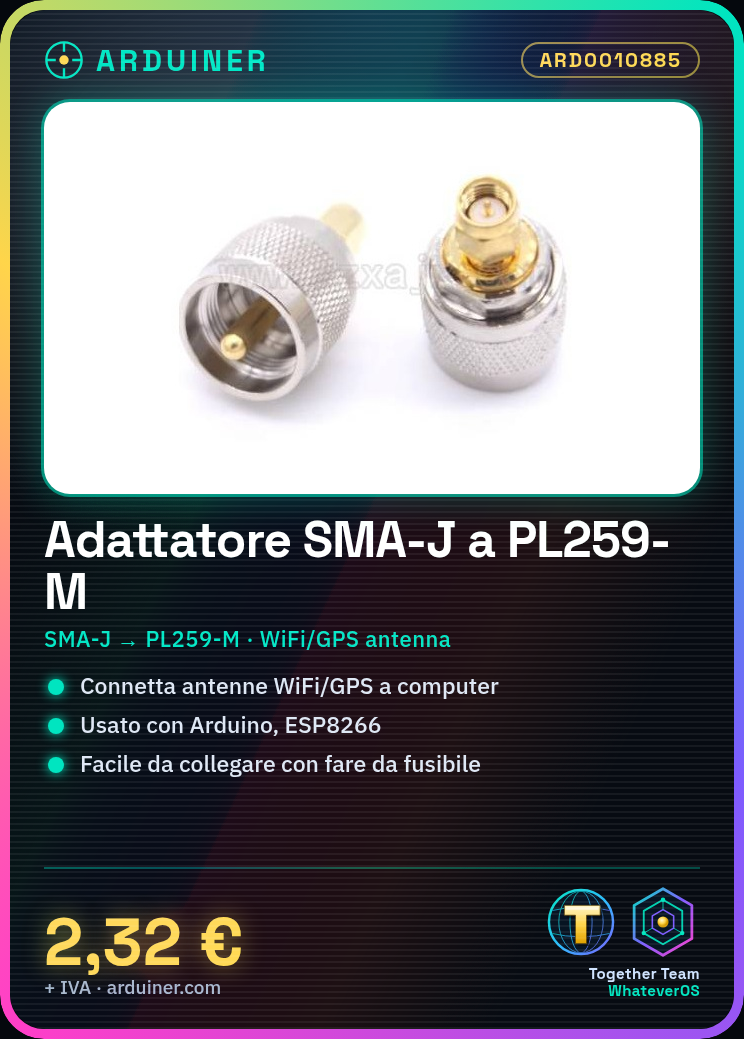
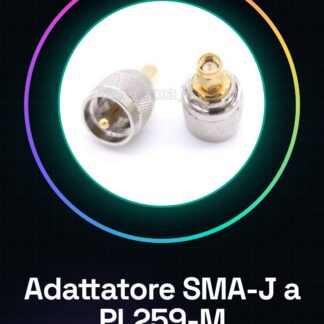
What is it An SMA-J to PL259 adapter is an adapter used to connect radio devices, such as WiFi and GPS antennas, to computers or other devices. This device allows for a connection to be established between the typical SMA-J connector of antennas and the commonly used PL259-M connector in radio applications. Features Ideal for Arduino, ESP8266 and other WiFi/GPS modules. What does it do It serves to connect WiFi or GPS antennas with an SMA-J connector to a computer or device that uses the PL259-M connector. Useful in radio transmission projects, remote monitoring, and any application requiring the connection between radio devices and computer systems. Tutorial: How to use the SMA-J to PL259 Adapter This adapter allows you to easily connect your radio devices to a computer or other devices. Useful for makers and radio enthusiasts. What you need SMA-J to PL259 Connector Wire Cutting Tool Soldering Iron Check the connector specifications in the datasheet. Prepare the soldering iron and wires. Cut the wires to the desired length. Solder the wires using the soldering iron. Connect the cut wires to the SMA-J connector. Connect the PL259 connector to the opposite side. Check the connection and contact. If necessary, test the connection with a radio device. Mini-project Build a small radio transmission system using a radio module and a computer. Connect the SMA-J connector to the radio module and the PL259 connector to the computer. Common errors Over-soldering the wires, risking damage. Incorrectly connecting the wires to the connector, causing unstable connections. Skipping the connection test, risking future issues. Using wires of incompatible size, making connection impossible. Recommended accessories Soldering Iron Wire Cutting Tool SMA-J Connector PL259 Connector Frequently asked questions How can I test the connection? Use a radio device to send signals and check if the computer receives the data correctly. Can I use wires of any size? Yes, but ensure they are compatible with the connectors. What are the final test steps? Connect the radio module and the computer, send a signal, and check the reception. Do I need special tools? Only a soldering iron and a wire cutting tool.
Reviews
There are no reviews yet.