 EN
EN IT Italiano
 ES Español
 FR Français
 DE Deutsch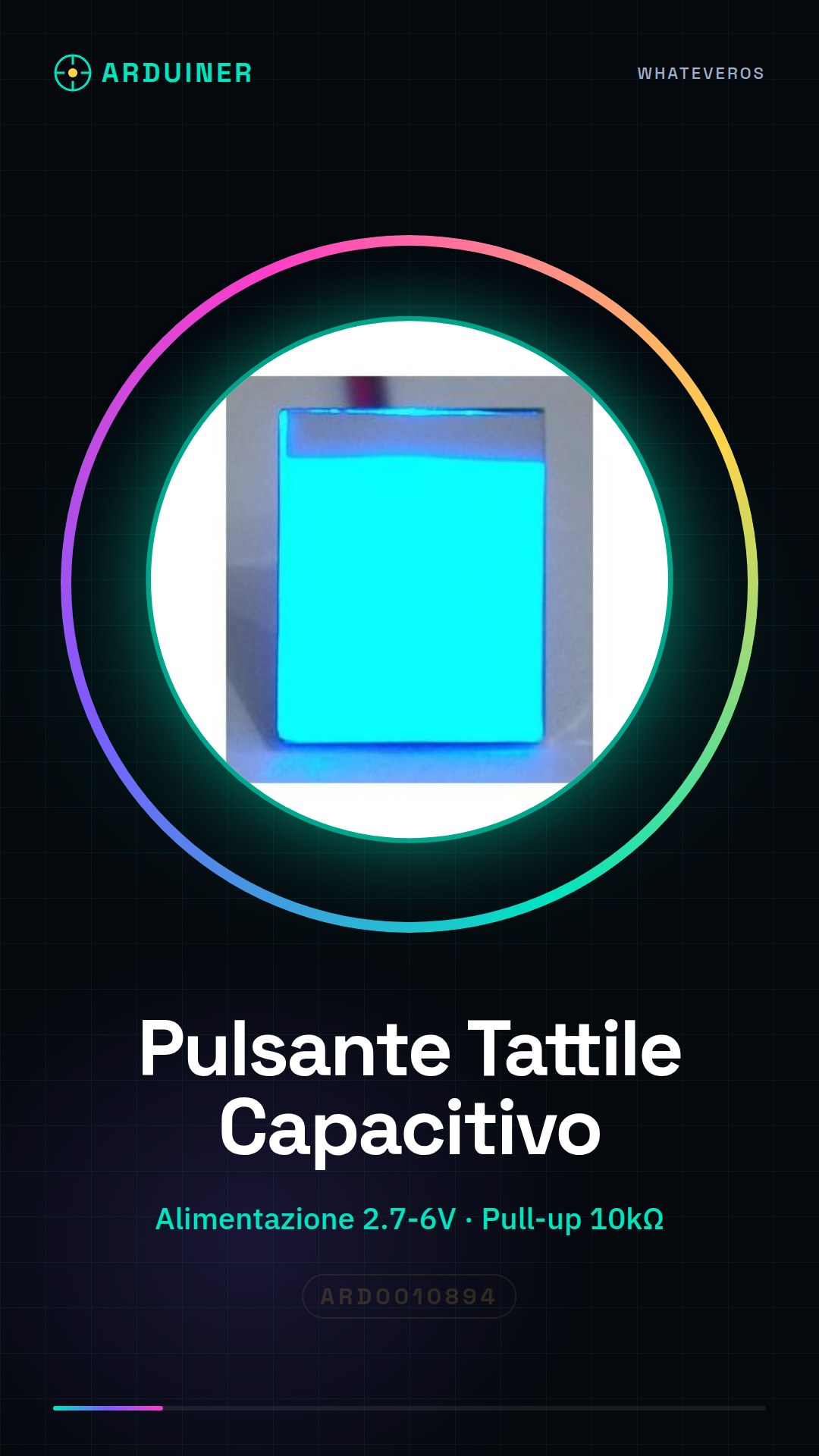

Description
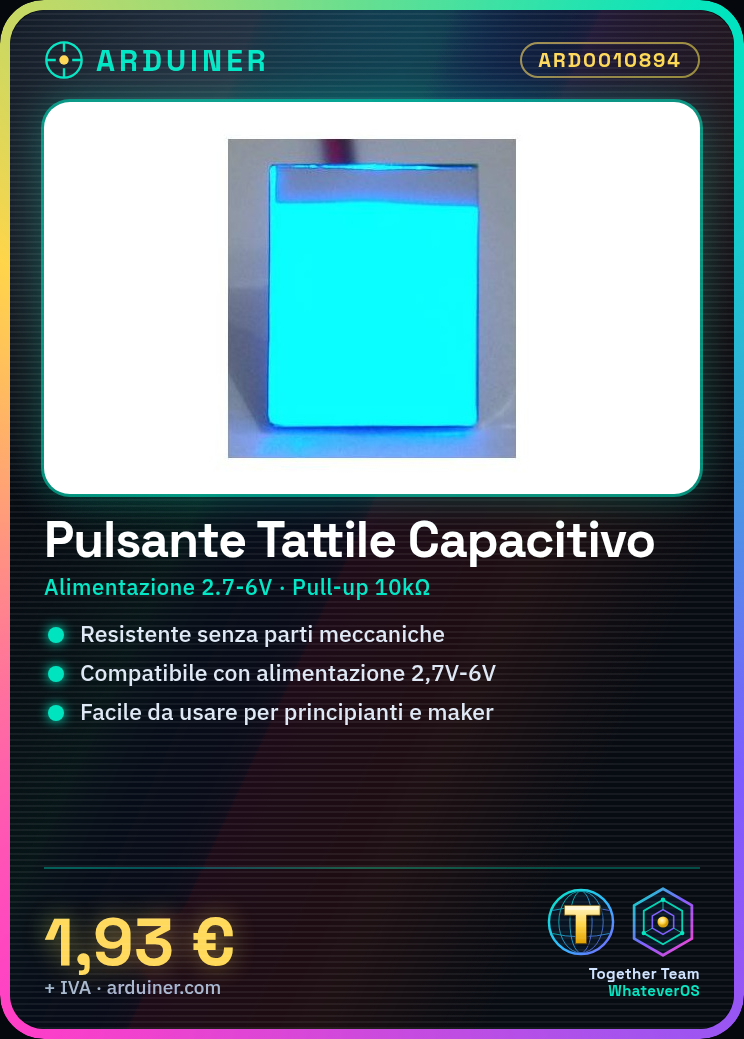
The ARD0010894 2.7V to 6V capacitive touch switch module is a useful component for electronics projects like Arduino. This type of switch has no moving mechanical parts, making it durable and resistant to wear and environmental conditions. Features: Voltage range: 2.7V – 6V, Type: capacitive touch switch, Built-in anti-jamming function. What it’s used for: This module is ideal for projects that require a user-friendly and robust switch. It is particularly useful for beginners and intermediate makers. You can use it to create simple button counters or integrate it with LCD displays. Tutorial: How to Use Capacitive Touch Switch Module This module is ideal for projects that require a user-friendly and robust switch. Useful for beginners and intermediate makers. What it’s used for: Capacitive Touch Switch Module for Arduino Pull-up Resistor (10kΩ) Power Supply Cable (2.7V-6V) Steps: 1. Connect the pull-up resistor (10kΩ) between VCC and the digital pin on Arduino. 2. Connect the GND pin of the module to the GND of Arduino. 3. Connect the OUT pin of the module to a digital pin on Arduino. 4. Upload the following code to your Arduino. 5. Configure the module as a digital switch. 6. Check the button state in the loop. 7. Test the button to ensure it works correctly. 8. Verify on the datasheet if additional parameters are needed. Example Code: “` int buttonPin = 2; int buttonState = 0; void setup() { pinMode(buttonPin, INPUT); } void loop() { buttonState = digitalRead(buttonPin); if (buttonState == HIGH) { // Button pressed } } “` Mini-project: Create a simple button counter with this module and an LCD display. Common Errors: Do not use analog pins for touch buttons. Ensure the power supply is between 2.7V-6V. Make sure you have a pull-up resistor. Check the module configuration on the datasheet. Recommended Accessories: 16×2 LCD Display 5V Power Cable Arduino UNO JST Connector



Reviews
There are no reviews yet.