 EN
 IT Italiano
 ES Español
 FR Français
 DE Deutsch
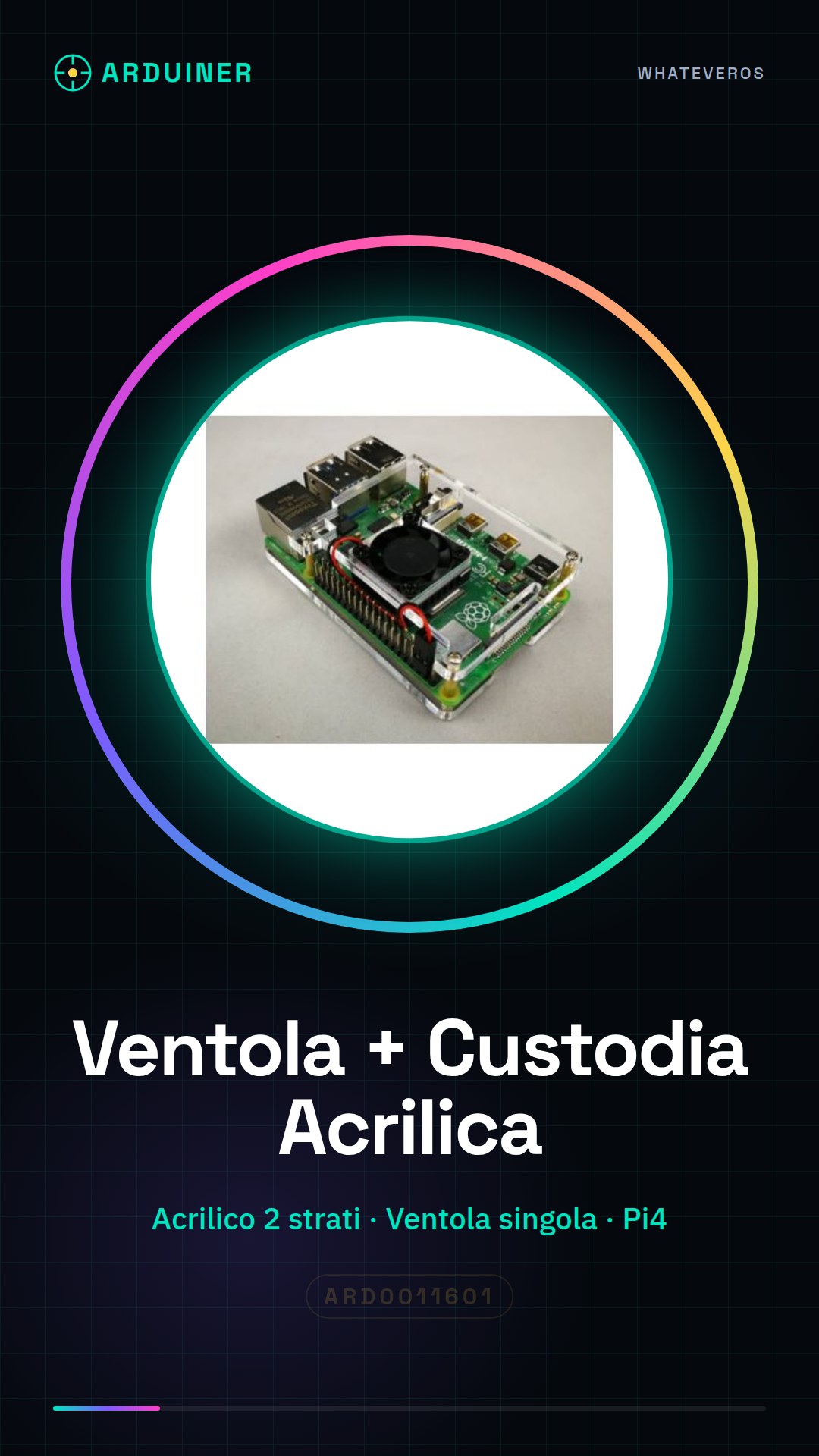
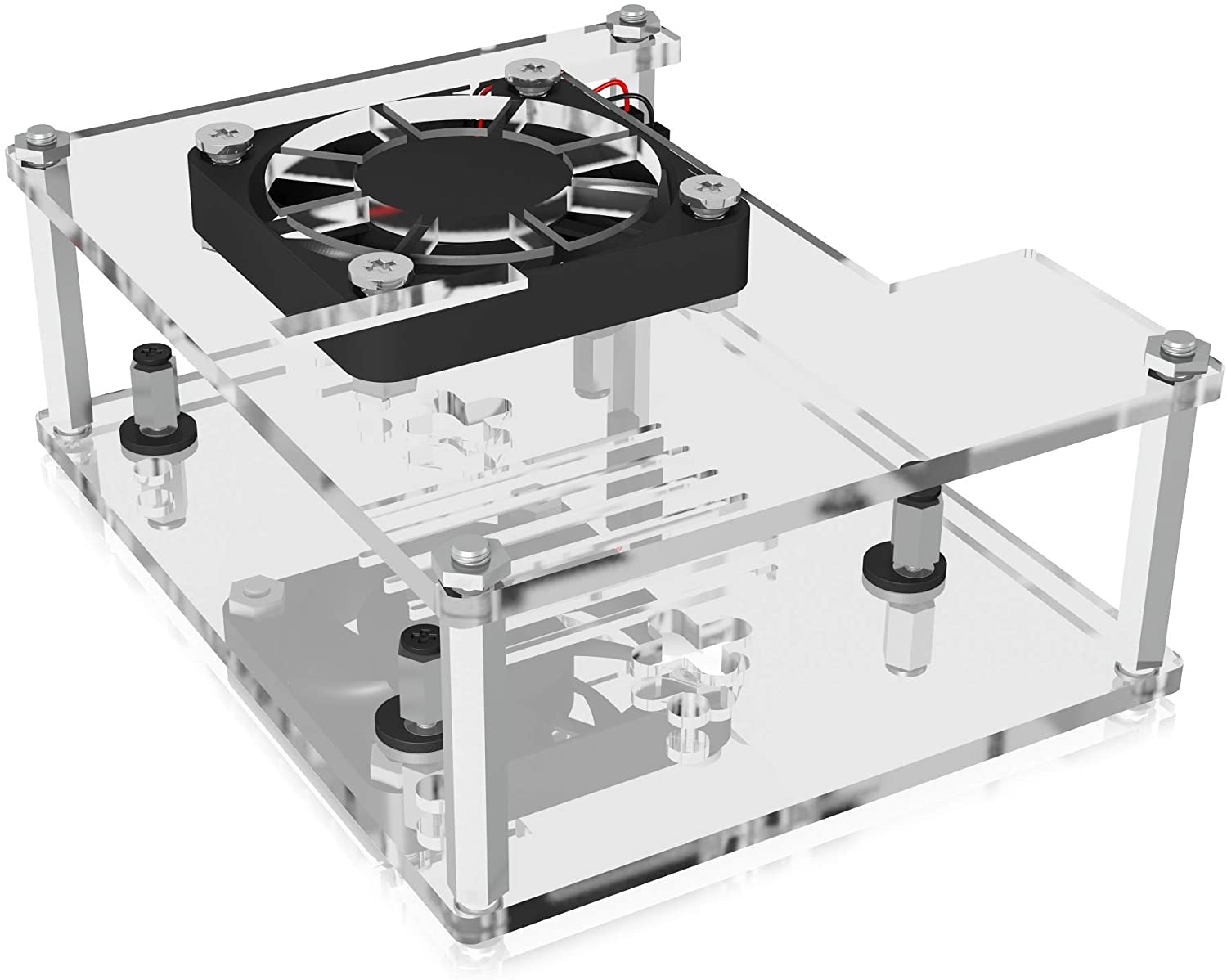
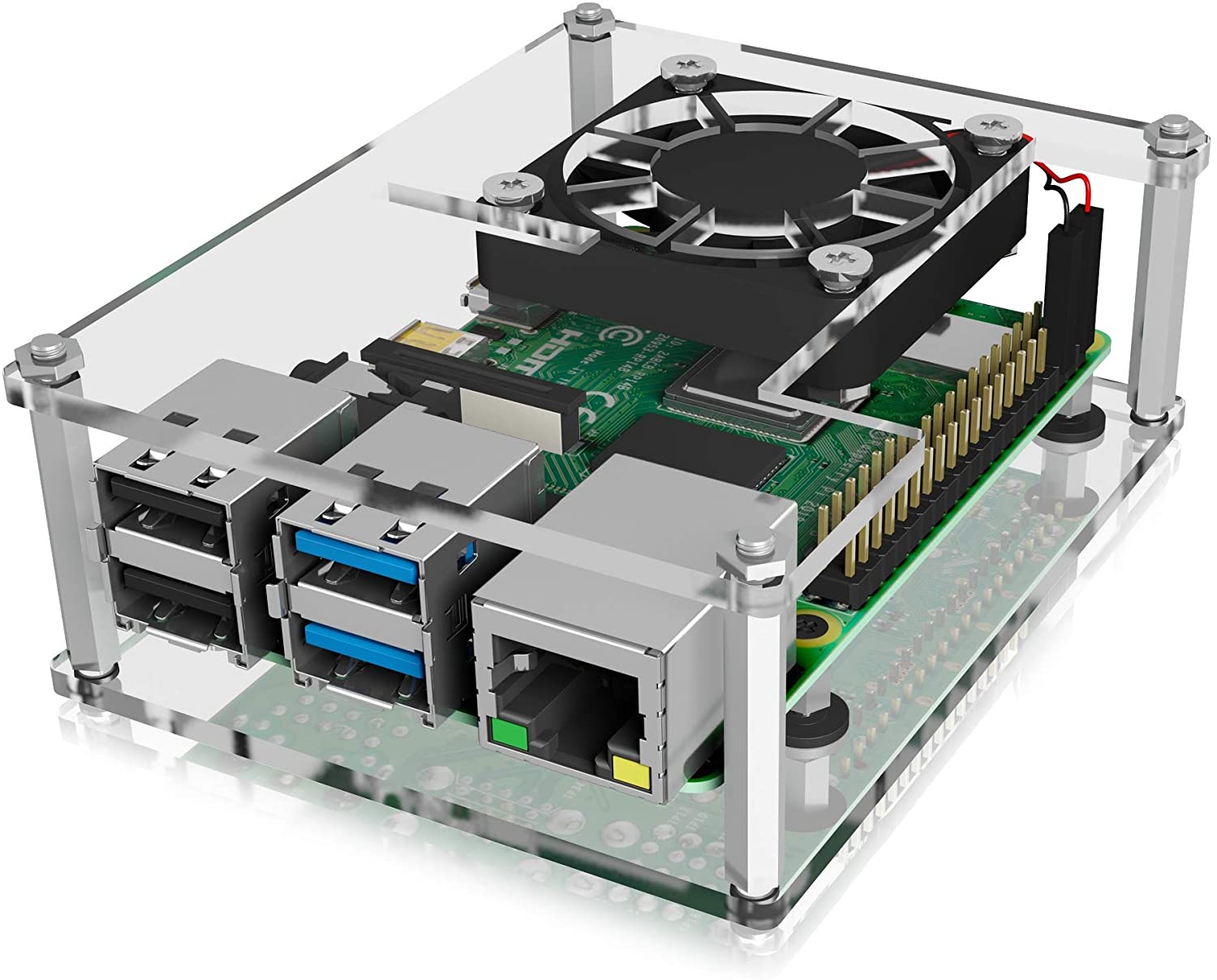
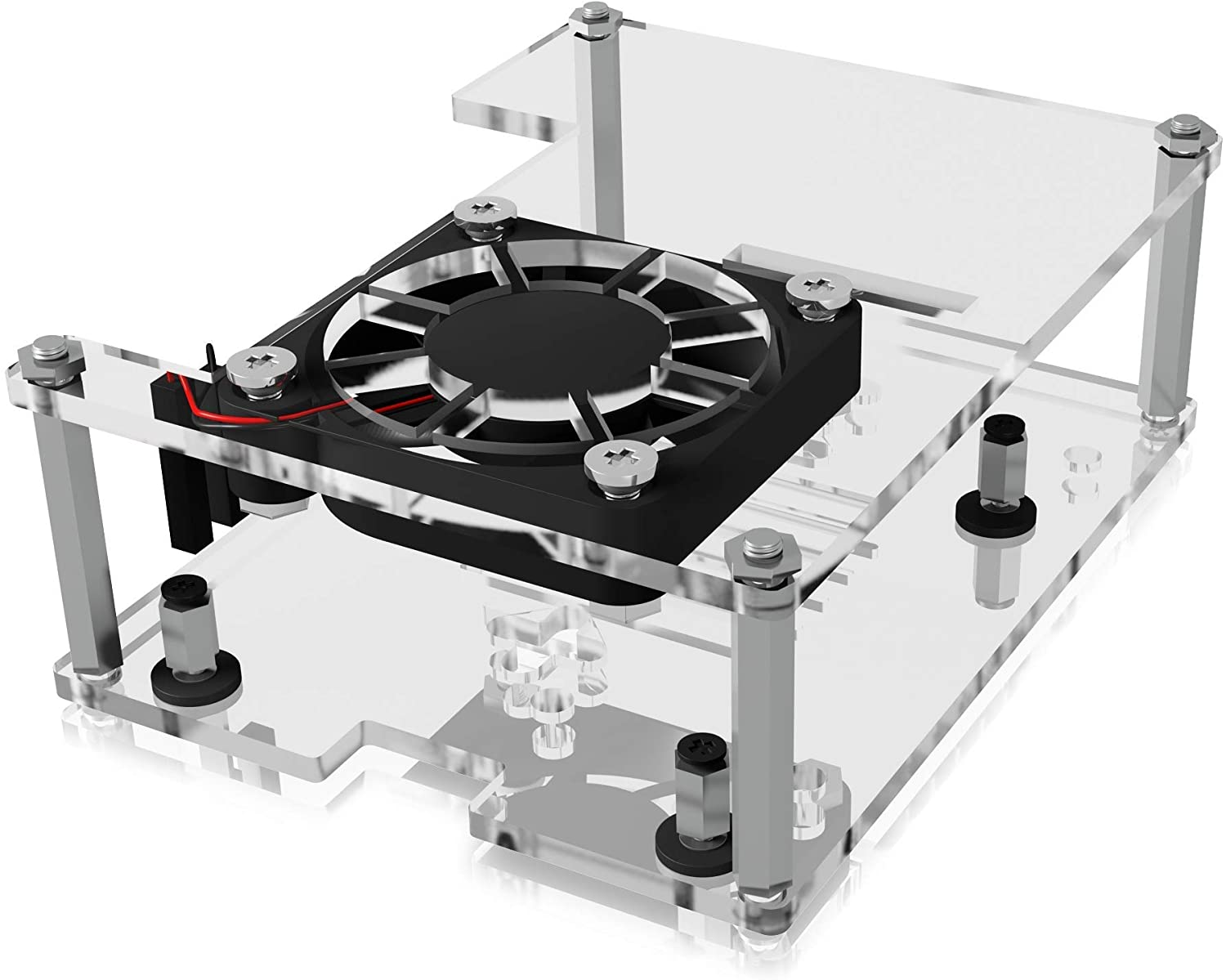
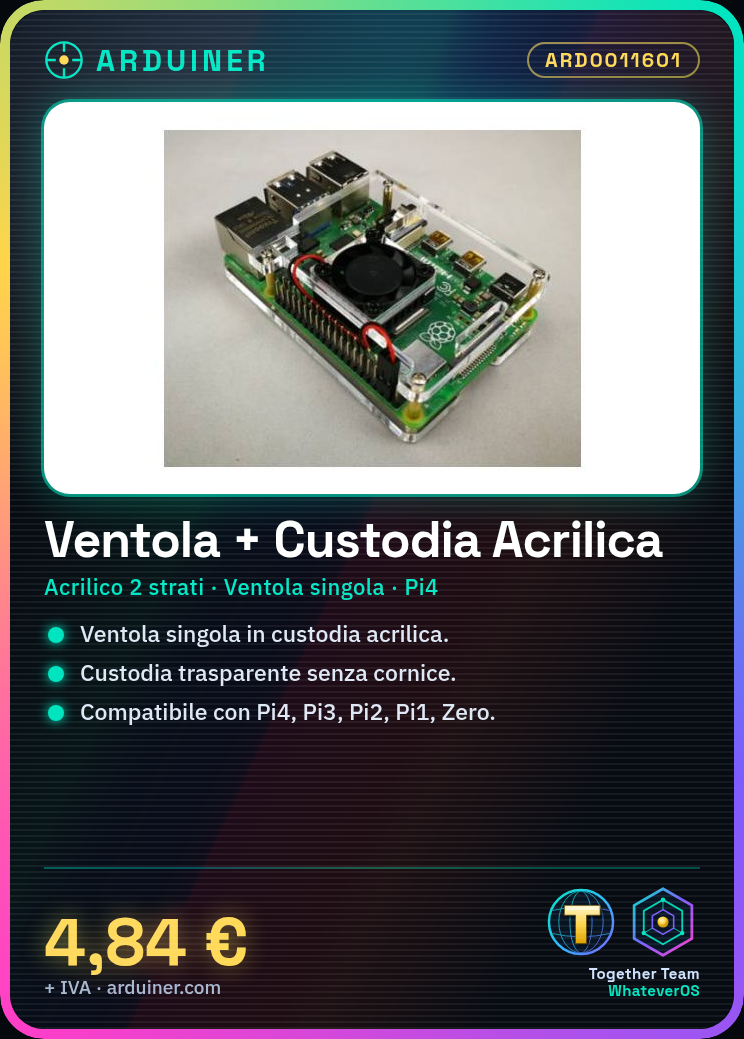

Description
Transparent and frameless enclosure suitable for all models such as Raspberry Pi 4, Raspberry Pi 3 models B/B+/A+, Raspi 2 model B, Raspi 1 model B+, Raspberry Pi Zero, Raspberry Pi Zero W.
Tutorial: How to Use Fan + Acrylic Case for Raspberry PI 4
This fan and the two-layer acrylic case are ideal for keeping your Raspberry Pi 4 cool during long intensive computing sessions. Suitable for both beginners and experts, this solution helps you extend the use of the device without thermal concerns.
What you need
- Raspberry PI 4
- USB-C Power Supply (5V, 3A)
- Allen Keys (check the datasheet for specific sizes)
Steps
- Gently move the Raspberry Pi 4 from its current position.
- Insert the two-layer transparent acrylic case over the Raspberry PI 4, ensuring that all connections are protected and aligned correctly.
- Use the Allen keys to securely fasten the case to the Raspberry Pi 4.
- Connect the USB-C power supply to the Raspberry Pi 4 following the power flow indicated in the product documentation.
- Check that the fan is correctly installed inside the case and does not touch delicate parts of the device.
- Power on the Raspberry Pi 4 to verify that everything works as expected, monitoring the fan activity during intensive processes.
Mini project
[“Design a thermal monitoring system for your Raspberry Pi 4 using the fan and the case. Configure a WiFi network to transmit real-time temperatures to an app or website.”, “Estimated time: approximately 30 minutes, including fan installation and monitoring software setup.”]
Common mistakes
- Do not verify that all connections are protected before installing the case.
- Omit the check of the Allen key sizes needed to secure the case.
- Ignore the correct USB-C power supply, causing damage to the Raspberry Pi 4.
- Do not verify that the fan does not touch delicate parts of the device during installation.
Recommended accessories
- USB-C Power Supply (5V, 3A)
- Maintenance Kit for Raspberry PI
- Temperature Sensors for Advanced Monitoring
Frequently asked questions
Is this fan suitable for previous models of Raspberry Pi as well?
Check the datasheet to see if the case and fan are compatible with your specific models.
How can I set up the thermal monitoring system?
Use software like ‘vcgencmd measure_temp’ to get temperatures from the Raspberry Pi 4, then send the data to a visualization platform.



Reviews
There are no reviews yet.