 EN
 IT Italiano
 ES Español
 FR Français
 DE Deutsch
Description
What it is
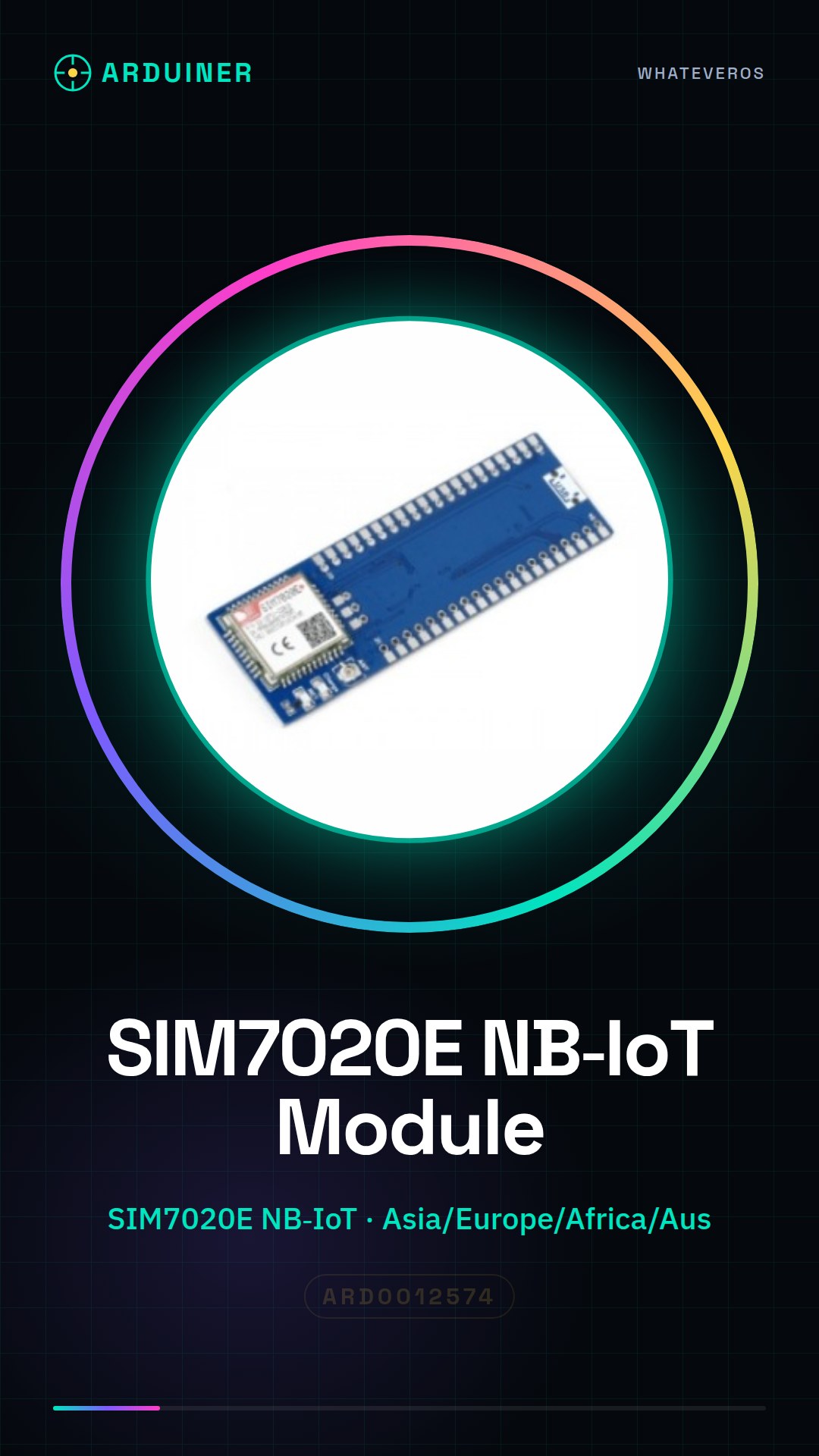
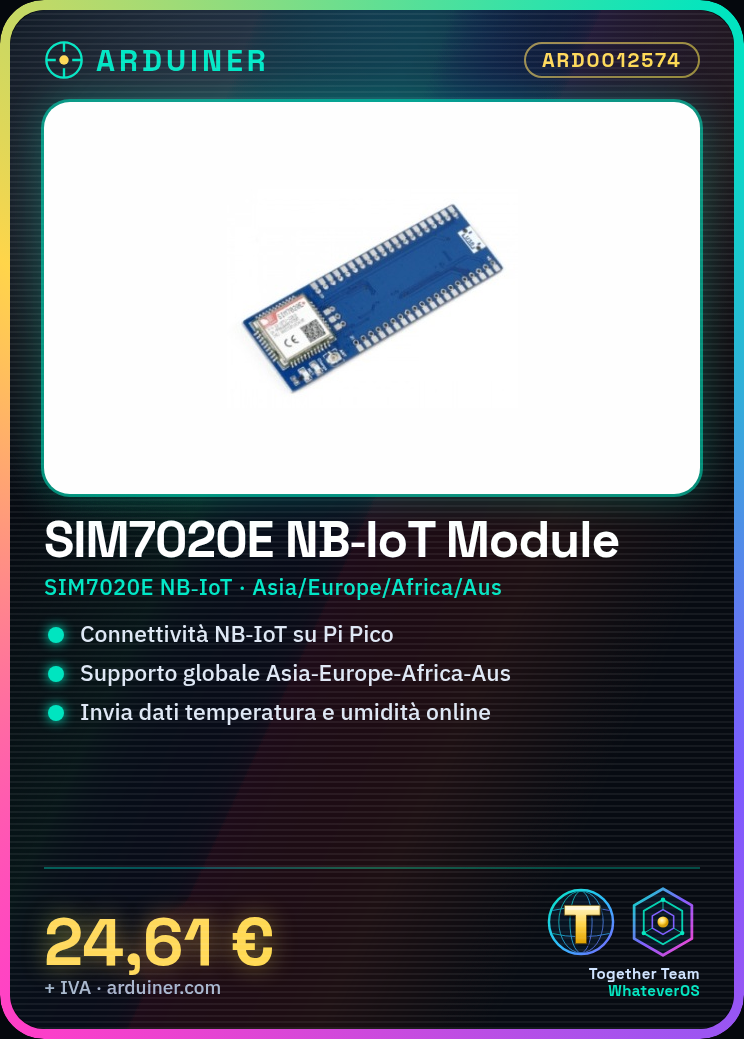
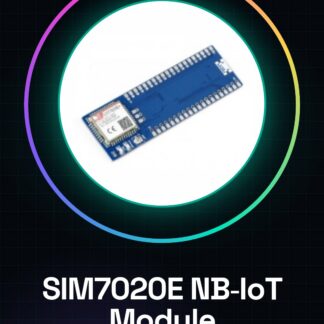
The SIM7020E NB-IoT Module is a communication module designed to be used with the Raspberry Pi Pico. This module allows the integration of NB-IoT (Narrow Band Internet of Things) technology into IoT projects.
Features
- Support for NB-IoT
- Compatible with Raspberry Pi Pico
- Global connectivity for Asia, Europe, Africa, and Australia
What it is for
The SIM7020E NB-IoT module is ideal for developing low-power monitoring and control applications. It can be used to send temperature, humidity, and other sensor data to an online visualization platform. Check the datasheet for further details on compatibility with other microcontrollers.
Tutorial: How to use SIM7020E NB-IoT Module for Raspberry Pi Pico
The SIM7020E NB-IoT module is an ideal component for Internet of Things (IoT) projects requiring NB-IoT connectivity. This module is particularly useful for makers who want to develop low-power monitoring and control applications.
What you need
- SIM7020E NB-IoT Module
- Raspberry Pi Pico
- NB-IoT Data Connection
- Communication Management Software
Steps
- Ensure you have a SIM7020E NB-IoT module compatible with your geographical region (Asia, Europe, Africa, Australia).
- Connect the SIM7020E NB-IoT module to the Raspberry Pi Pico following the instructions in the datasheet.
- Install the necessary library for the SIM7020E NB-IoT module on the Raspberry Pi Pico.
- Configure the SIM7020E NB-IoT module with the credentials of your NB-IoT service provider.
- Verify NB-IoT connectivity by sending a test message.
- Develop a sketch or script to use the SIM7020E NB-IoT module in your project.
- Test the project to ensure everything works correctly.
- Optimize the performance of the SIM7020E NB-IoT module to reduce power consumption.
Example code
import network
import sim7020e

# Configura il modulo SIM7020E NB-IoT
sim = sim7020e.SIM7020E()
sim.init()
sim.set_credentials('username', 'password')

# Verifica la connettività
sim.send_test_message('test')
Mini project
Create a weather monitoring system using the SIM7020E NB-IoT module to send temperature and humidity data to an online visualization platform.
Common mistakes
- NB-IoT provider credentials configuration error.
- Connectivity issues caused by a module incompatible with your geographic area.
- High power consumption due to an unoptimized configuration.
- Synchronization issues between the SIM7020E NB-IoT module and the Raspberry Pi Pico.
Recommended accessories
- DHT22 Temperature and Humidity Module
- Battery for Raspberry Pi Pico
- External Antenna for SIM7020E NB-IoT
- Raspberry Pi Pico Prototyping Kit
Frequently asked questions
Which geographic regions are supported by the SIM7020E NB-IoT module?
Asia, Europe, Africa, Australia. Check the datasheet for detailed specifications.
How can I reduce the power consumption of the SIM7020E NB-IoT module?
Optimize the module configuration and use sleep mode when data transmission is not required.
Can the SIM7020E NB-IoT module be used with other microcontrollers besides the Raspberry Pi Pico?
Yes, but it may be necessary to adapt the sketch or script for communication with the module.
Reviews
There are no reviews yet.