 EN
EN IT Italiano
 ES Español
 FR Français
 DE Deutsch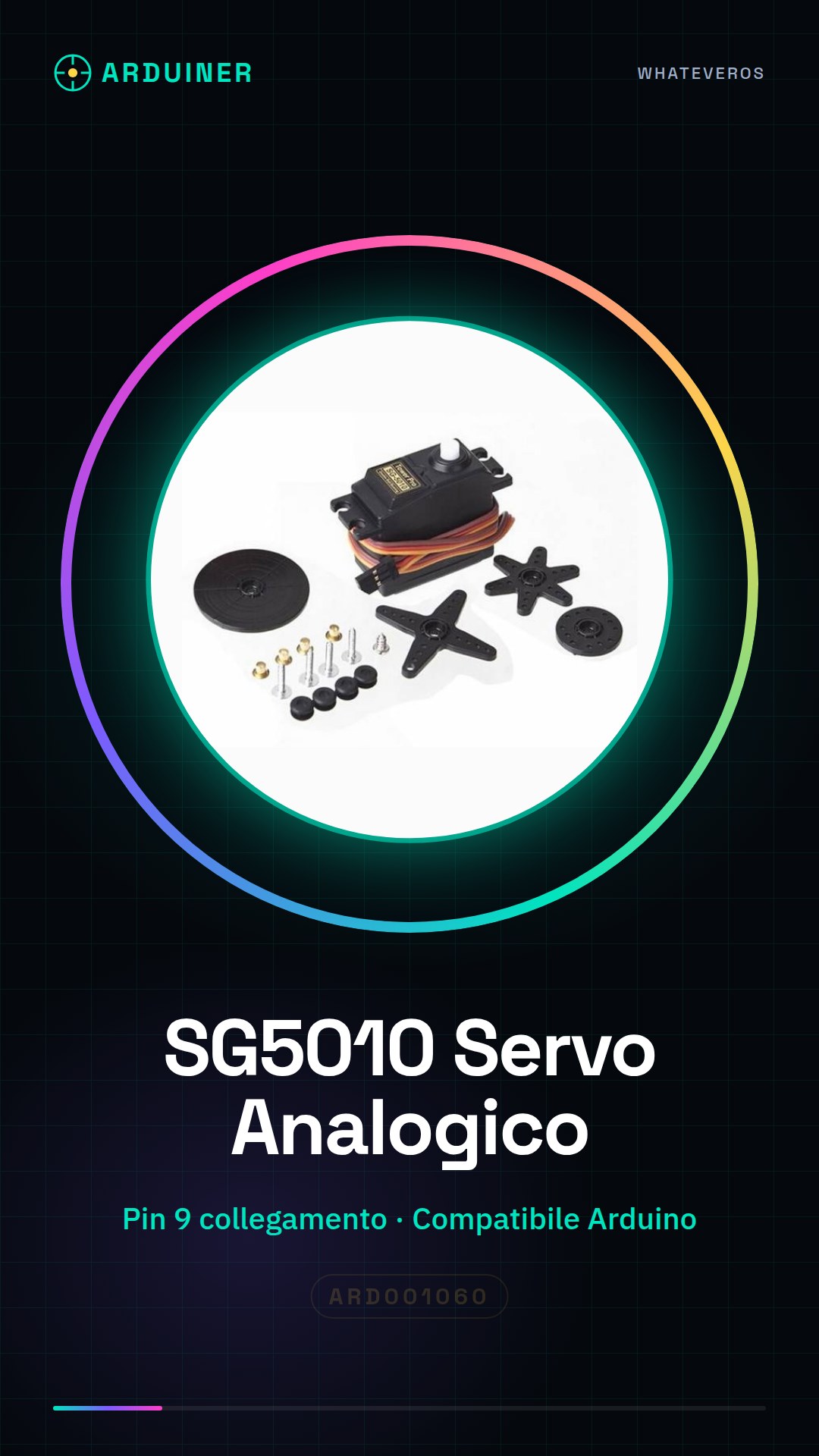
Description
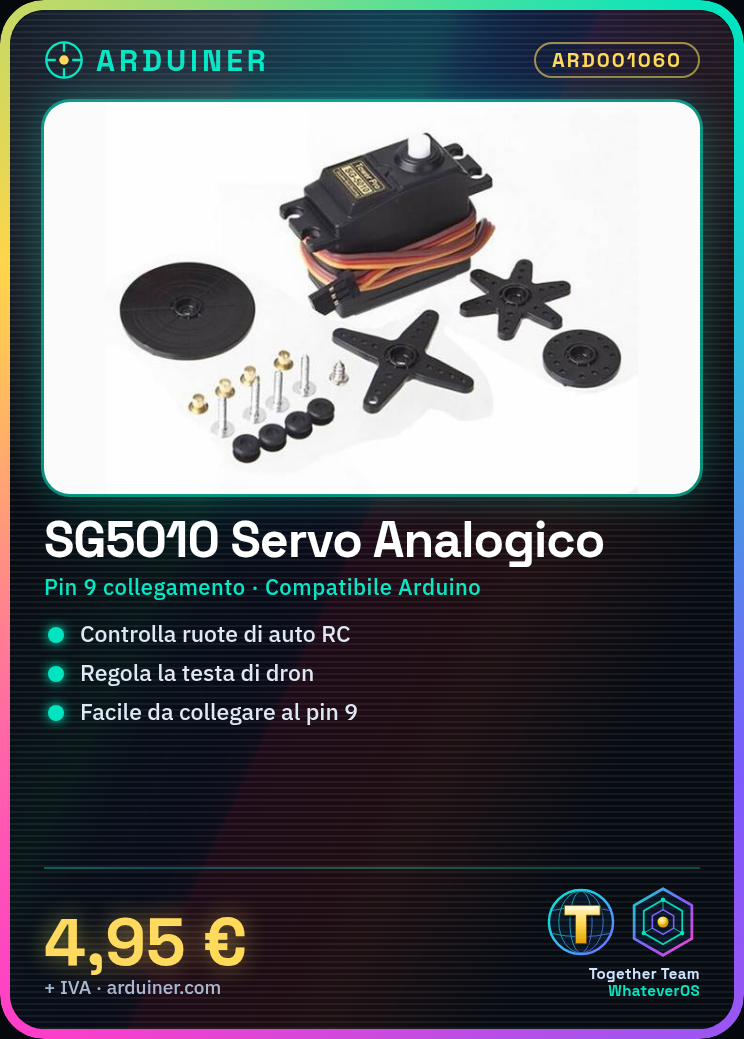
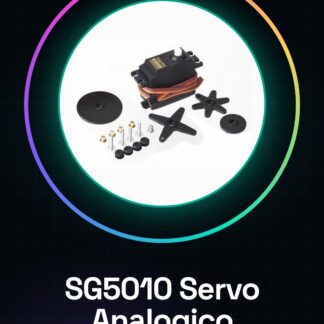
What is the SG5010? The SG5010 is an analog servo motor designed for various robotic and radio-controlled (RC) projects such as RC cars. It is compatible with Arduino and can be easily integrated into microcontroller-based control systems.
Features:
The SG5010 Analog Servo Motor is ideal for RC car and robotic projects.
How to Use the SG5010 Analog Servo Motor: This servo motor is perfect for robotics and RC model projects such as cars and drones. Follow this tutorial to install and configure the servomotor with Arduino.
What You Need:
– Arduino Uno or compatible
– USB cable (to connect Arduino to PC)
– SG5010 Analog Servo Motors
– Header connections for servo motors
– Software: Arduino IDE installed on PC
Steps:
1. Connect the SG5010 servomotor to a digital pin of the Arduino, e.g., pin 9.
2. Open the Arduino IDE and create a new sketch (program).
3. Insert the provided example code to control the movement of the servomotor.
4. Upload the program onto your Arduino.
5. Verify that the servo moves correctly; if not, check connections and polarity.
6. Adjust the rotation angle of the servomotor as needed (refer to datasheet for specifications).
7. Add further commands to the code for more detailed movement control.
8. Test your project and update the code as necessary.
Example Code:
Servo myServo;
void setup() {
myServo.attach(9);
}
void loop() {
for (int pos = 0; pos <= 180; pos += 1) {
myServo.write(pos);
delay(15);
}
}
Mini Project:
Create a basic robot that moves in response to commands from the SG5010 servomotor. Use the servo to control the wheels or head of the robot.
Common Errors:
– Verify correct connections between Arduino and servomotor.
– Ensure code is correctly uploaded onto Arduino.
– Check power supply for the servomotor: it may need a separate source if high energy consumption is required.
– Confirm wire polarity is correct.

Reviews
There are no reviews yet.