 EN
 IT Italiano
 ES Español
 FR Français
 DE Deutsch
Description
What it is
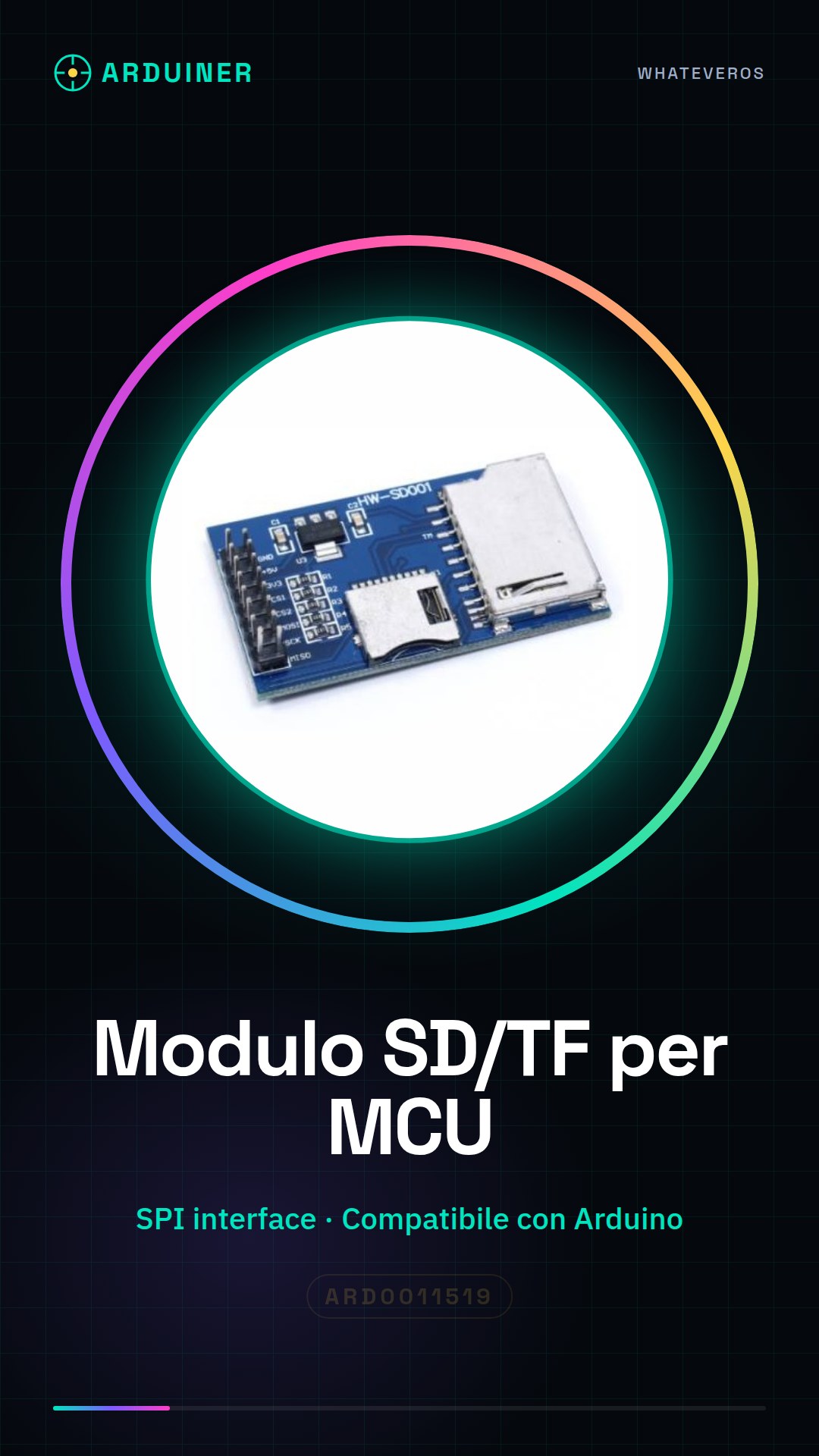
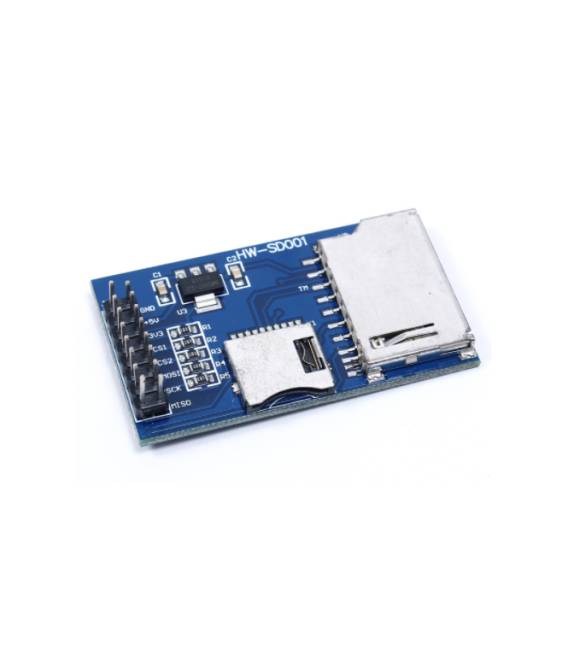
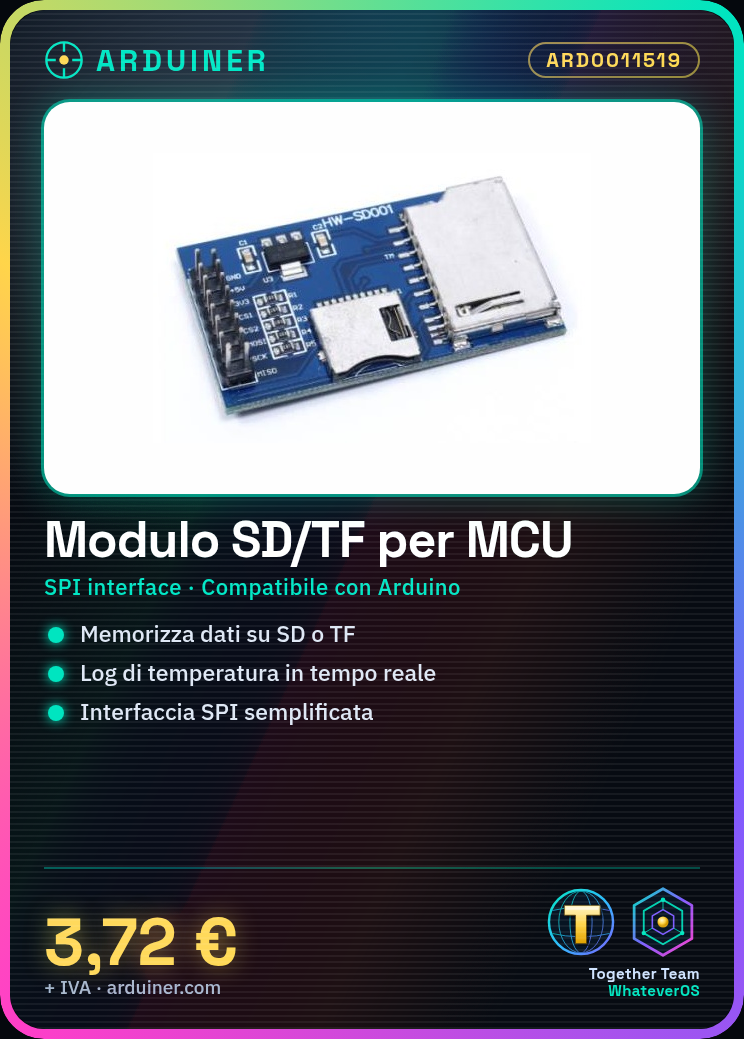
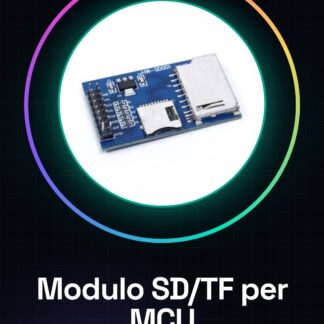
The SD card module is a component for Arduino and other microcontrollers that allows storing and retrieving data on SD or TF cards. This module is designed to facilitate the SPI interface between the microcontroller and the SD card, enabling file and data management.
Features
- Compatible with Arduino, 8051, AVR and ARM
- SPI Interface
- Supports SD and TF Micro SD cards
- Check the datasheet for detailed technical specifications
What it is for
This module is useful for projects that require real-time data storage, such as sensor recordings, temperature logs or code storage. It can be used with Arduino or other compatible microcontrollers.
Tutorial: How to use SD/TF Module
This module is ideal for storing and reading data on SD or TF devices, useful for projects that require temporary or permanent information storage.
What you need
- Arduino or compatible
- Micro SD or TF
- Connection cable
- 10kΩ resistor (for SPI bus selection)
Steps
- 1. Connect the module to your Arduino using the following pins: VCC to 5V, GND to GND, CS to D10, MOSI to D11, MISO to D12, SCK to D13.
- 2. Insert the micro SD or TF into the module slot.
- 3. Connect the 10kΩ resistor between the CS pin and GND for SPI bus selection.
- 4. Load the provided Arduino code.
- 5. Save and upload the code to Arduino.
- 6. Read data from the micro SD/TF using the `SD.begin()` function.
- 7. Check the datasheet for further details.
- 8. Create a simple sketch to write and read files.
Example code
```cpp
#include <SPI.h>
#include <SD.h>

const int chipSelect = 10;

void setup() {
  Serial.begin(9600);
  if (!SD.begin(chipSelect)) {
    Serial.println("Card failed, or not present");
    return;
  }
  Serial.println("Card initialized.");
}

void loop() {
  // your code here
}
```
Mini project
Create a temperature log using a DHT11 sensor and a micro SD to save the data.
Common mistakes
- Forget to initialize the SD card with `SD.begin()`.
- Incorrect pin connections.
- Forgetting to include the `SPI.h` library.
- Not formatting the SD card before use.
Recommended accessories
- DHT11 sensor
- LCD display
- Arduino Uno
- Micro SD 8GB
Frequently asked questions
How to format the micro SD/TF?
Use the SD Formatter app for Windows or Mac.
Can I use this module with an Arduino Nano?
Yes, it is compatible with any Arduino or compatible.
Does the module support specific file types?
The module supports all common file types.



Reviews
There are no reviews yet.