 EN
 IT Italiano
 ES Español
 FR Français
 DE Deutsch
Description
What it is
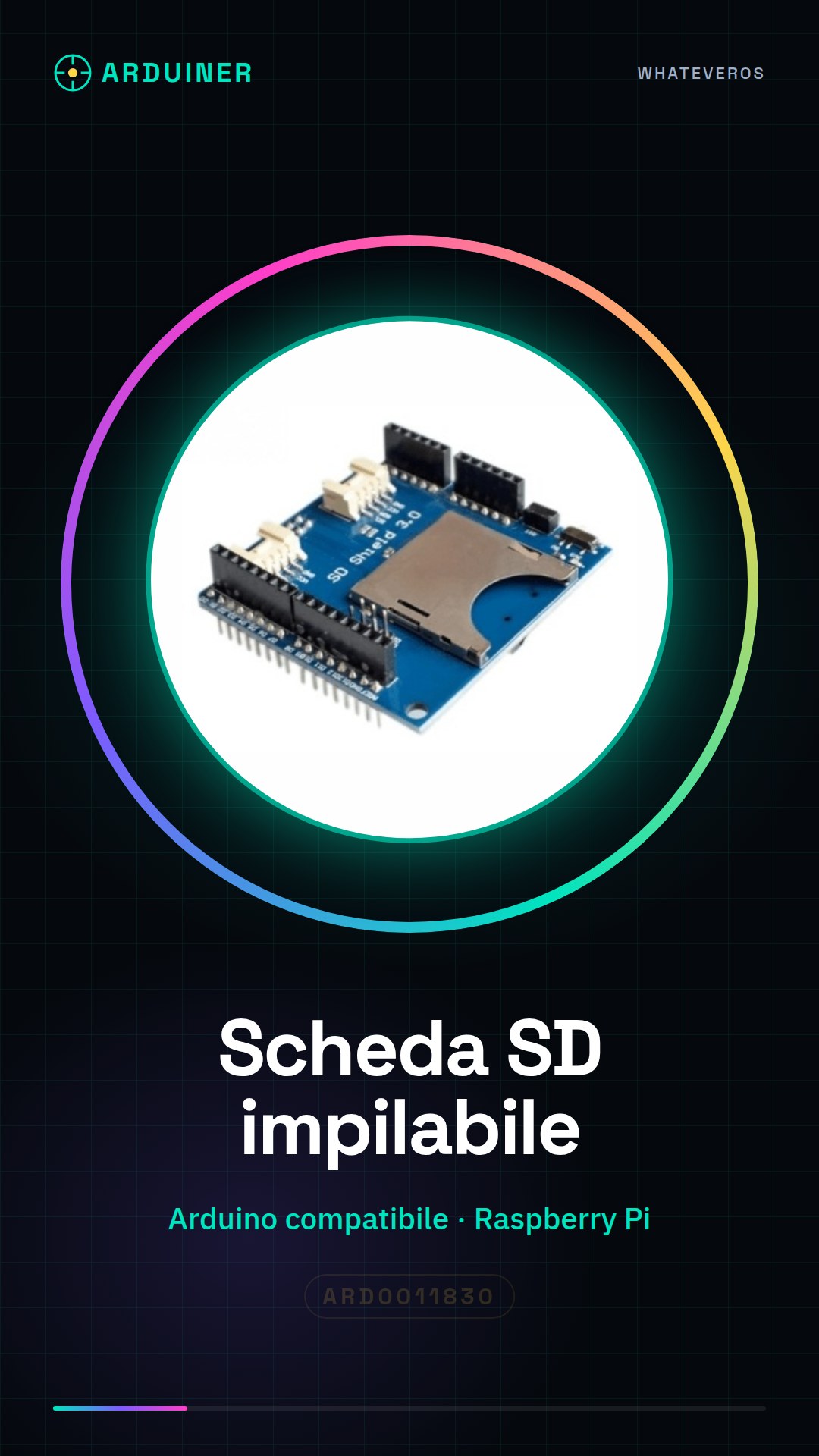
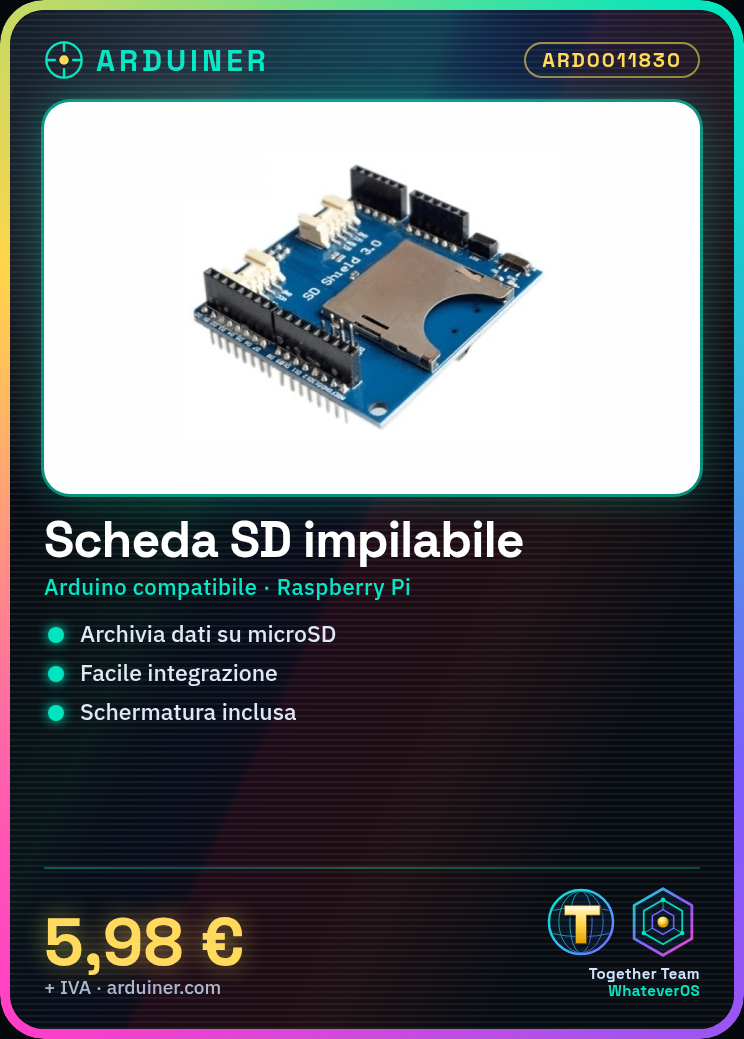
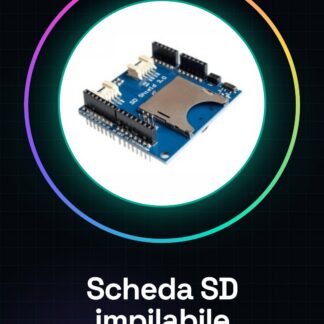
The SD card expansion board is a component usable with Arduino and Raspberry Pi that allows reading and writing to microSD cards. This device enables you to store data in a simple and direct manner, easily integrating an external memory feature into your projects.
Features
- Stackable card for reading and writing to microSD cards
- Compatible with Arduino and Raspberry Pi
What it is for
This expansion board is ideal for projects that require data storage, such as creating a temperature log using a temperature sensor. It is suitable for both beginners and intermediate users.
Tutorial: How to use Stackable SD Card
This expansion board allows you to read and write to an SD card, ideal for projects that require data storage. Suitable for beginners and intermediates.
What you need
- Arduino
- SD Card
- Duemilanove cable
- 10kΩ resistor
Steps
- 1. Installation: Download and install the SD library for Arduino.
- 2. Connection: Connect the SD card to the stackable card.
- 3. Connection: Connect the stackable card to your Arduino.
- 4. Connection: Connect the 10kΩ resistor between VCC and GND of the stackable card.
- 5. Code: Copy the minimal code to read and write.
- 6. Upload: Upload the code to Arduino.
- 7. Test: Insert an SD card and verify read and write operations.
- 8. Covering: Cover the SD card with the provided cover.
Example code
```void setup() { SD.begin(4); // Inizia la comunicazione con la scheda SD}void loop() { // Codice per leggere e scrivere su scheda SD}```Mini project
Create a temperature log using a temperature sensor and the SD card.
Common mistakes
- Connect the 10kΩ resistor only between VCC and GND of the stackable card.
- Check the datasheet to see if your SD card supports SPI communication.
- Make sure the SD library is correctly installed.
- Check the correct connection of the pins.
Recommended accessories
- Temperature sensor
- Cover to protect the SD card
- Duemilanove cable
- 10kΩ resistor
Frequently asked questions
How can I check if my SD card supports SPI communication?
Check the datasheet of the SD card.
Can I use any SD card with this stackable card?
Check the datasheet of the stackable card for compatibility requirements.
Which pins do I use for communication with the SD card?
Use pins D10, D11, D12 and D13 for SPI communication.
Reviews
There are no reviews yet.